The Five Bottom Tabs
After you log in, five tabs sit at the bottom of the screen: Home (「首页」), Mailbox (「信箱」), PC (「PC」), Discover (「发现」), and Profile (「我的」). Every feature starts from here.
Where to find it
After you log in or finish the Getting Started Guide, you land on Home by default. Tap a tab at the bottom to switch.
Steps
-
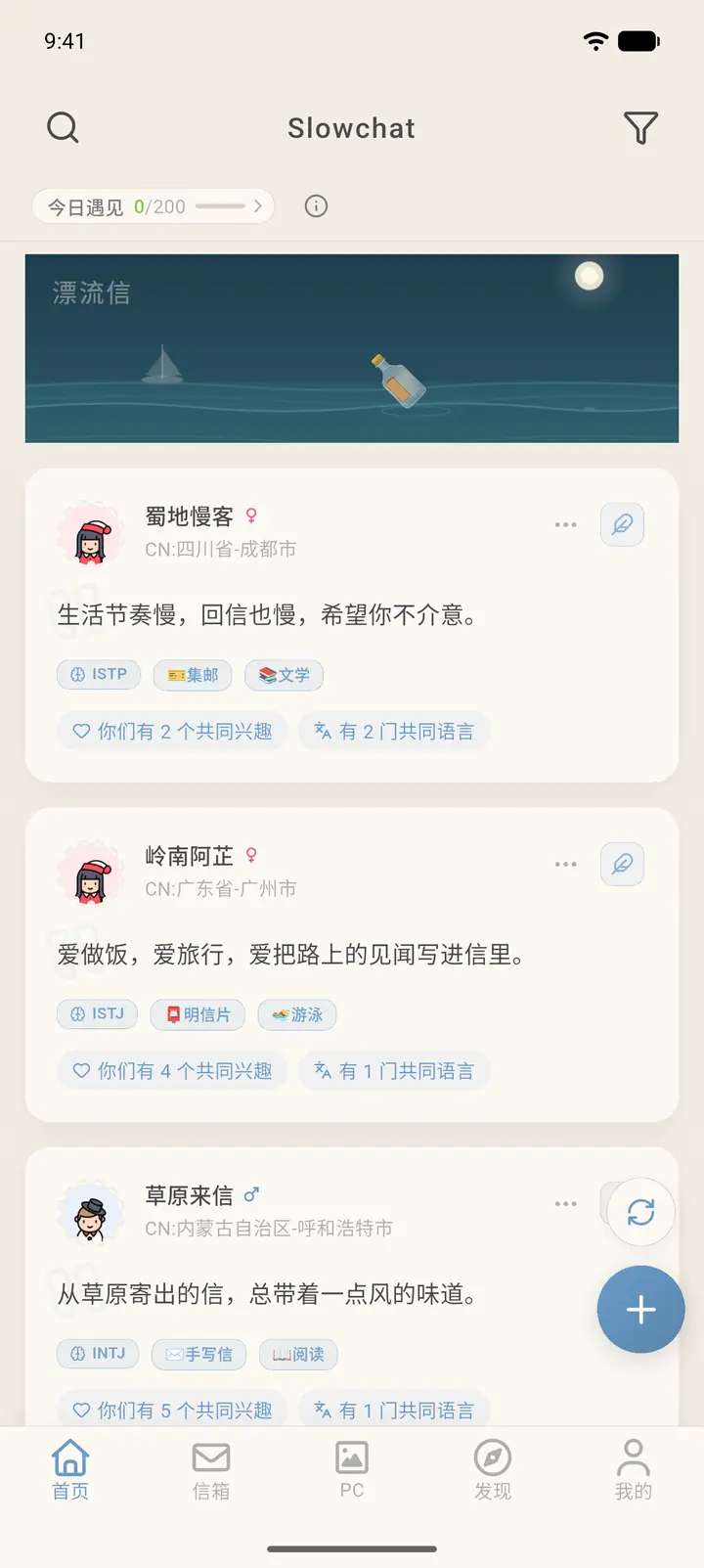
Home: where you get pen pal recommendations. Each card is someone you can write to. Tap a card to open that person's profile.
-
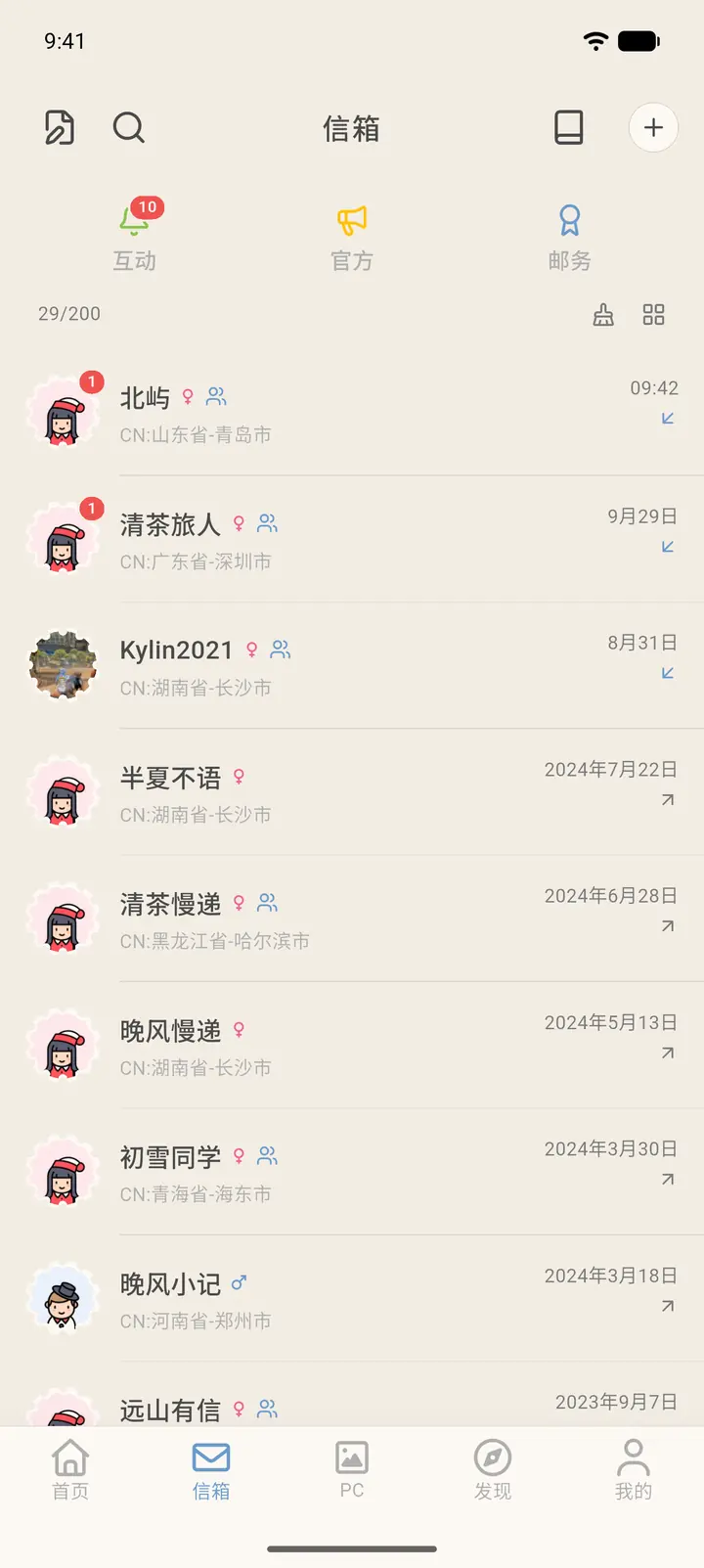
Mailbox: all the letters between you and your pen pals. At the top are three entries, Activity (「互动」), Official (「官方」), and Postal (「邮递」), and below them is your conversation list with each pen pal.
-
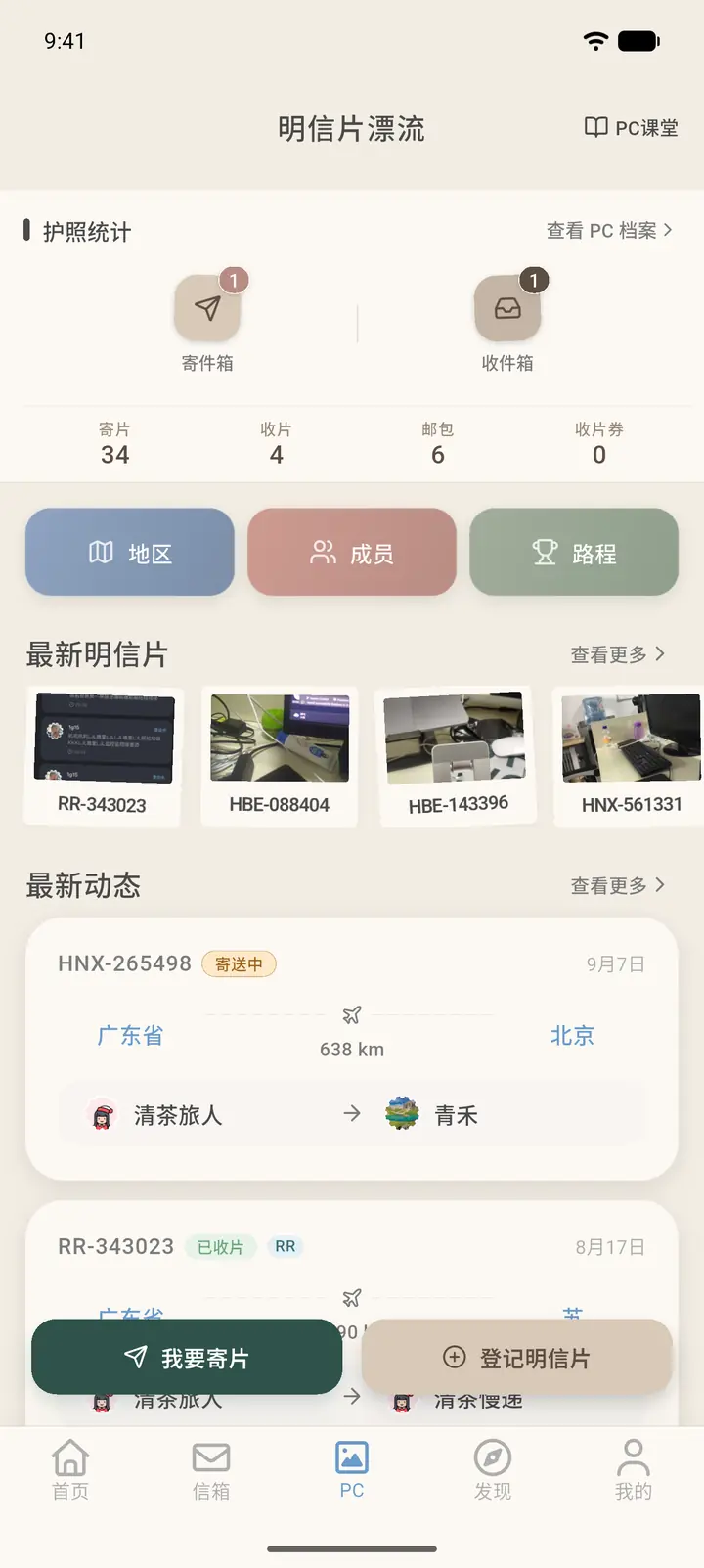
PC: Postcrossing-style postcard exchange. You can register postcards you've received, send postcards, and see the latest postcards and updates.
-
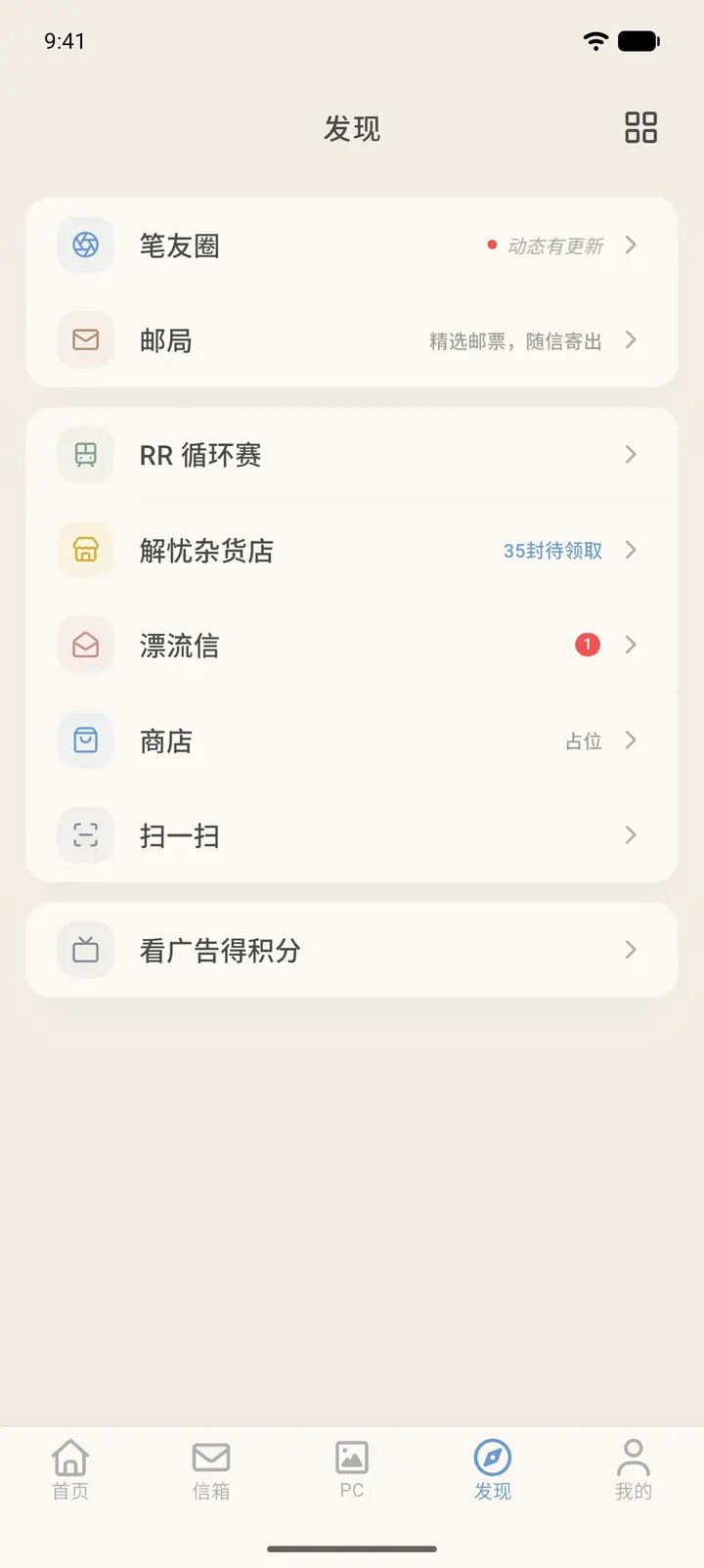
Discover: the entry point for features such as Echoes (「笔友圈」), Post Office (「邮局」), RR Circuit (「RR 循环赛」), Wonder Store (「解忧杂货店」), Drift Letter (「漂流信」), Shop (「商店」), and Scan (「扫一扫」). It shows a list layout by default, with Watch Ads for Points (「看广告得积分」) below. The icon at the top right switches it to a grid layout.
-
Profile: your personal page, where your profile, tokens, membership, and settings live. It shows a list layout by default. The icon at the top left switches it to a card layout.
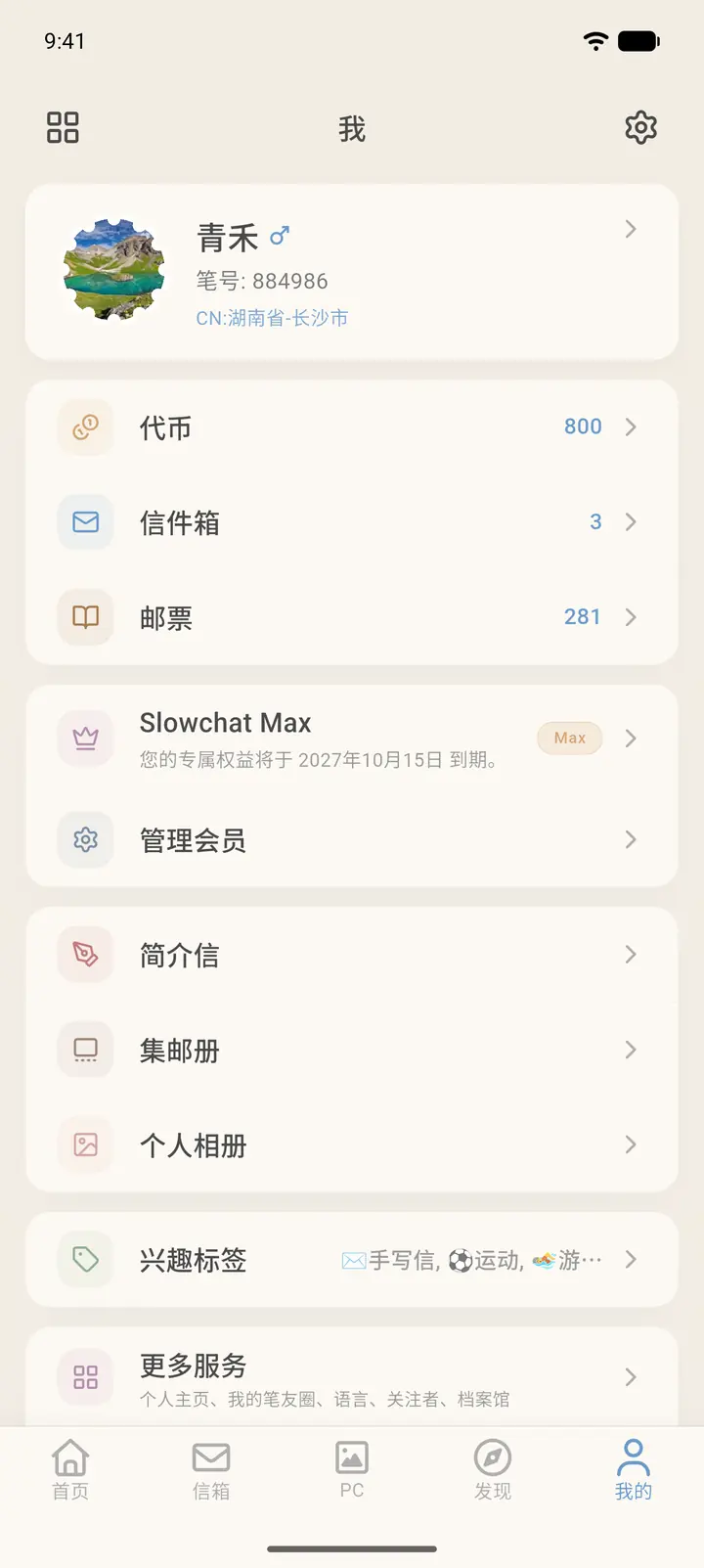
Result
You can switch between tabs at any time. Each page keeps your position and the content already loaded. Tapping the current tab again usually takes you back to the top of the page.
FAQ
What does the red dot on Mailbox mean? A red dot means you have an unread letter or notification. It goes away once you open the conversation or category.