Mailbox and Messages
The Mailbox lists all your correspondence. It's also where you get to your messages and drafts.
Where to Find It
Bottom Mailbox (「信箱」).
Steps
-
Each row in the list is one pen pal, showing their pen name, location, and the time and direction of the latest letter. At the top are three shortcuts: Activity (「互动」), Official (「官方」), and Postal (「邮务」).
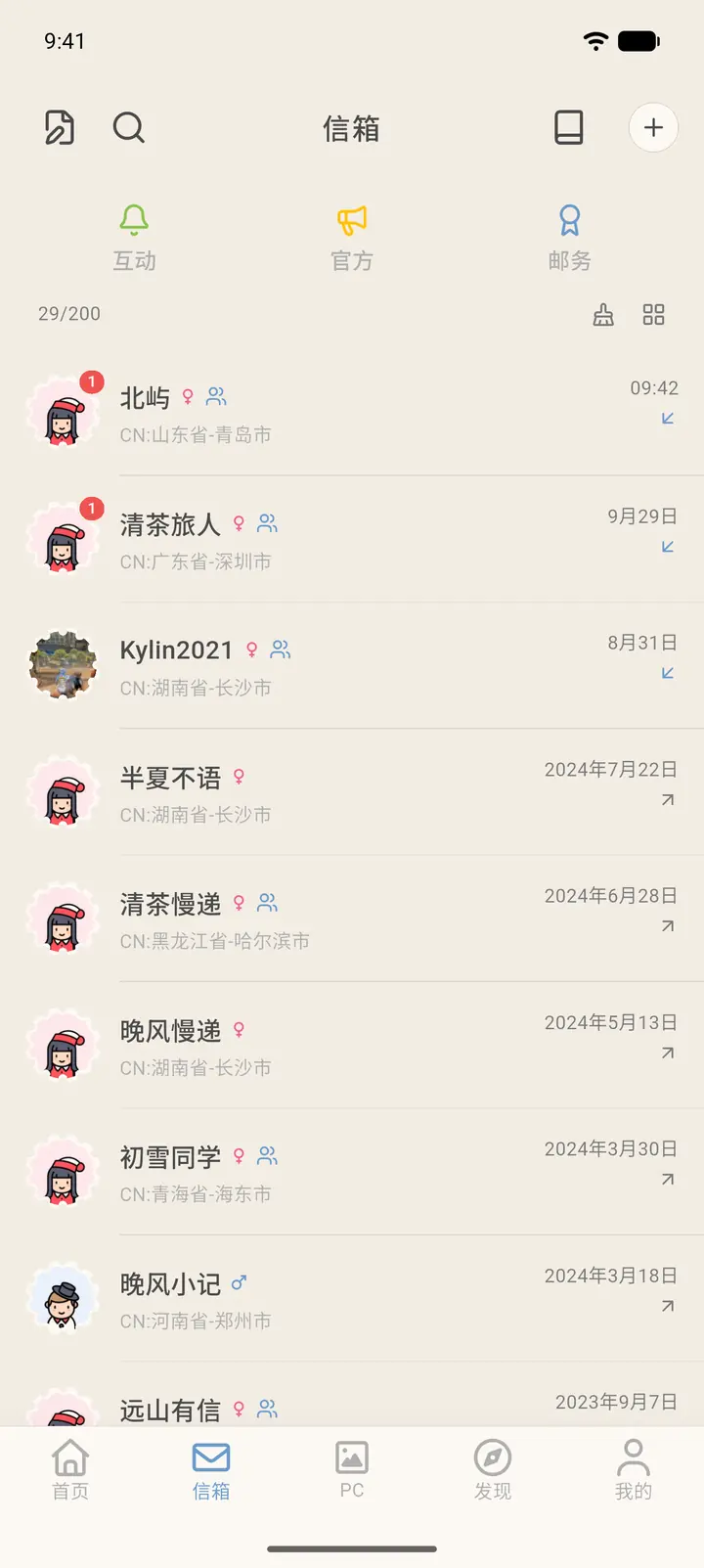
-
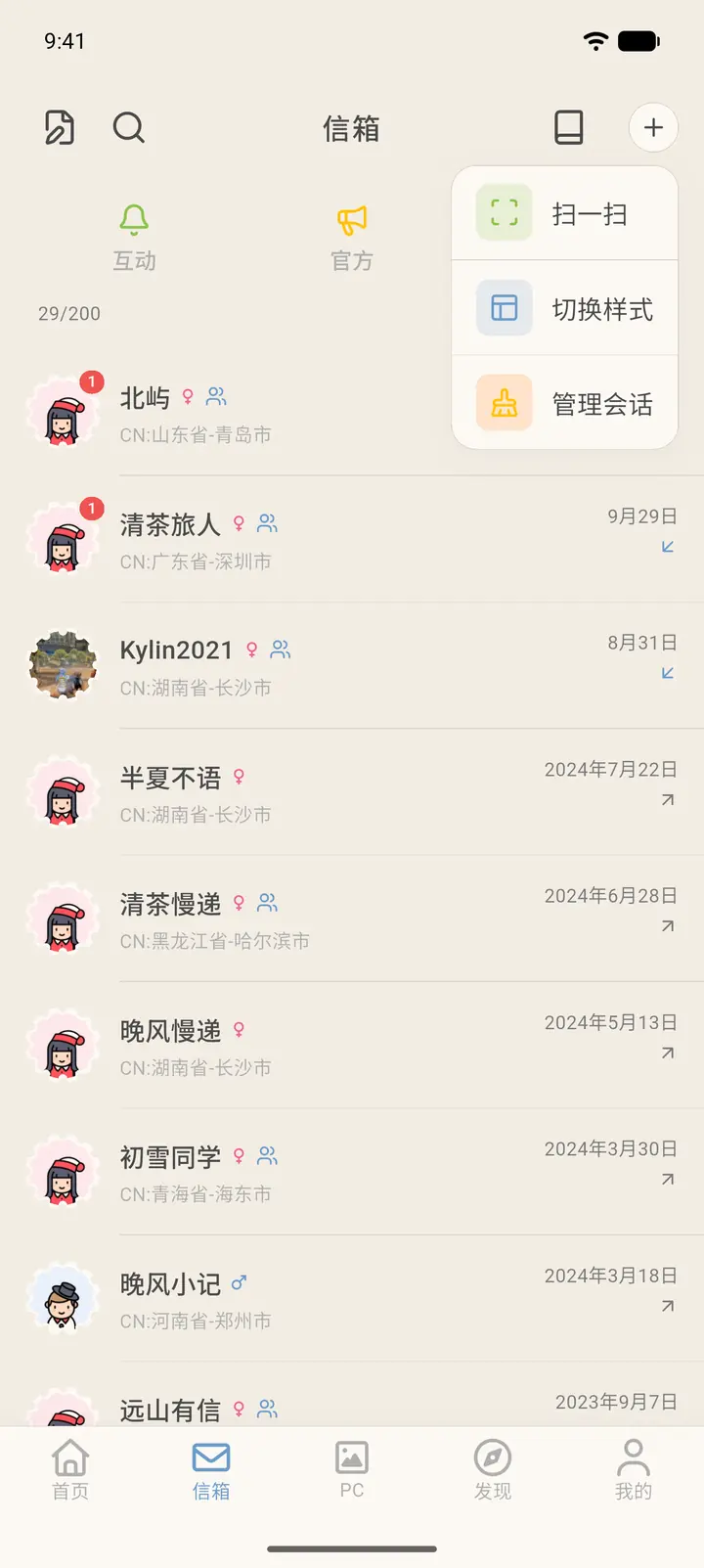
The "+" at the top right opens Scan (「扫一扫」), Switch style (「切换样式」), and Manage conversations (「管理会话」).
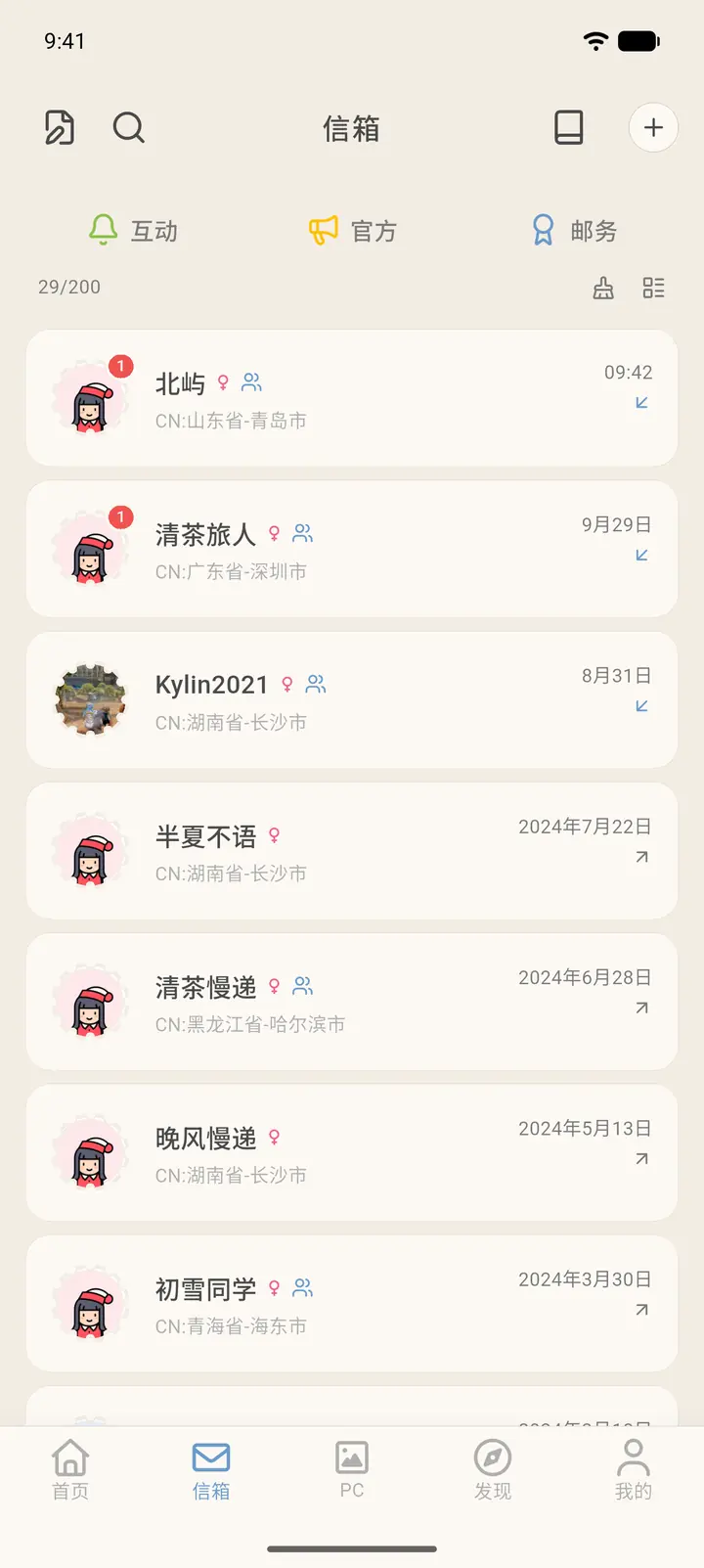
Switch style toggles between two list layouts. It only changes how the list looks and doesn't affect your letters.
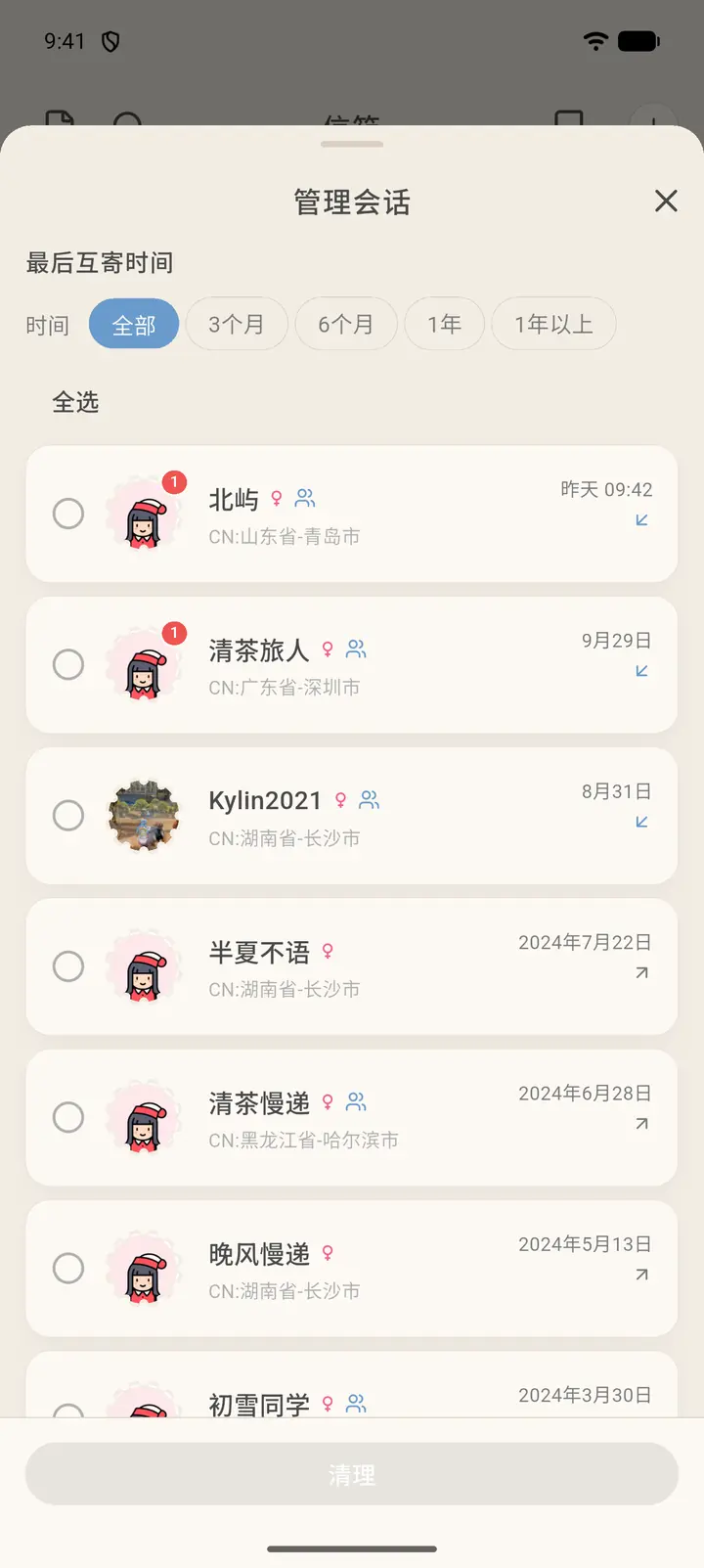
Manage conversations filters your conversations by the time of the last letter exchanged (All, 3 months, 6 months, 1 year, over 1 year). Tick the ones you want and tap Clean up (「清理」) at the bottom to clear conversations you no longer use in bulk.
-
At the top left is Drafts (「草稿箱」), where letters you haven't sent are saved.
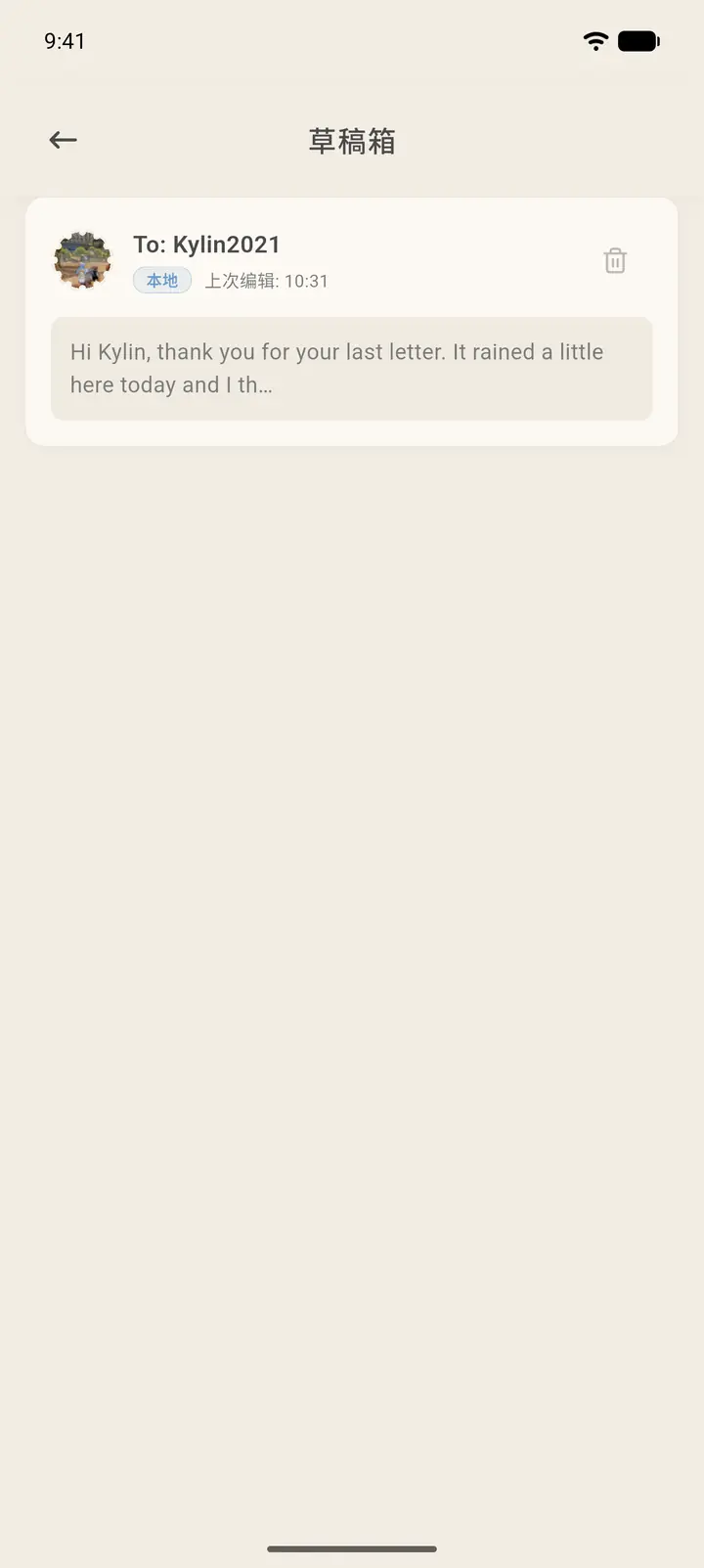
-
The search box lets you search conversations by pen name, pen pal number, or location.
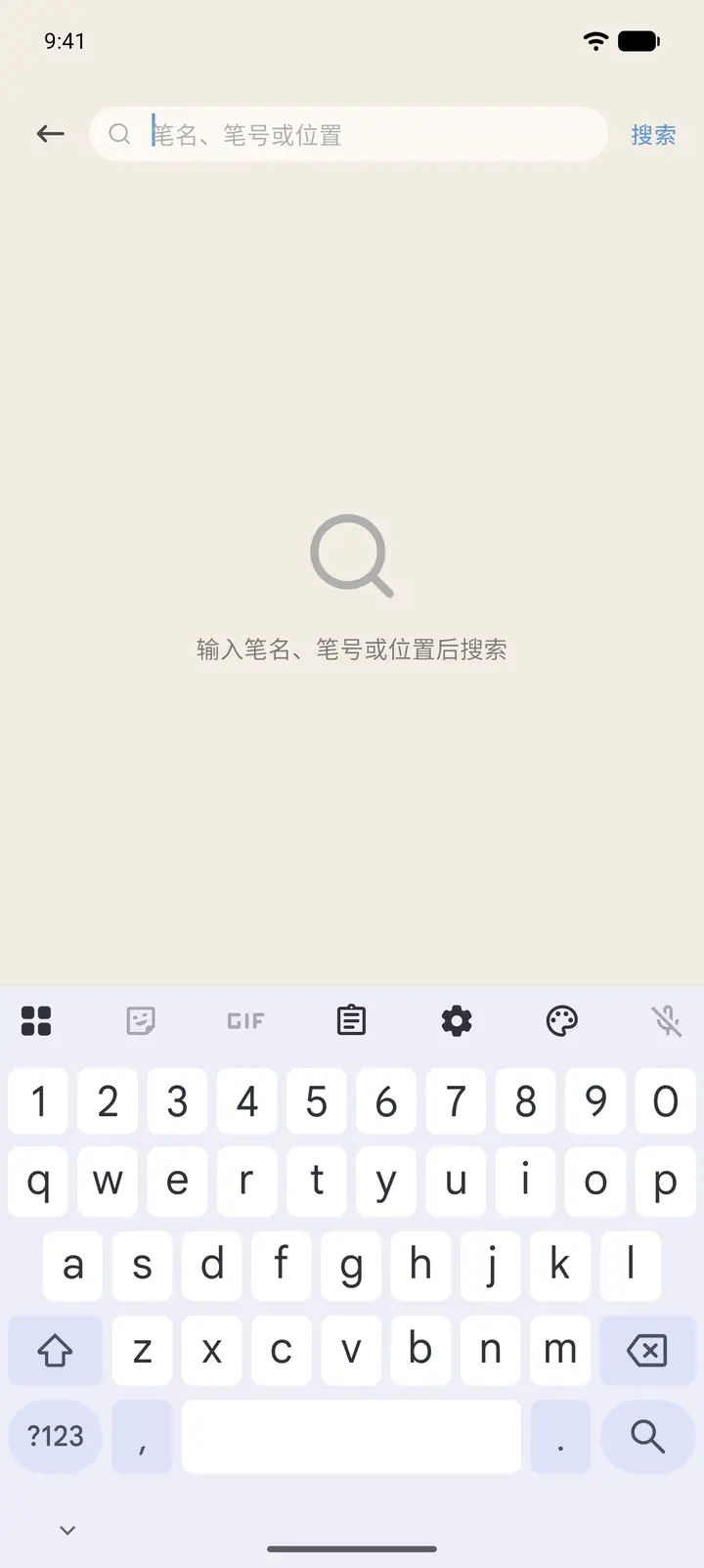
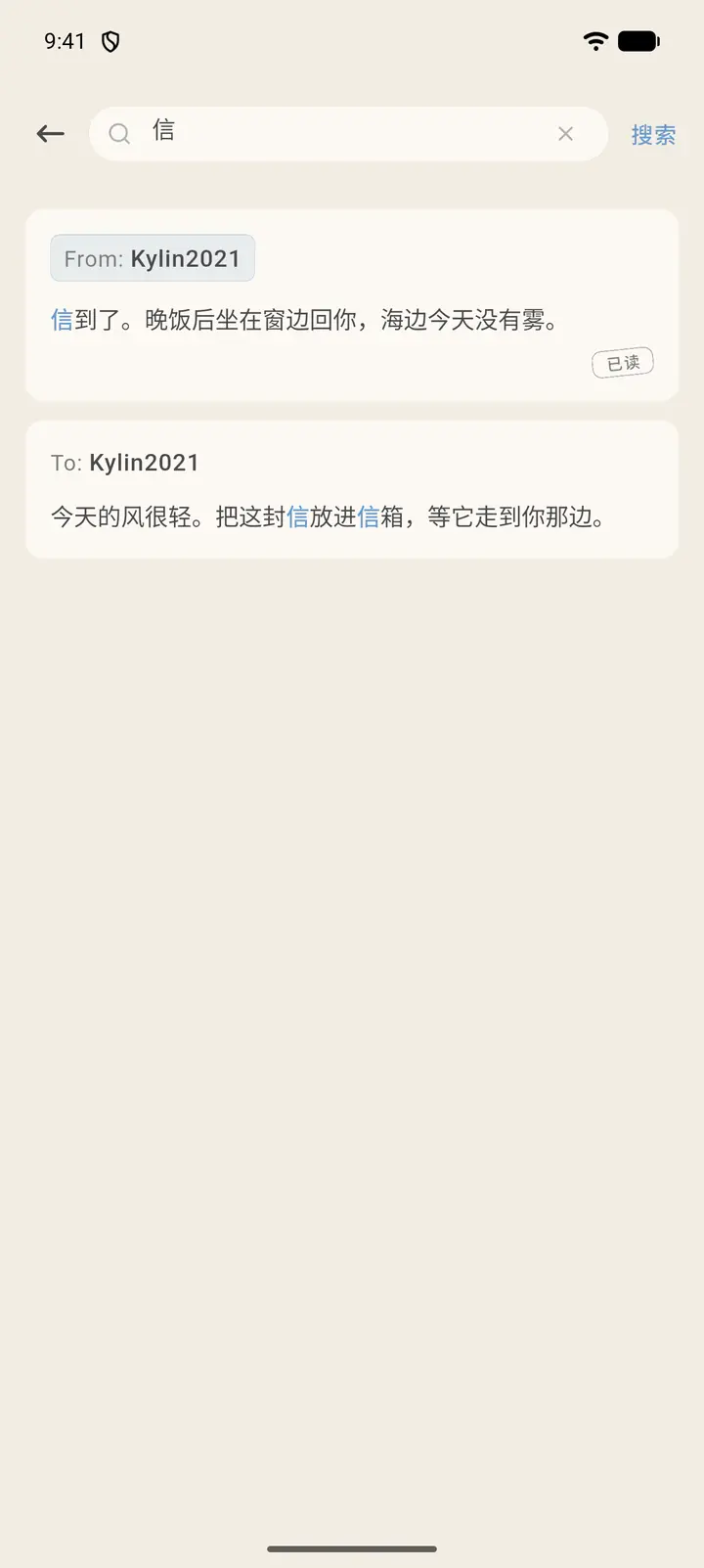
Inside a conversation with a pen pal, tap the magnifying glass at the top right to search the text of the letters you've exchanged; matches are highlighted. A letter your pen pal sent that you've already opened carries a small Read (「已读」) tag at its bottom right. The envelopes on the conversation page aren't stamped "Read".
-
Activity holds messages and replies other people have left for you.
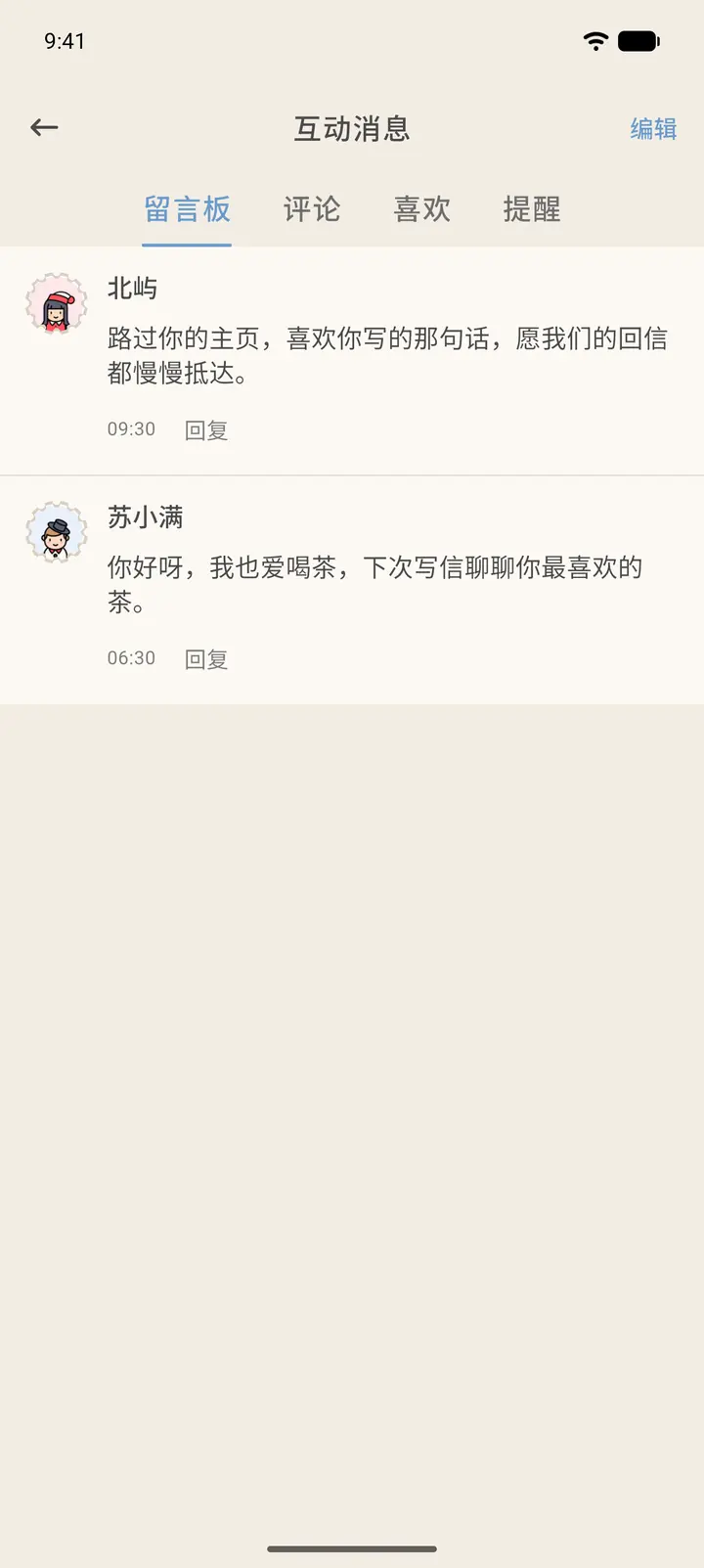
-
Official has system notifications, Slowchat classes, and announcements. Postal has postal messages related to postcards.
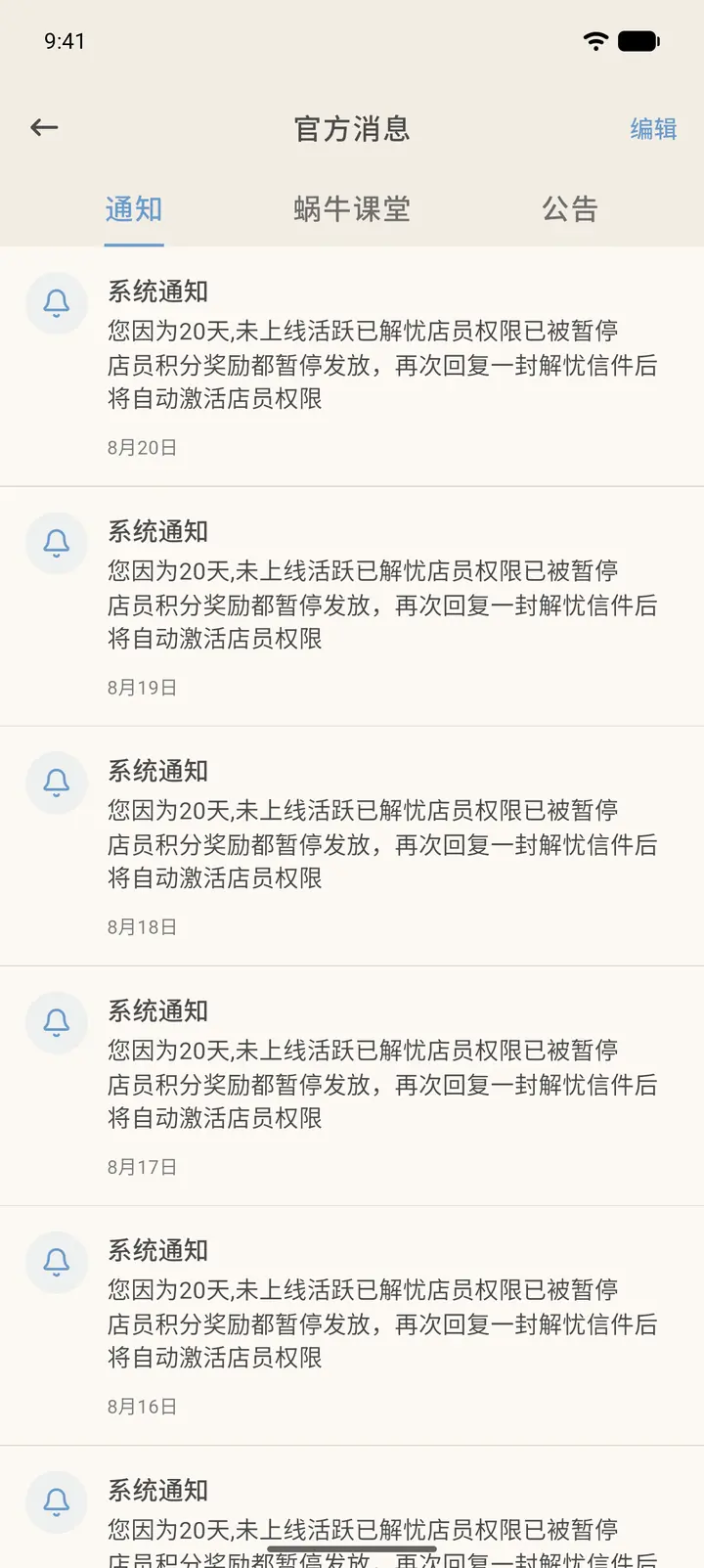
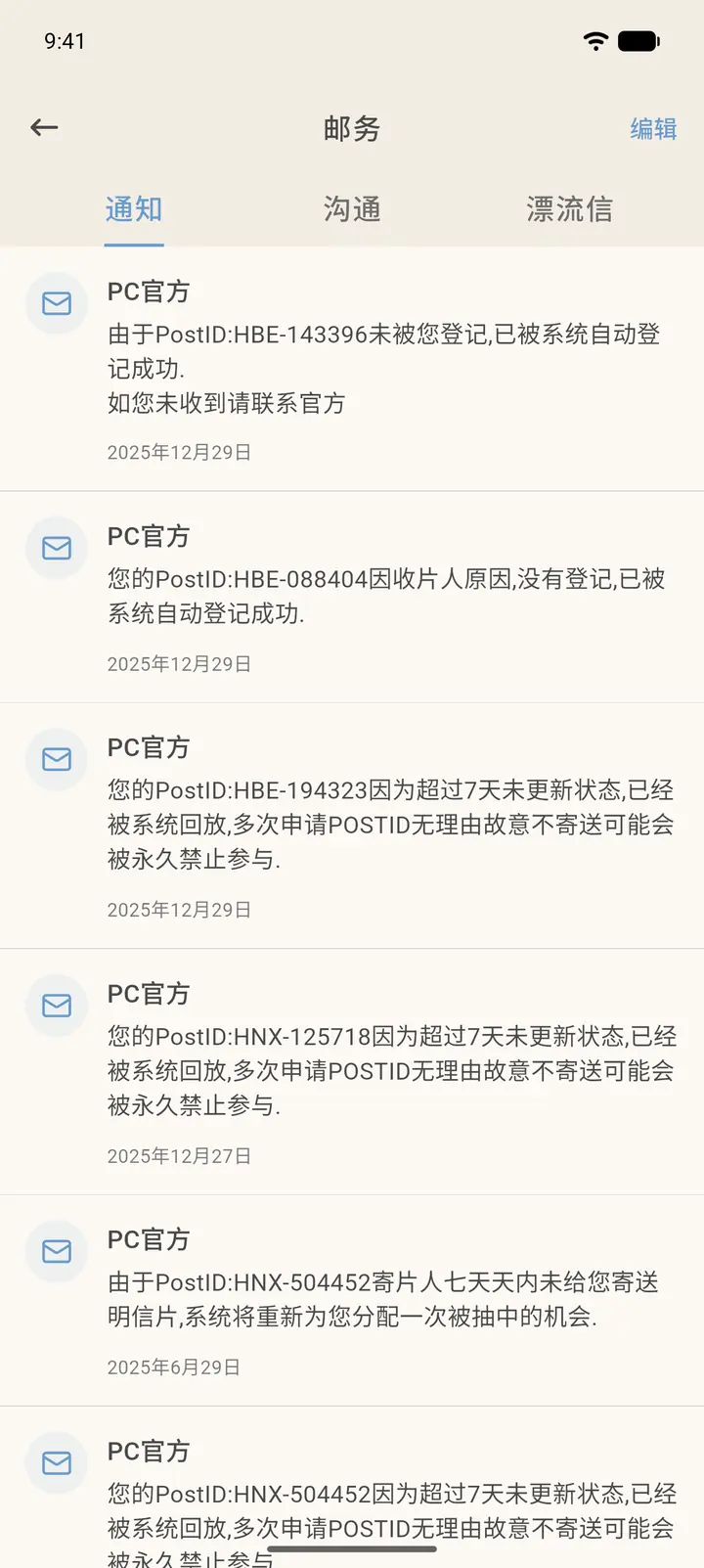
-
The brush icon at the top right of the list clears out conversations you haven't been in touch with for a long time. You can filter by time and clean them up in bulk.
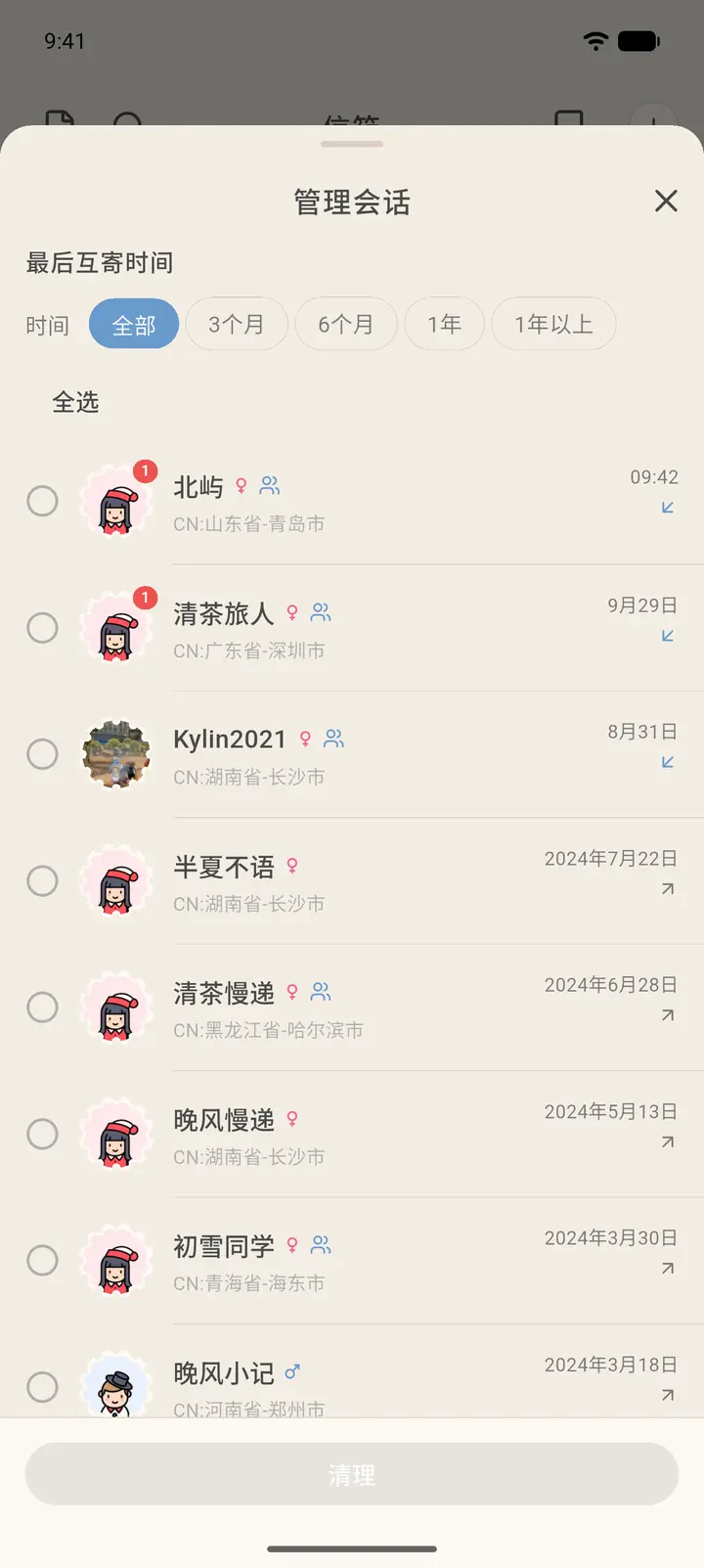
Result
Cleaning up only removes entries from the conversation list. It doesn't delete the letters themselves.
FAQ
What's the 28/200 above the list? It's your current number of conversations and the maximum allowed.