Post and Comment
Share your day with your pen pals by posting in Echoes, or leave a comment on someone else's post.
Where to find it
Discover → Echoes (「笔友圈」) → the pen-shaped button at the bottom right.
Steps
-
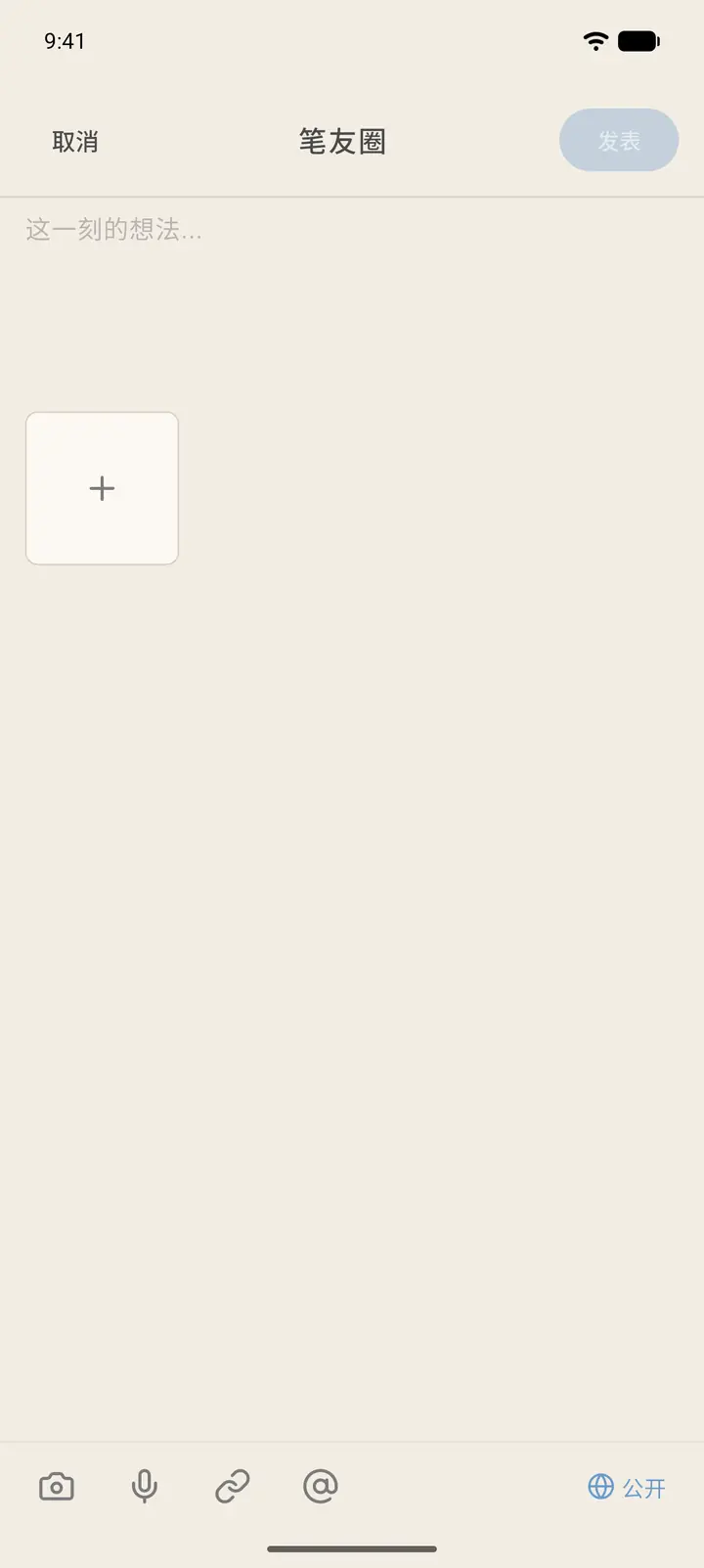
The top of the compose page has Cancel (「取消」) and Publish (「发布」), with the text box in the middle and room for images below. The toolbar at the bottom has, in order: Album, Voice, Link, @, and Visibility.
-
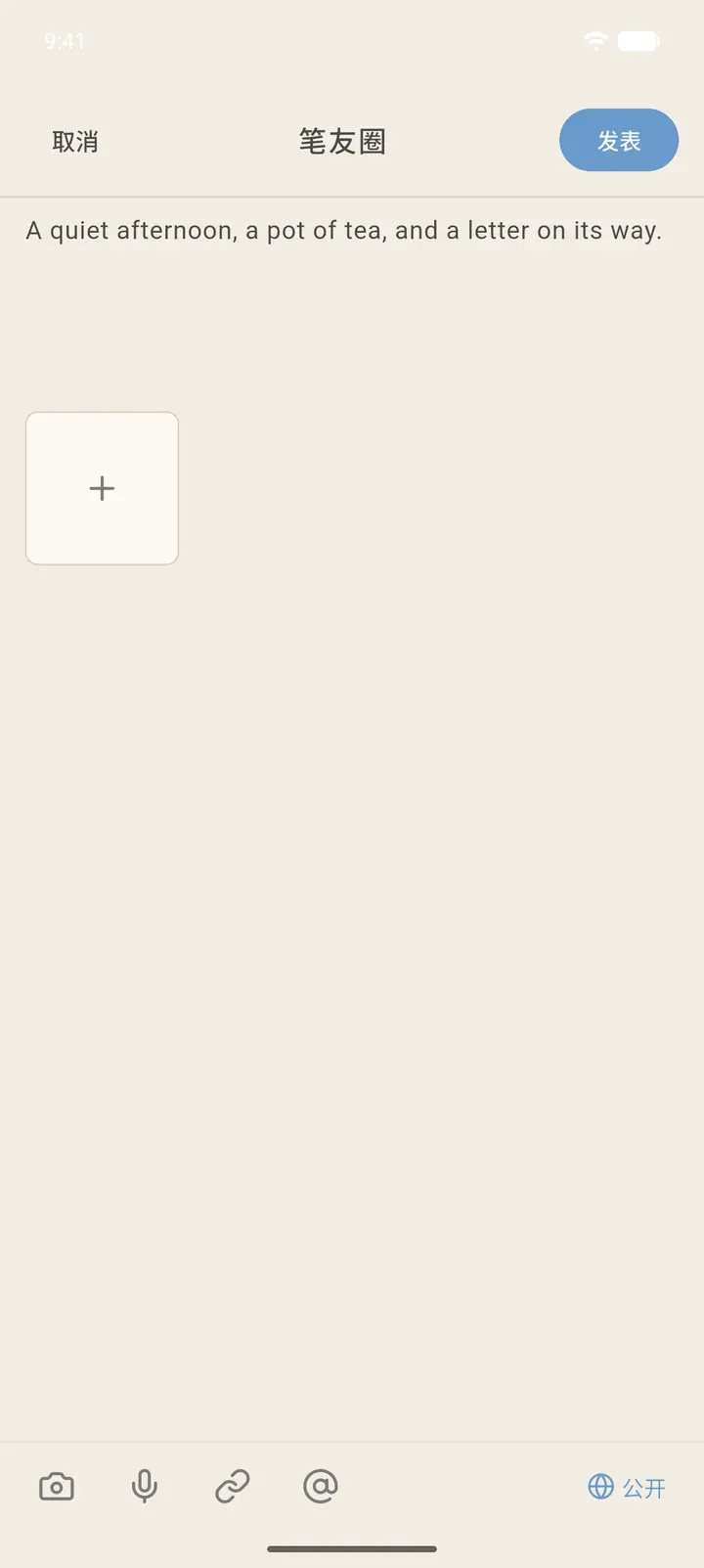
Write whatever you'd like to say, and Publish becomes tappable.
-
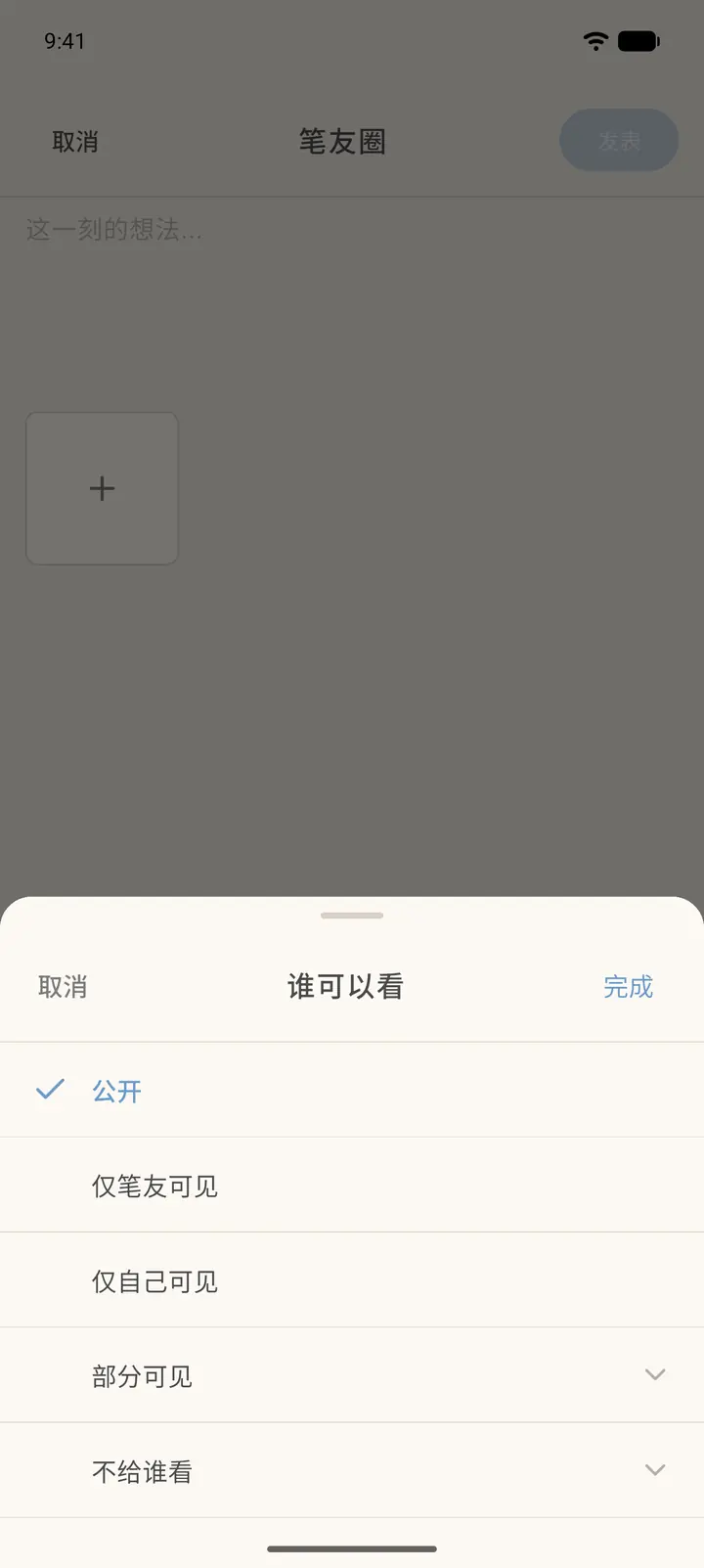
Public (「公开」) at the bottom right is the visibility setting. Tap it to choose Who can see (「谁可以看」): public, pen pals only, or only me. You can also pick Visible to some (「部分可见」) or Hide from some (「不给谁看」). Tap Done (「完成」) when you're set.
-
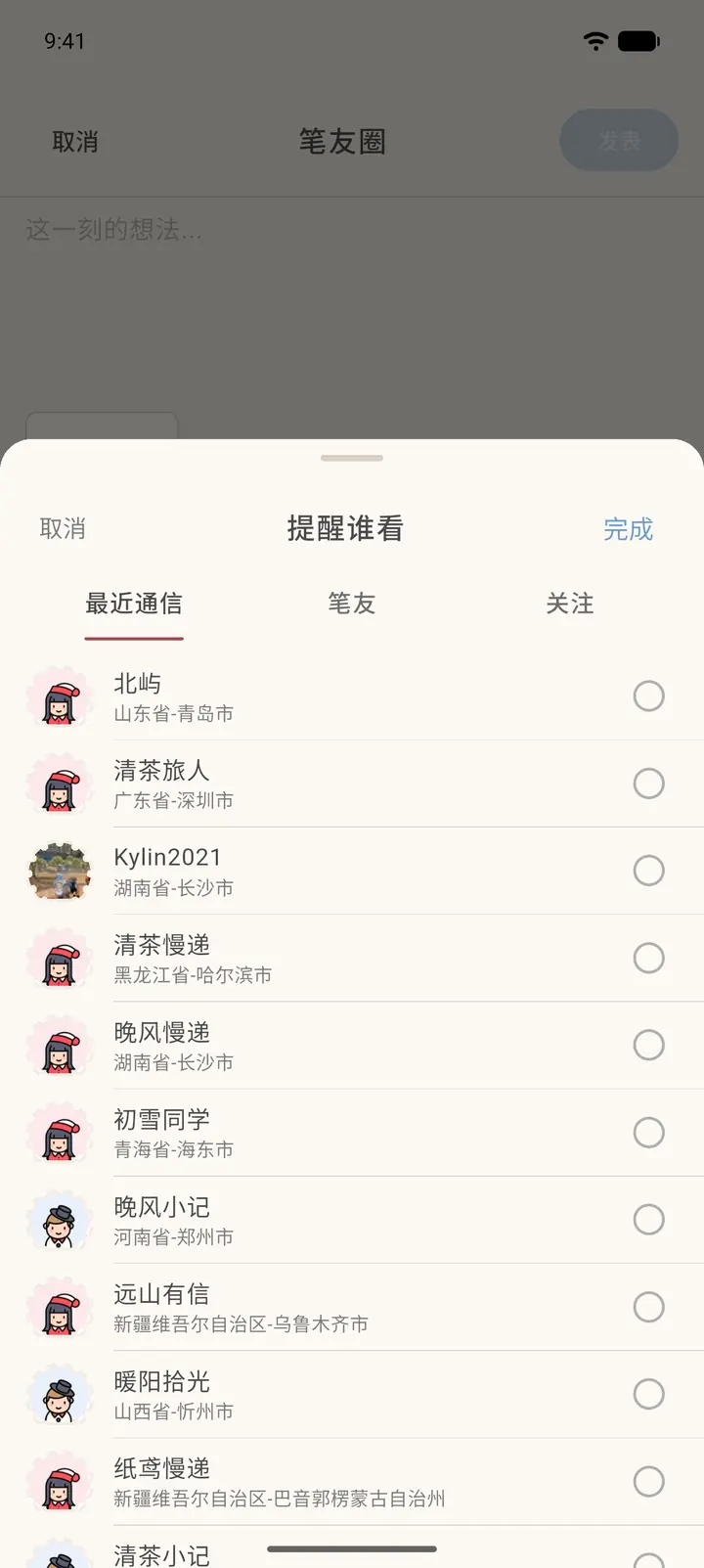
Tap @ at the bottom to Remind (「提醒谁看」) someone. Tick people under Recent chats (「最近通信」), Pen pals (「笔友」) or Following (「关注」), then tap Done.
-
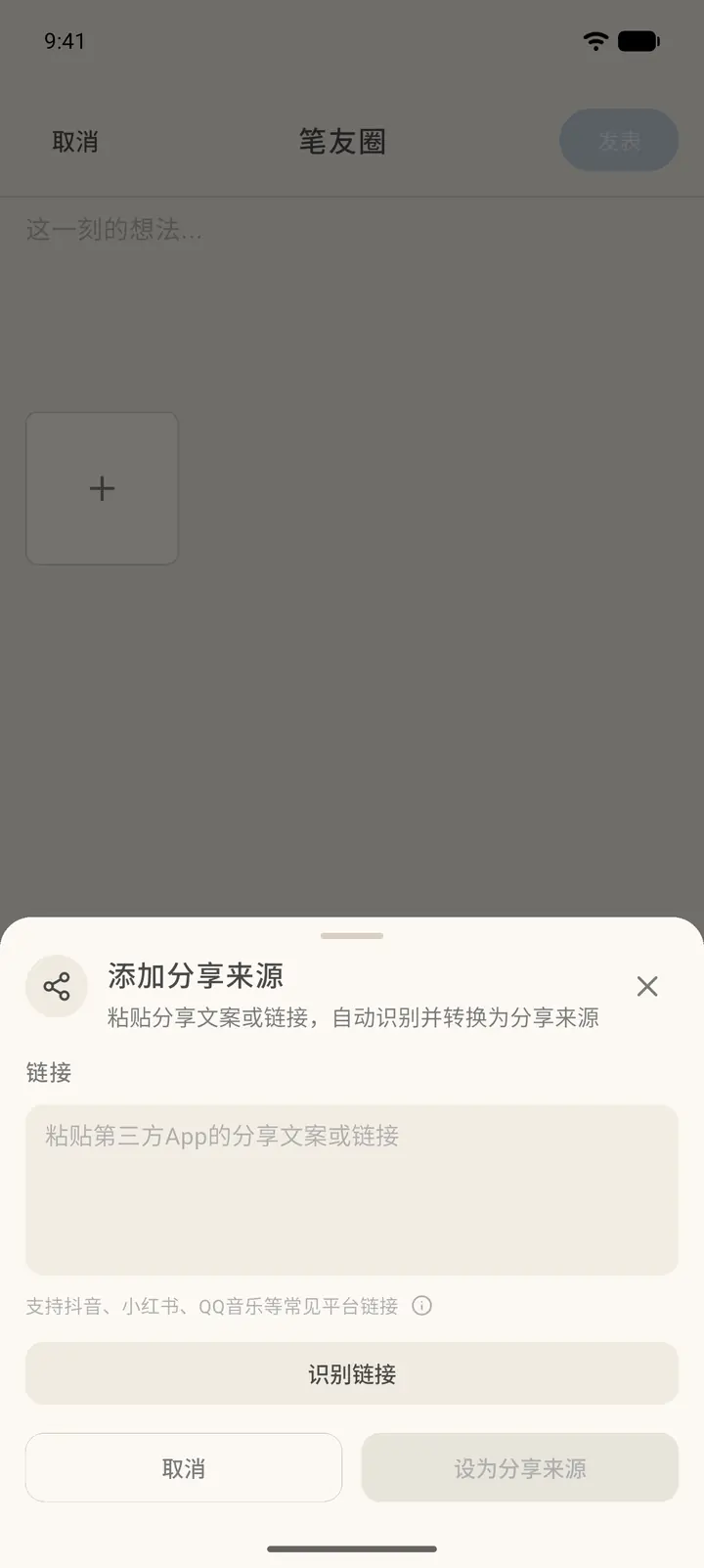
Tap the link icon at the bottom to Add share source (「添加分享来源」): paste the share text or link from another app and tap Recognize link (「识别链接」). Once recognized, it's attached to your post as the share source.
-
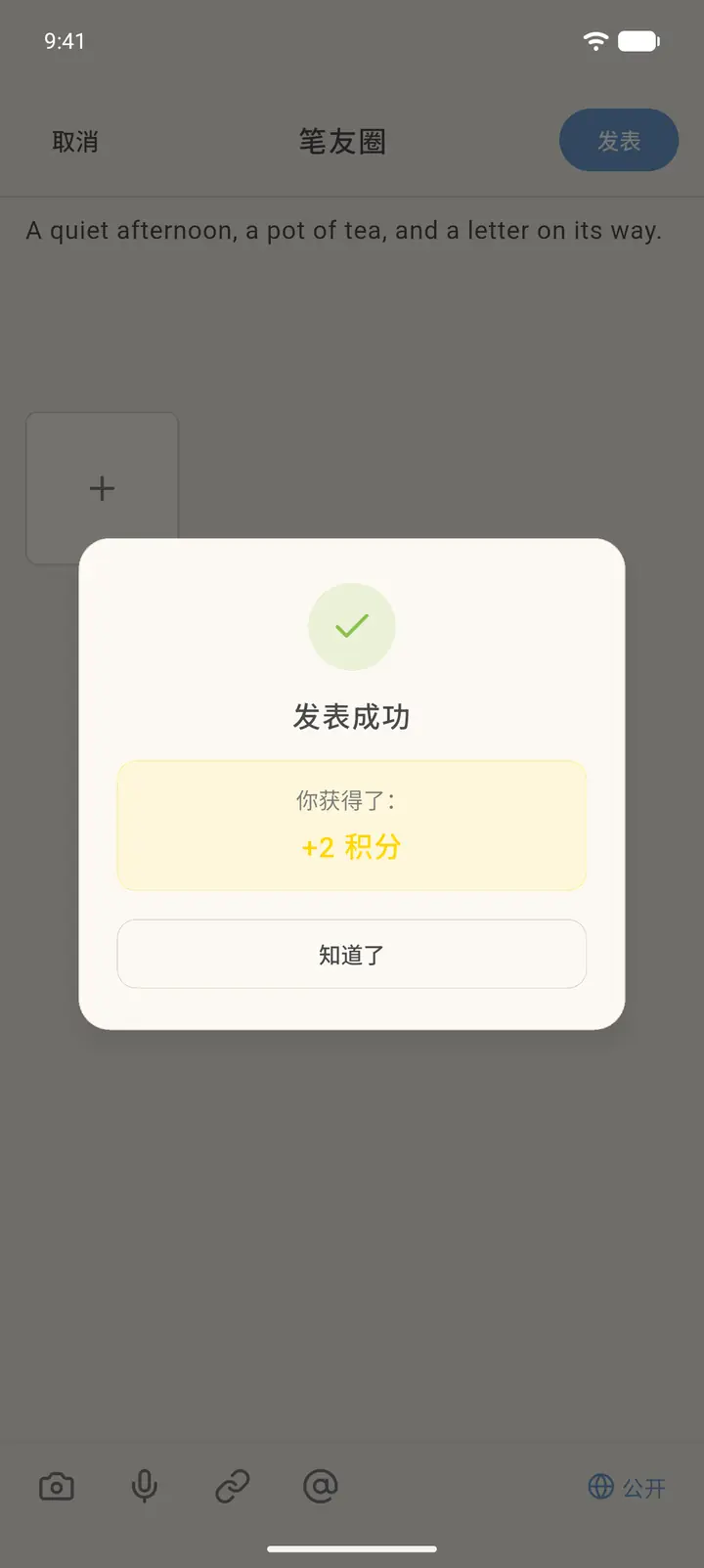
After you tap Publish, you'll see Posted (「发表成功」) along with the points you earned. Tap Got it (「知道了」).
-
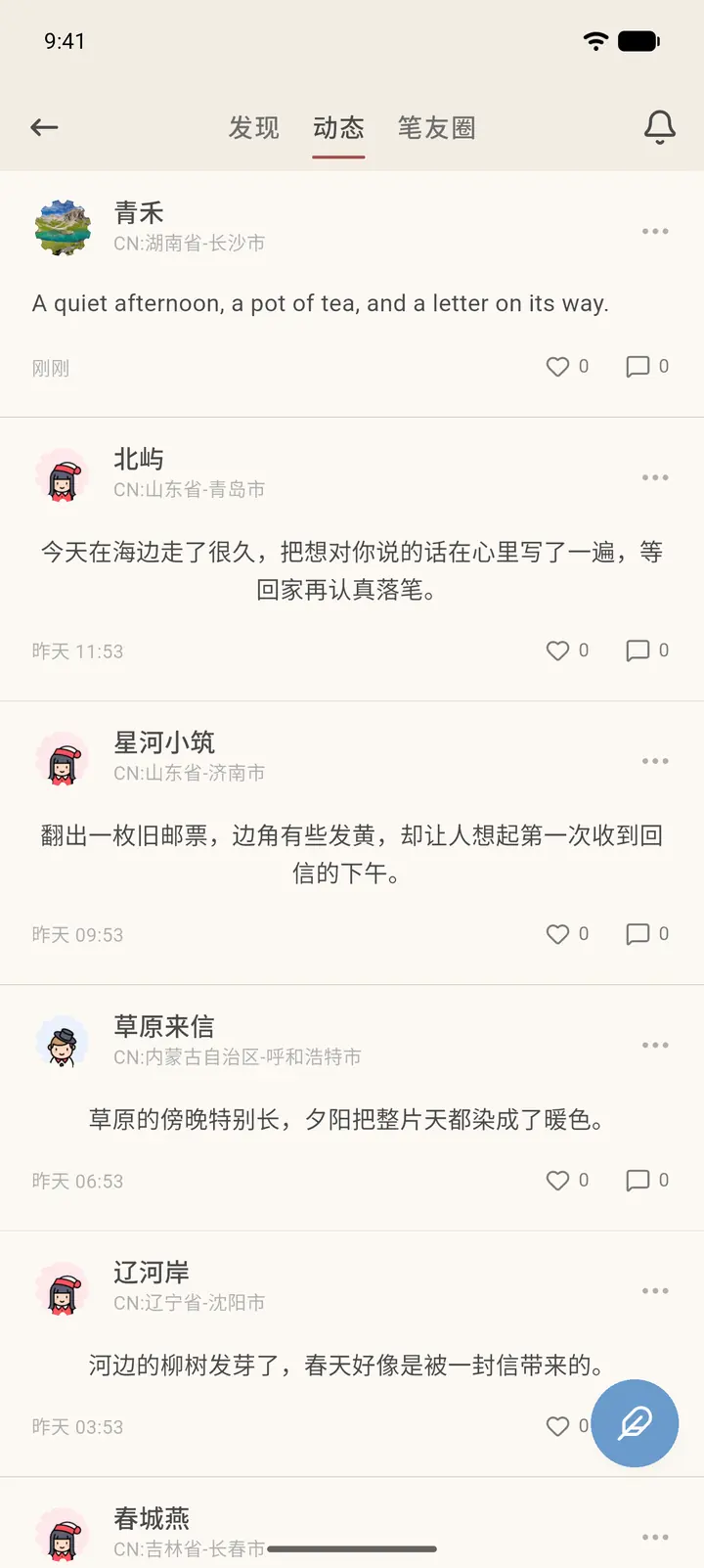
Back in the Feed (「动态」) tab of Echoes, your new post is at the top of the list. A new post is reviewed first, and only becomes visible to others once it passes review.
-
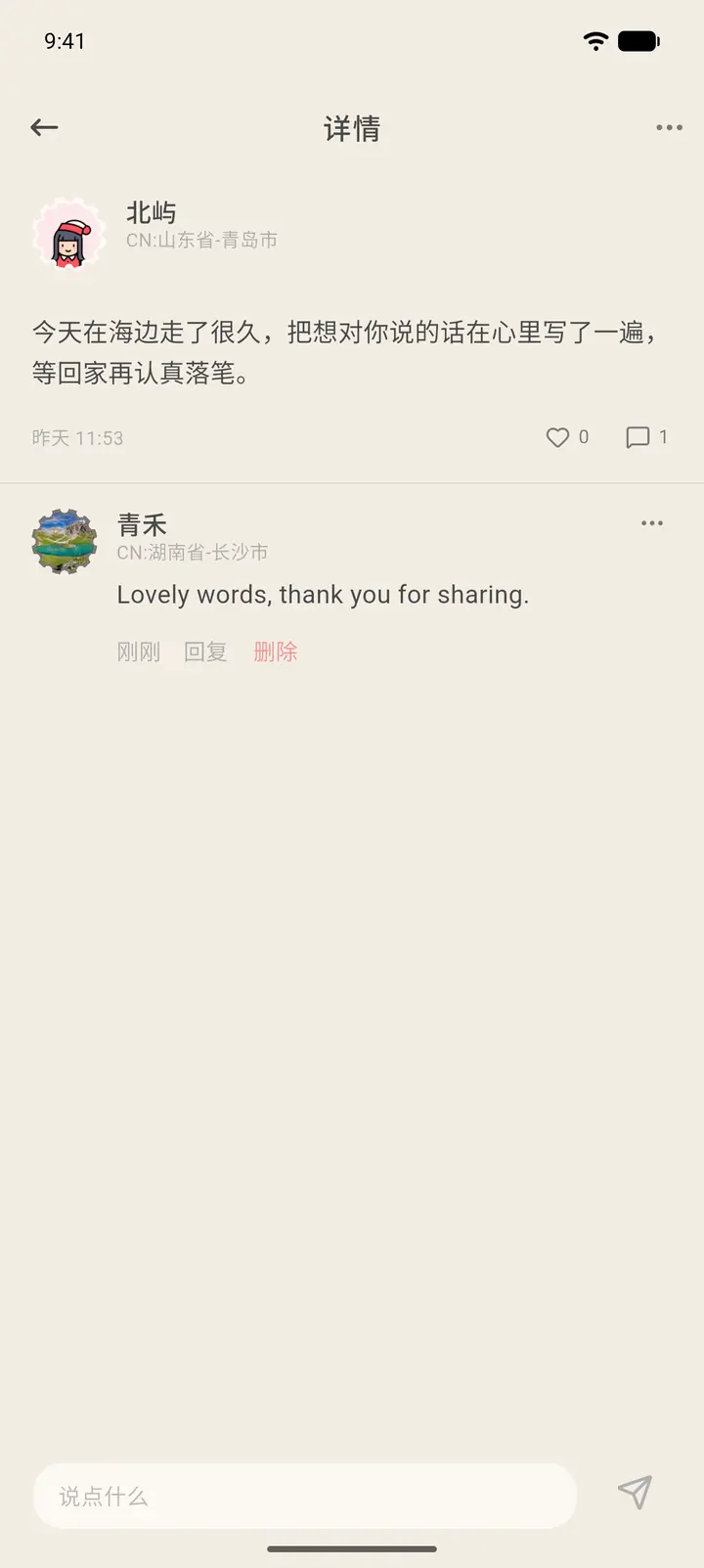
Tap any post to open its details, write a comment in the box at the bottom, and tap Send on the right. Under a comment you can tap Like (「点赞」) or Reply (「回复」), and your own comments can be Deleted (「删除」).
Result
Once published, you can look back at your posts anytime in My Posts (「我的动态」), and delete them if you want.
FAQ
Why can't others see the post I just made? A new post needs to be reviewed. Until it passes, only you can see it.
Do I earn points for posting? Yes. The pop-up after a successful post shows how many points you got.