RR Circuit
RR is a group activity where a few people take turns sending letters to the next person: everyone goes in order, each sending to the next, so the mail makes a full loop around the group.
Where to find it
Bottom Discover (「发现」) → RR Circuit (「RR 循环赛」).
Steps
-
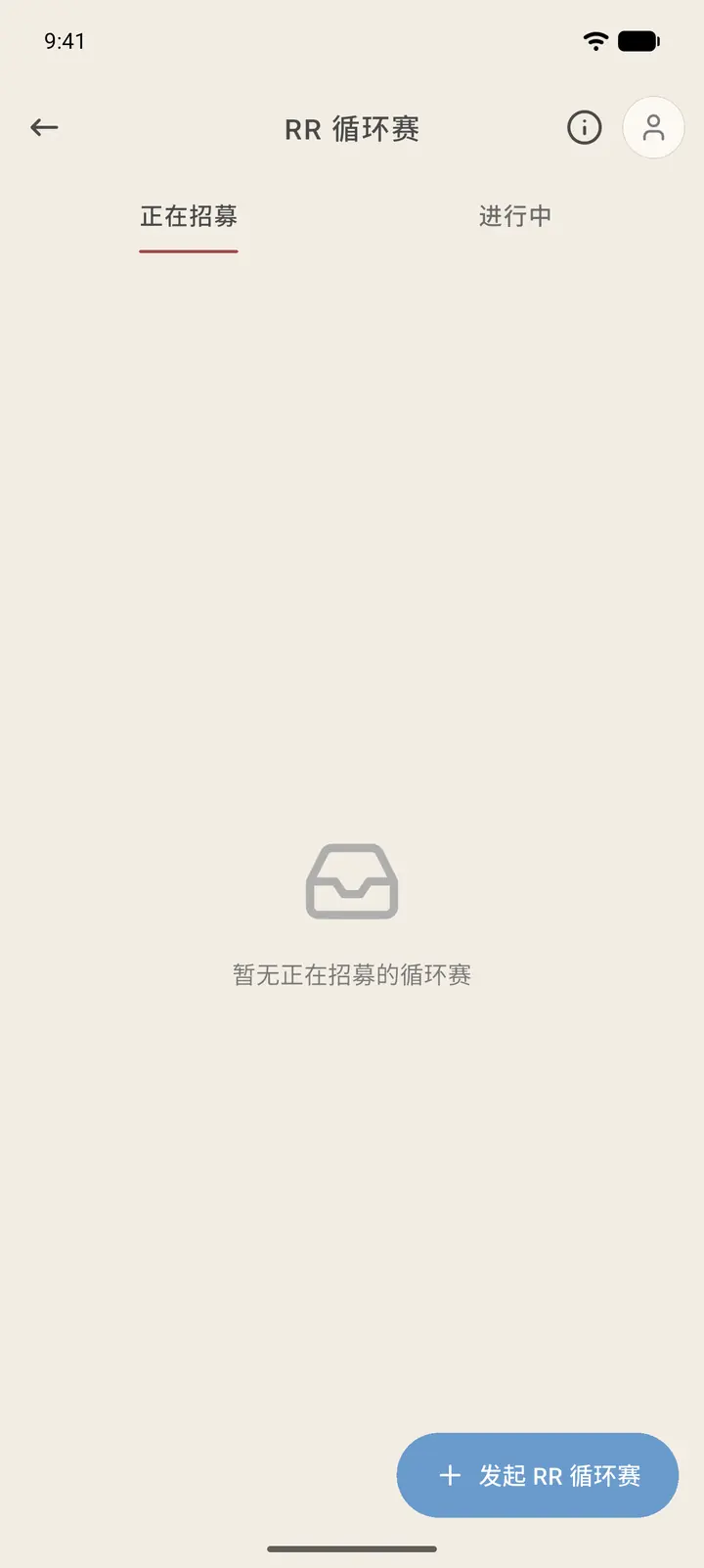
The top has two tabs: Recruiting (「正在招募」) and In Progress (「进行中」). When no room is recruiting, you'll see No recruiting circuits right now (「暂无正在招募的循环赛」). Start RR Circuit (「发起 RR 循环赛」) at the bottom right creates a new one. The avatar at the top right is My RRs (「我的 RR」), and "i" opens the RR guide.
-
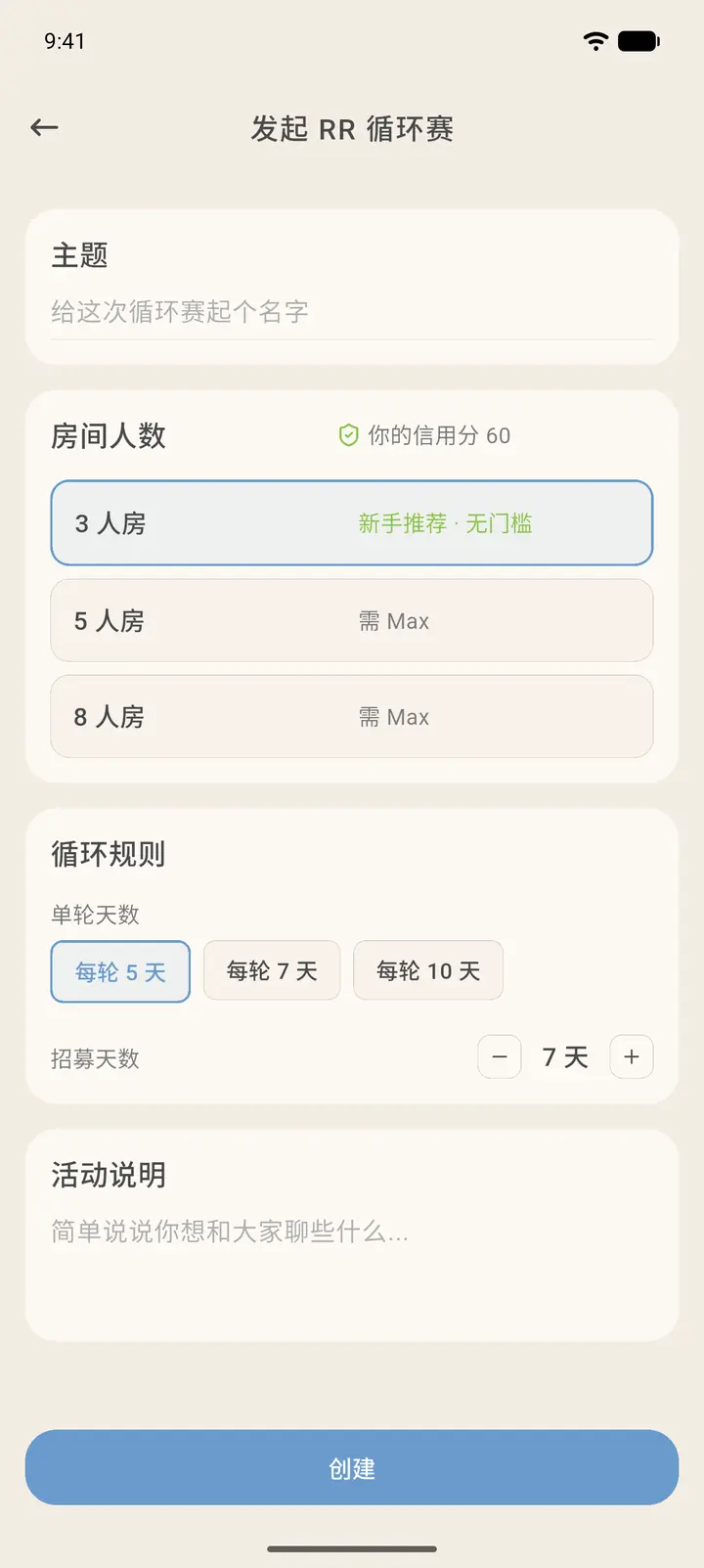
Tap Start RR Circuit. First give your activity a name (the theme), then pick a room size: the 3-person room is recommended for beginners and has no requirements, while 5-person and 8-person rooms require Max membership. Your credit score also appears on the right side of the page.
-
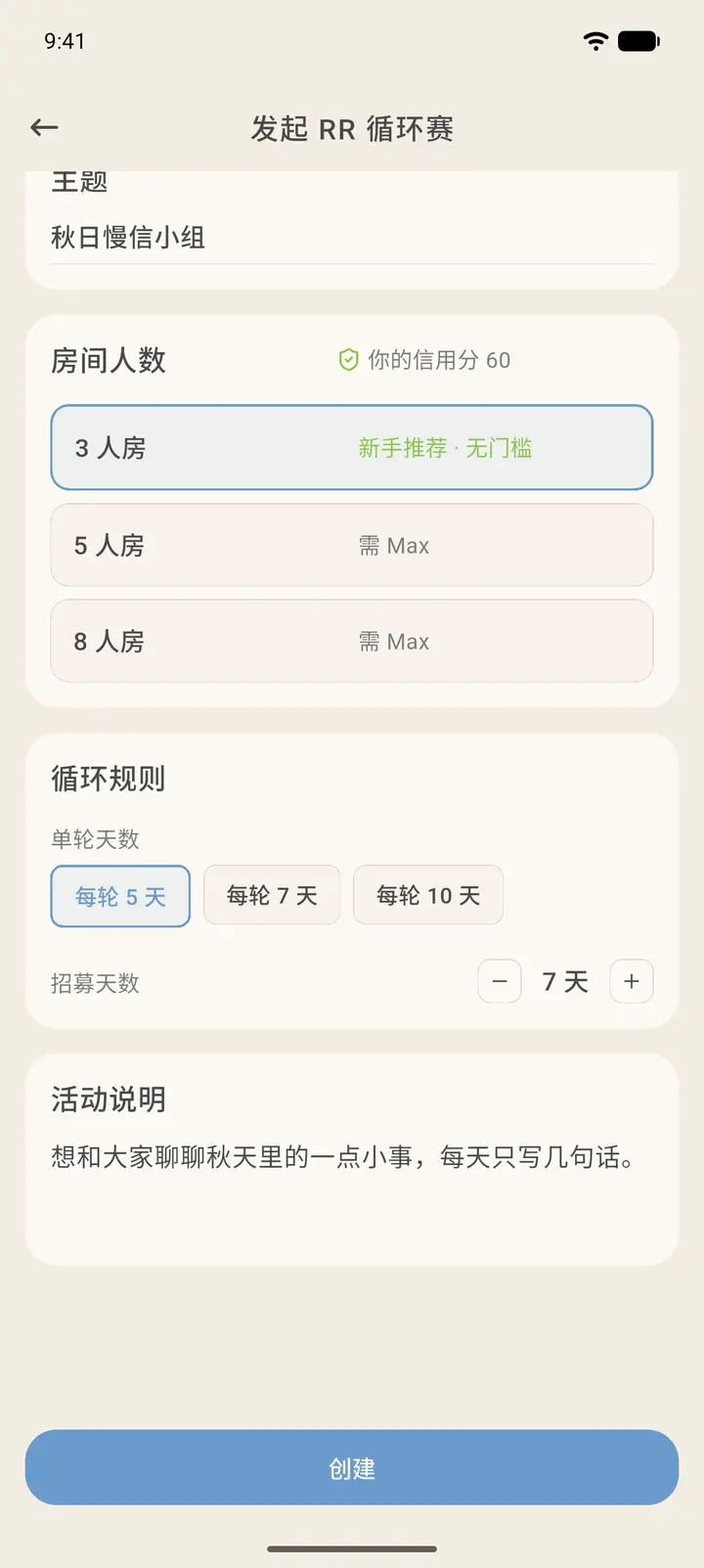
Under Cycle Rules (「循环规则」), set the days per round (5, 7 or 10 days) and the recruiting days. Then write a few lines in Description (「活动说明」) to tell everyone what you'd like to talk about. When you're done, tap Create (「创建」).
-
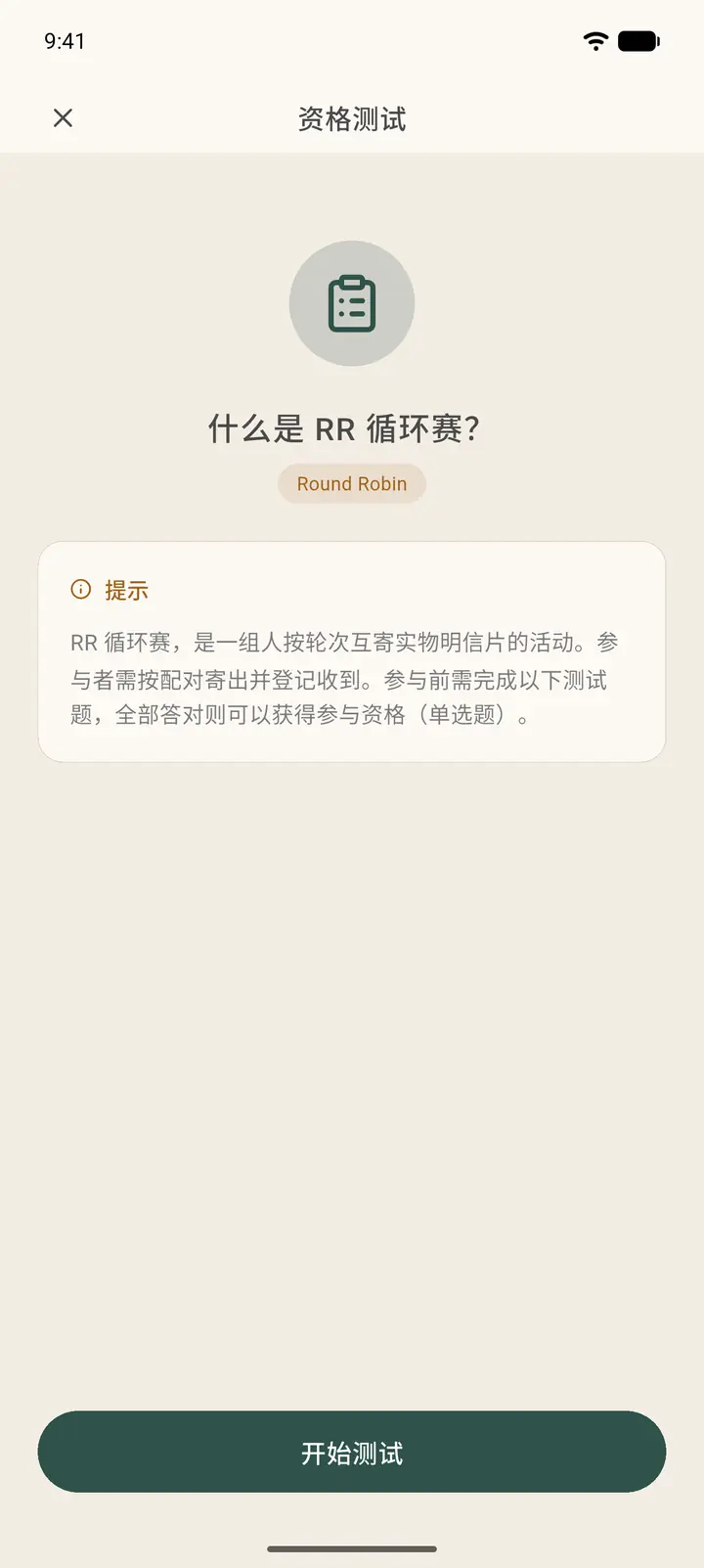
The first time you start or join a circuit, tapping Create takes you to the Qualification Test (「资格测试」) first. The intro page explains that RR is an activity where a group exchanges real postcards in rounds, and that you must answer 8 single-choice questions, all correctly, to qualify. If you don't get them all right, tap Try again (「再试一次」). Tap Start test (「开始测试」) to begin. The questions are all about the circuit rules, so you won't go wrong if you read the rules first.
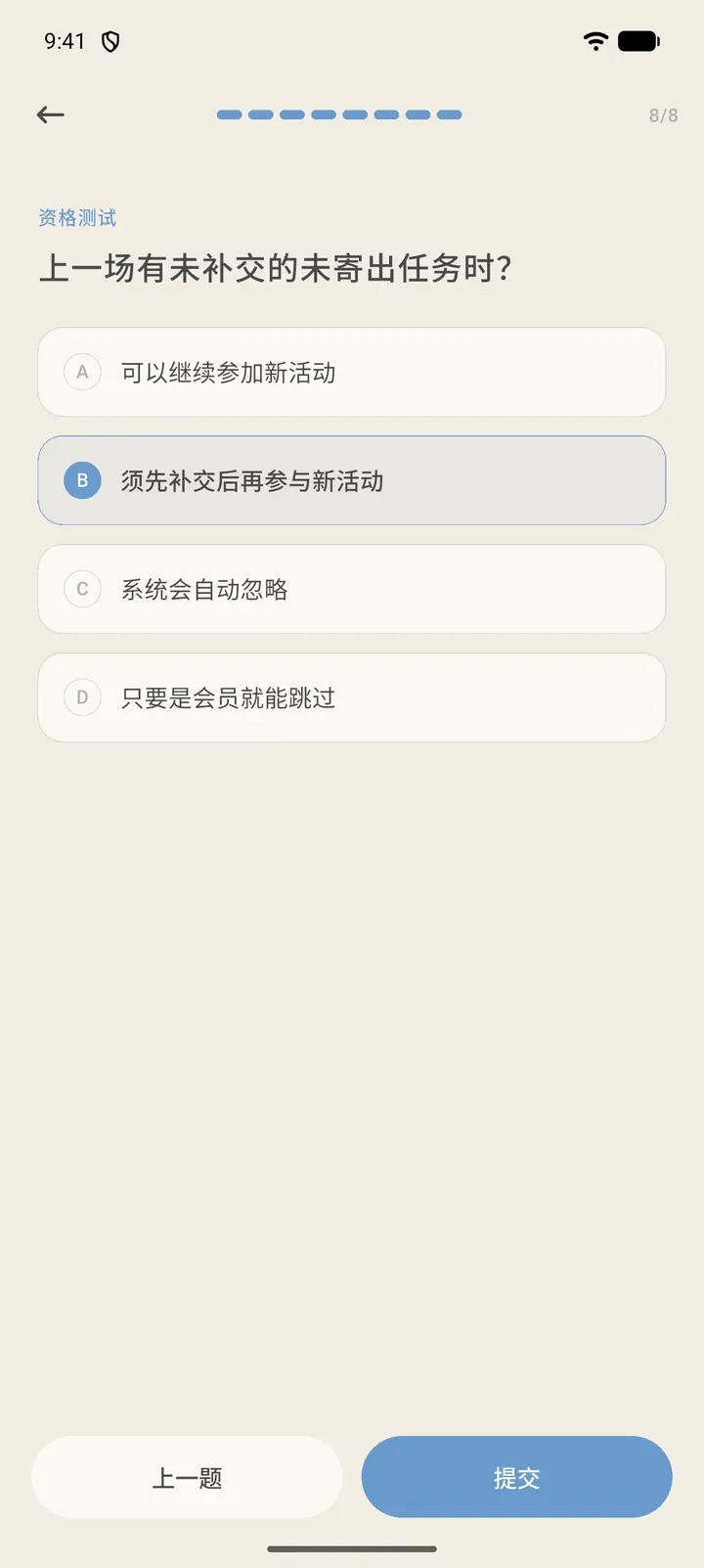
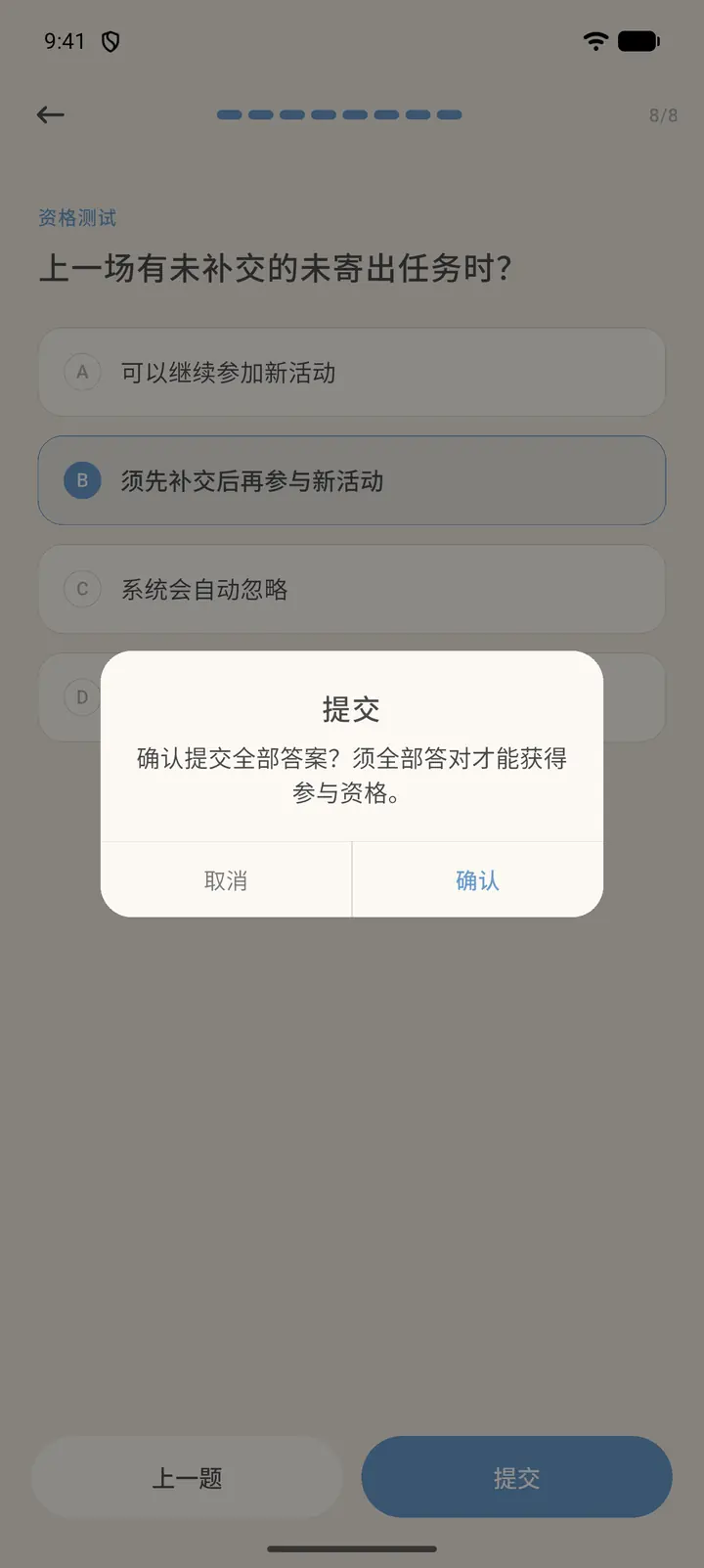
You answer one question per page. Pick an answer and tap Next; on the last question tap Submit, then confirm once more to hand in your answers.
-
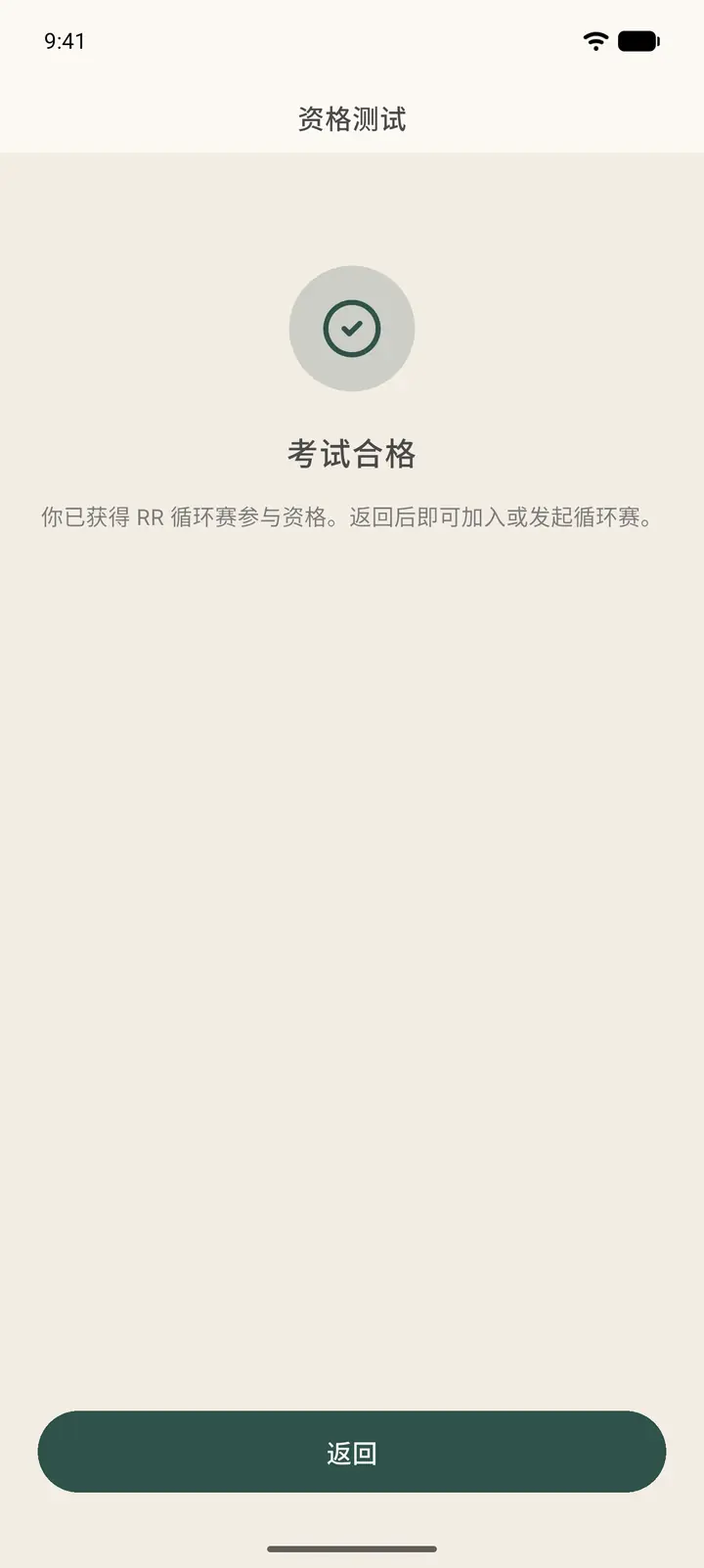
After you answer everything correctly, you'll see You passed (「考试合格」). Tap Back (「返回」) to return to the create page. Passing only updates your qualification and doesn't create a room automatically, so tap Create again to start recruiting. Your qualification record stays valid for the long term, and you only need to retake the test after the question bank is updated.
-
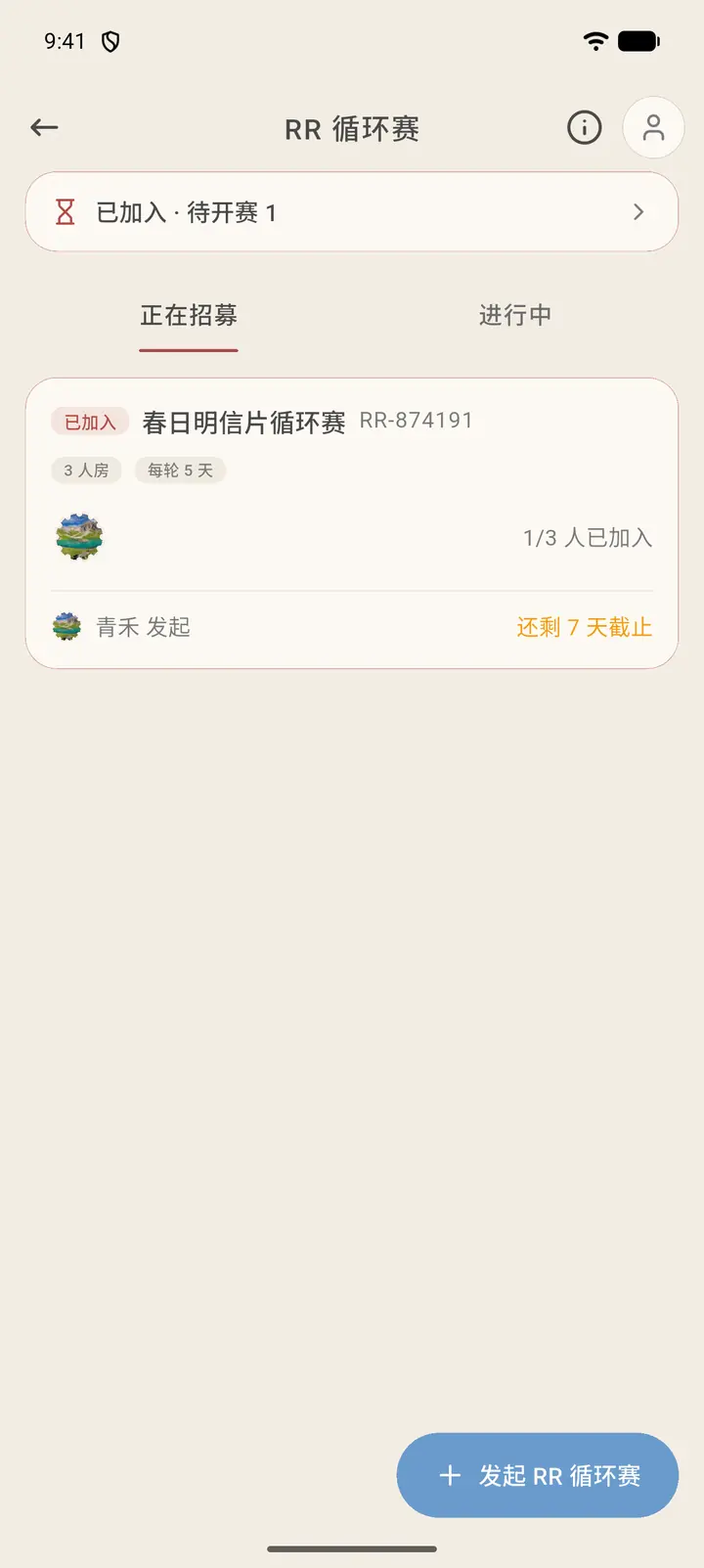
Once created, the room appears under Recruiting. Its card has a Joined (「已加入」) tag and shows the room name, number (RR-xxxxxx), room size, days per round, "1/3 joined" (「1/3 人已加入」), and how many days are left to join. You're already the first member. The Joined · Awaiting start (「已加入 · 待开赛」) bar at the top of the page summarizes the rooms you're waiting to start.
-
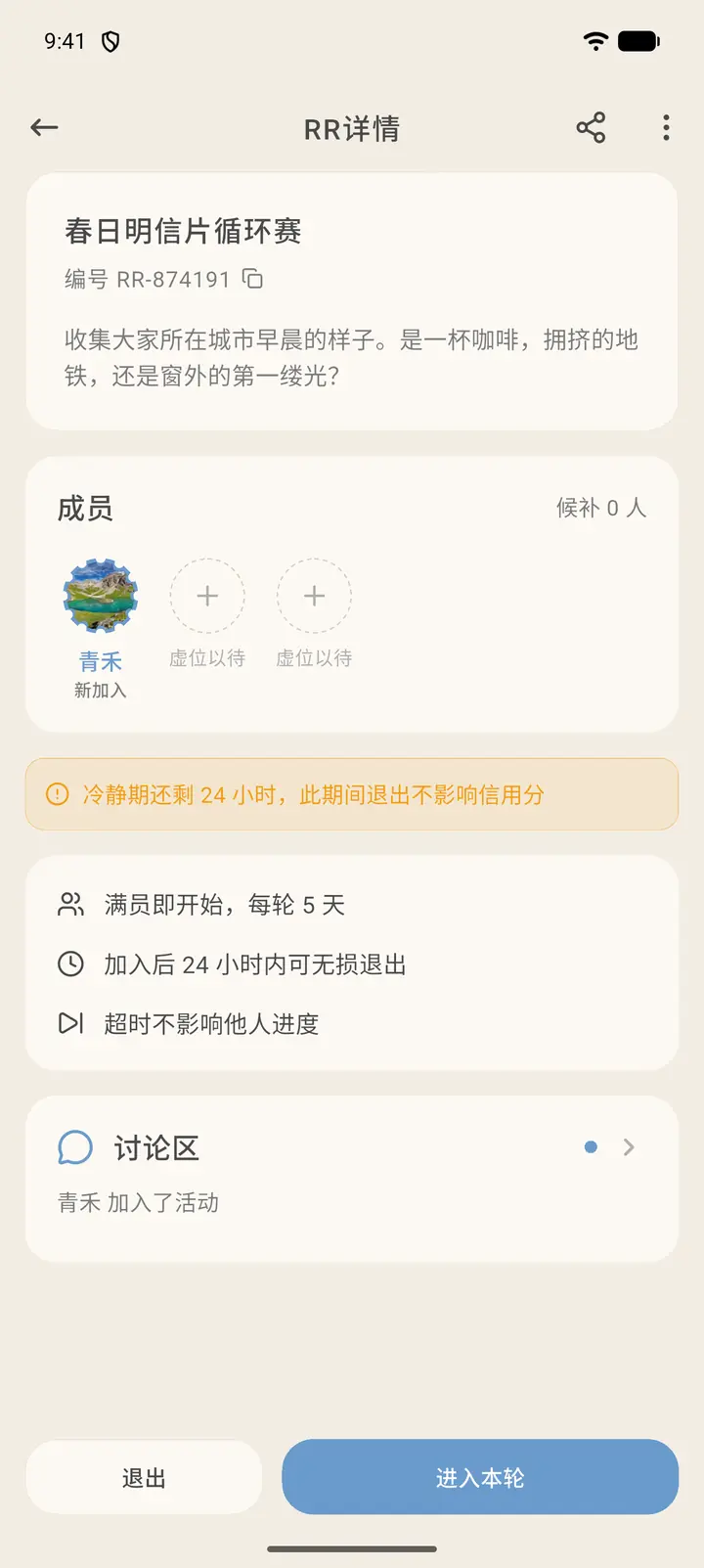
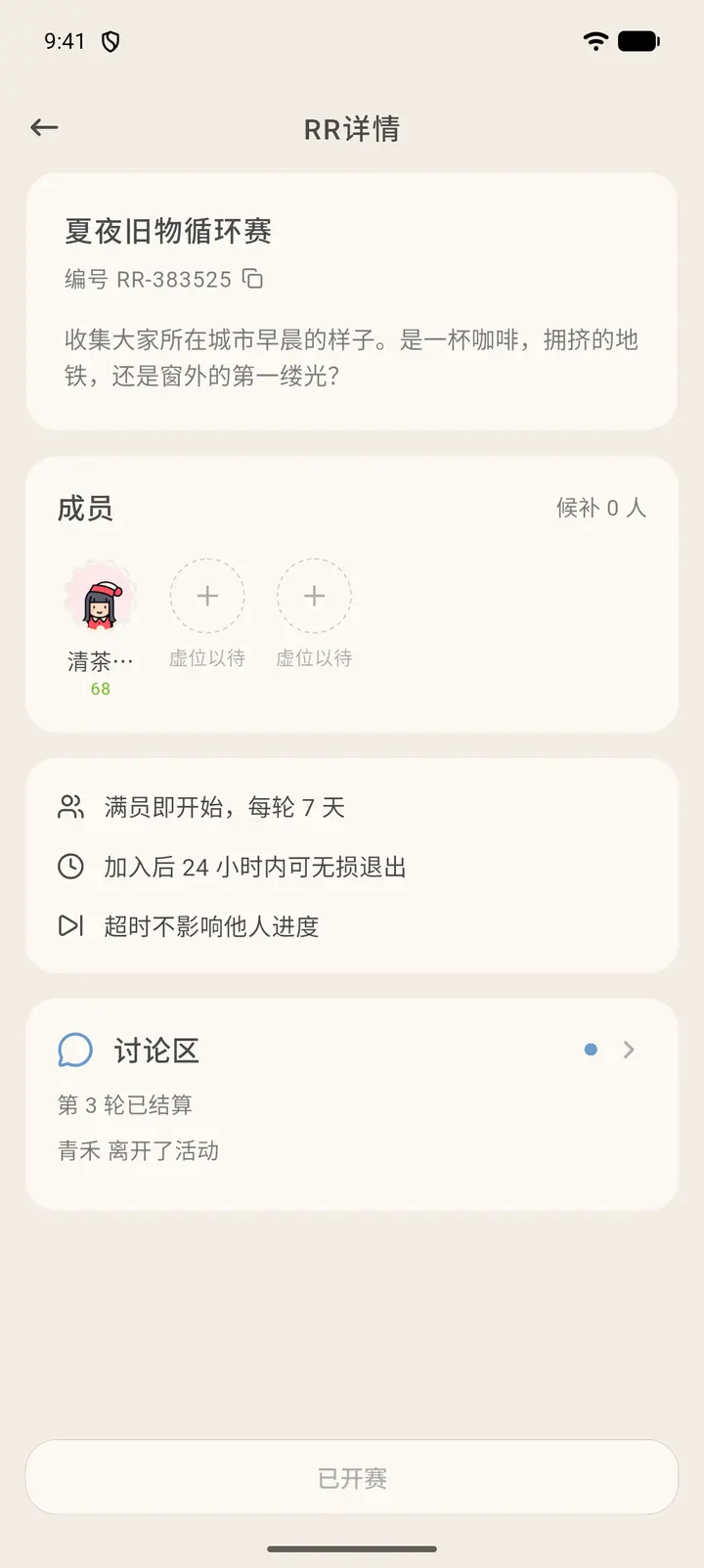
Tap the room to open RR Details (「RR 详情」): the room name, number and description are at the top, the members are in the middle (empty seats show Open seat (「虚位以待」)) along with the waitlist count, and the rules are below: starts as soon as the room is full, days per round, free exit within 24 hours of joining, and timeouts don't affect others' progress. The first 24 hours after you join are a cooling-off period, and leaving during it doesn't affect your credit score. At the bottom, Leave (「退出」) is on the left and Enter this round (「进入本轮」) is on the right.
-
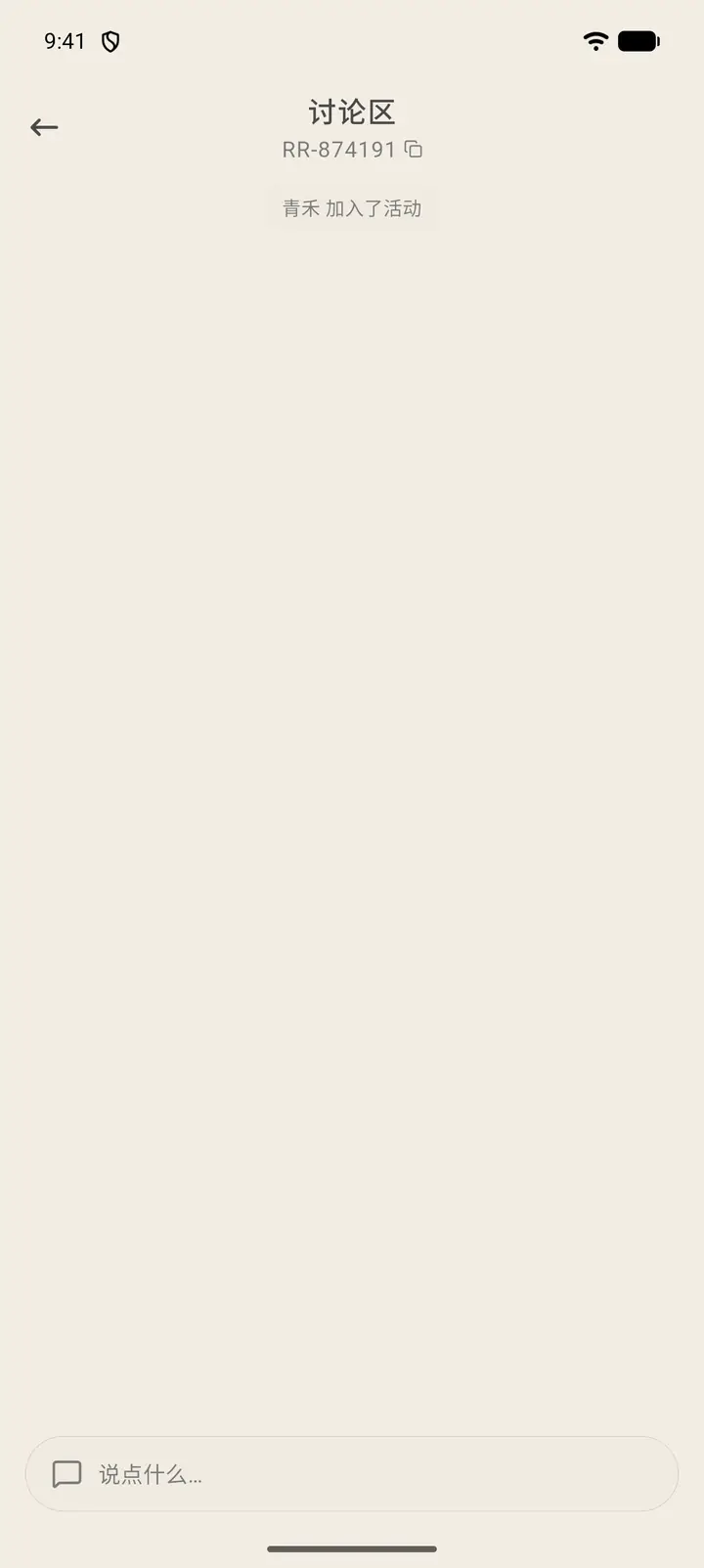
Discussion (「讨论区」) on the details page is a chat room for the room's members. Events such as joining and starting are logged there automatically, and you can post at the bottom.
-
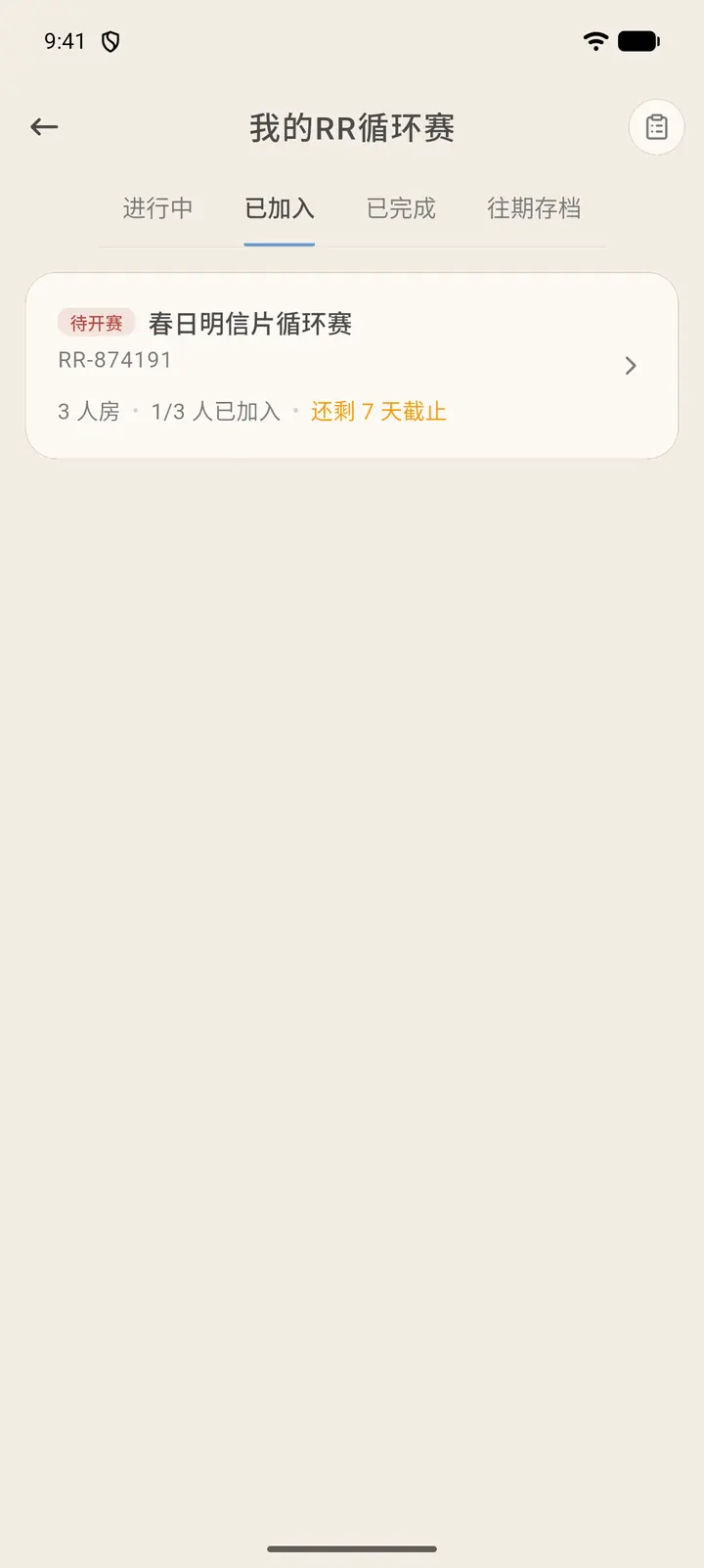
In My RRs, you can view the circuits you started or joined in four groups: In Progress, Joined, Completed (「已完成」) and Archive (「往期存档」). The top right also shows your application history.
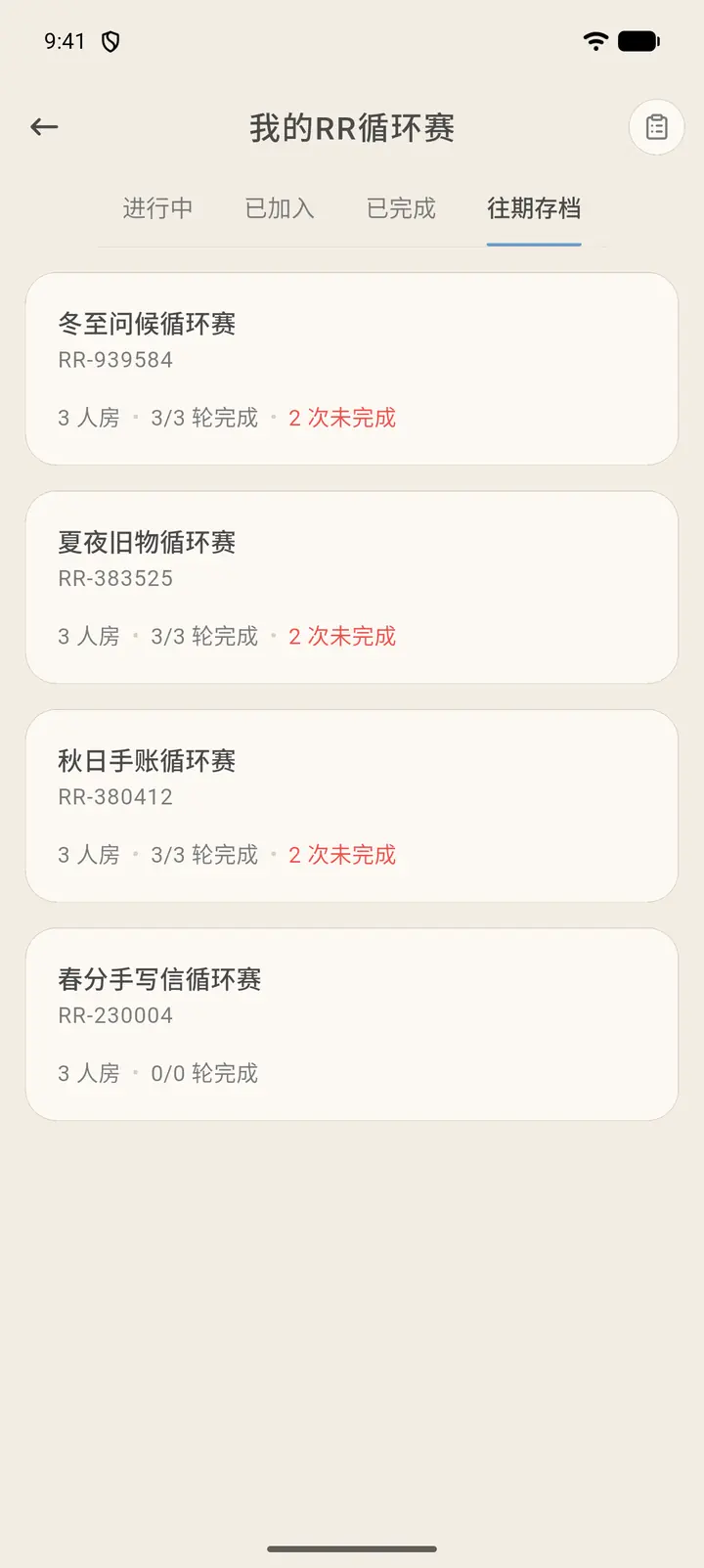
Past Archive (「往期存档」) holds circuits that have ended. Each card shows the room name, number, room size, how many rounds were completed, and how many times a card wasn't sent on time. Tap one to open RR Details and look back at its members, rules and the activity in the discussion area.
Result
Once the room is full, the loop begins. Everyone sends their letter to the next person, and after receiving the previous person's letter, sends their own.
FAQ
How do I join someone else's circuit? Tap a room under Recruiting, check the rules, and sign up.
What if tapping Create says I must catch up first (「须先补交」)? If a previous circuit has an unsent task you haven't made up, you can't start or join a new one. Go back to the original room and complete that task first.
What if I get a question wrong? You can tap Try again at any time. The questions stay the same but the option order is shuffled, so just read each one carefully.
Why can't I pick the 5-person room? 5-person and 8-person rooms require Max membership.