Points and Membership
You earn points through daily check-ins and missions, and can exchange them for coins. Membership gives you extra benefits and premium styles.
Where to find it
Profile (「我的」) → Points Center (「积分中心」). For membership, tap Manage Membership (「管理会员」) on the membership card on the Profile page.
Steps
-
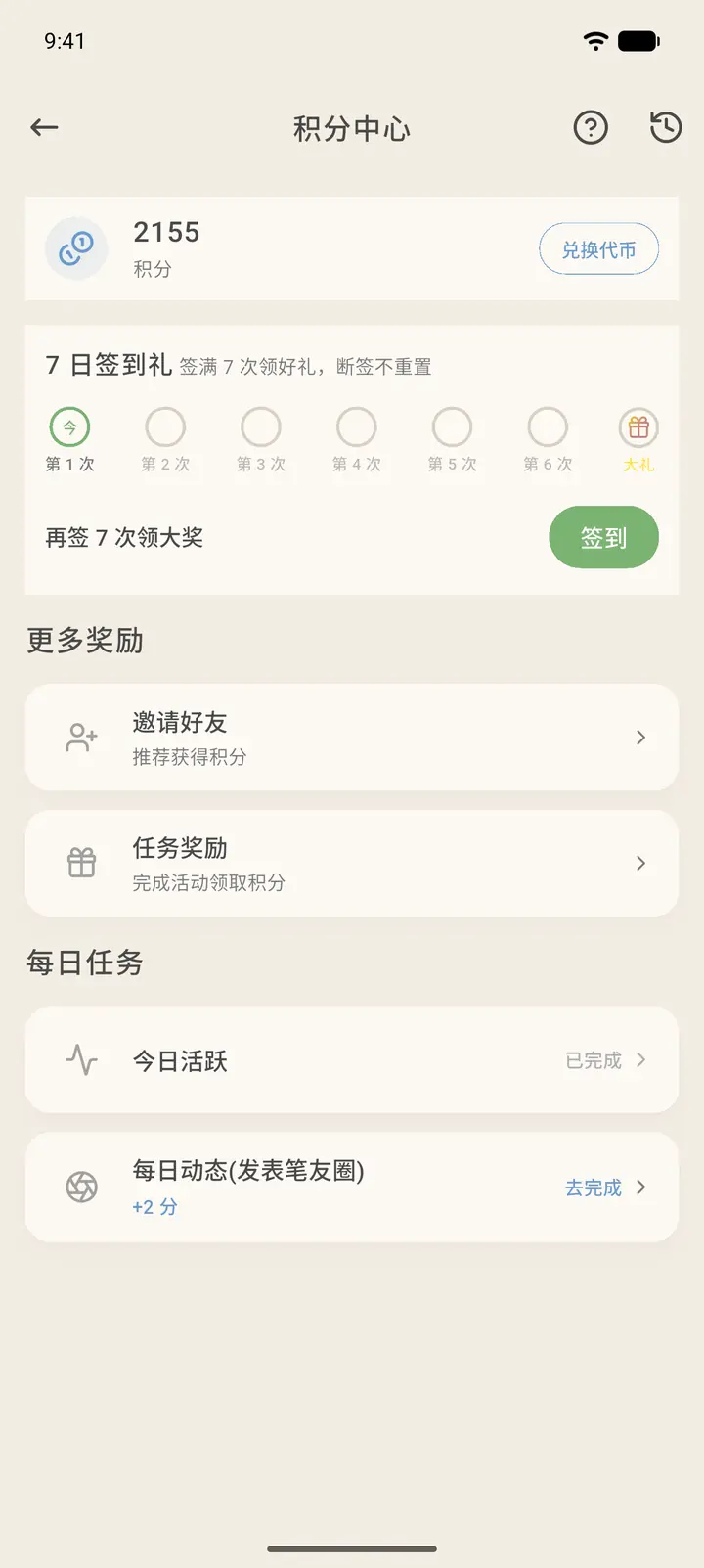
The Points Center shows your points balance at the top. Tap Redeem coins (「兑换代币」) to exchange points for coins. Below that is the 7-day check-in gift: check in for 7 days in a row to get the big reward. If you miss a day, the count starts over.
-
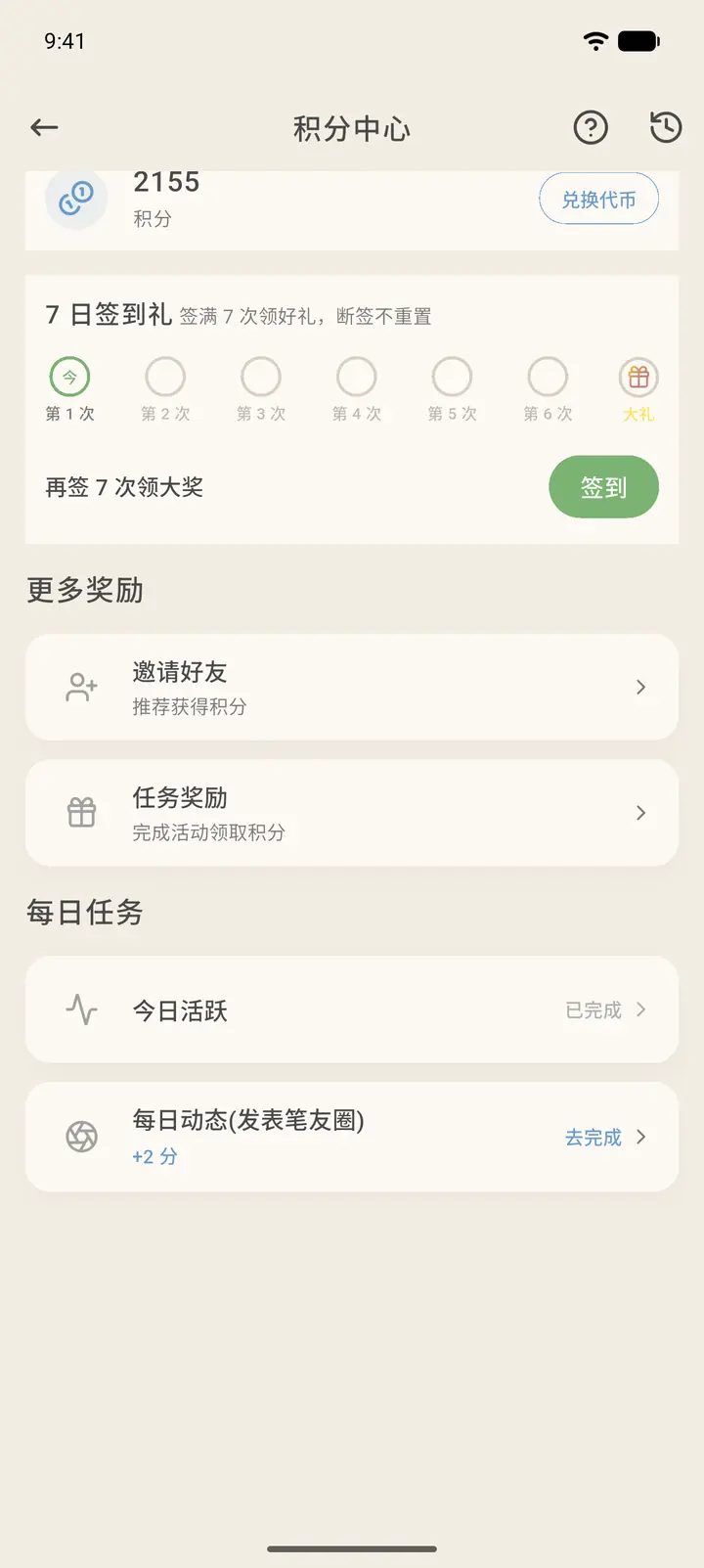
More rewards (「更多奖励」) has inviting friends and mission rewards. Daily Missions (「每日任务」) lists what you can do today. Finished ones are grayed out, and unfinished ones show Go (「去完成」).
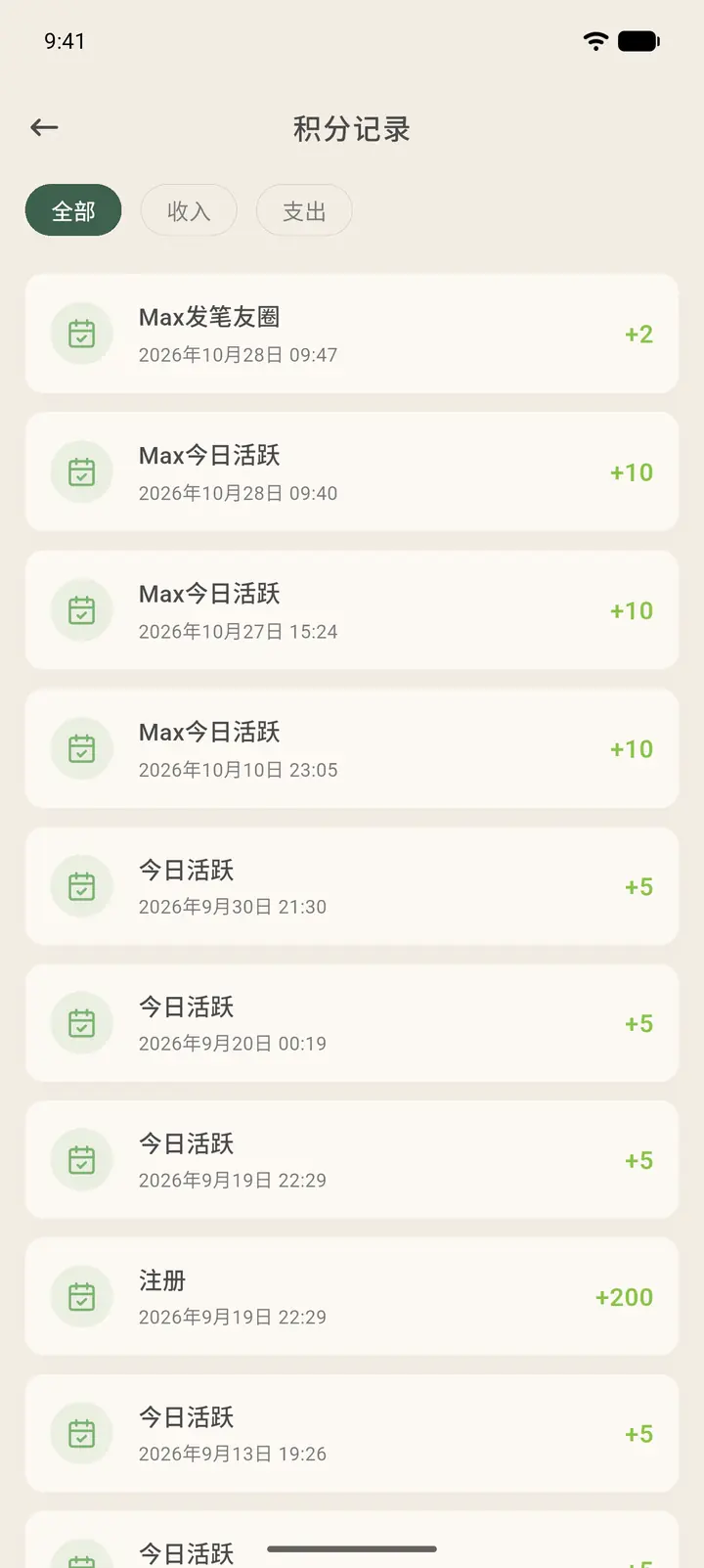
The clock icon at the top right of the Points Center opens Points History (「积分记录」). Switch between All (「全部」), In (「收入」) and Out (「支出」) to see where each point came from or went, and when.
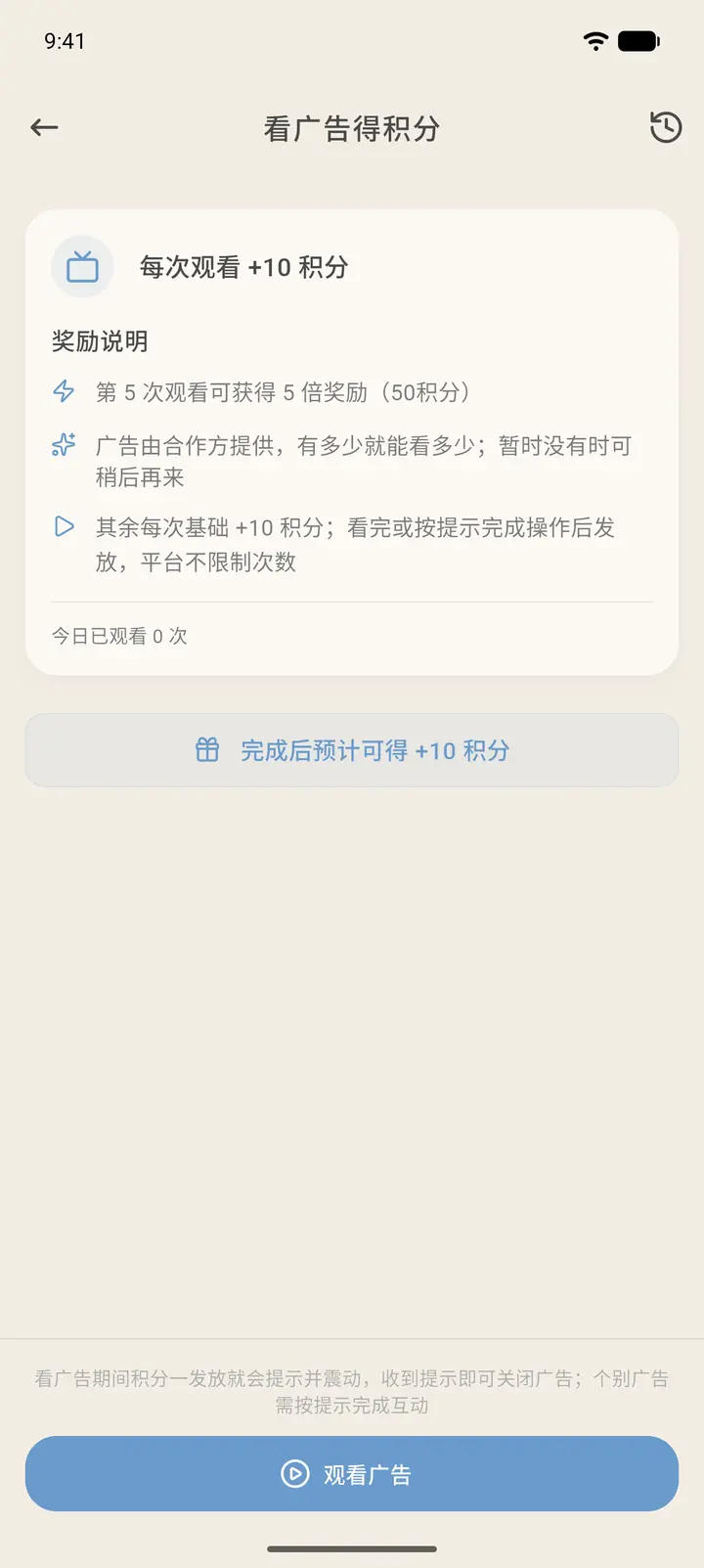
Watch Ads for Points (「看广告得积分」) on the Discover page is another way to earn: +10 points for each ad, with a 5x bonus (50 points) on the 5th ad. The page shows how many you have watched today. Ads are provided by partners, so if none are available, come back later.
-
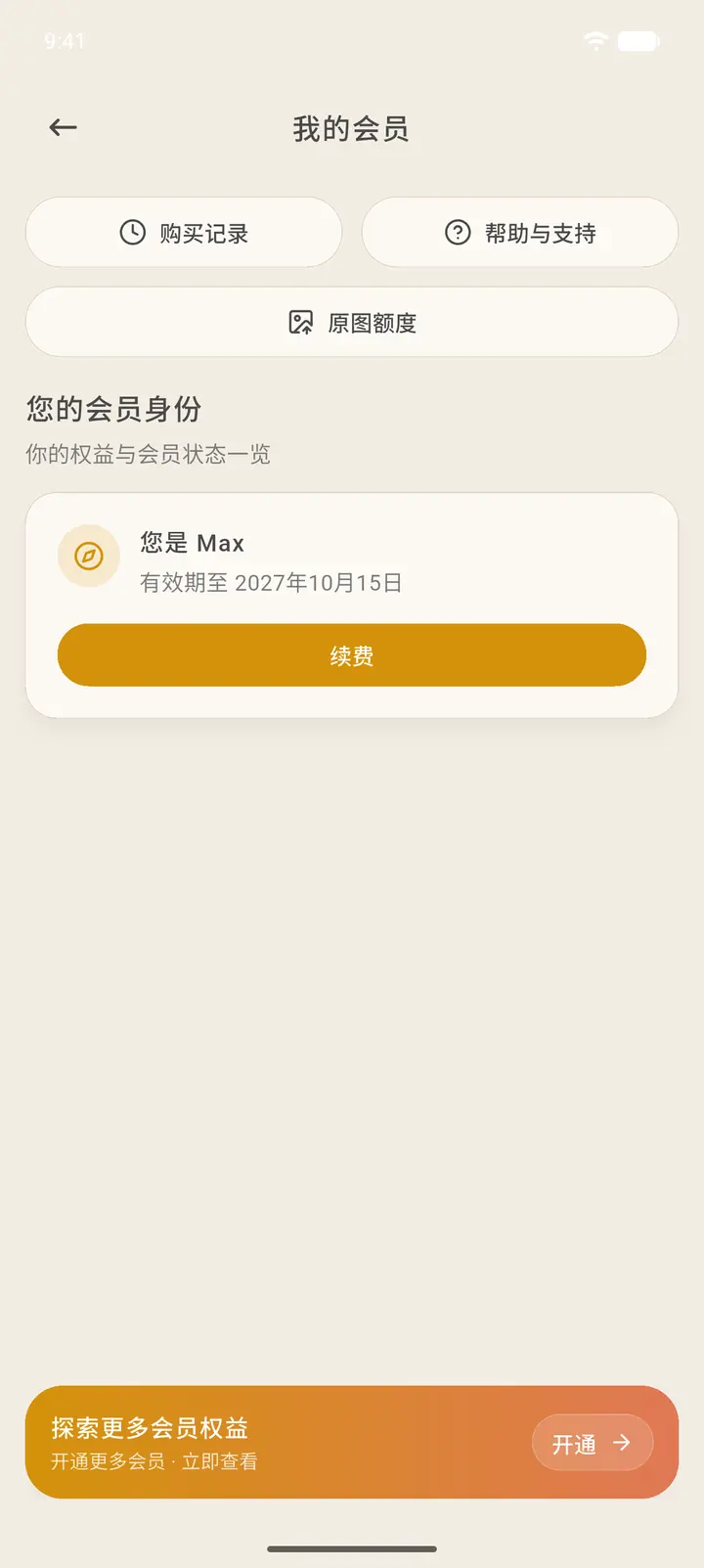
For membership, tap Manage Membership on the membership card on the Profile page to open My Membership (「我的会员」). Here you can see your membership status and expiry date, and tap Renew (「续费」) to extend it. The top has three entries: Purchase History (「购买记录」), Help & Support (「帮助与支持」) and Original Quality Quota (「原图额度」). You can sign up for more memberships at the bottom of the page.
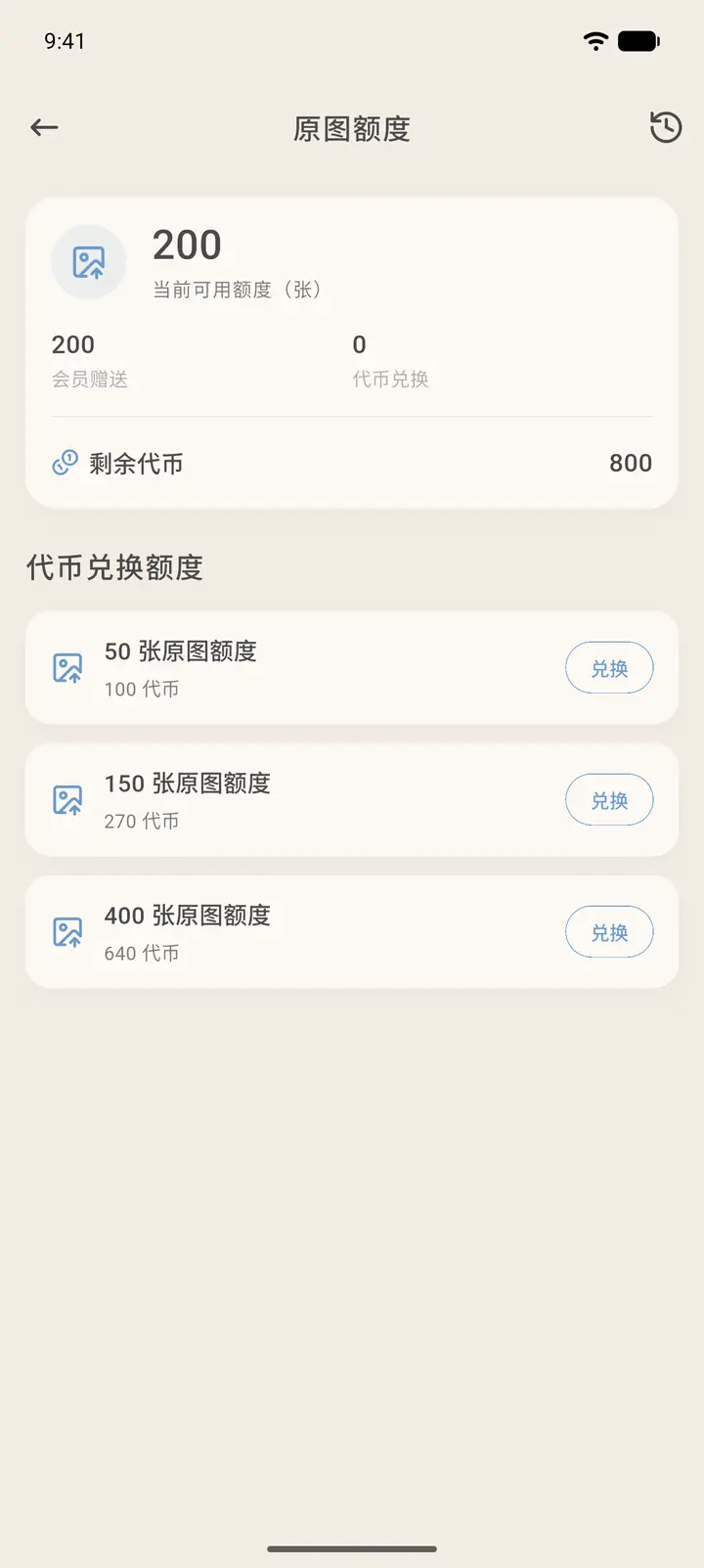
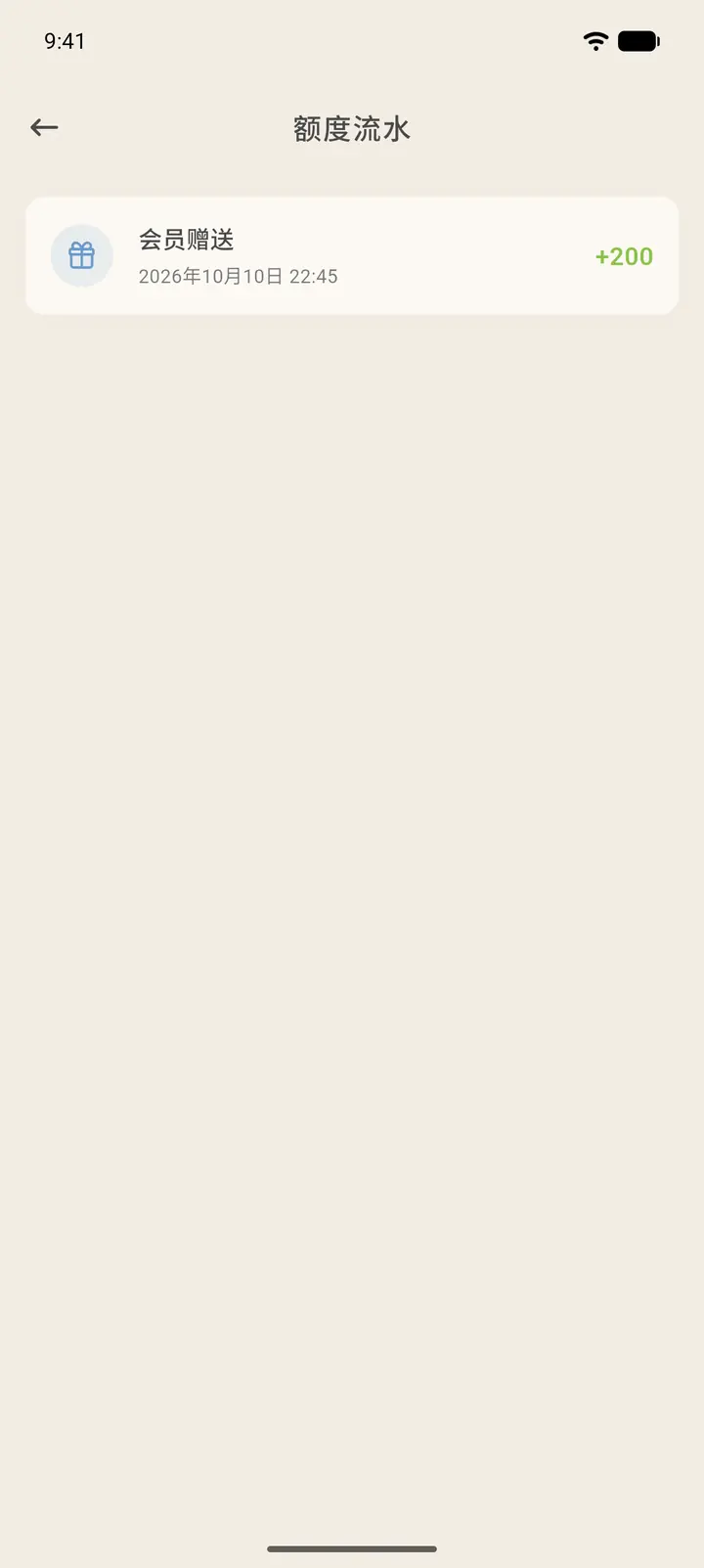
Tap Original Quality Quota to open the quota page. The top shows your available quota, split into Membership gift (「会员赠送」) and Token exchange (「代币兑换」). Below, you can exchange coins for more, for example 100 coins for 50, 270 coins for 150, or 640 coins for 400. Before you tap Exchange (「兑换」), check your coin balance. Quota History (「额度流水」) at the top right lets you look back at every increase and decrease.
-
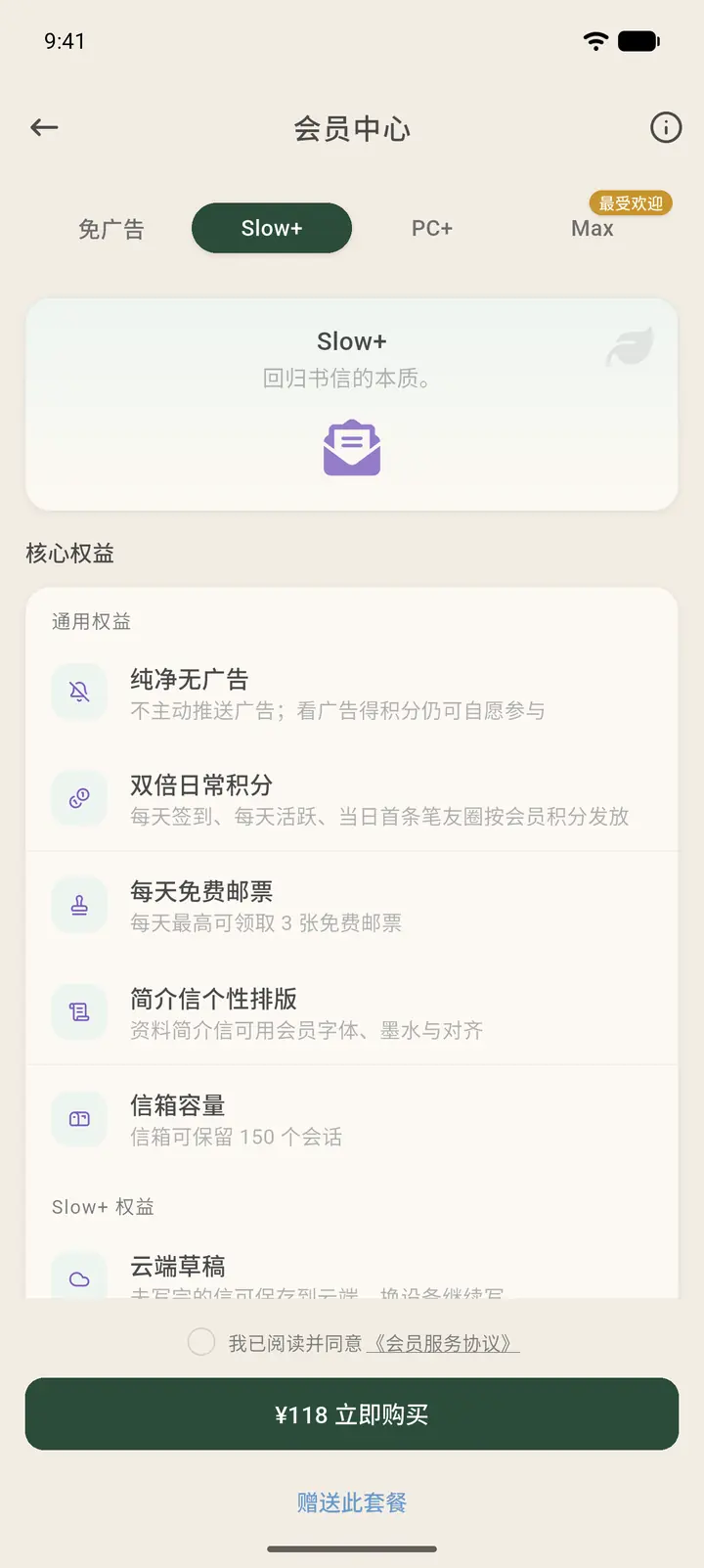
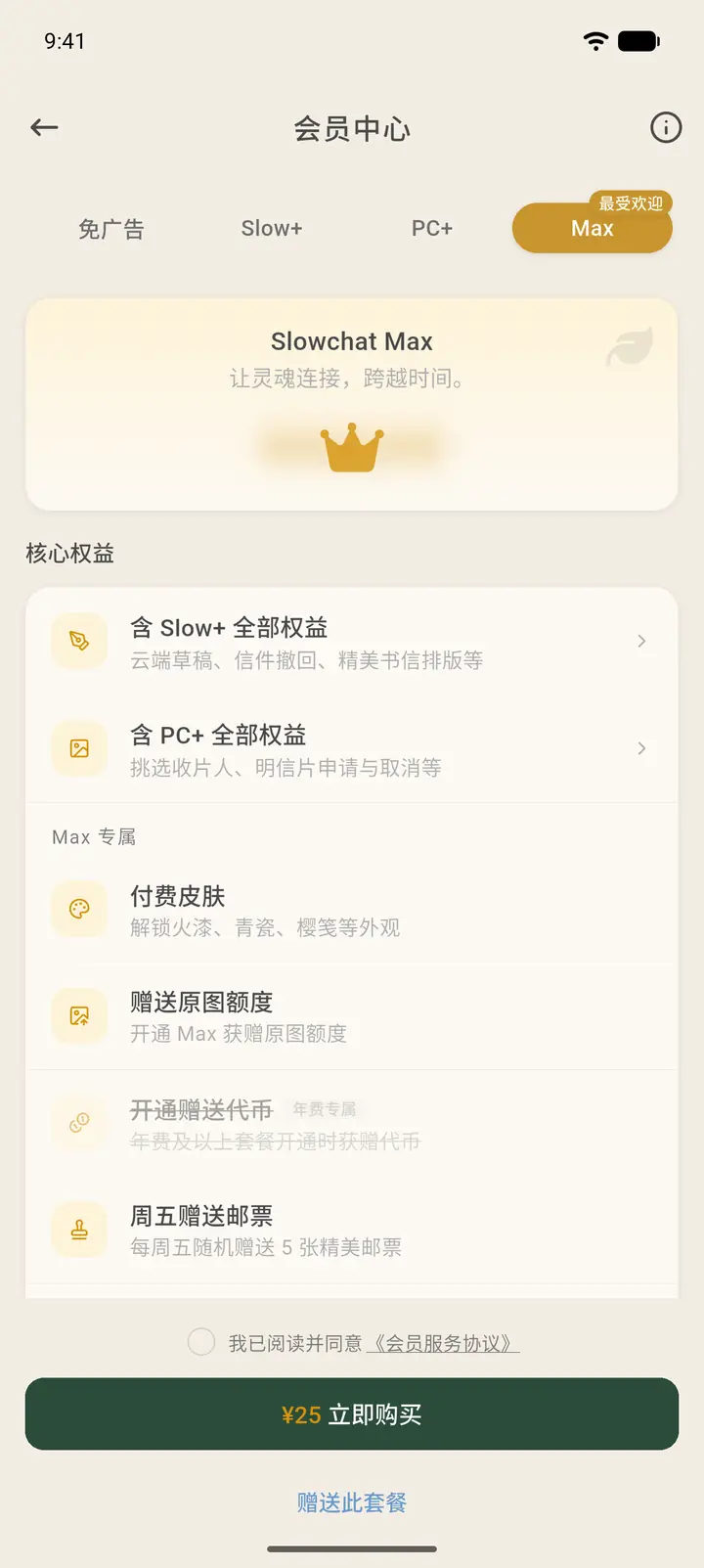
Tap Renew or Join (「开通」) to open the Membership (「会员中心」) page. It has four tiers at the top: Ad-free (「免广告」), Slow+, PC+ and Max. Each tier lists its main benefits. Slow+, for example, includes an ad-free experience, double daily points, a free stamp every day and a larger Mailbox capacity.
-
Max includes all the benefits of Slow+ and PC+, plus premium skins, a gifted Original Quality Quota, free stamps on Fridays and more. At the bottom, first tick the Membership Service Agreement (《会员服务协议》), then tap Buy Now (「立即购买」) to pay. You can also tap Gift this plan (「赠送此套餐」) to send it to someone else. This manual only goes as far as this step and does not make a real payment.
Result
Points are added right after you check in or finish a mission. Before you exchange points for coins, the app asks you to confirm the amount, so nothing is deducted right away.
FAQ
What if I miss a check-in? The count starts again from day 1.