Search and New Encounters
To find a specific person, use search. To look back at people you've met recently, use People you viewed in the last 7 days (「近 7 天了解过的人」).
Where to find it
The magnifying glass at the top left of Home is search. Met today (「今日遇见」) at the top left of Home opens the people you viewed in the last 7 days.
Steps
-
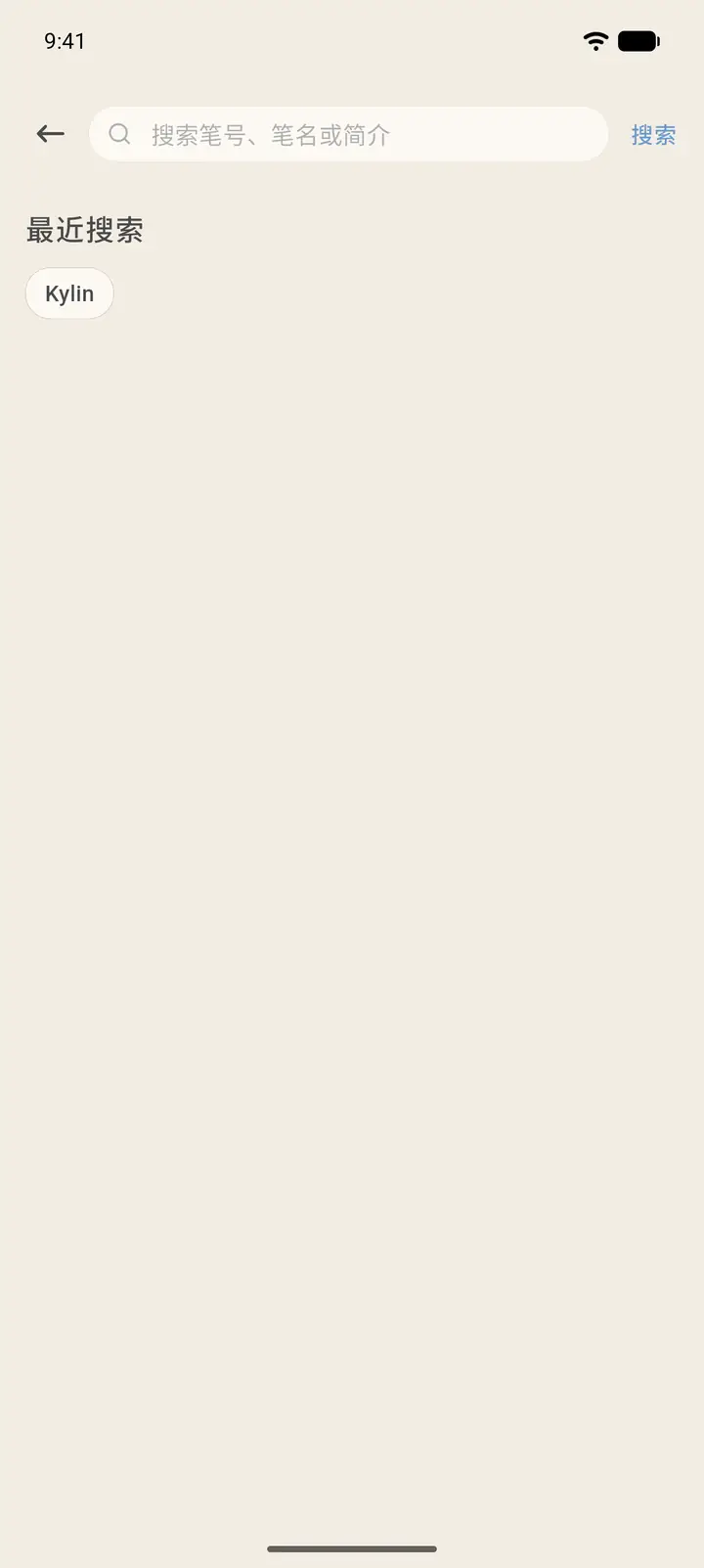
Tap the magnifying glass to open the search page. Enter a pen number, a pen name, or a keyword from someone's intro, then tap Search (「搜索」) at the top right. Below the search box are Recent Searches (「最近搜索」), and you can tap one to search again.
-
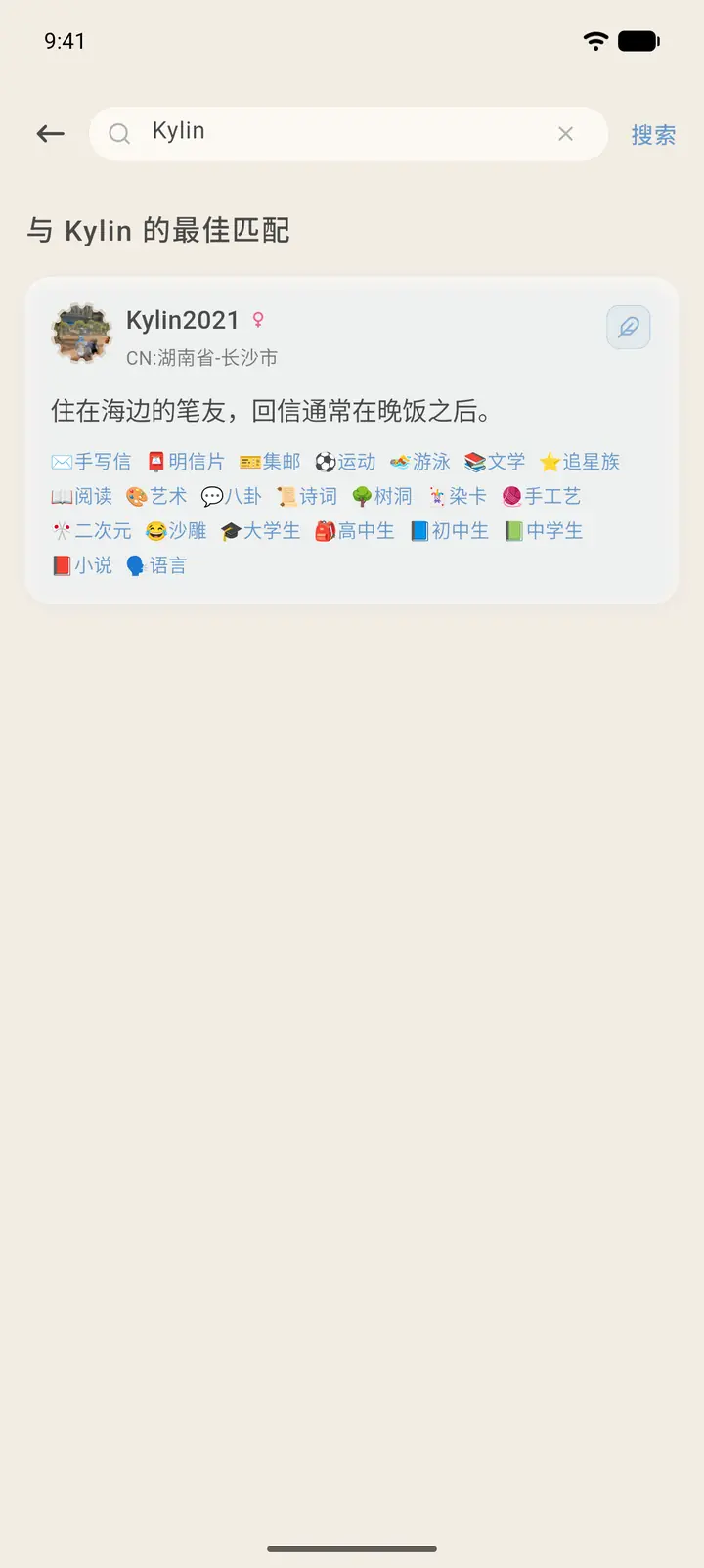
Results are ordered by how well they match, with the Best matches (「最佳匹配」) at the top. Tap a result card to open that person's profile, or tap the small pen icon at the top right of the card to write to them directly.
-
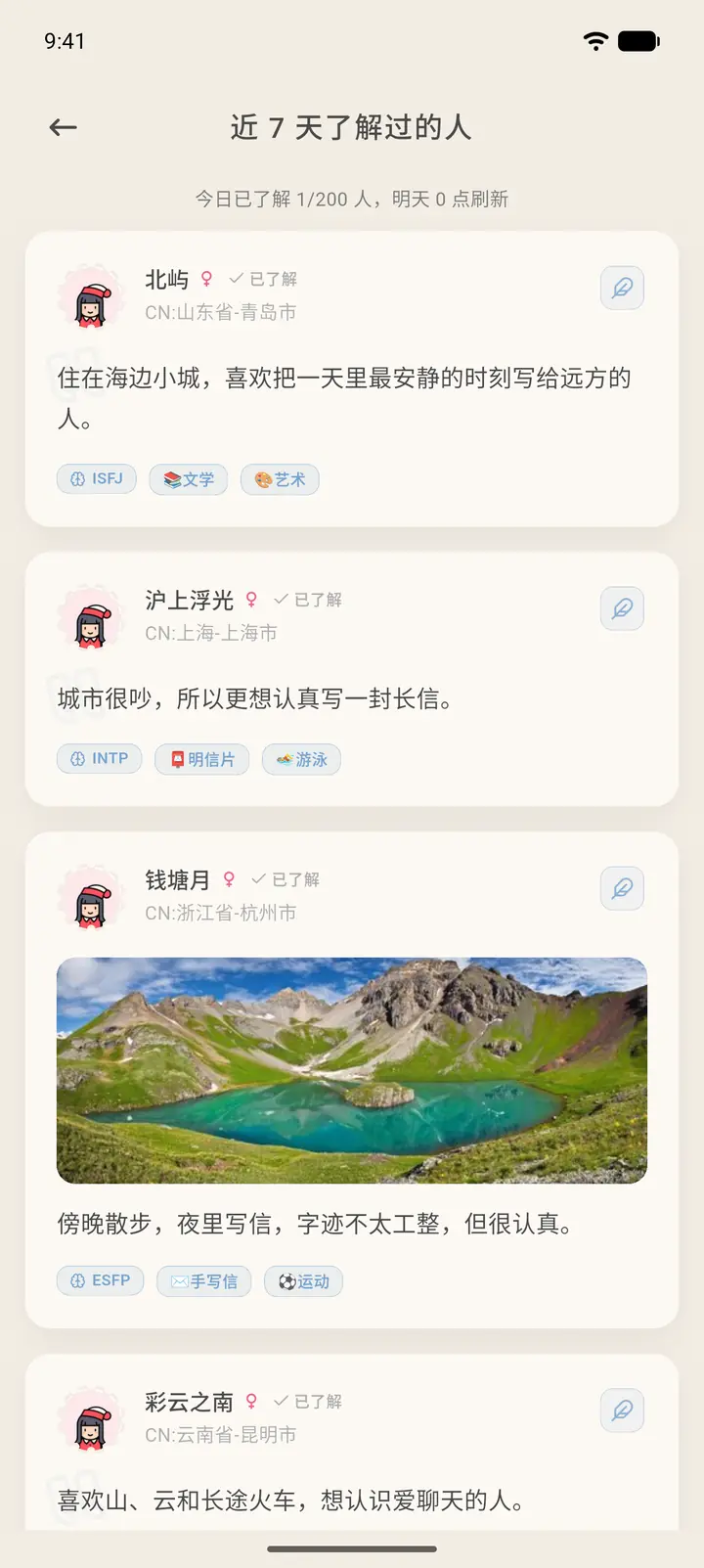
Met today opens People you viewed in the last 7 days, which lists everyone you've looked at in the past 7 days. Each person is tagged Viewed (「已了解」) next to their name, and the top shows how many people you've viewed today and when the count resets.
Result
Once you find someone you'd like to contact, you can open their profile to read their details and leave a message, or write to them directly or send a pen pal request.
FAQ
I can't find someone? Check that you typed the pen number or pen name correctly. A pen number is unique, so searching by pen number is the most accurate.