Log In and Recover Password
If you already have an account, tap I have an account (「已有账号」) on the welcome page to log in. If you forget your password, you can recover it by phone, email, or security questions.
Where to find it
Welcome page → I have an account.
Steps
-
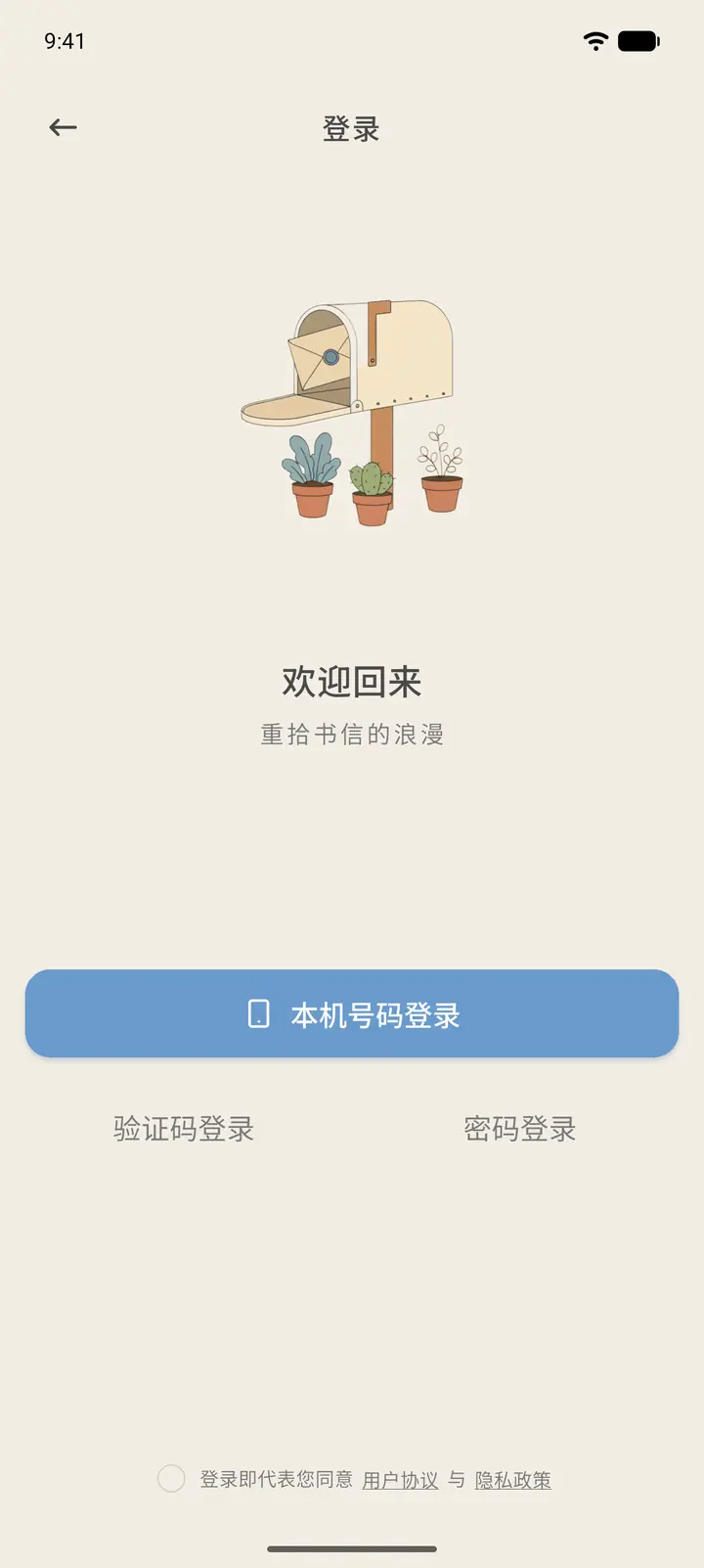
The login page offers three methods: Sign in with this number (「本机号码登录」) for one-tap login, SMS Login (「验证码登录」), and Password Login (「密码登录」). At the bottom, you must first tick the box to agree to the User Agreement (「用户协议」) and Privacy Policy (「隐私政策」).
-
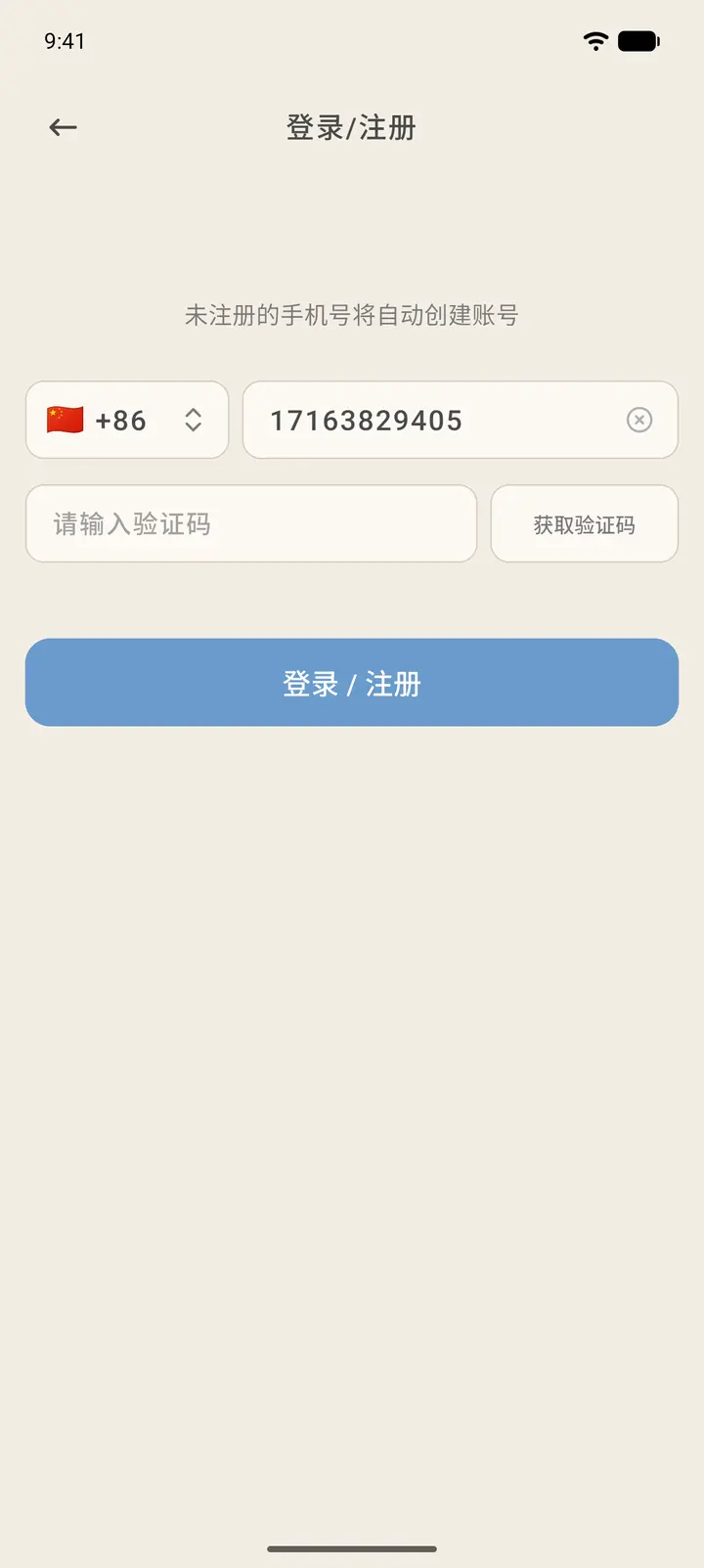
To use SMS Login: enter your phone number, tap Get code (「获取验证码」), complete the slider verification when prompted, then enter the verification code from the text message to log in.
-
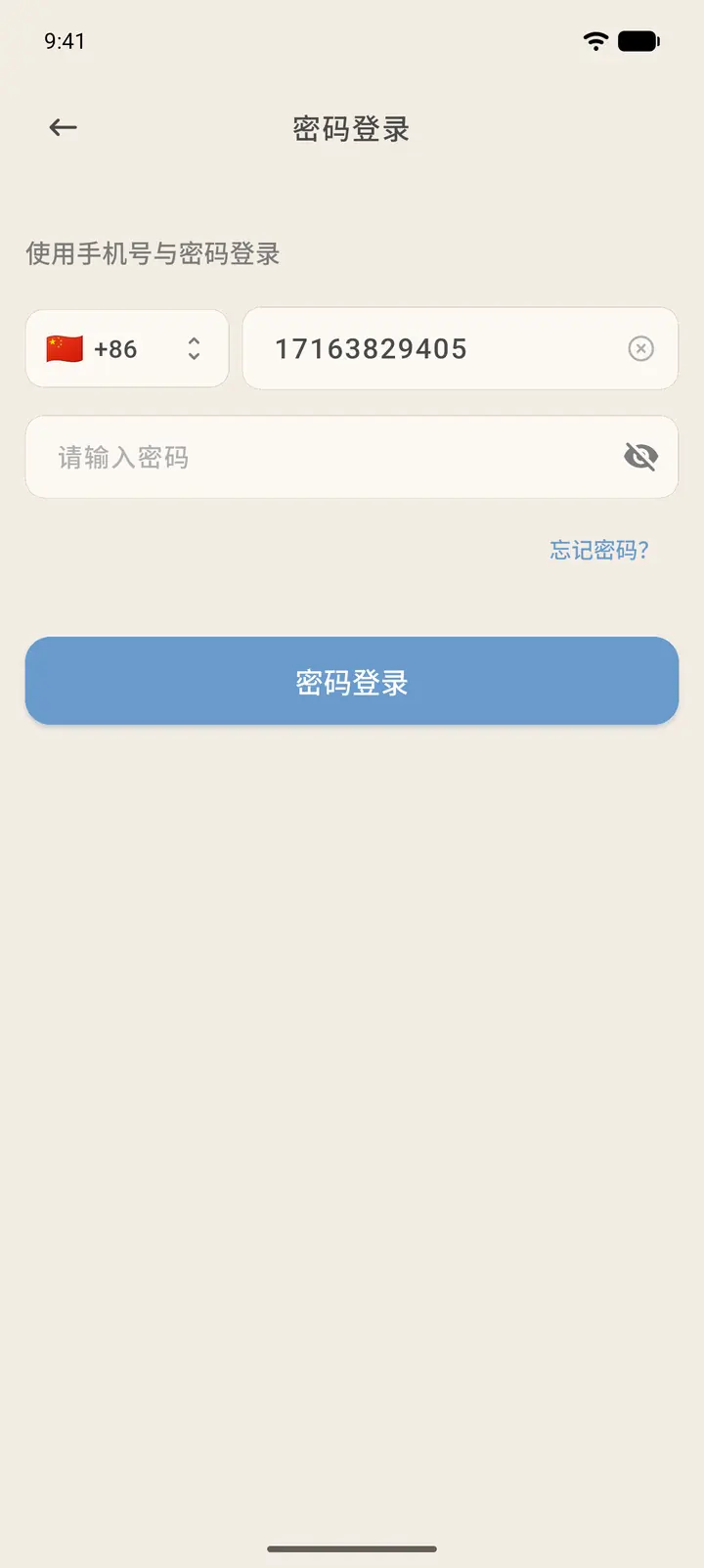
To use Password Login: enter your region code, phone number, and password, then tap Password Login. The small eye icon on the right of the password box shows or hides your password.
-
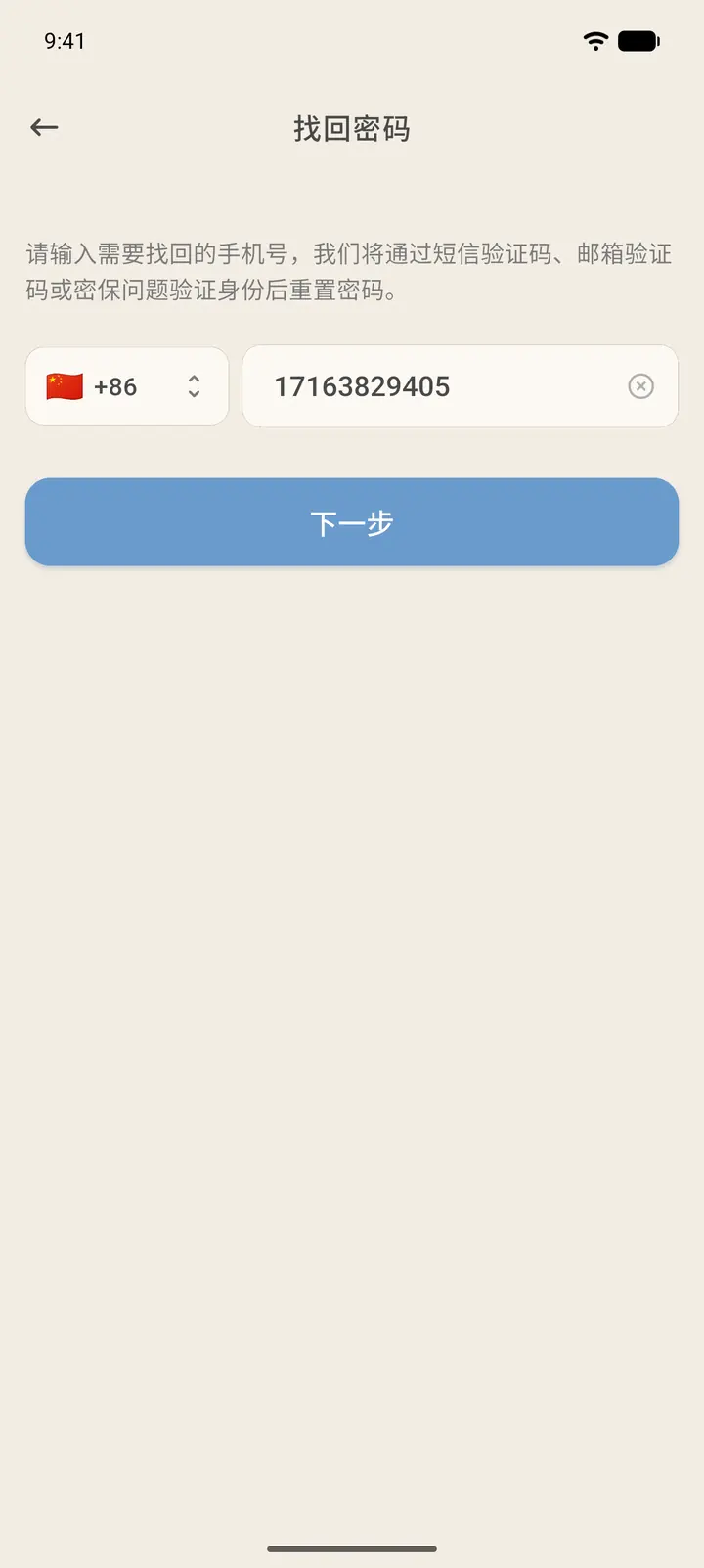
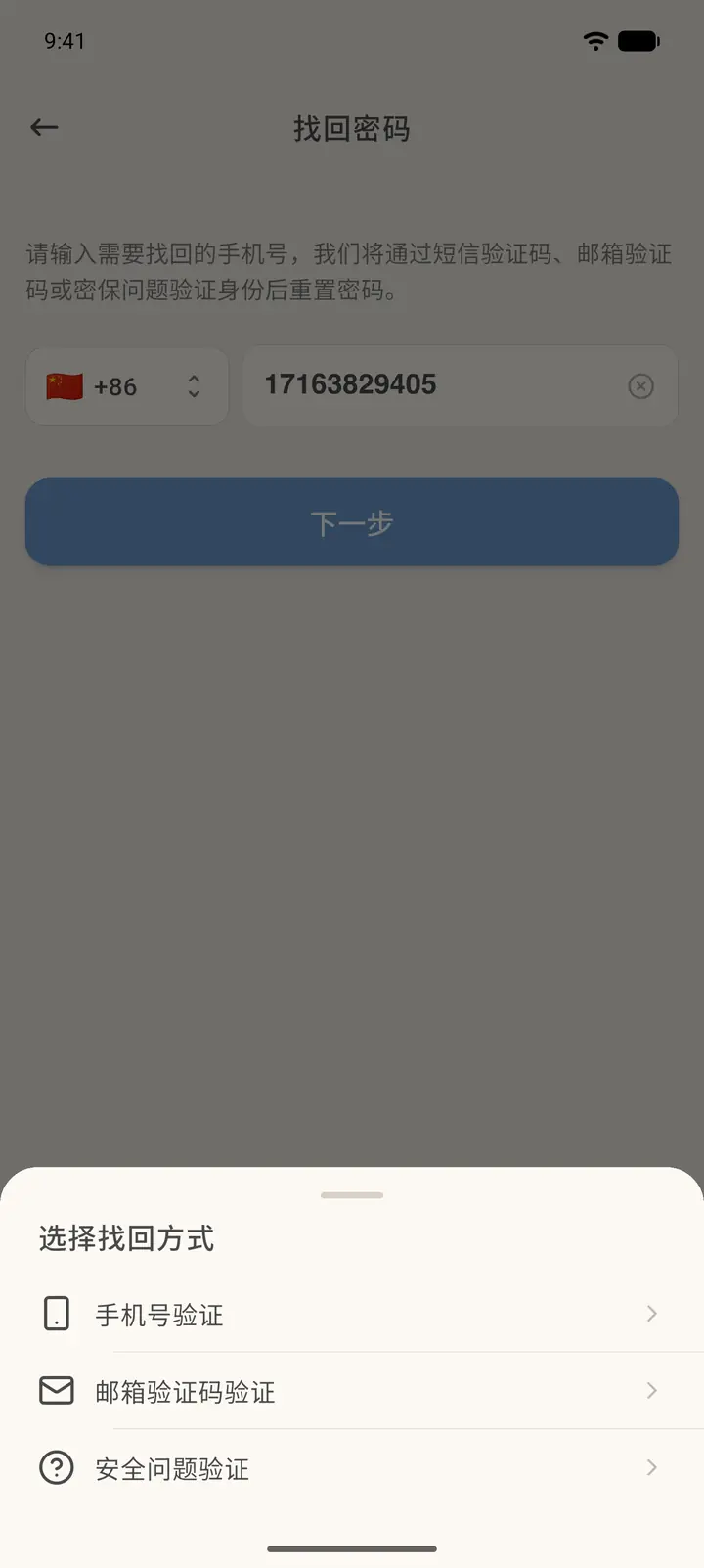
If you forgot your password, tap Forgot password? (「忘记密码?」) below the password box, enter the phone number of the account you want to recover, and tap Next (「下一步」).
-
Choose a recovery method (「选择找回方式」) slides up from the bottom. Depending on what your account has linked, you can choose SMS Verification (「手机号验证」), Email Verification (「邮箱验证」), or Security Question Verification (「安全问题验证」).
-
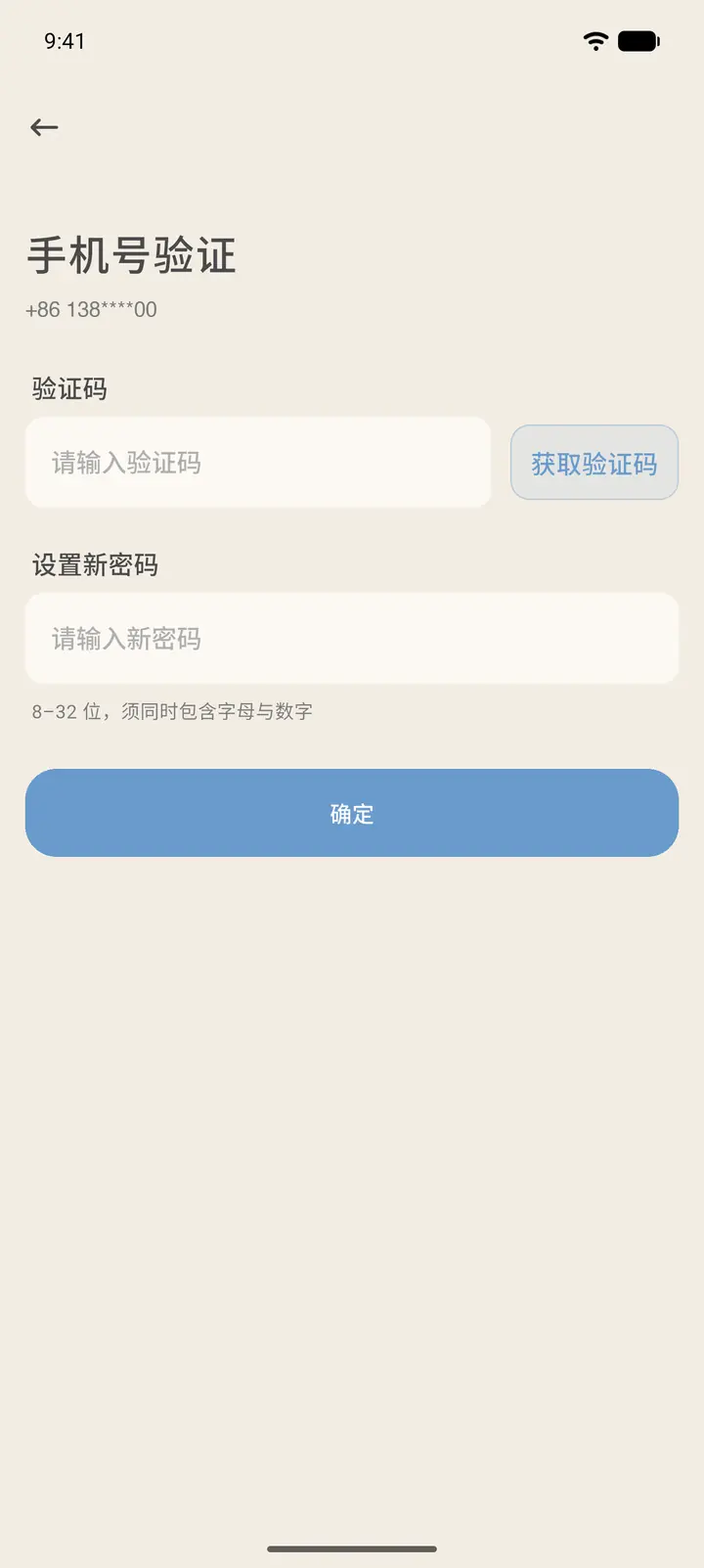
SMS Verification: a verification code is sent to your linked phone. Enter the code, set a new password, and tap OK (「确定」).
-
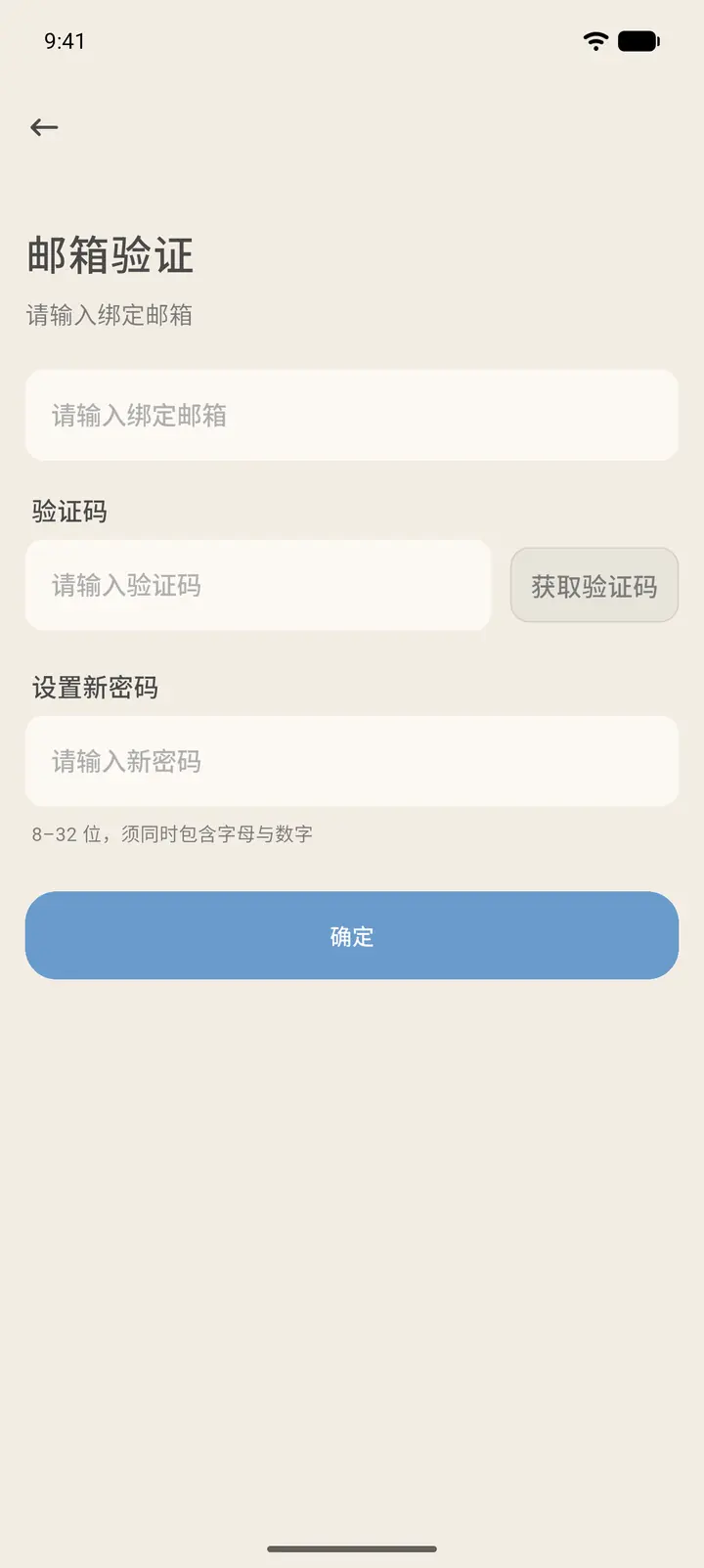
Email Verification: a verification code is sent to your linked email. Enter the code and set a new password.
-
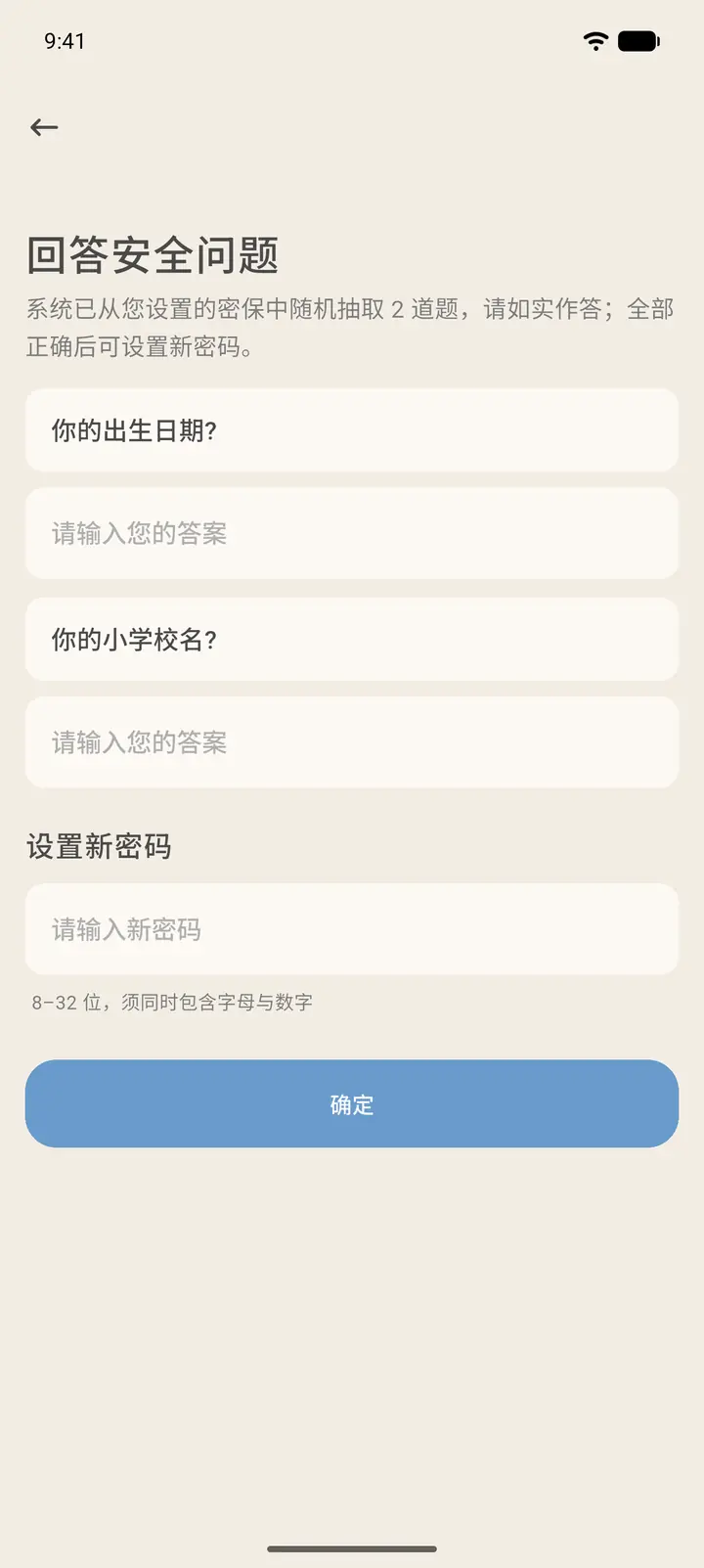
Security Question Verification: answer the two security questions you set up earlier, and once both are correct, set a new password. This option is only available for accounts that have set up security questions.
-
After you log in, you land on Home.
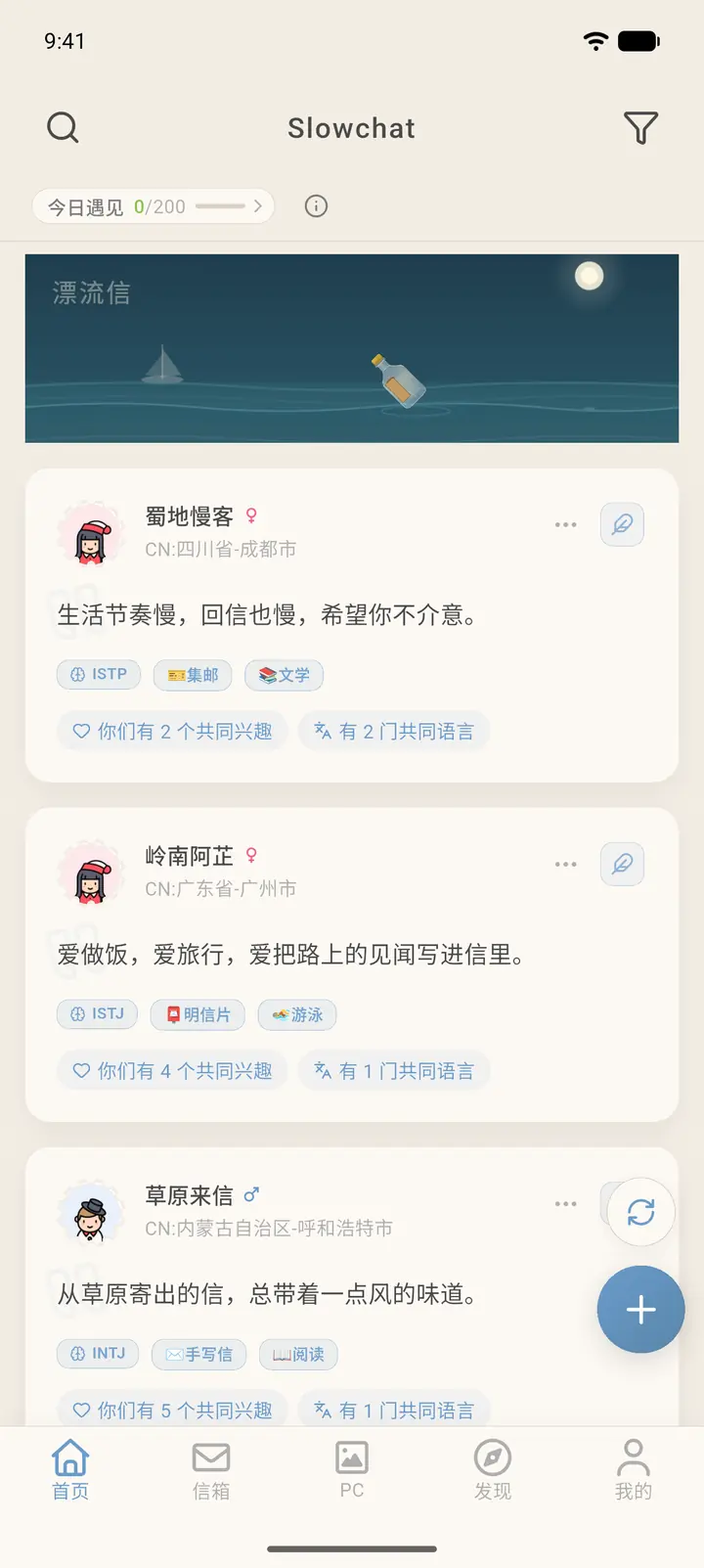
Result
After the new password is set, log in again with it. Whether you stay logged in on your other devices depends on the Signed-in Devices (「登录设备」) list under Account & Security (「账号与安全」).
FAQ
What if none of the three recovery methods work? Contact customer support through About Us (「关于我们」), explain your account details, and they will help you.
What are the password rules? 6 to 32 characters, and it must contain both letters and numbers.