Echoes
Echoes (Pen Pal Circle) is where pen pals post updates, like a slow-paced social feed.
Where to find it
Bottom Discover (「发现」) → Echoes (「笔友圈」).
Steps
-
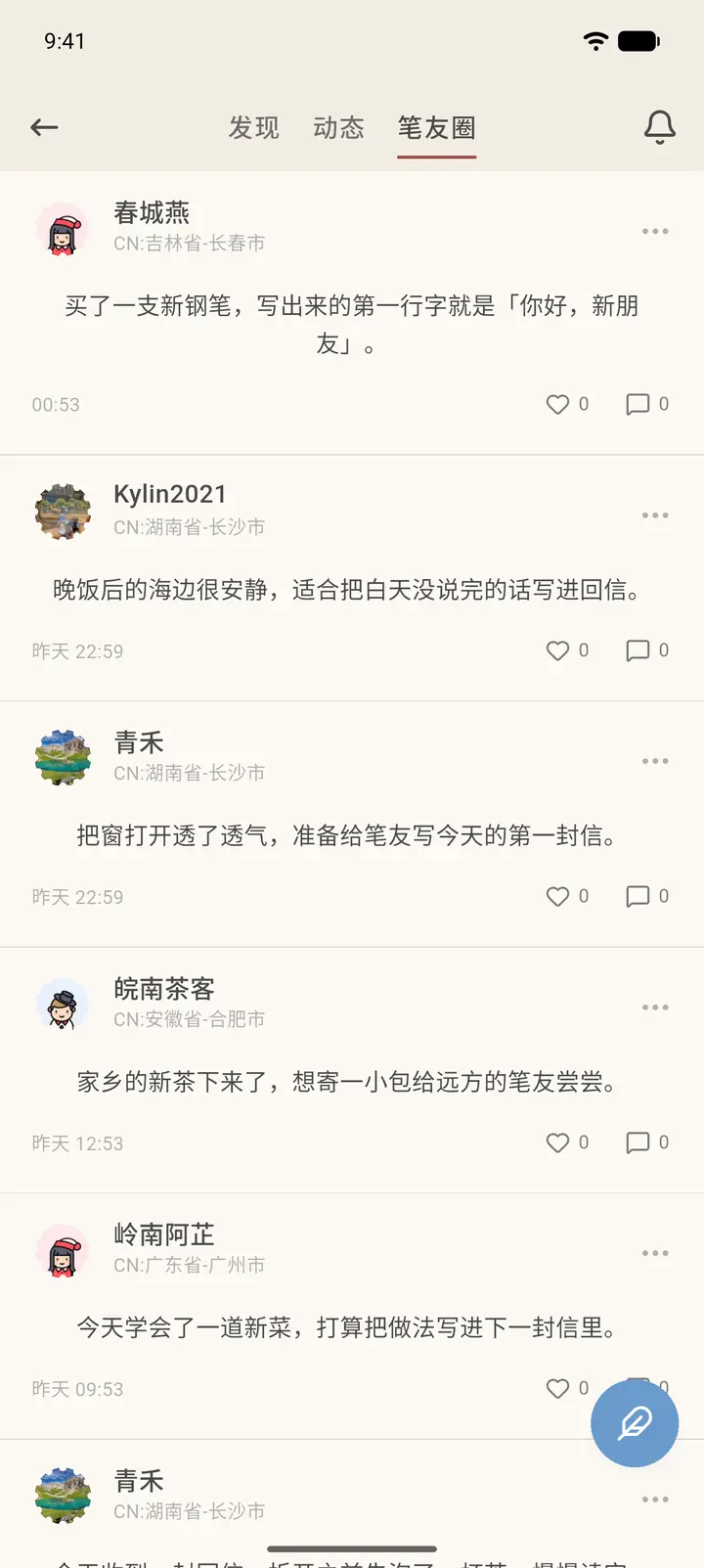
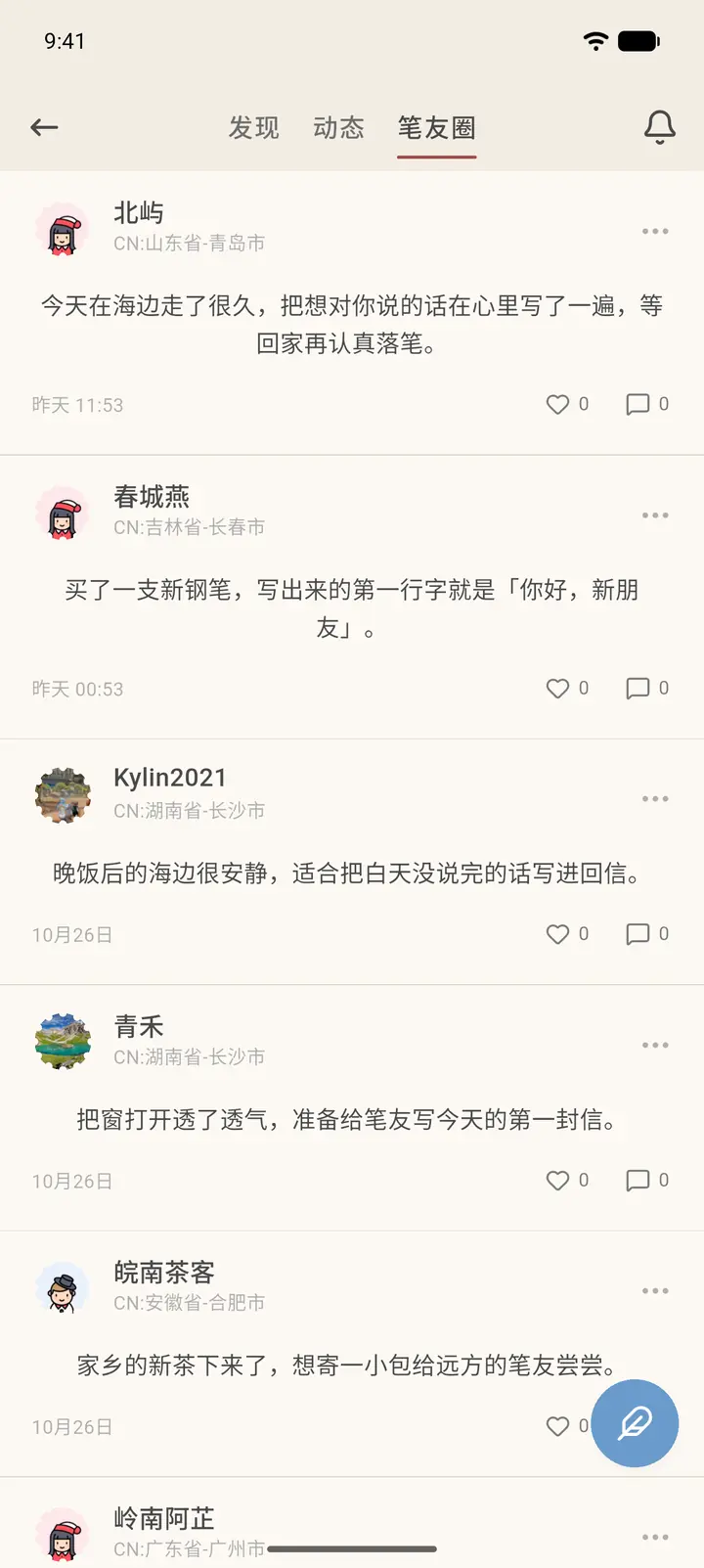
There are three tabs at the top: Discover, Feed, and Penpal Circle. Discover (「发现」) is recommended by the system. Feed (「动态」) shows posts from people you follow or have interacted with. Penpal Circle (「笔友圈」) shows posts from your pen pals only.
-
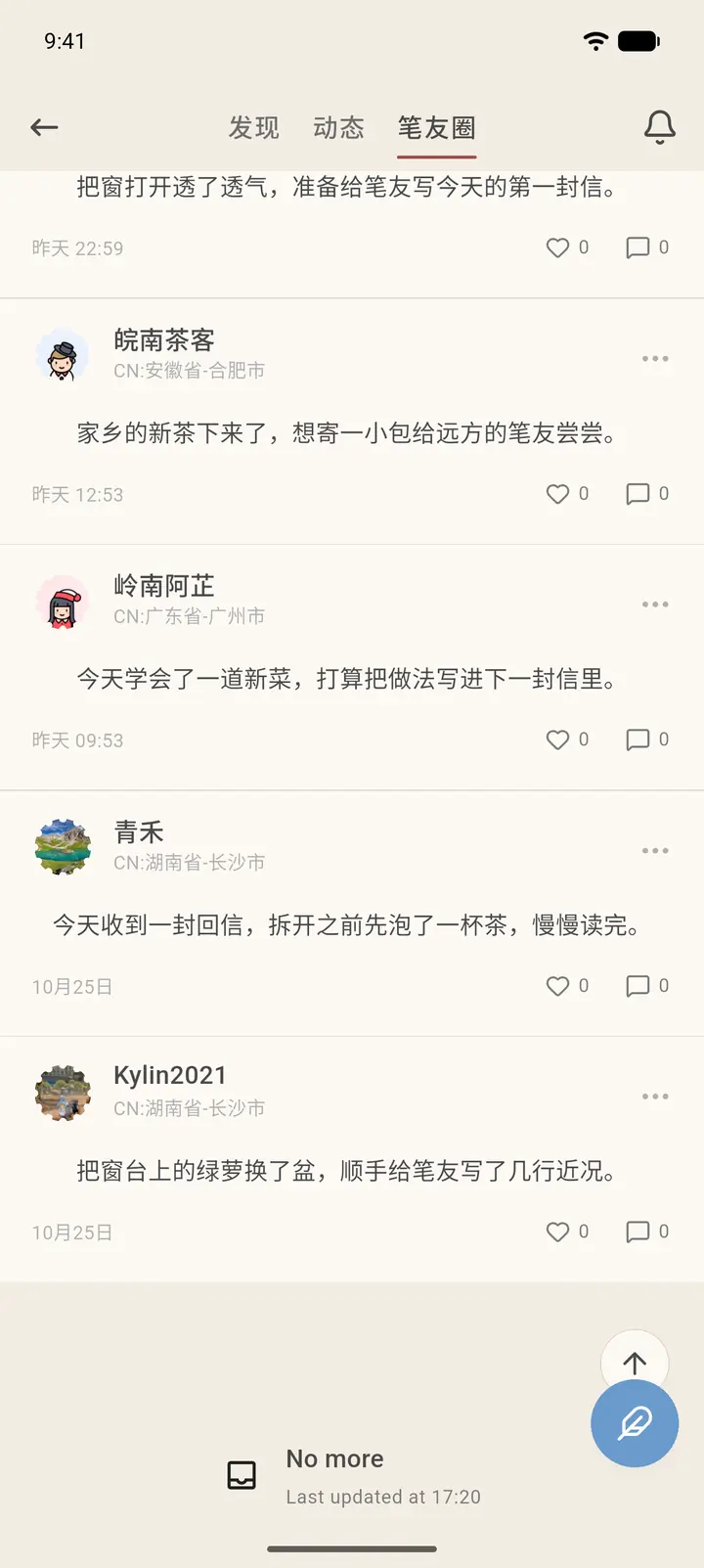
Each post shows the avatar, pen name, location and text, with the like and comment counts at the bottom right. Scroll to the bottom and you'll see No more (「No more」).
-
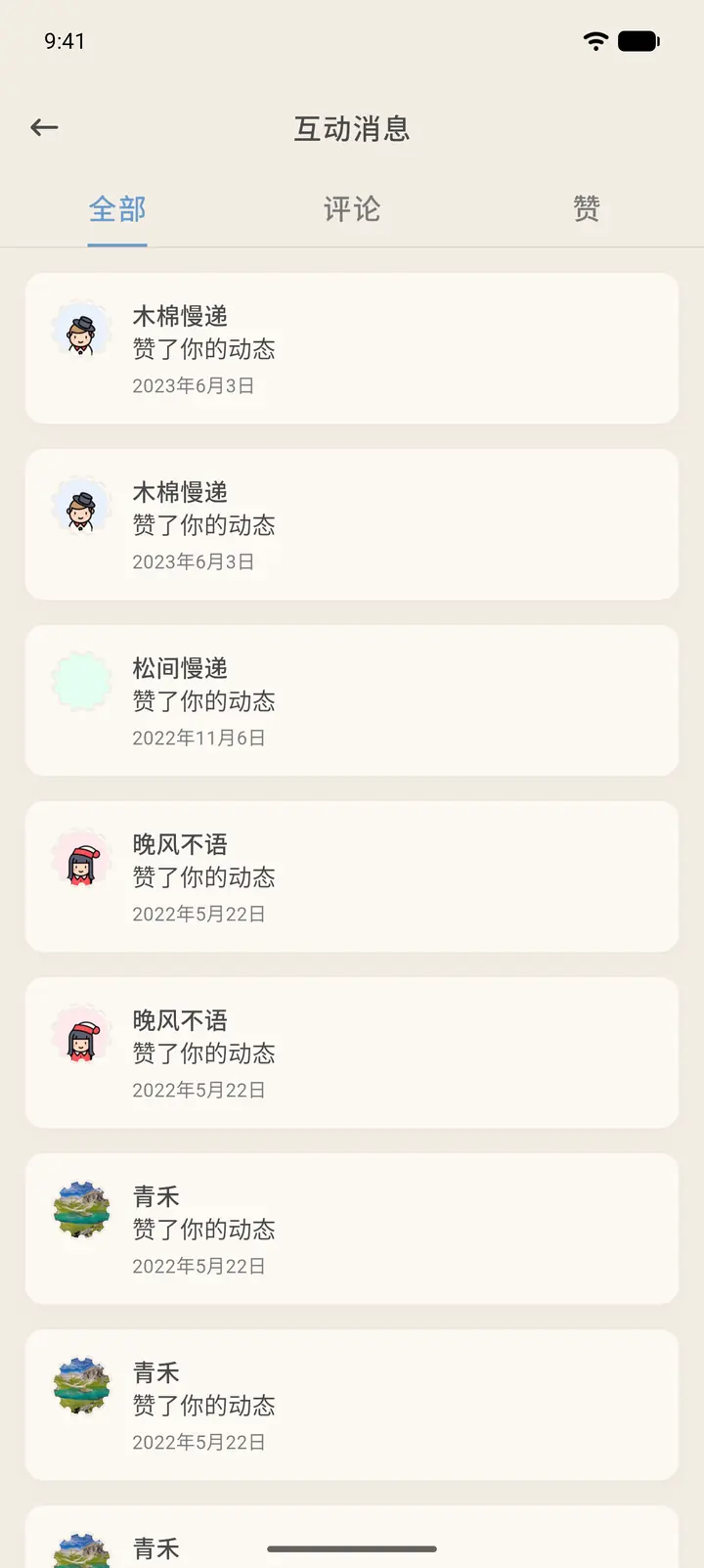
The bell at the top right opens your post notifications, Interactions (「互动消息」), with three tabs on top: All (「全部」), Comments (「评论」) and Likes (「赞」). Likes and comments on your posts are listed here by time; tap one to jump to the post. The feather button at the bottom right creates a new post.
-
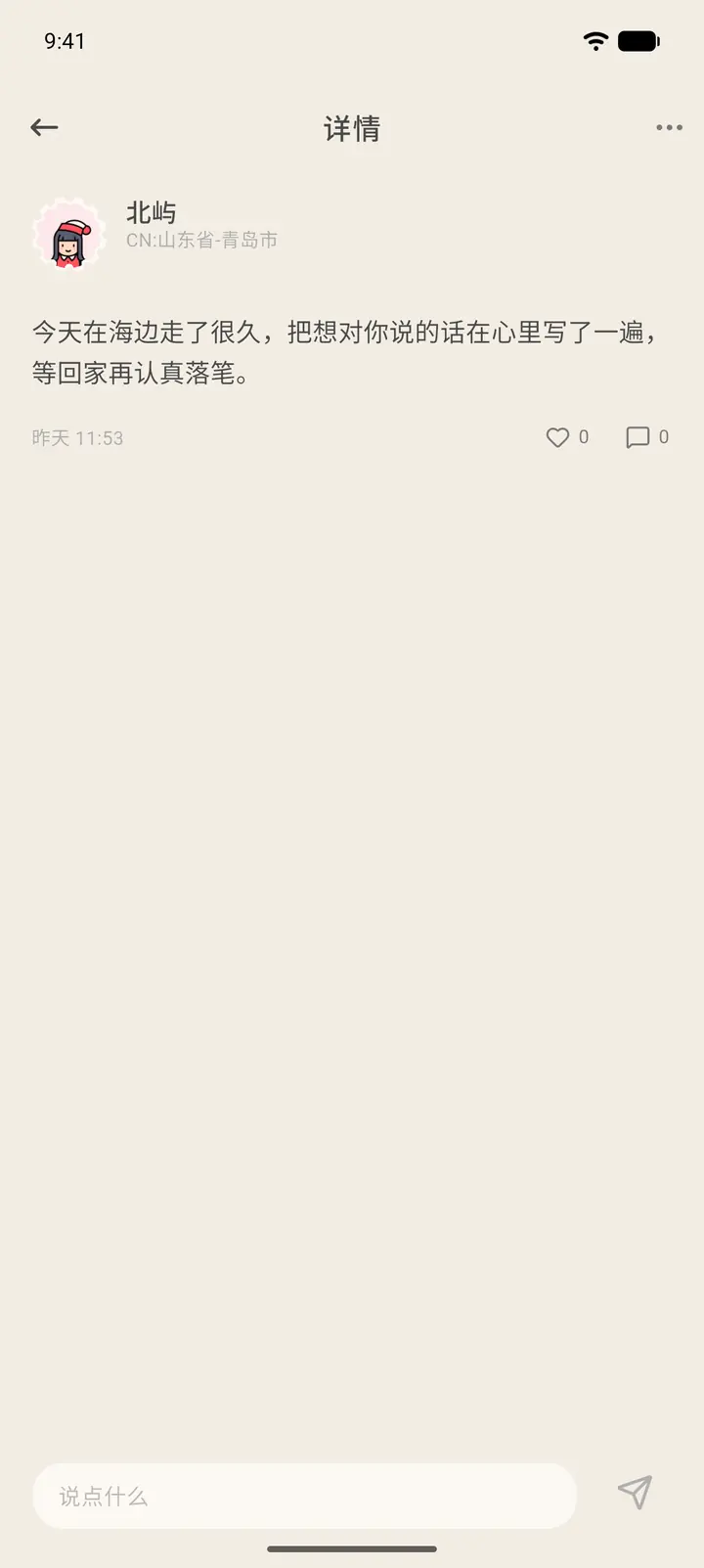
Tap any post to open its Details (「详情」): the avatar, pen name, location and text are at the top, the like and comment counts are on the right, and the box at the bottom lets you write a comment. When you're done, tap Publish (「发布」). The "…" at the top right lets you report the user or add them to your blocklist.
-
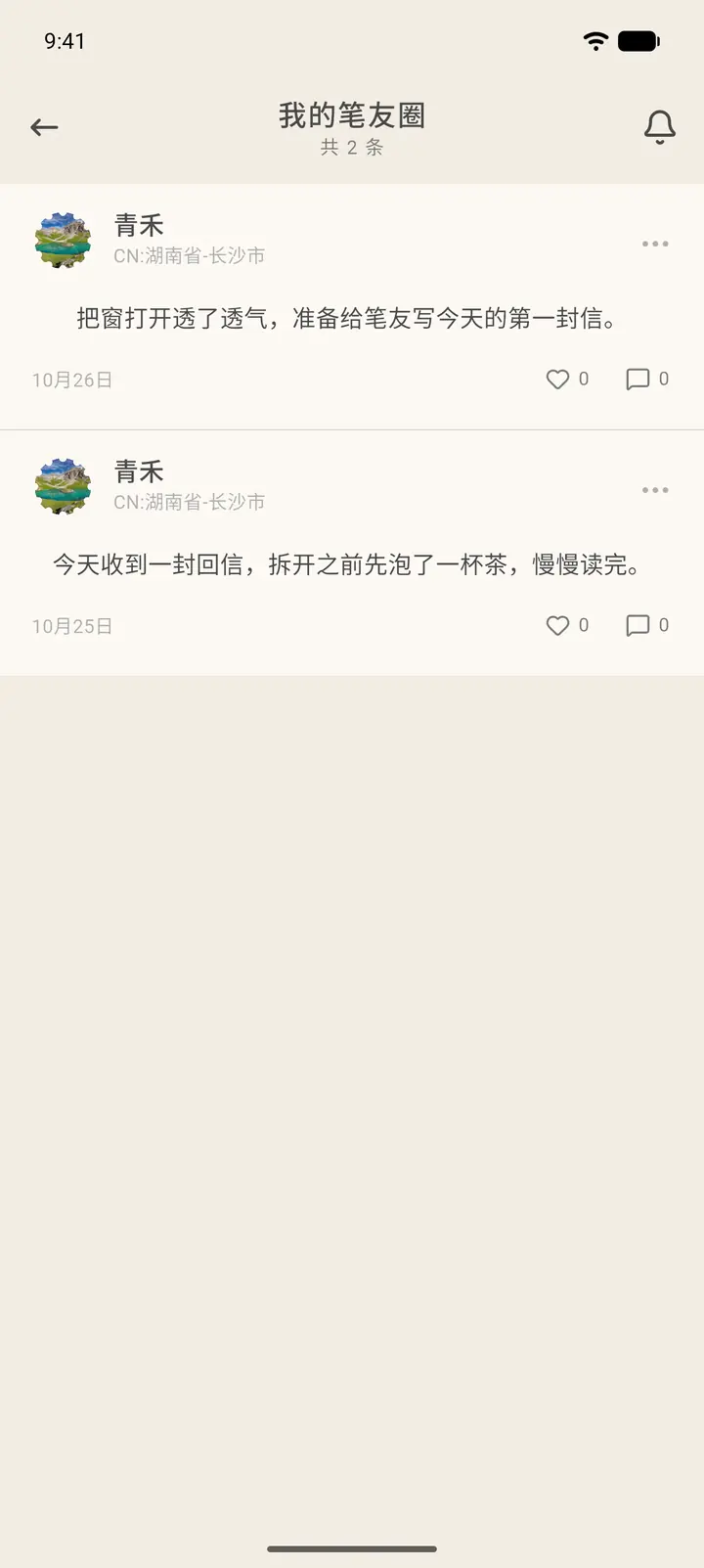
To look back at your own posts, go to Profile (「我的」) → More Services (「更多服务」) → My Moments (「我的笔友圈」). The top of the page shows the total number of posts (「共 N 条」), and the list runs from newest to oldest with like and comment counts. Tap a post to read its comments; the bell at the top right also opens Interactions.
Result
Likes and comments notify the other person and show up in their messages.
FAQ
Why can't I see someone's posts? They may have set their posts to be visible to pen pals only.