User Profile
Tap anyone's avatar or pen name to open their User Profile. Your own profile opens on this same page.
Where to Find It
In Contacts, tap a pen pal → Penpal Profile → View Homepage (「查看主页」). Or tap an avatar on Home or in Echoes.
Steps
-
At the top of the profile are the avatar, pen name, pen pal number, gender, age group, zodiac sign, and location. Below that are the intro letter and a few photos the person has shared.
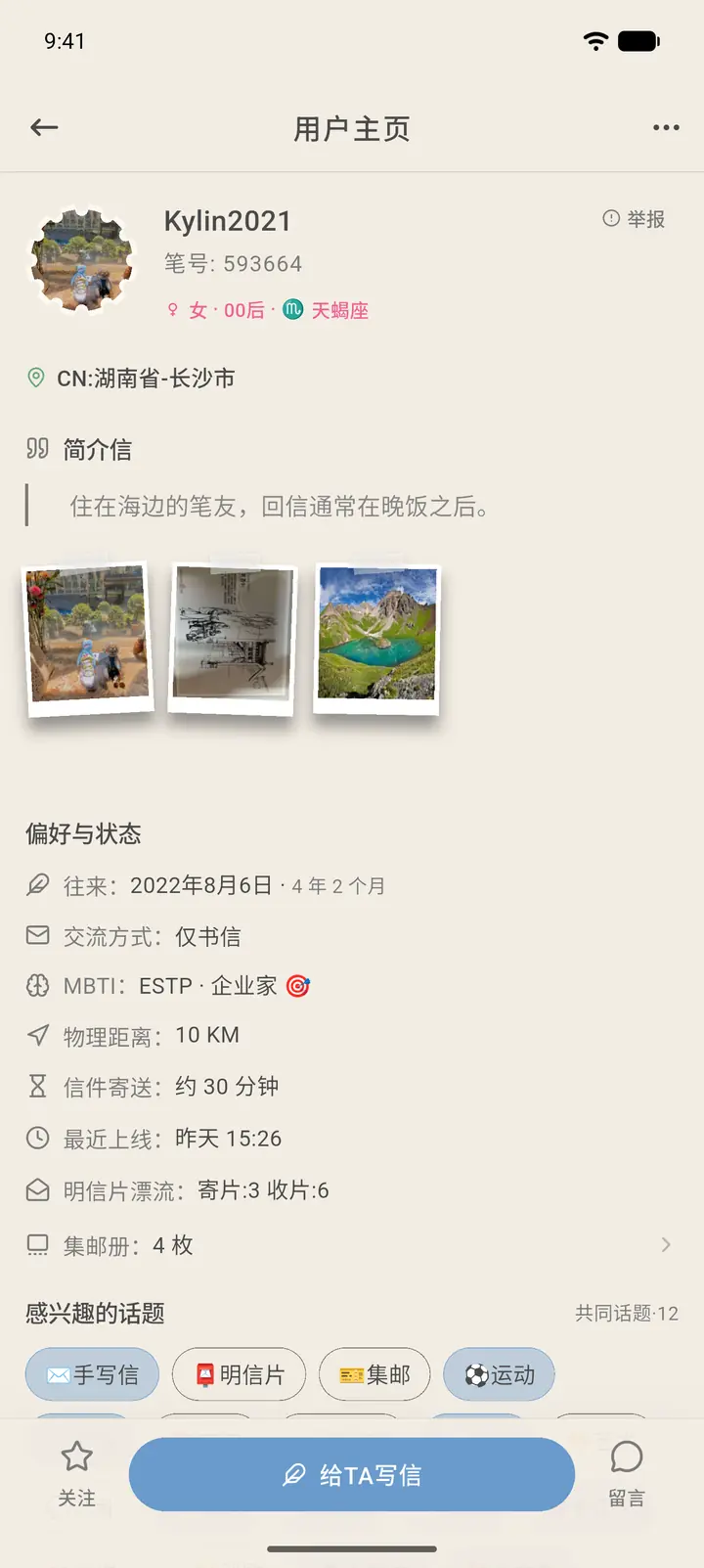
-
Scroll down to see, in order: preferences and status (communication style, MBTI, physical distance, letter delivery time, last online, postcards sent and received, stamp album), topics of interest, and language skills.
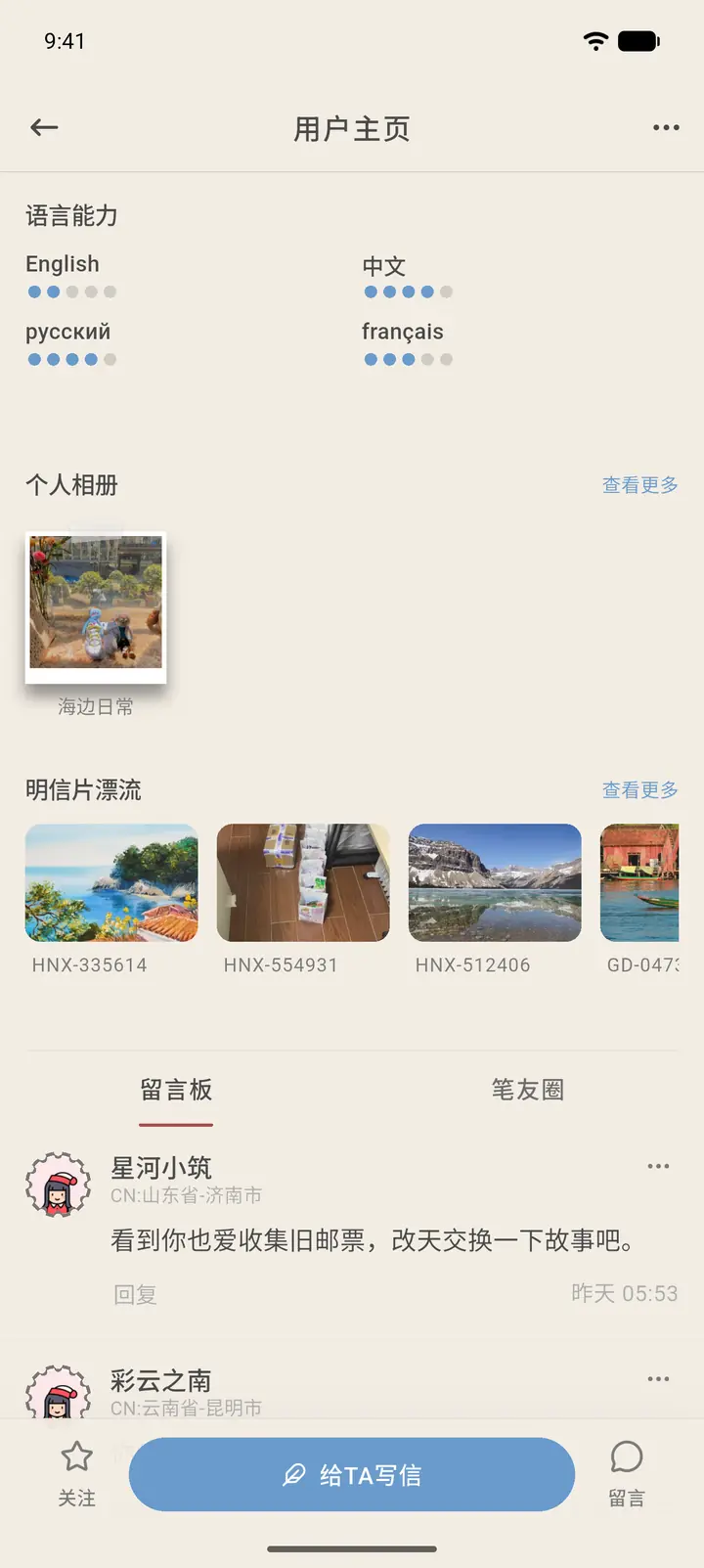
-
Further down are the message board and the person's Echoes. The message board shows messages other people have left for them.
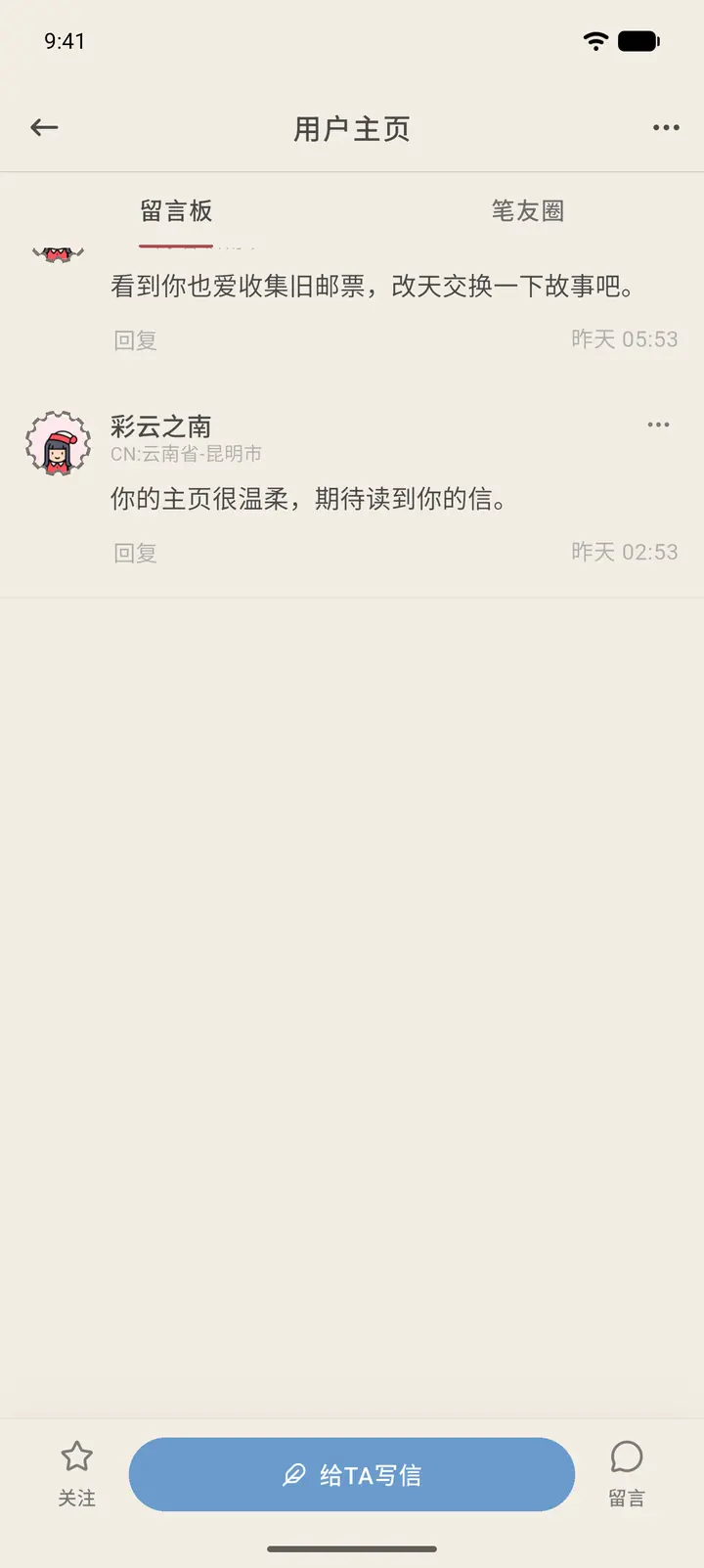
-
The "…" at the top right lets you report or block the person. If you're already pen pals, the menu also has an option to remove them as a pen pal.
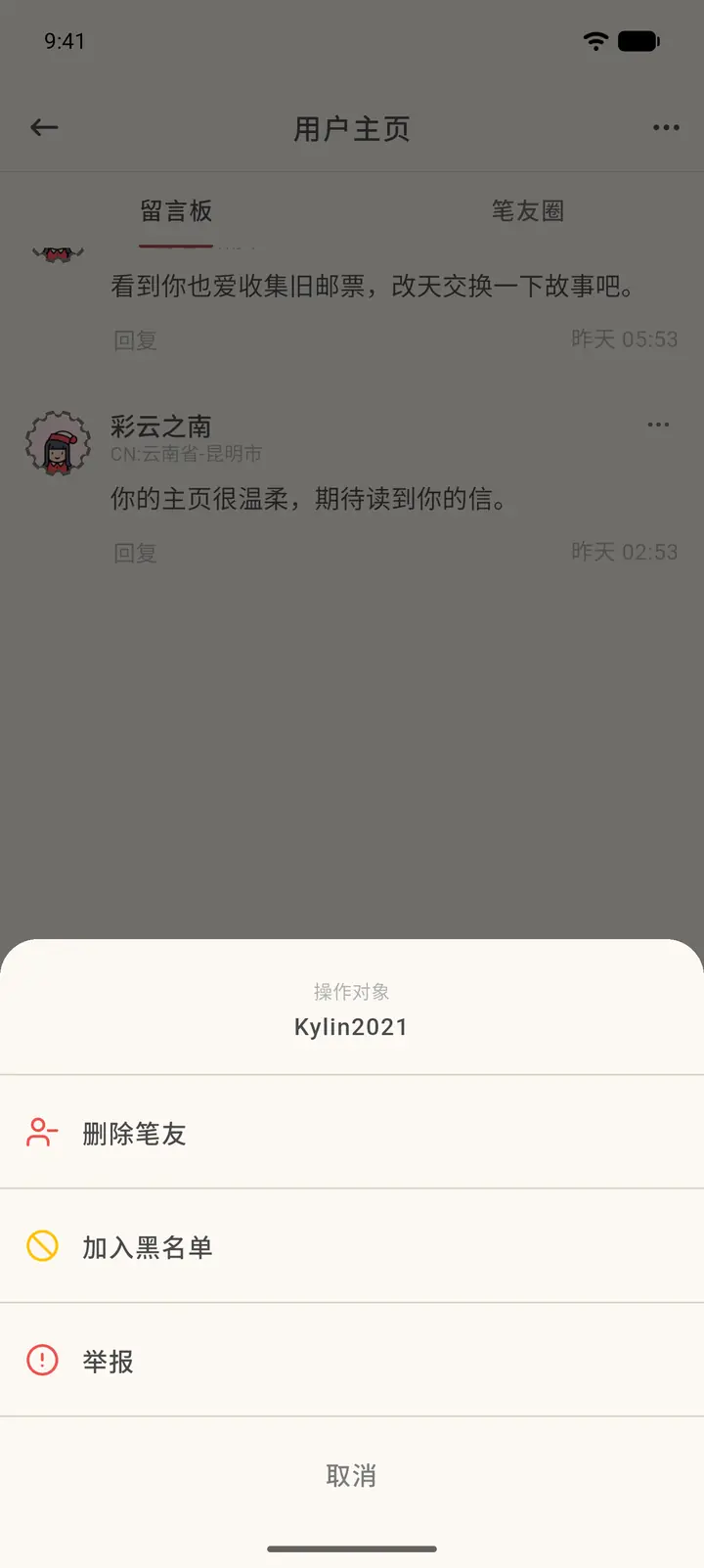
-
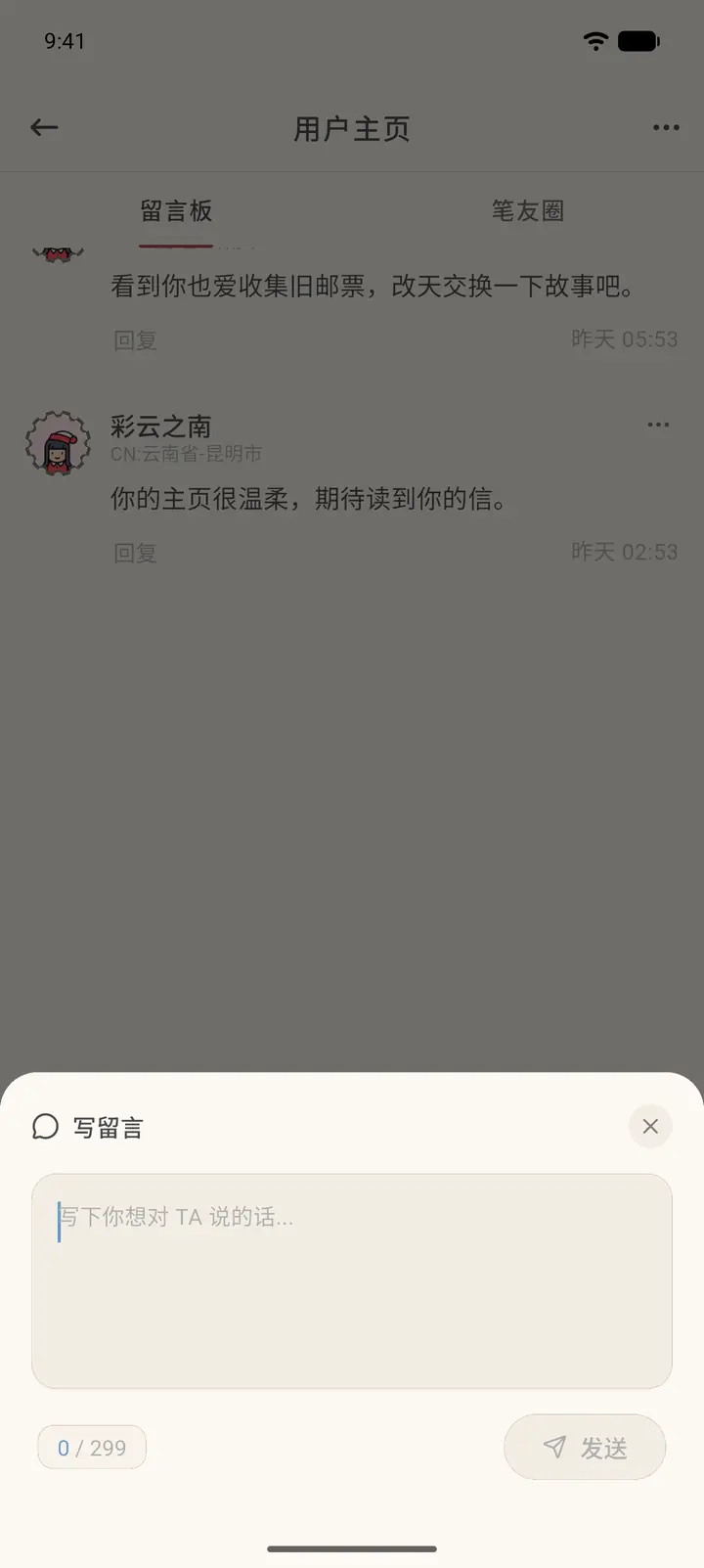
The bottom bar has Follow (「关注」), Write to Them (「给 TA 写信」), and Message (「留言」). Tapping Message opens an input box that takes up to 299 characters.
-
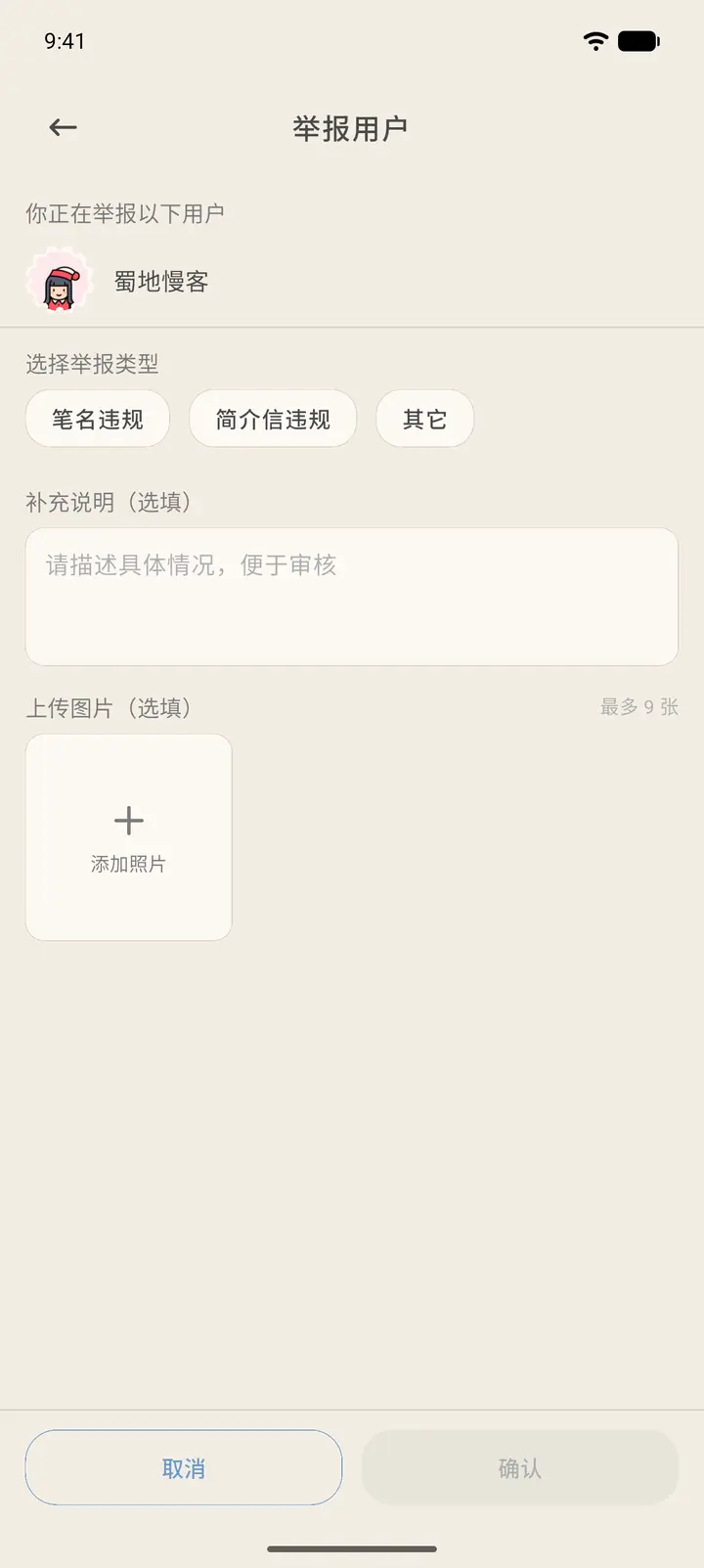
To report someone, tap Report (「举报」) on their profile. This opens the Report user (「举报用户」) page: choose a report type (pen name violation, intro letter violation, or other), add details if you like, and upload up to 9 images. Confirm (「确认」) only becomes tappable once you've chosen a type.
Result
Once sent, your message appears on their message board and under Activity (「互动」). Whether their last online time, address, and similar details are shown depends on the choices they made in their privacy settings.
FAQ
Why do some profiles show fewer items? If someone hasn't filled in an item, that row isn't shown on their profile.