Getting Started Guide
After you sign up for the first time, you complete an 8-step guide: pen name, birthday, avatar, personality, interests, languages, location, and finally whether to turn on notifications. This information helps match you with suitable pen pals.
Where to find it
It starts automatically after you sign up. A progress bar at the top shows "1 / 8" to "8 / 8". The back arrow at the top left takes you to the previous step.
Steps
-
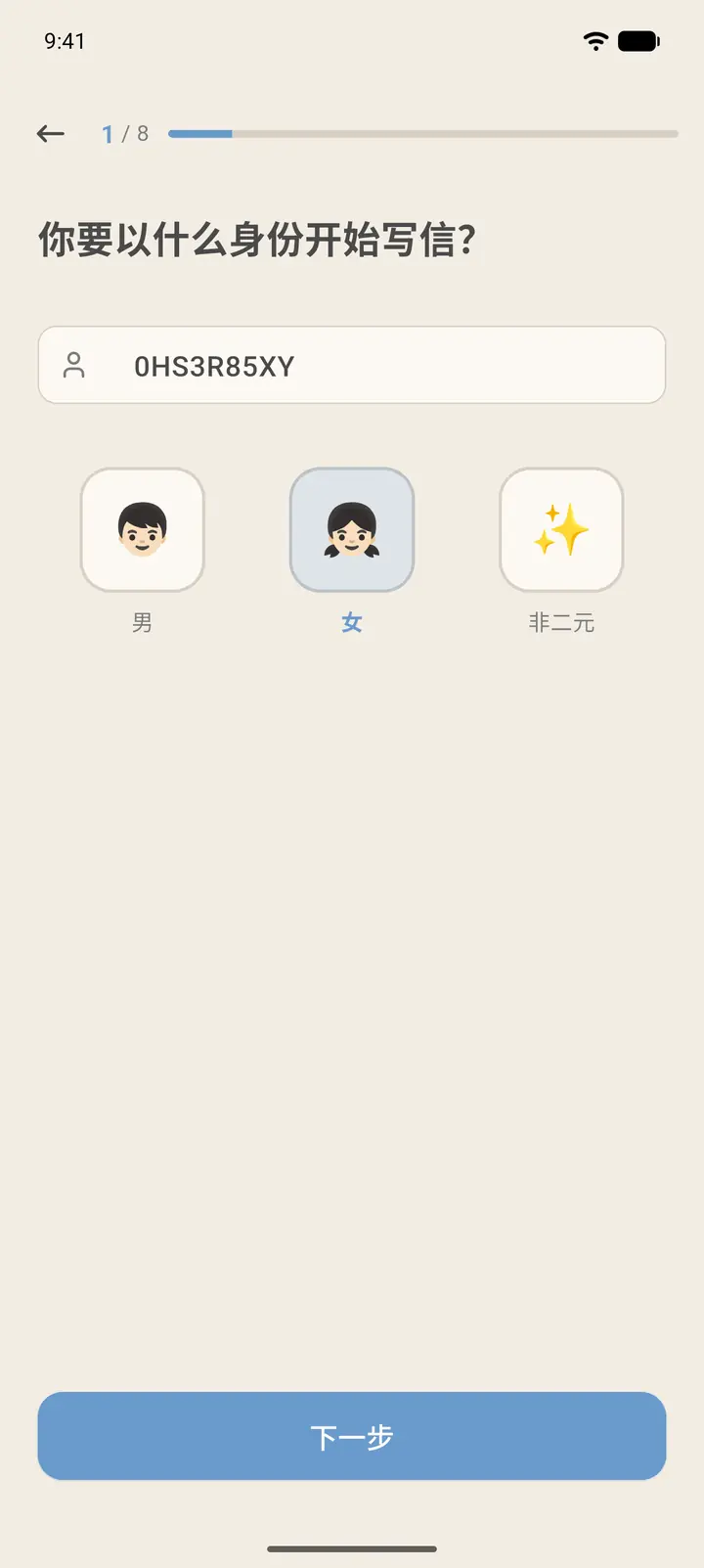
Step 1, Who will you be? (「你要以什么身份开始写信」): the app first gives you a random pen name, which you can edit freely. Then choose your gender: Male (「男」), Female (「女」), or Non-binary (「非二元」). When you're done, tap Next (「下一步」).
-
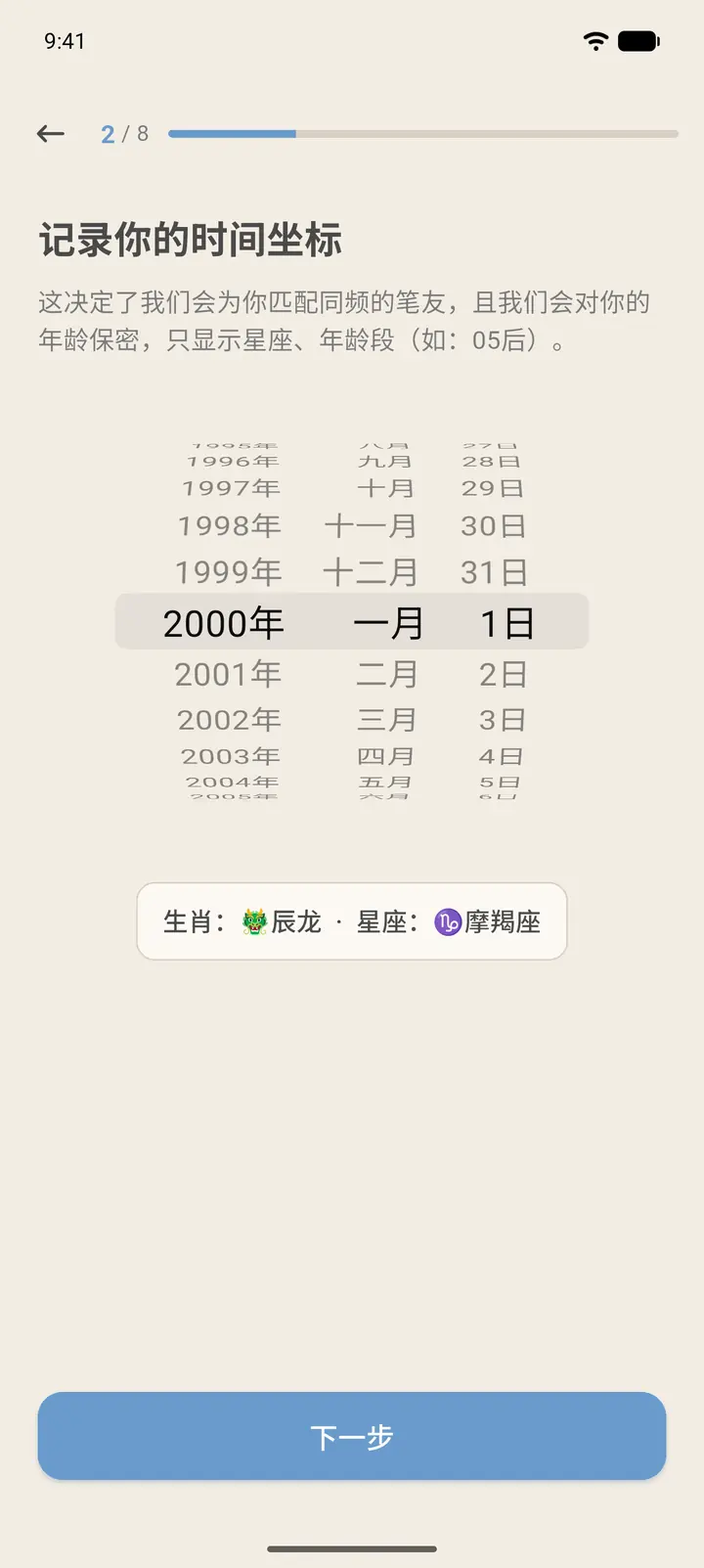
Step 2, Record your time anchor (「记录你的时间坐标」): scroll to pick your year, month, and day of birth. Slowchat only shows your Chinese zodiac sign, star sign, and age group (for example, the "05s" generation), and never shows your exact birthday.
-
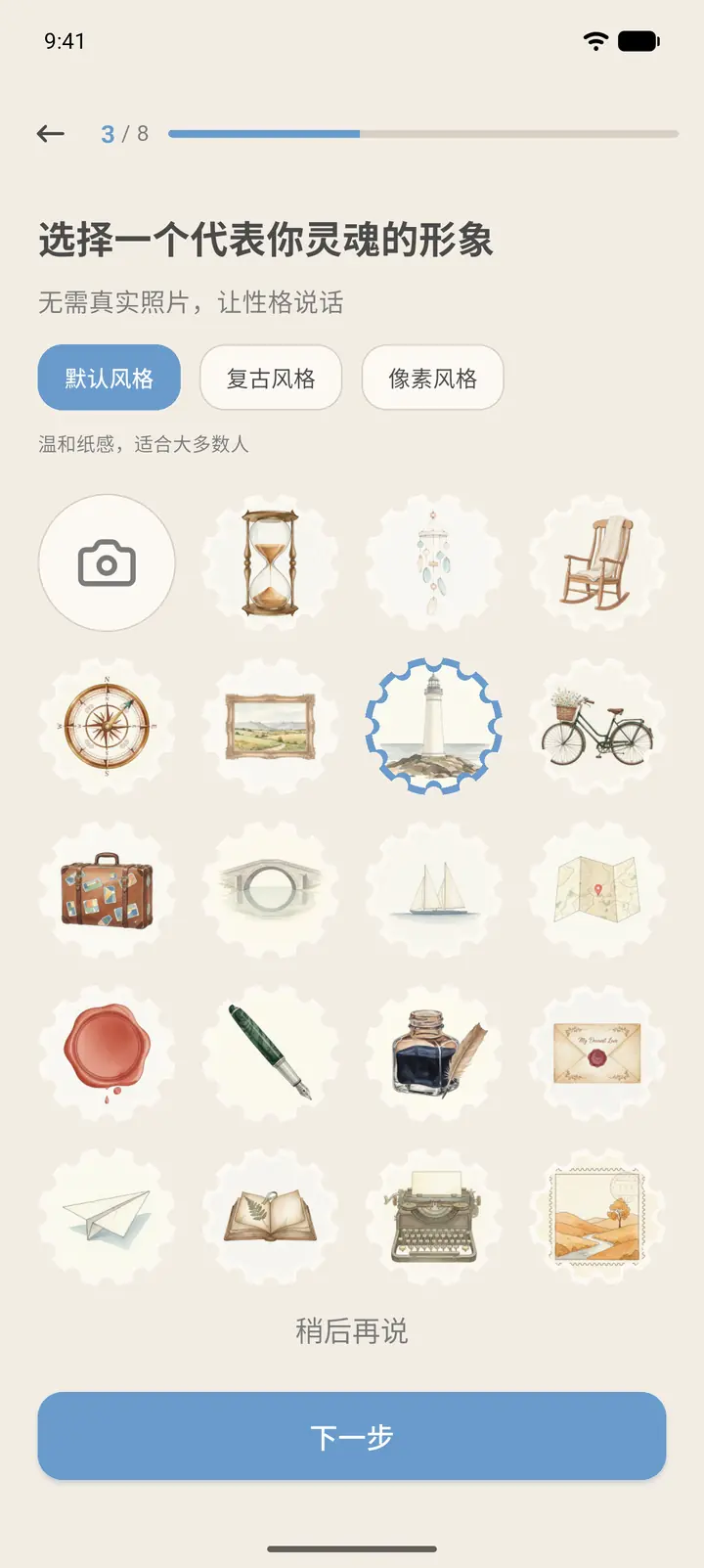
Step 3, Choose a soul avatar (「选择一个代表你灵魂的形象」): no real photo needed, just pick an avatar you like. There are three groups: Default style (「默认风格」), Retro style (「复古风格」), and Pixel style (「像素风格」). You can also tap the first camera icon to use your own photo. If you don't want to choose now, tap Skip (「稍后再说」).
-
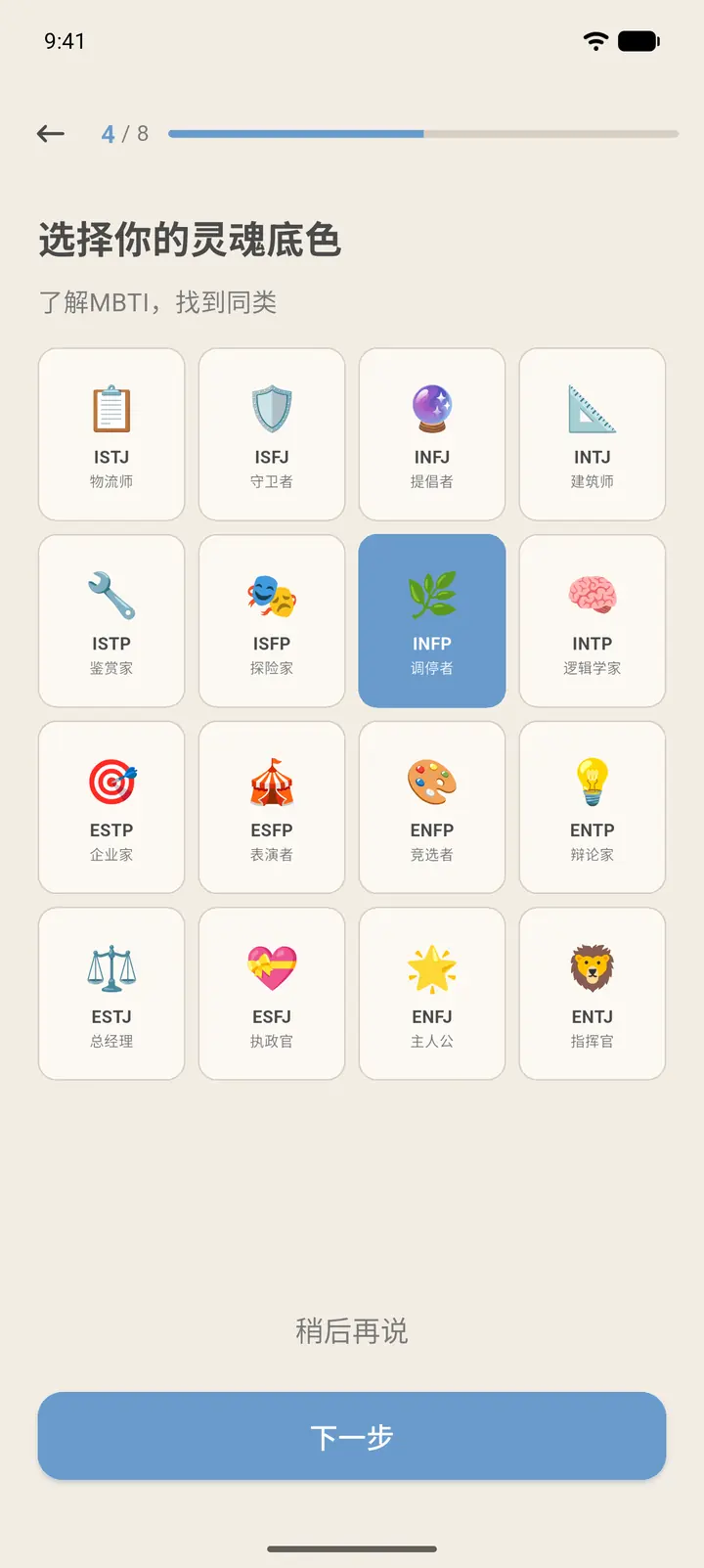
Step 4, Choose Your Soul Color (「选择你的灵魂底色」): pick an MBTI type to make it easier to find people like you. If you're not familiar with it, you can skip this for now.
-
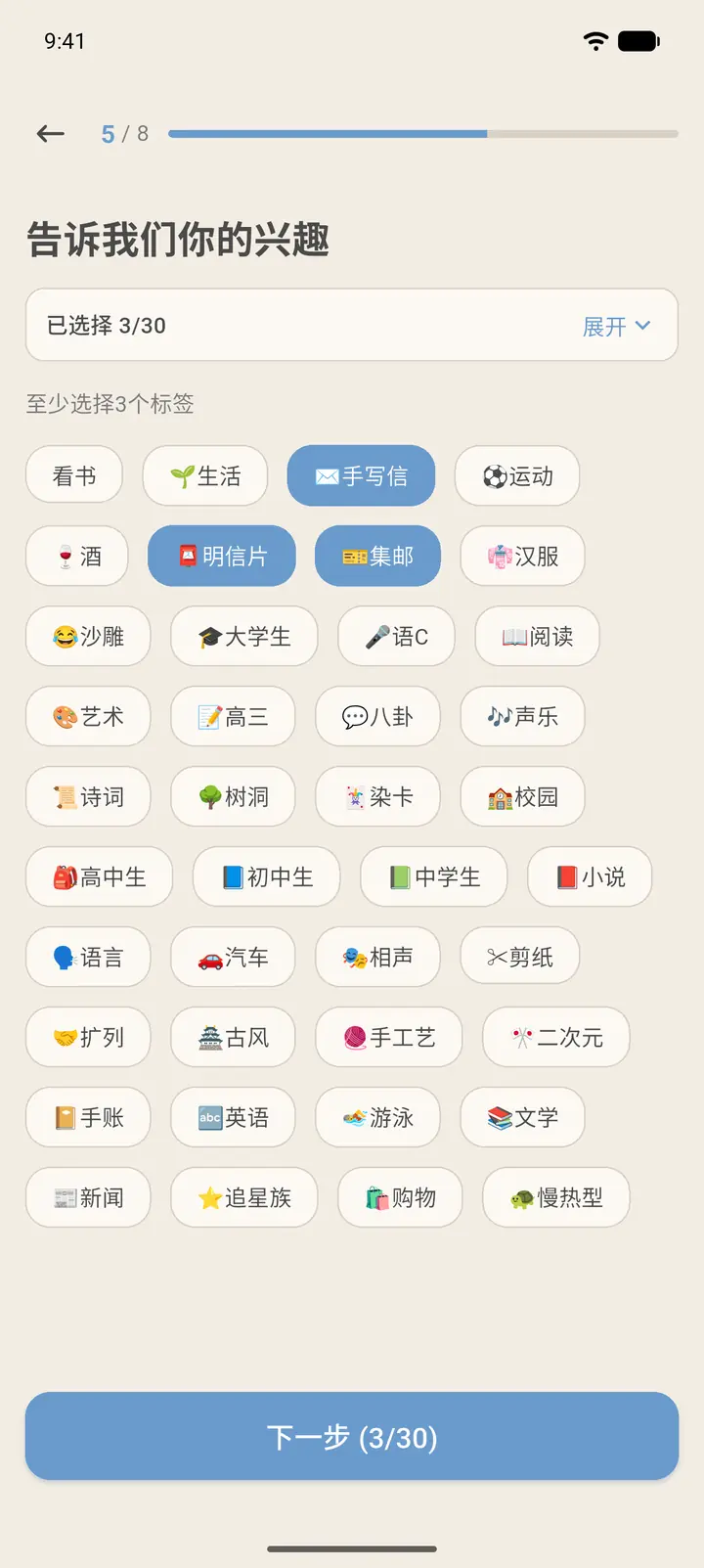
Step 5, Tell us your interests (「告诉我们你的兴趣」): choose at least 3 tags and at most 30. The button at the bottom shows how many you have selected. Tap Expand (「展开」) at the top right to see the tags you've selected.
-
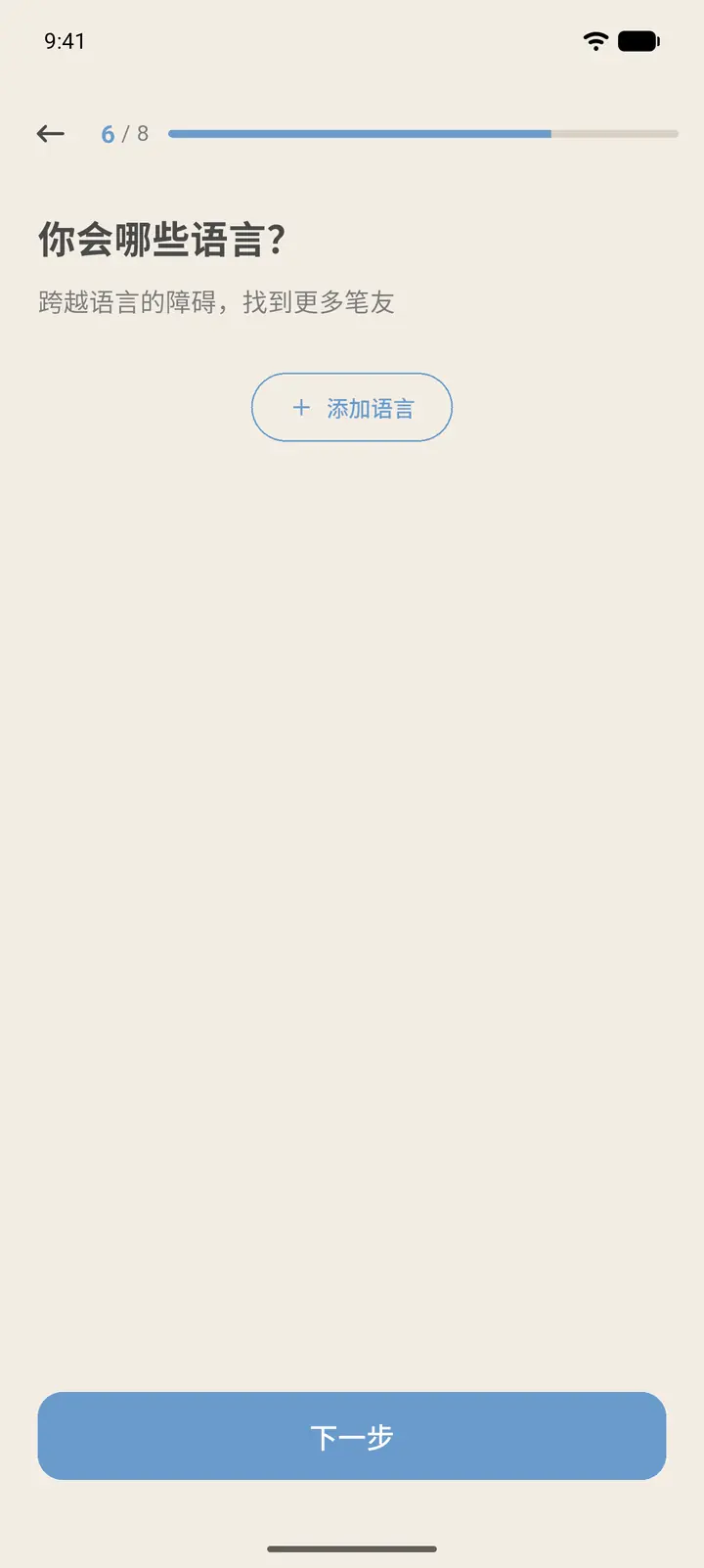
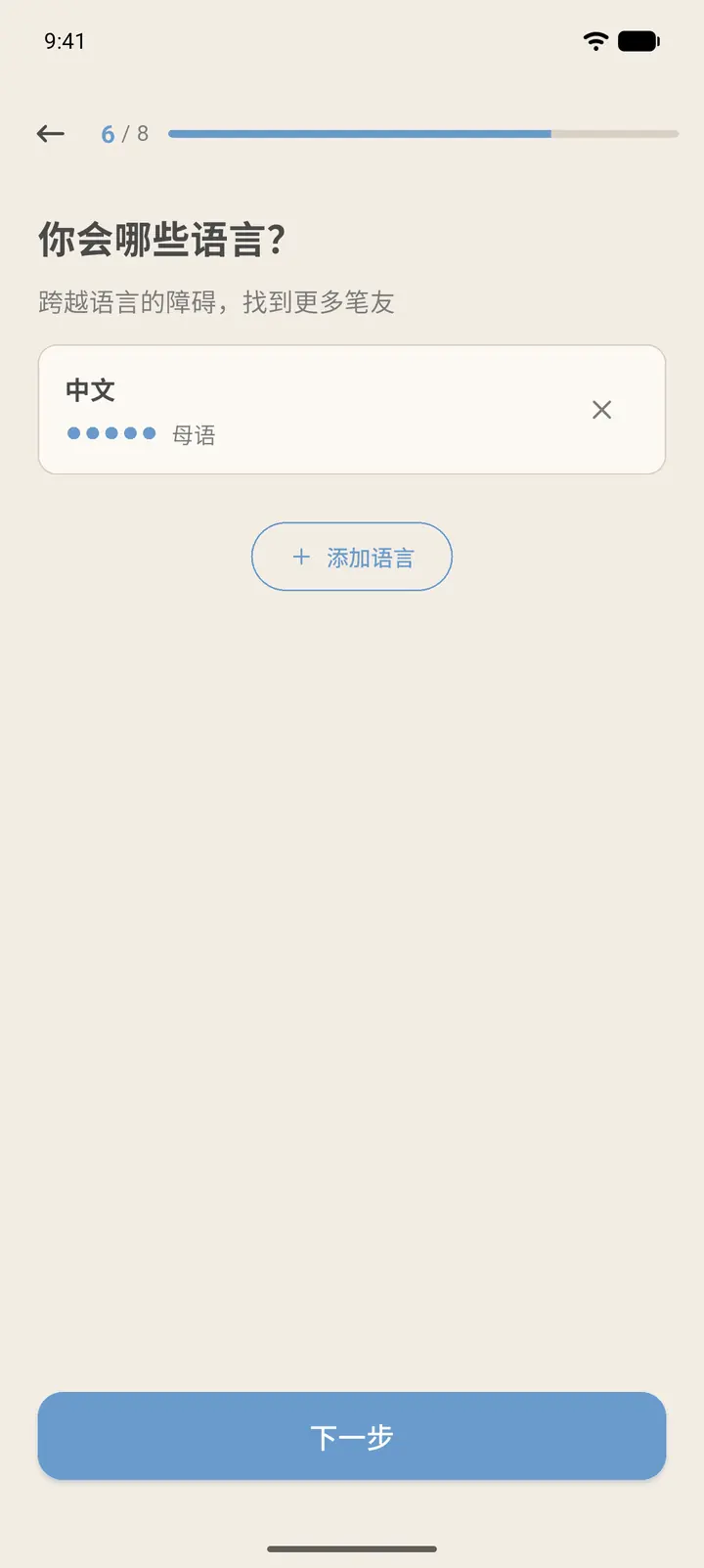
Step 6, Languages you speak? (「你会哪些语言?」): tap Add Language (「添加语言」).
-
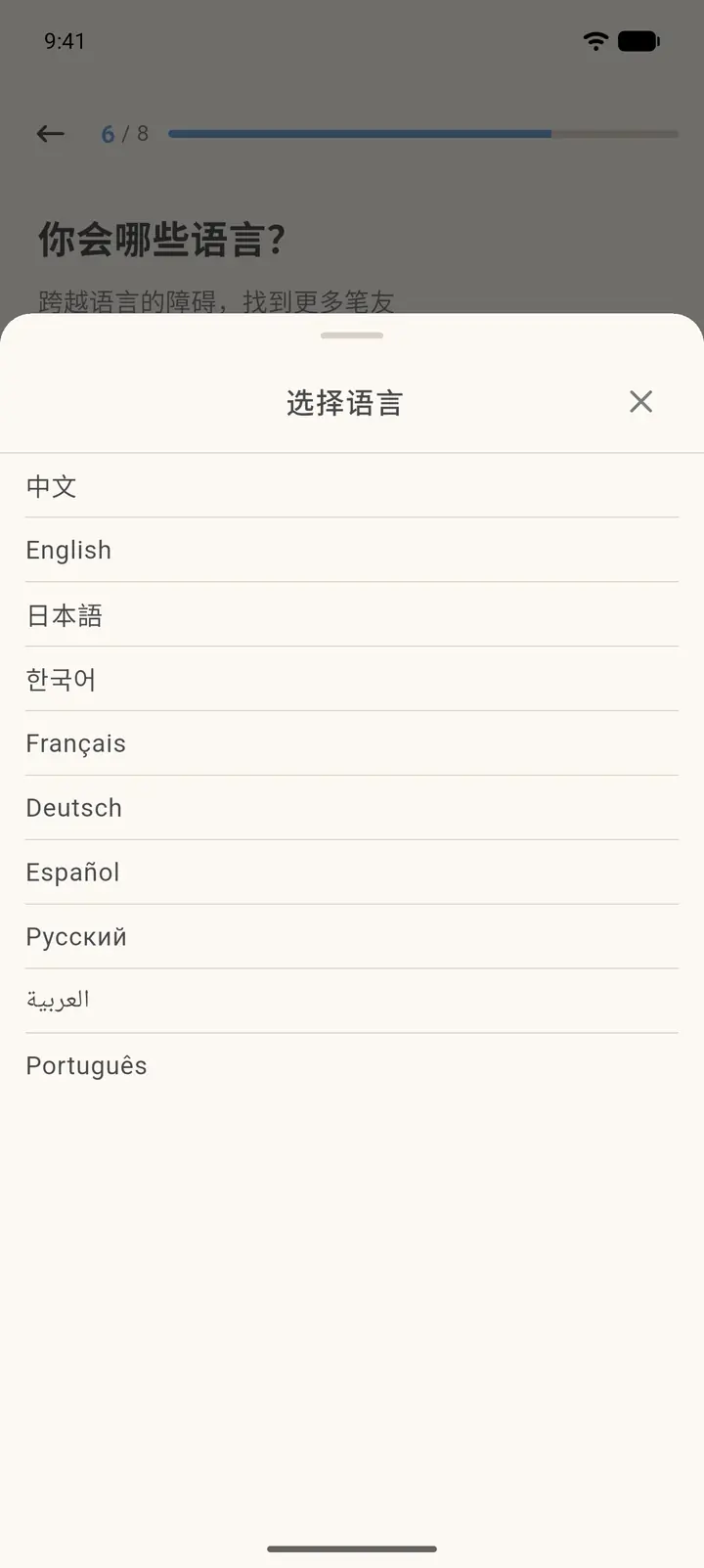
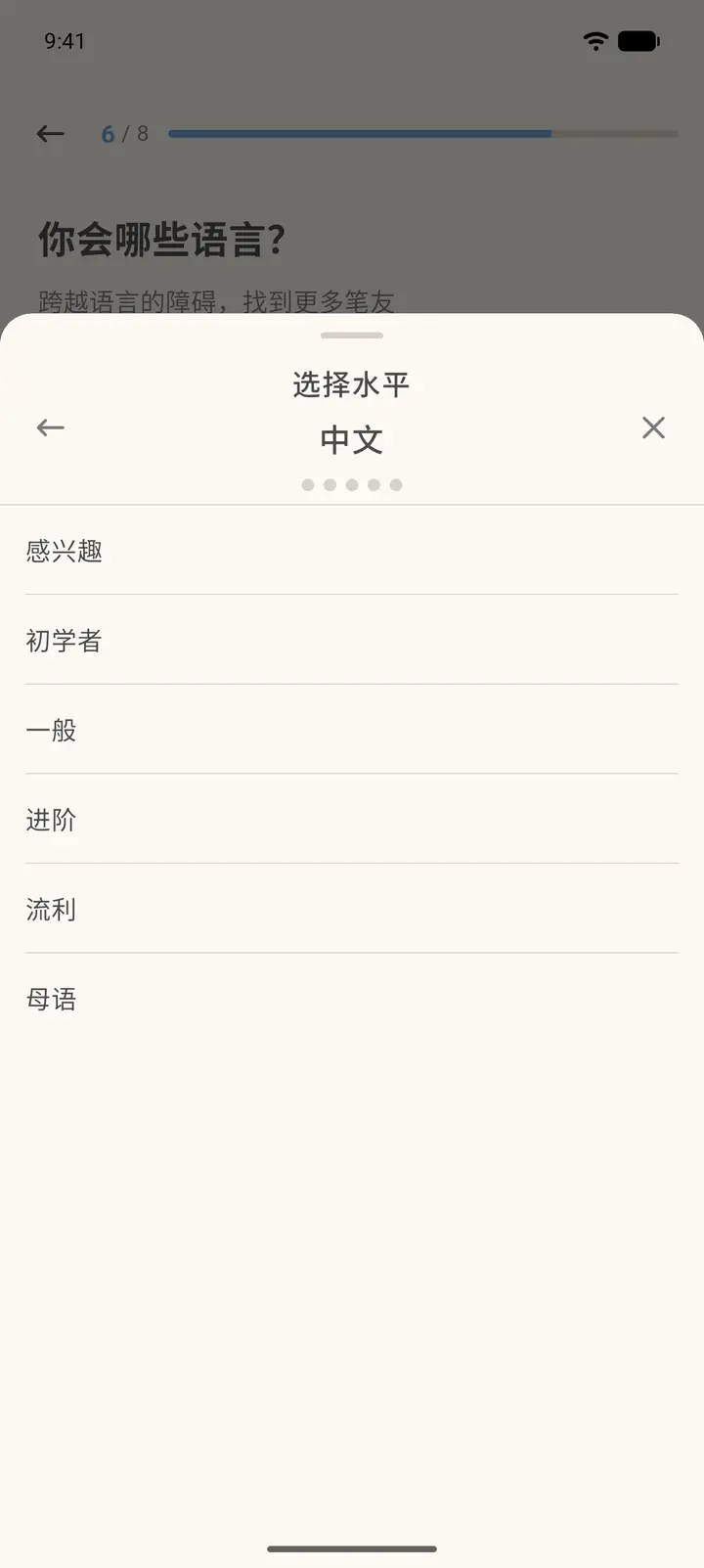
Pick a language first, then a level: Interested (「感兴趣」), Beginner (「初学者」), Basic (「一般」), Intermediate (「进阶」), Fluent (「流利」), or Native (「母语」).
-
After you add a language, it appears in the list. You can keep adding other languages, or tap the X on the right to remove one.
-
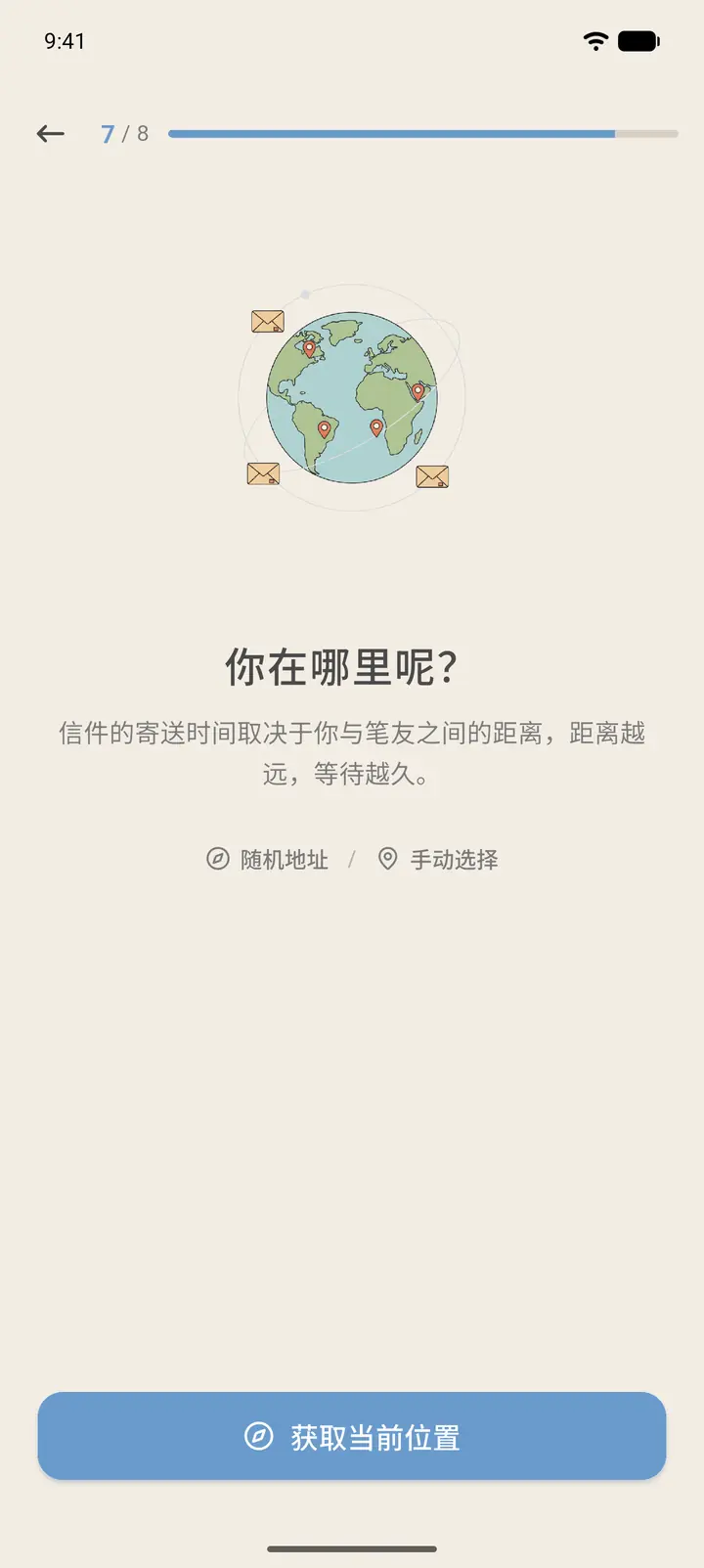
Step 7, Where are you? (「你在哪里呢?」): how long a letter takes to arrive depends on the distance between you and your pen pal, so the app needs your location. Tap Get Current Location (「获取当前位置」) to use positioning. If you'd rather not grant permission, tap Random Address (「随机地址」) or Select Manually (「手动选择」) below.
-
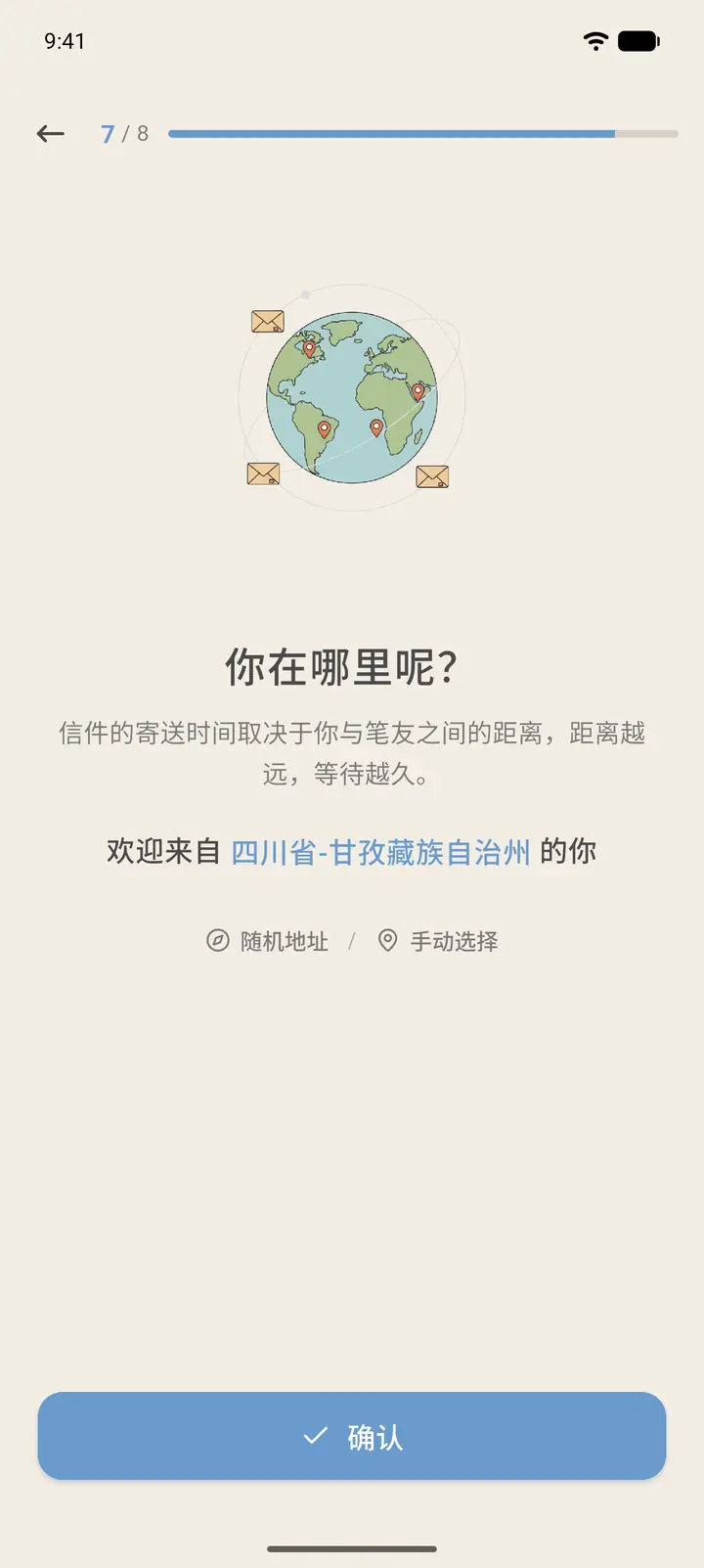
If you choose a random address, the app shows "Welcome from (province-city)" (「欢迎来自 某省-某市 的你」). Tap Confirm (「确认」). Your location is only accurate to the city, and your exact address is never shown.
-
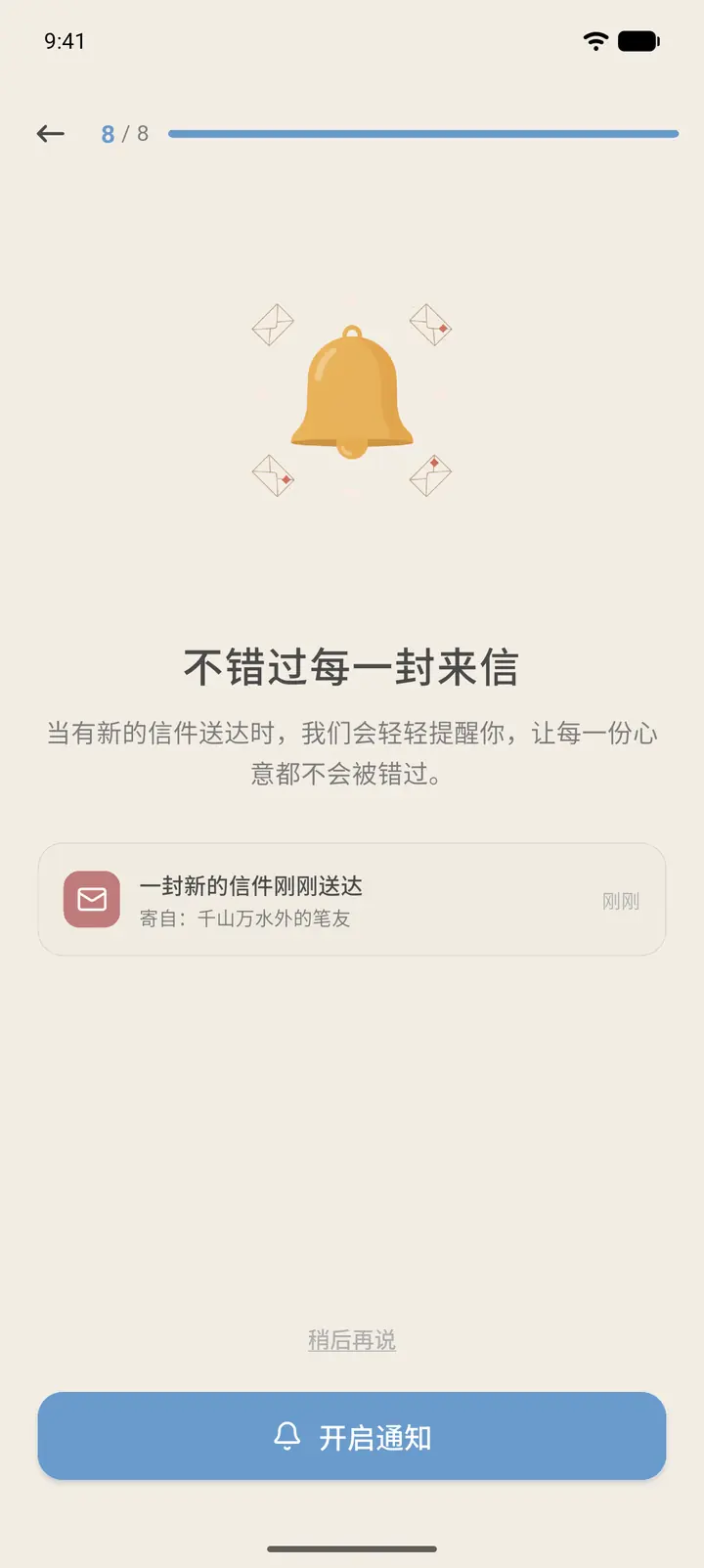
Step 8, Don't miss a letter (「不错过每一封来信」): with notifications on, you get a reminder when a new letter arrives. Tap Enable Notifications (「开启通知」) to grant permission, or tap Skip to skip it. You can turn notifications on later in Settings.
-
When you finish, you land on Home and can start meeting new pen pals.
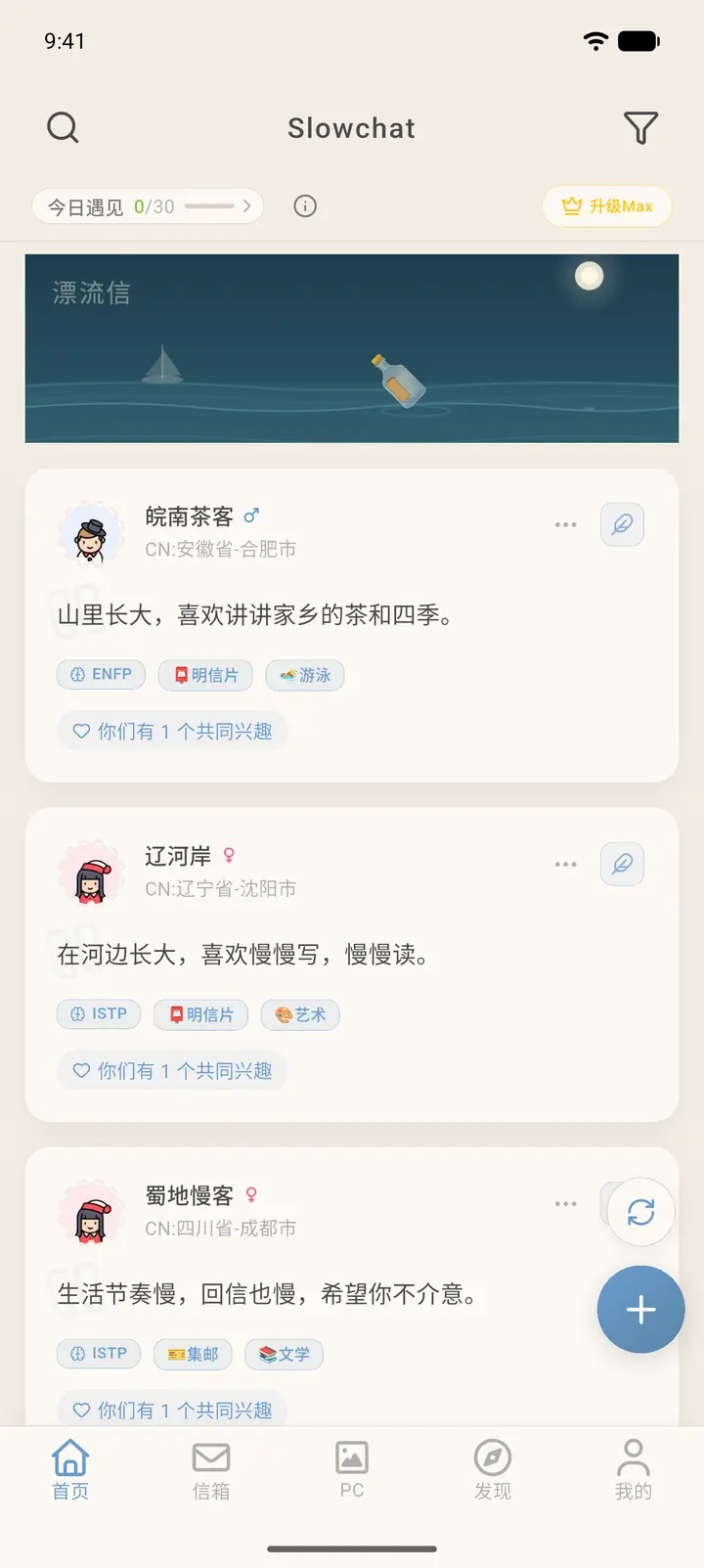
Result
Your details are saved in your account. You can change them later under Profile (「我的」) → View Dossier (「查看档案」).
FAQ
Can I change my pen name? Yes. Change it under Profile → View Dossier.
What happens if I pick the wrong location? Delivery times for your letters will be calculated from the wrong location. You can update it at any time under Settings (「设置」) → Letter Routing Settings (「信件路由设置」).