More Services, Invitations and Feedback
This chapter gathers a few personal services in one place: the entries under More Services, inviting friends, sending feedback to the developers, and scanning.
Where to find it
- More Services: Profile (「我的」) → More Services (「更多服务」).
- Invite friends: Profile → Points Center (「积分中心」) → More rewards (「更多奖励」) → Invite Friends (「邀请好友」).
- Feedback: Profile → @Developer (「@开发者」).
- Scan: Mailbox (「信箱」) → + at the top right → Scan (「扫一扫」), or Scan on the Discover (「发现」) page.
Steps
-
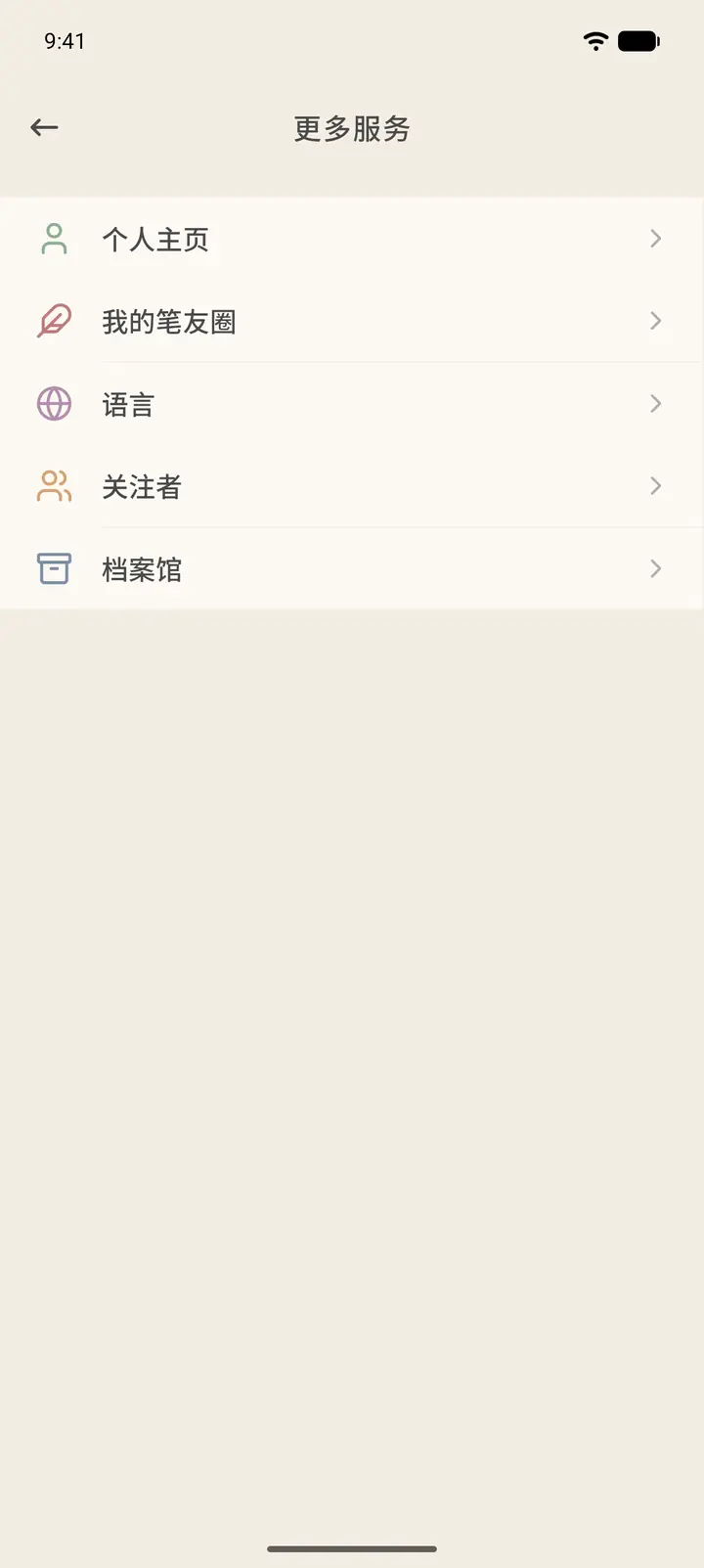
More Services has five items: Personal Homepage (「个人主页」), My Moments (「我的笔友圈」), Language (「语言」), Followers (「关注者」) and The Archive (「档案馆」).
-
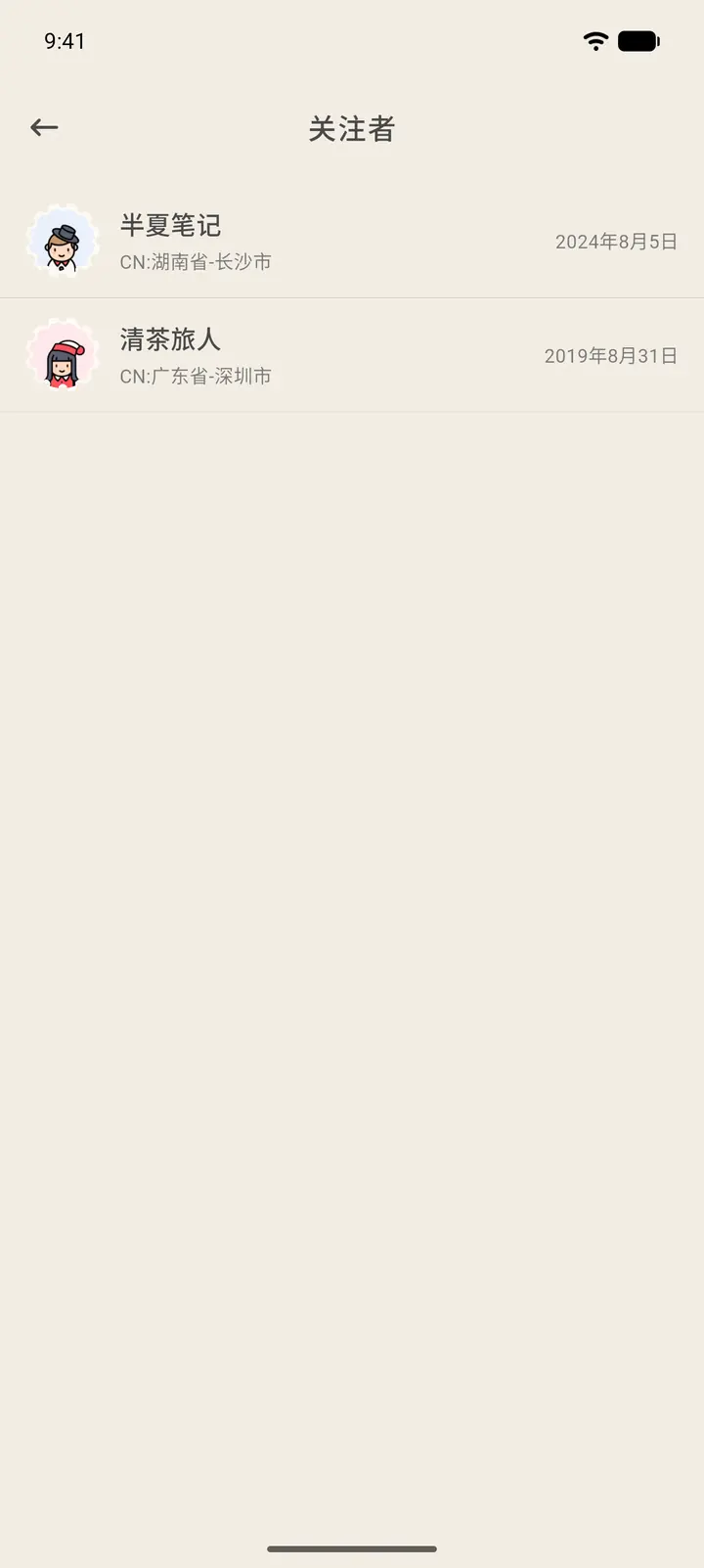
Personal Homepage is your profile as other people see it. My Moments shows the posts you have shared. Followers are the people who follow you. Tap in to see their pen names, locations and when they started following you.
-
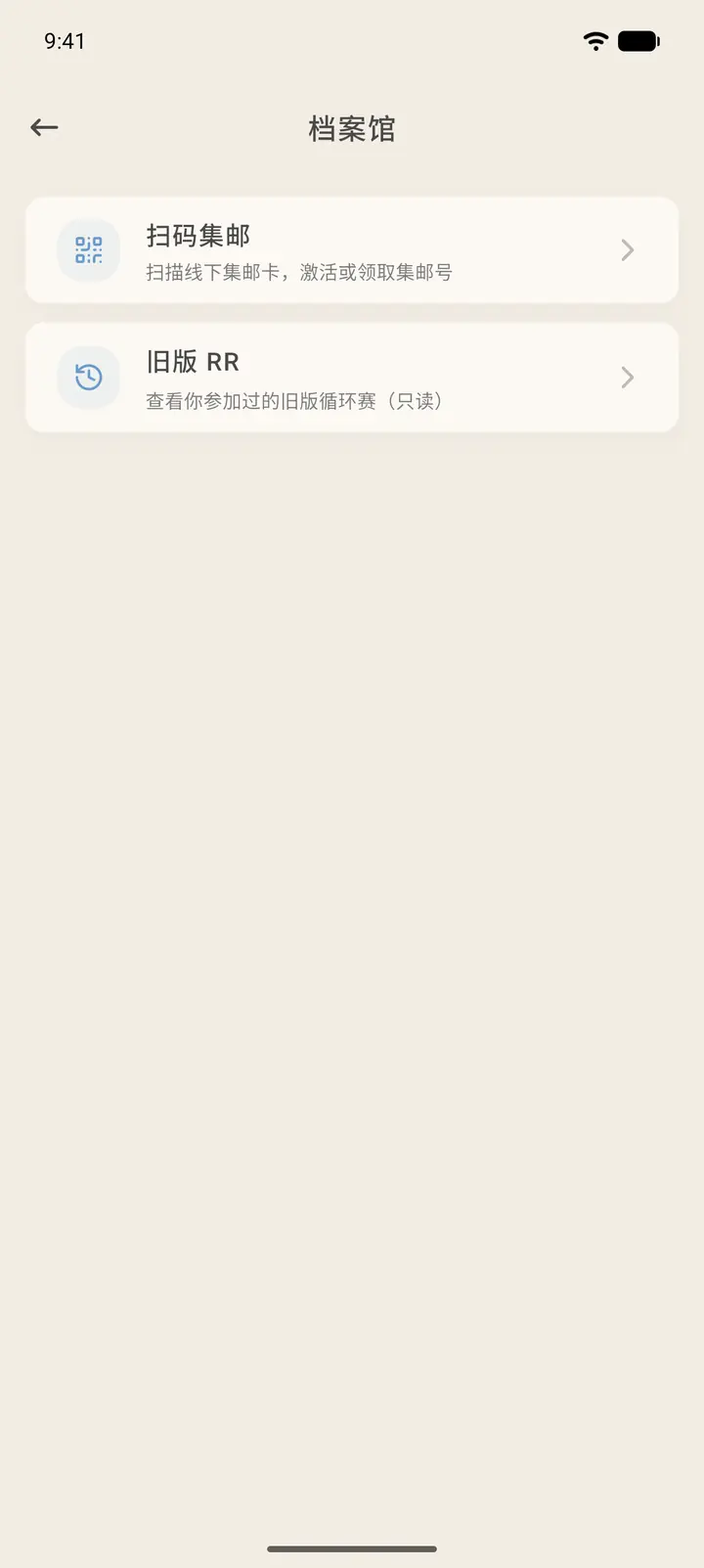
The Archive holds archived content. Stamp Scanner (「扫码集邮」) scans a stamp-collecting QR code to activate or claim stamps from a Stamp Album. Legacy RR (「旧版 RR」) is a read-only record of past Round Robins.
-
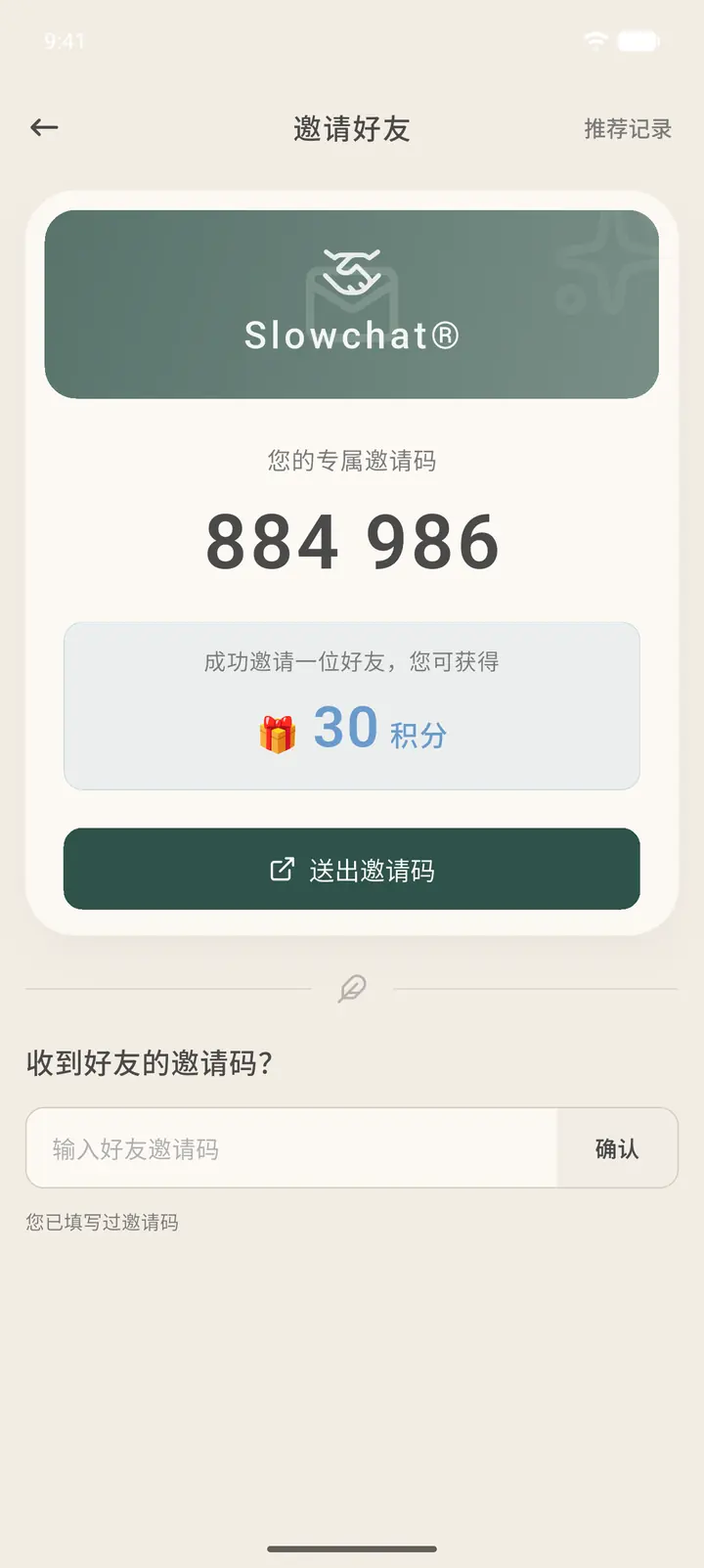
To invite friends, the page shows your personal invitation code. For each friend you successfully invite, you earn 30 points. Tap Send Invitation Code (「送出邀请码」) to send it to a friend. If you have received a friend's invitation code, enter it in the box below and tap Confirm (「确认」).
-
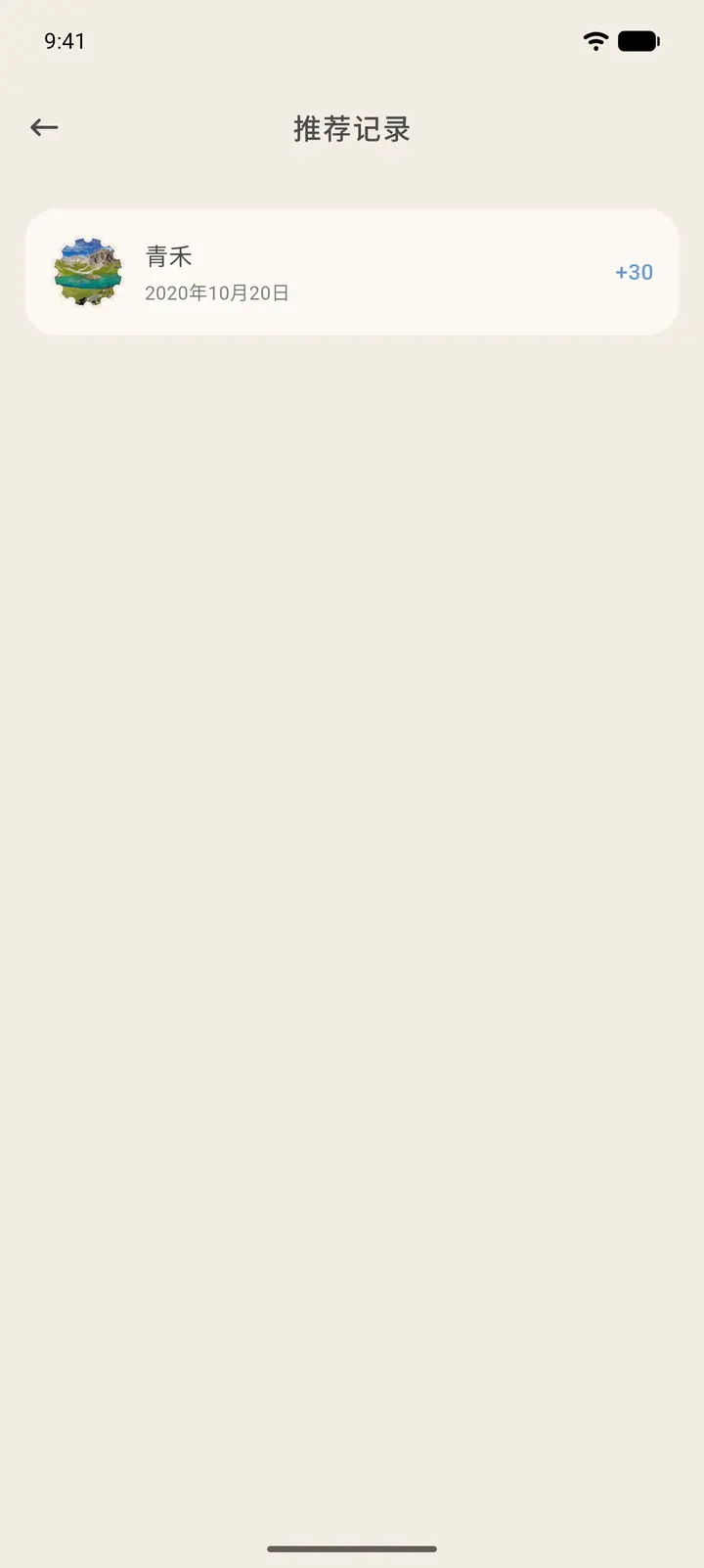
Referral History (「推荐记录」) at the top right lists the friends you have successfully invited and the points you earned.
-
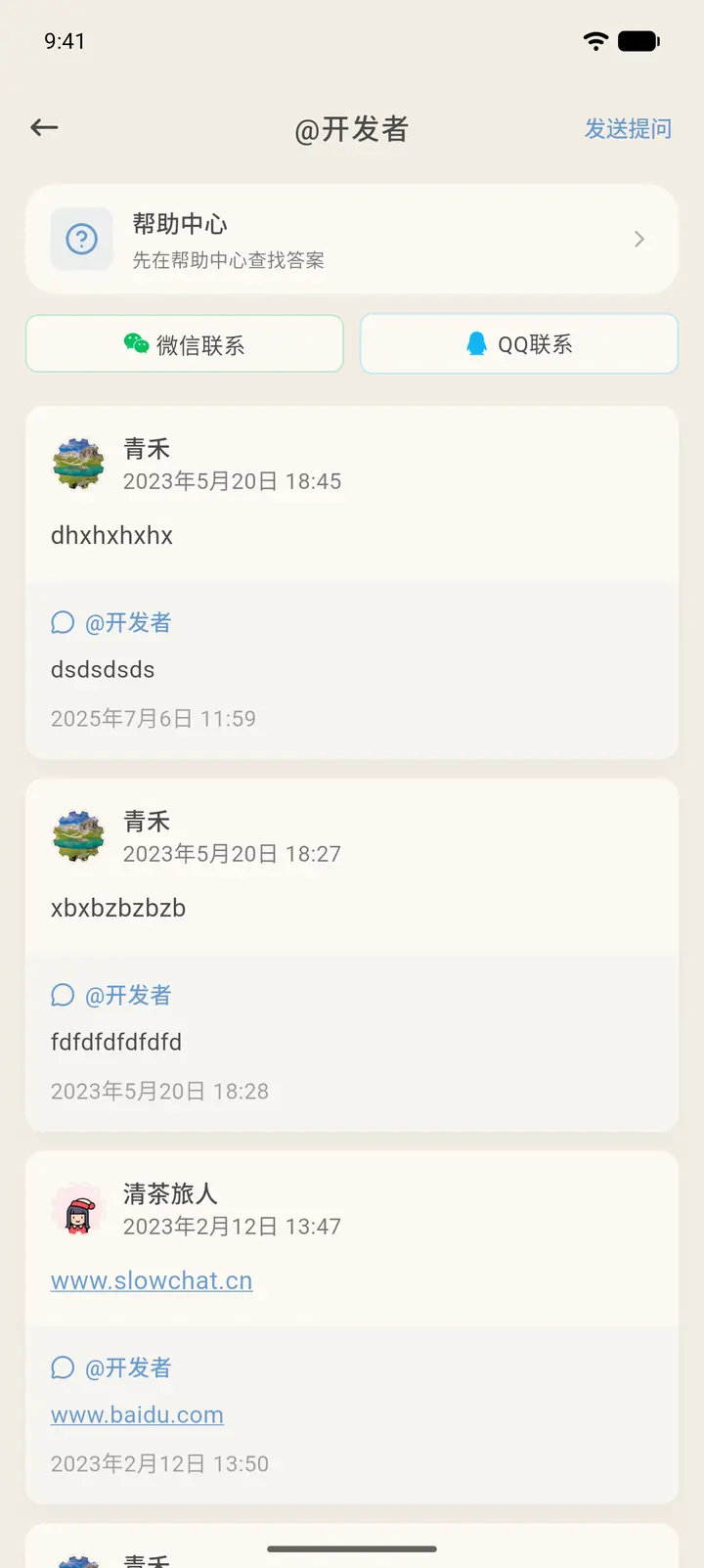
At the top of the @Developer page there is the Help Center (「帮助中心」). You can also reach us through WeChat (「微信联系」) or QQ (「QQ联系」). Below that are the questions you have sent and the developers' replies.
-
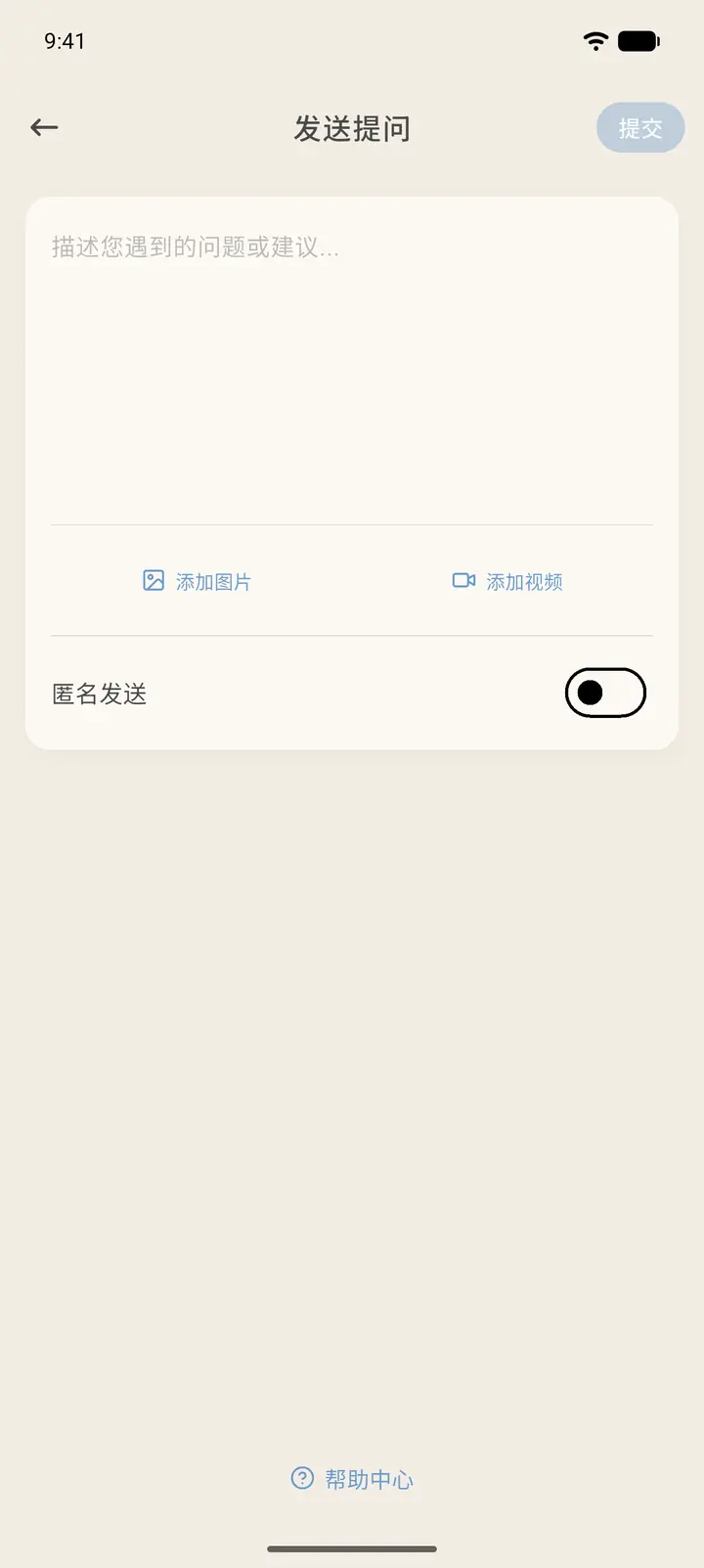
Tap Ask a Question (「发送提问」) at the top right, write down your problem or suggestion, and add pictures or videos if you like. If you turn on Send Anonymously (「匿名发送」), your pen name will not be shown with your question. When you are done, tap Submit (「提交」) at the top right.
-
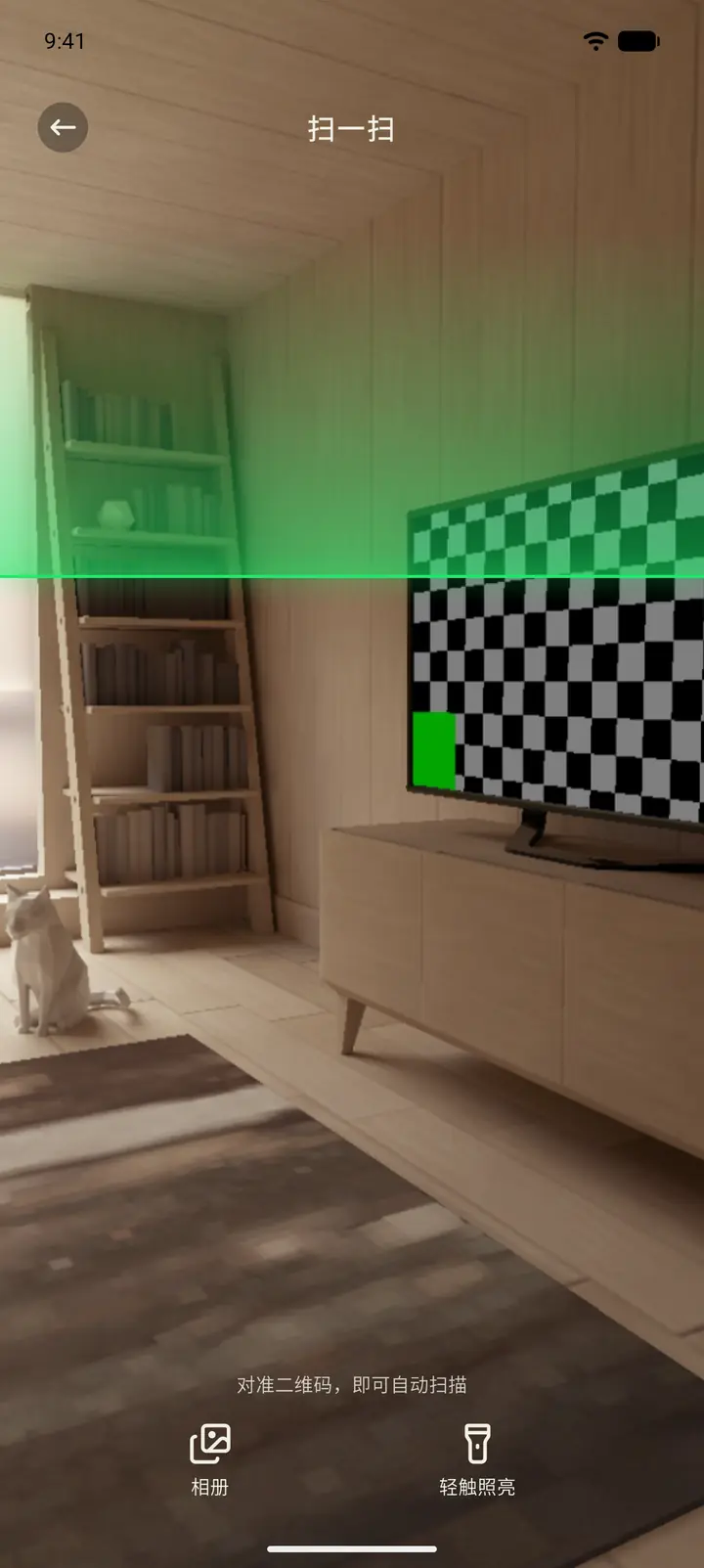
Scan opens the camera. Put a QR code inside the frame and it is recognized automatically. You can also tap Album (「相册」) to pick an image with a QR code in it, or tap Tap to illuminate (「轻触照亮」) when the light is too low. If you scan a QR code for logging in on a computer, the app shows Sign in on this computer (「即将在电脑上登录」), and the computer only logs in after you confirm.
Result
These entries are shortcuts. The data is the same as what you see elsewhere. Points from successful invitations appear in your Points History.
FAQ
What's the difference between Personal Homepage and View Dossier? The dossier is where you edit your information. Your Personal Homepage is how other people see you.
What if I entered the wrong invitation code? After you have entered a code once, the page says "You have already submitted a friend's invitation code" (「您已填写过邀请码」) and you can't enter another, so double-check before you submit.
Scan says it needs camera permission? Allow Slowchat to use the camera in your system settings, then try again.