Auto Match
Not sure who to write to? Write an intro letter, set the kind of person you'd like to meet, and the system finds you a pen pal. Once you confirm, your letter is sent to them.
Where to Find It
The "+" at the bottom right of Home → Random match (「随机匹配」).
Steps
-
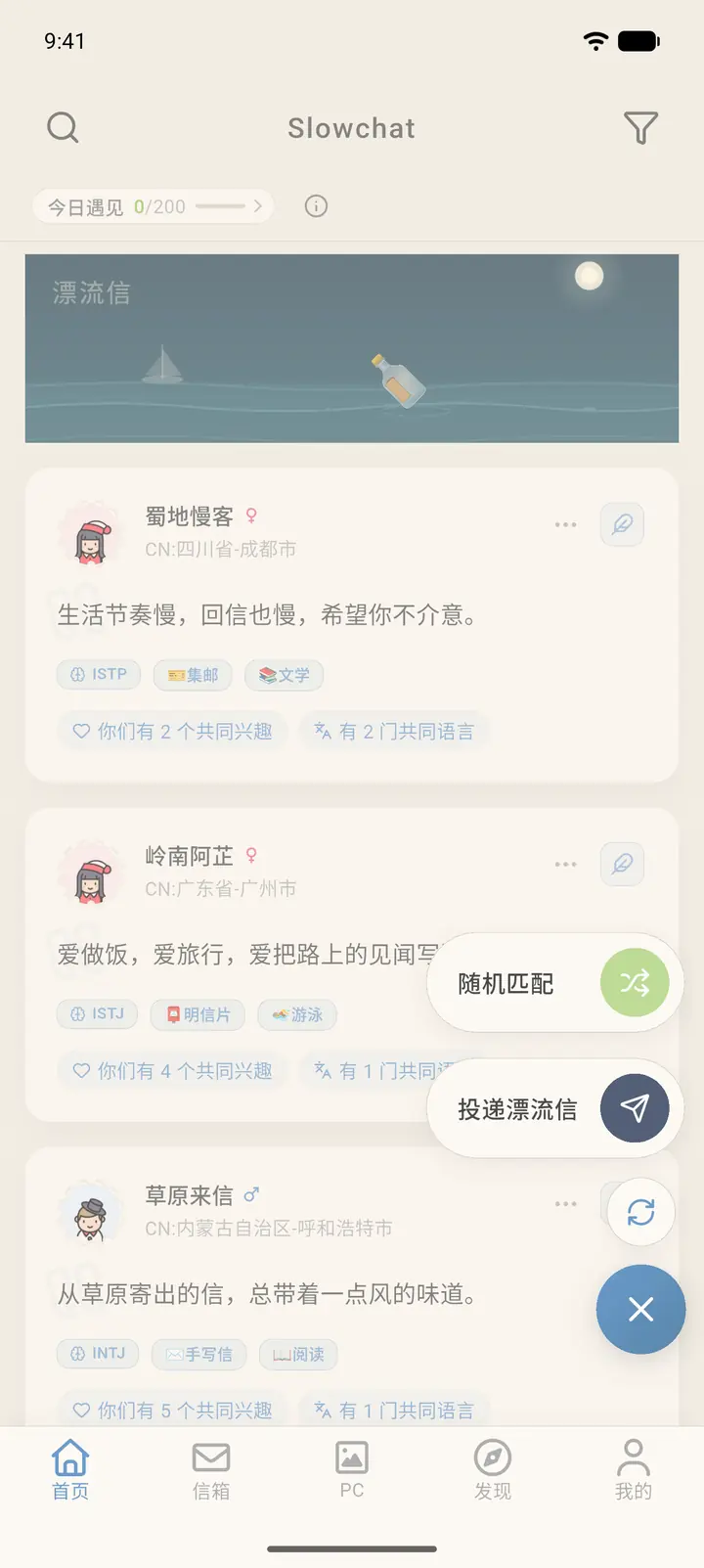
On Home, tap the "+" at the bottom right. Two options expand: Random match and Send drift letter (「投递漂流信」). Tap Random match.
-
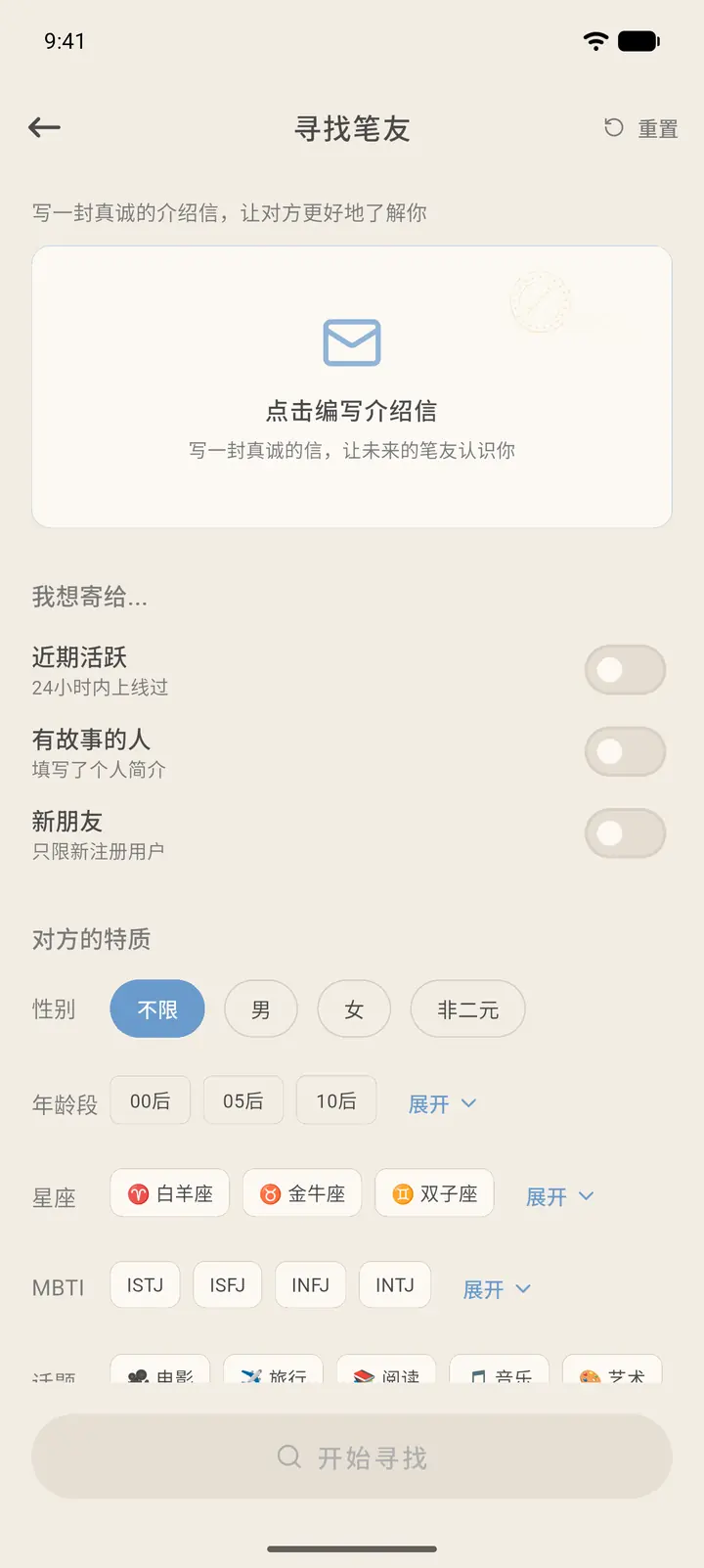
At the top of the Find Penpal (「寻找笔友」) page is your intro letter; tap the card to write it. Below it, I want to send to... (「我想寄给…」) has three switches: Recently Active (「近期活跃」, online within the last 24 hours), Storyteller (「有故事的人」, has filled in a personal bio), and New Friends (「新朋友」, recently registered users only). Further down, Traits (「对方的特质」) lets you filter by gender, age group, zodiac sign, MBTI, and topics. If you set no conditions, there are no limits. Reset (「重置」) at the top right clears all conditions.
-
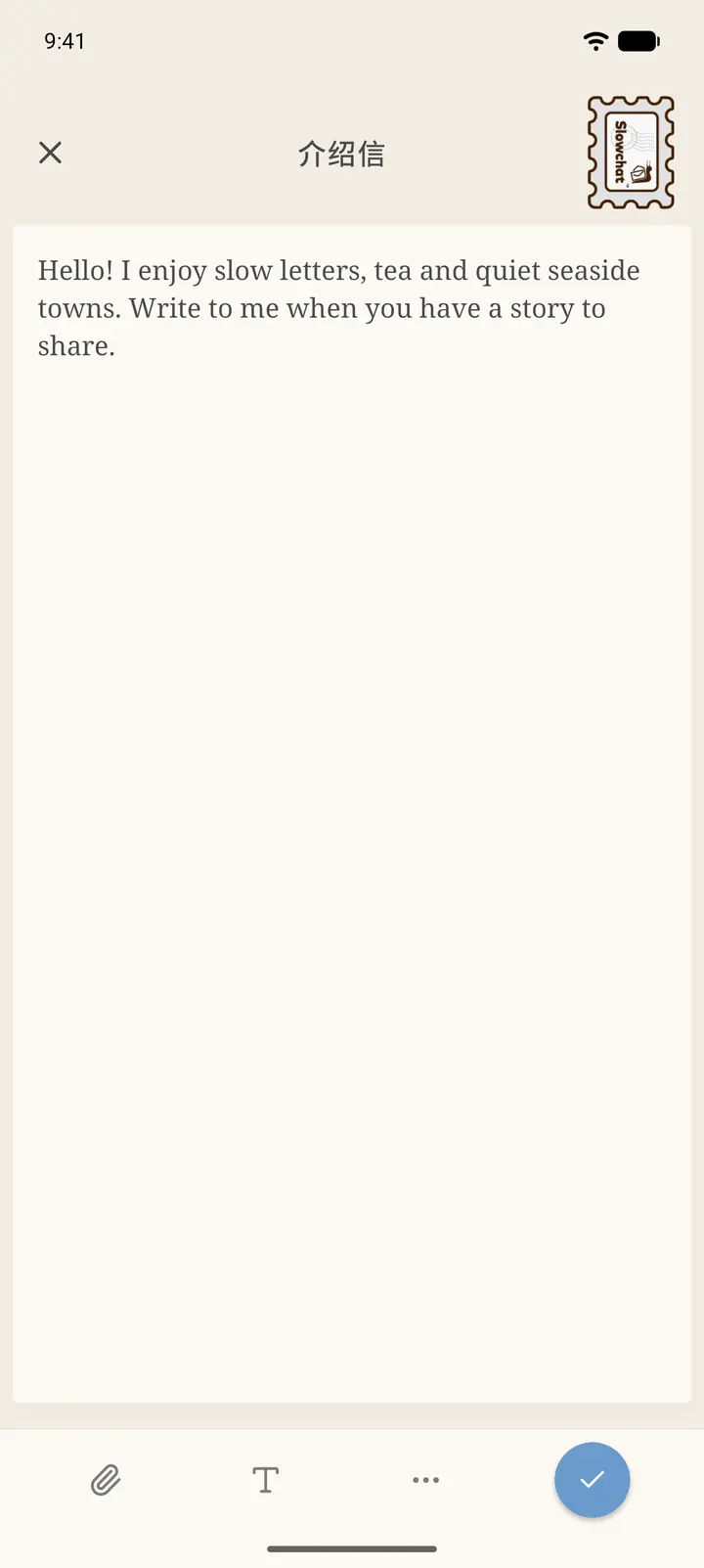
Tap the intro letter card to open the editor, write a short introduction about yourself, and tap the checkmark at the bottom right when you're done. The toolbar at the bottom lets you insert attachments and set text styles.
-
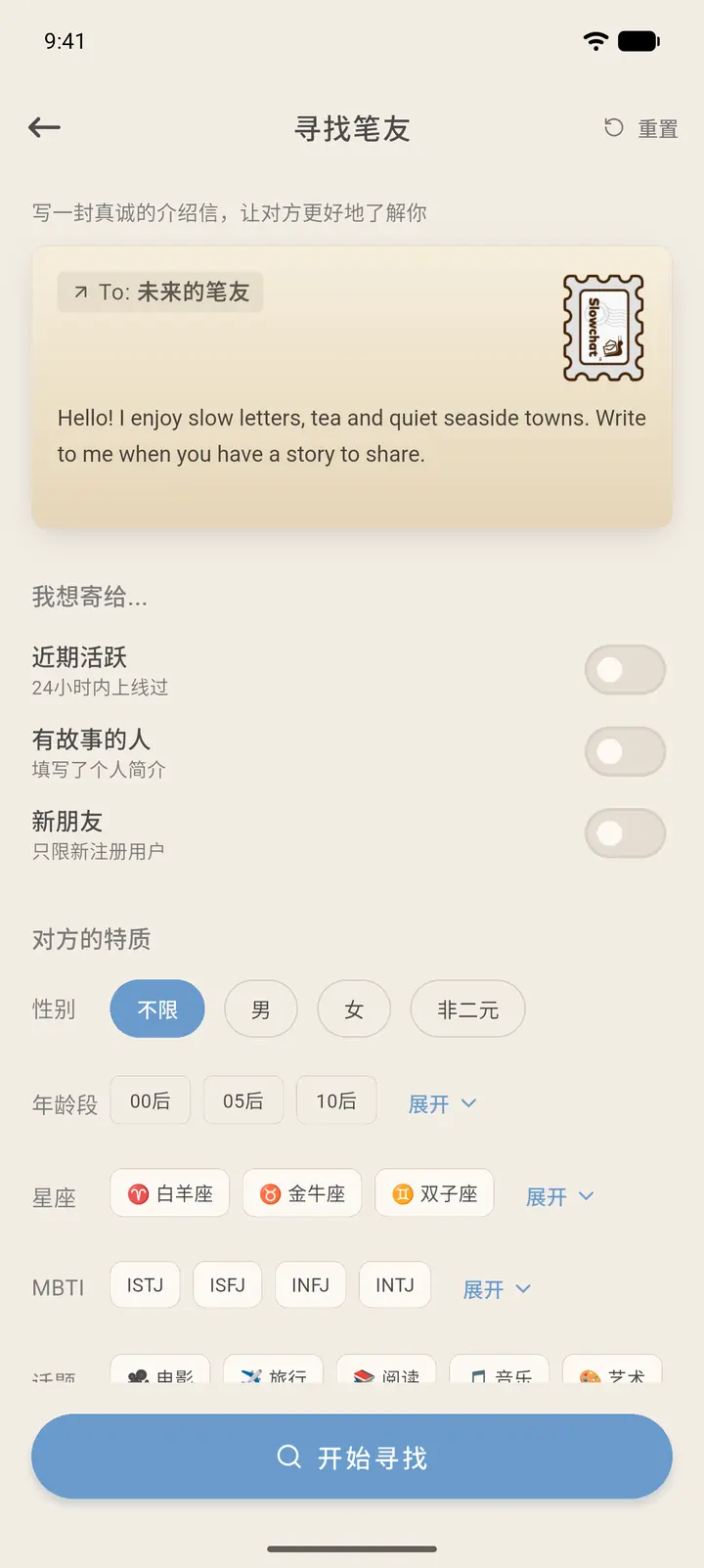
Once it's written, the card shows the letter's content and stamp. You can only tap Start Finding (「开始寻找」) after the intro letter is written.
-
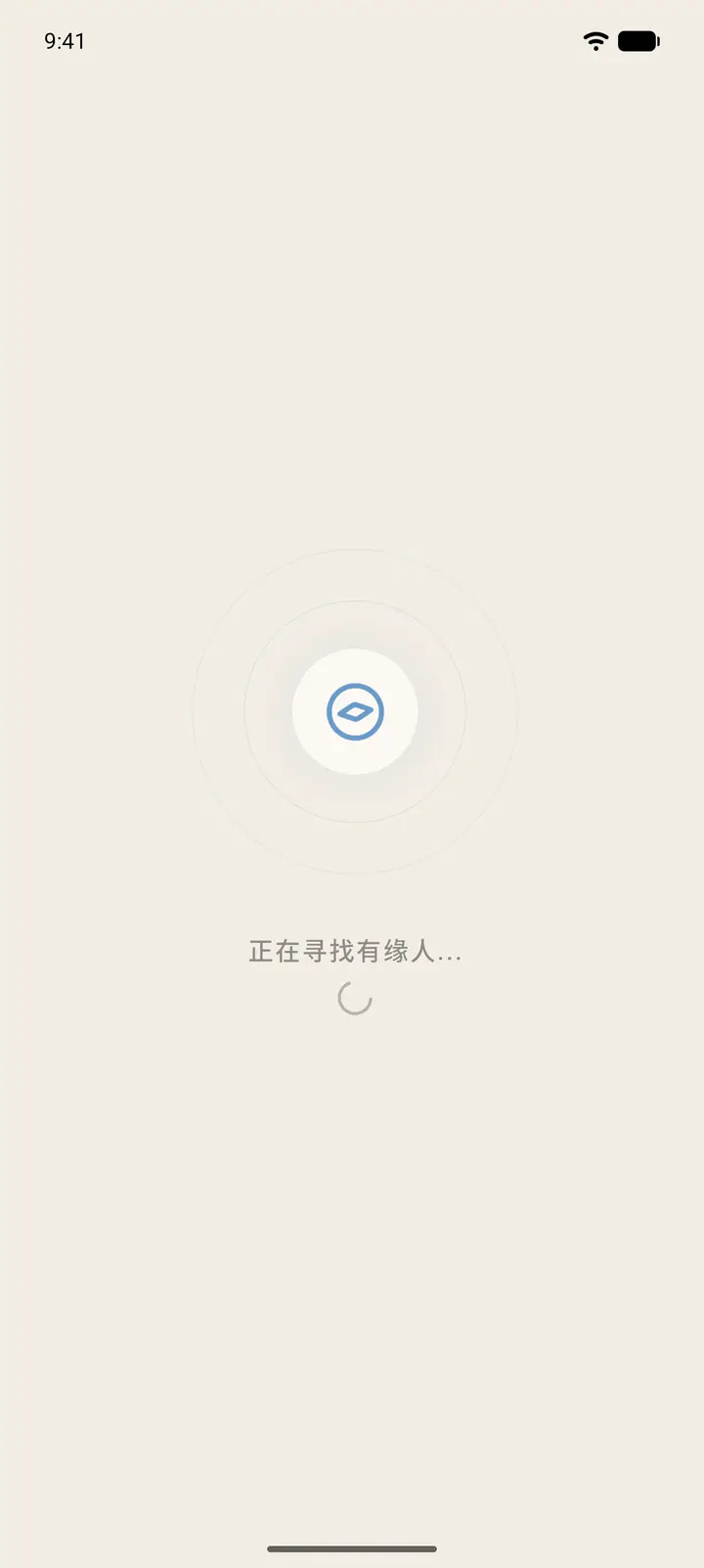
Tap Start Finding and a waiting page appears with "Searching for destiny..." (「正在寻找有缘人…」).
-
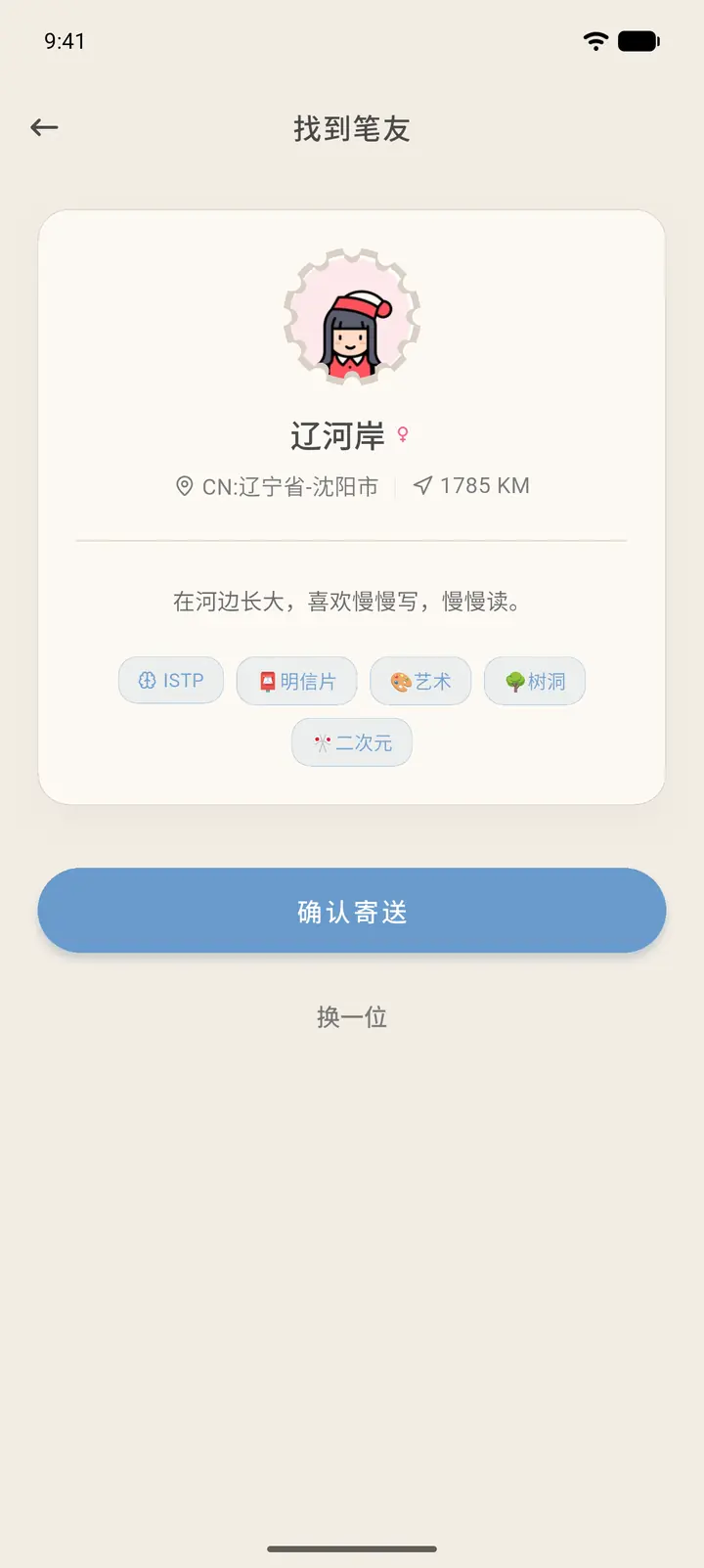
When a match is found, you'll see their avatar, pen name, location, distance, bio, and tags. Tap Confirm Send (「确认寄送」) to send your intro letter. If they don't seem like a good fit, tap Try Another (「换一位」) to match again.
Result
Once you confirm, the intro letter travels like any other letter, according to the distance between you. When they receive it, they can write back.
FAQ
How many times a day can I match? It depends on the number shown on the page and in your membership benefits.
Don't want to match with a complete stranger? Turn on Storyteller to match only with users who have filled in a bio. It's easier to find something to talk about.