Account and Security
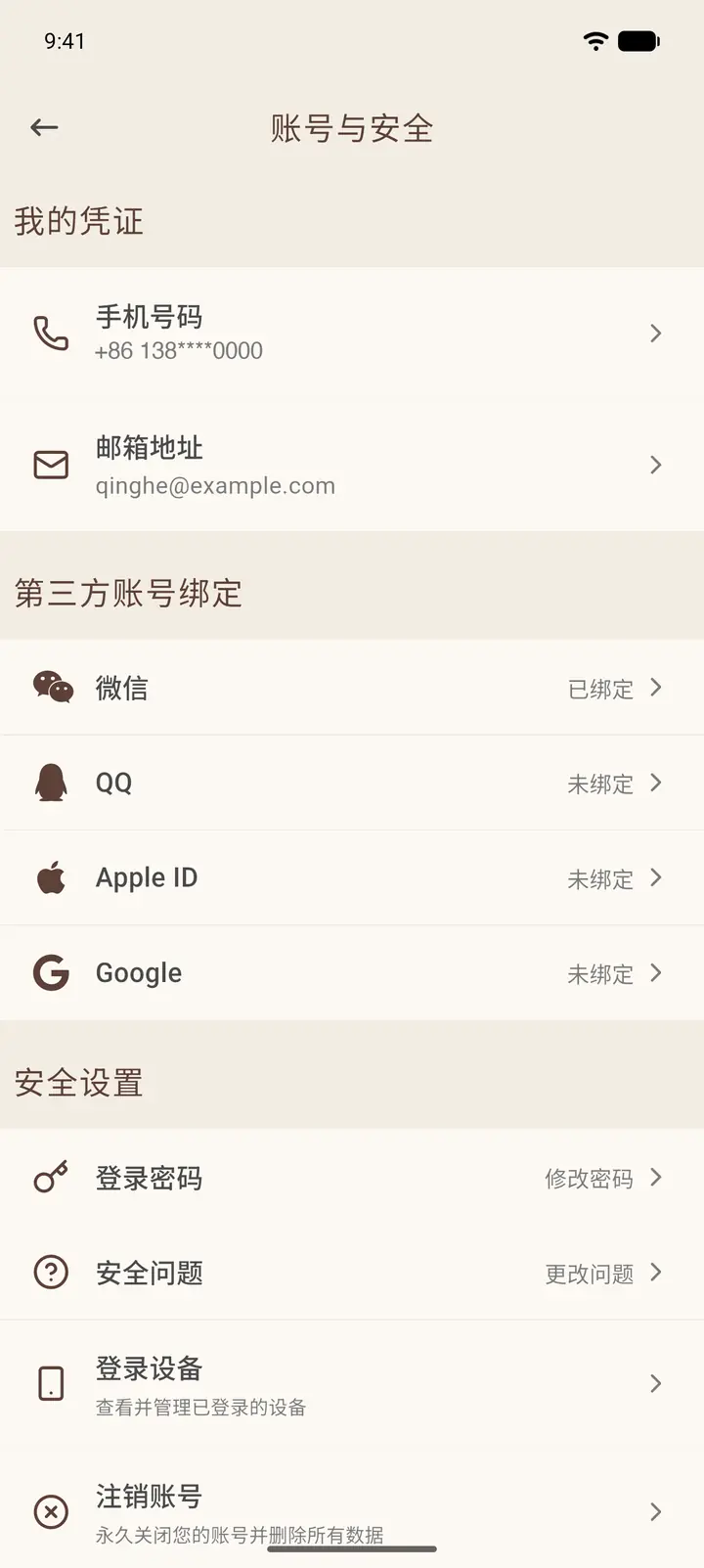
Account & Security is where you manage your login credentials, third-party account bindings, password and devices.
Where to find it
Profile (「我的」) → gear icon at the top right → Account & Security (「账号与安全」).
Steps
-
My Credentials (「我的凭证」) holds your phone number and email address. Tap either one to change it; you need to verify your identity first. Only the first and last few digits of your phone number are shown.
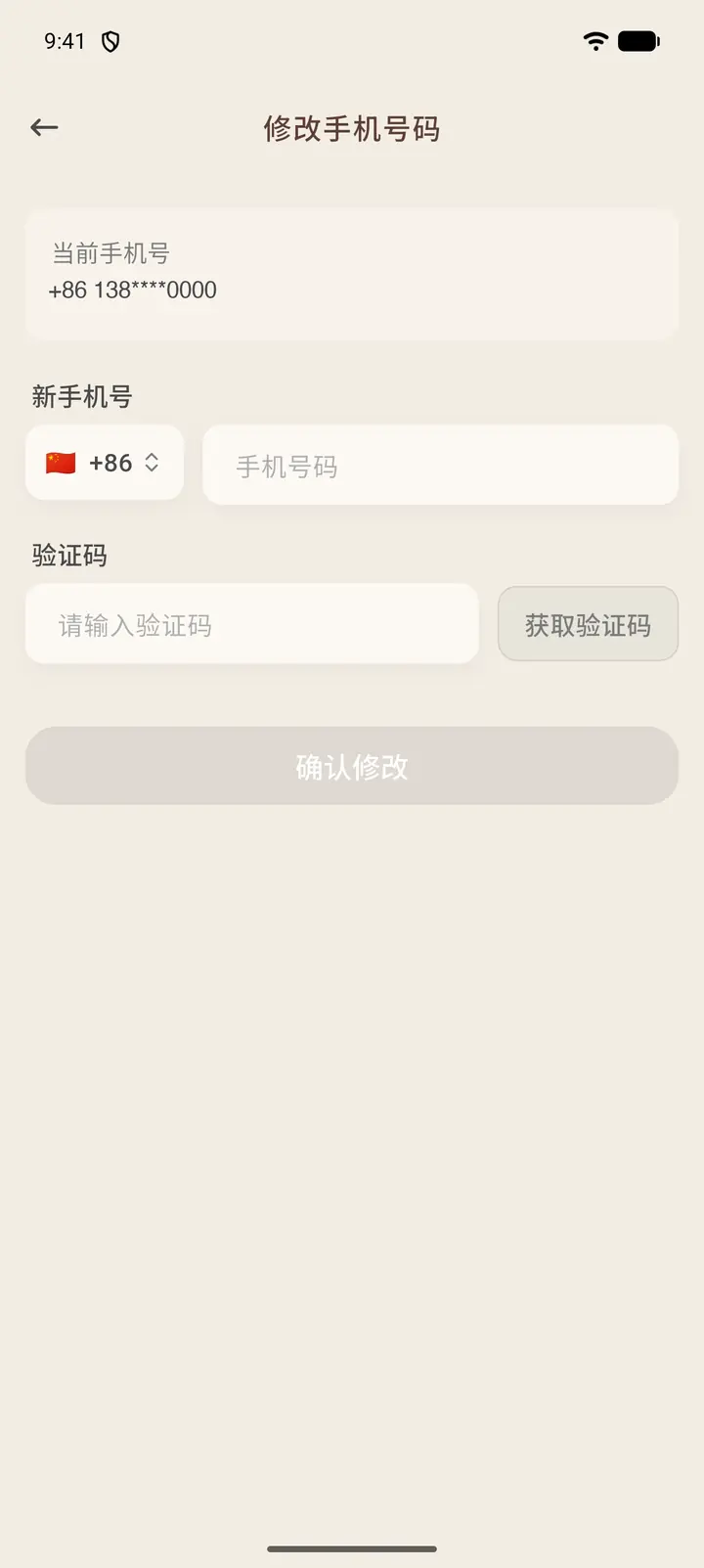
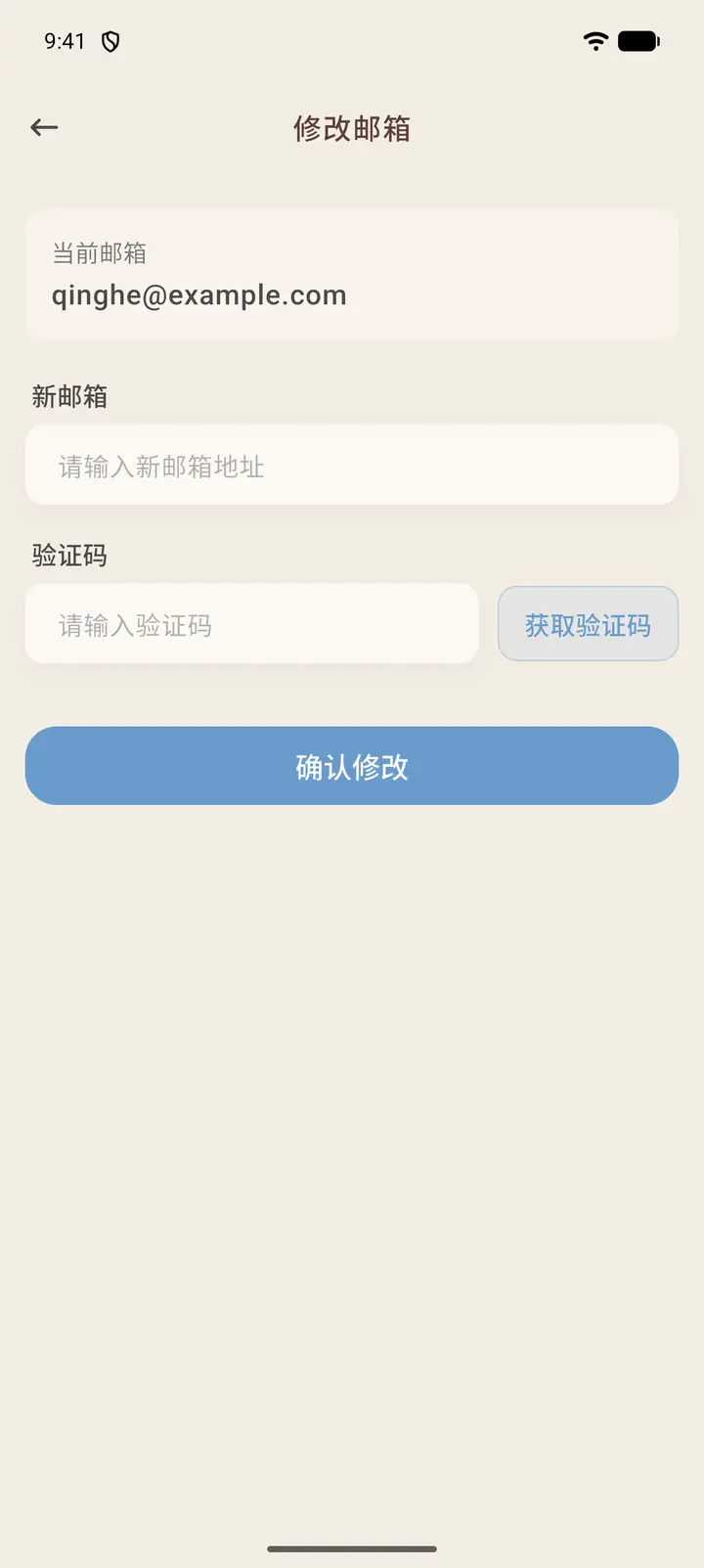
Tap Phone number (「手机号码」) to open Change Phone Number (「修改手机号码」): your current number is at the top; choose a country code, enter the new number, tap Get code (「获取验证码」), then enter the code you receive and tap Confirm (「确认修改」). Email address (「邮箱地址」) works the same way on the Change Email (「修改邮箱」) page.
-
Third-party accounts (「第三方账号绑定」) lists WeChat, QQ, Apple ID and Google, and shows whether each one is bound.
-
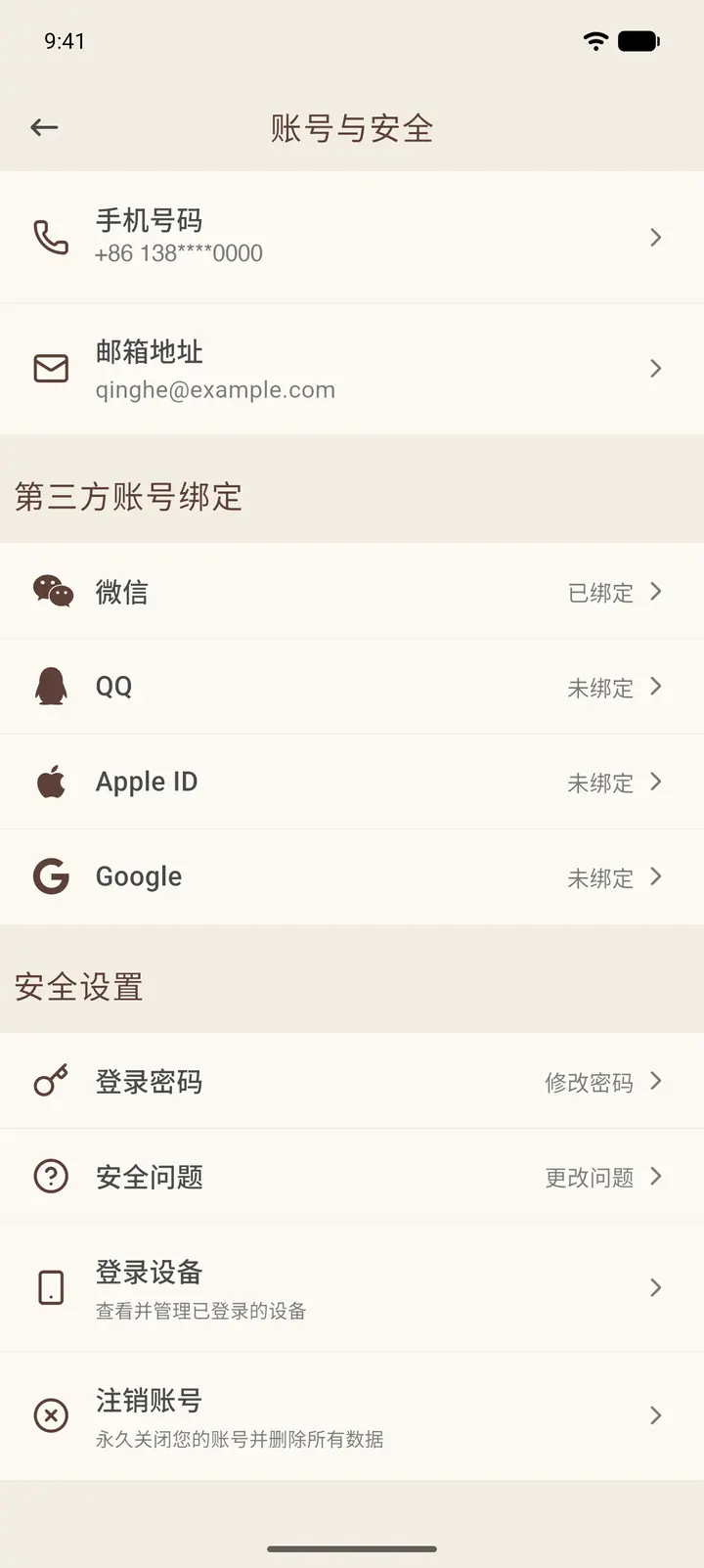
Security Settings (「安全设置」) includes Password, Security Question, Signed-in Devices and Delete Account.
-
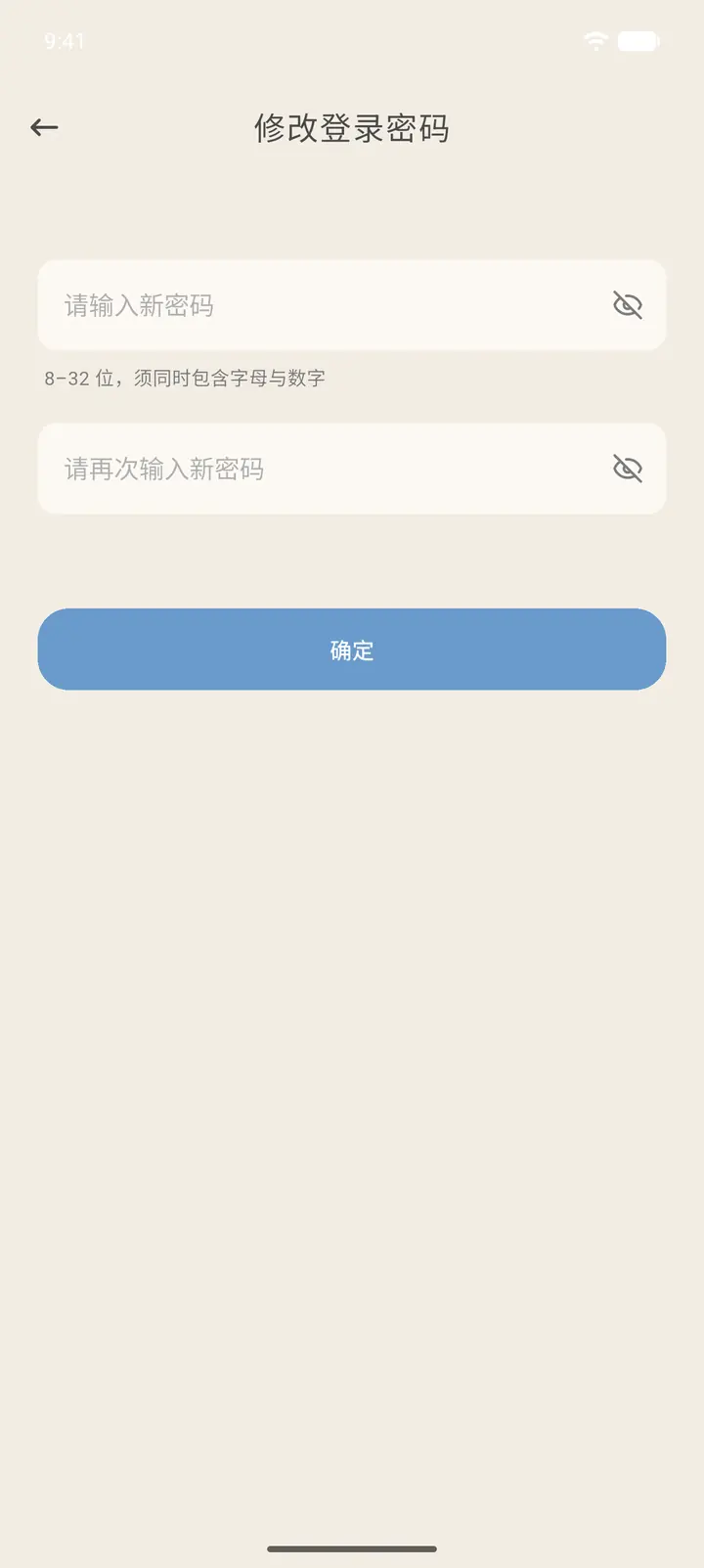
Tap Password (「登录密码」) to open Change Login Password (「修改登录密码」). Enter the new password twice. It must be 8 to 32 characters and contain both letters and numbers. Then tap OK (「确定」).
-
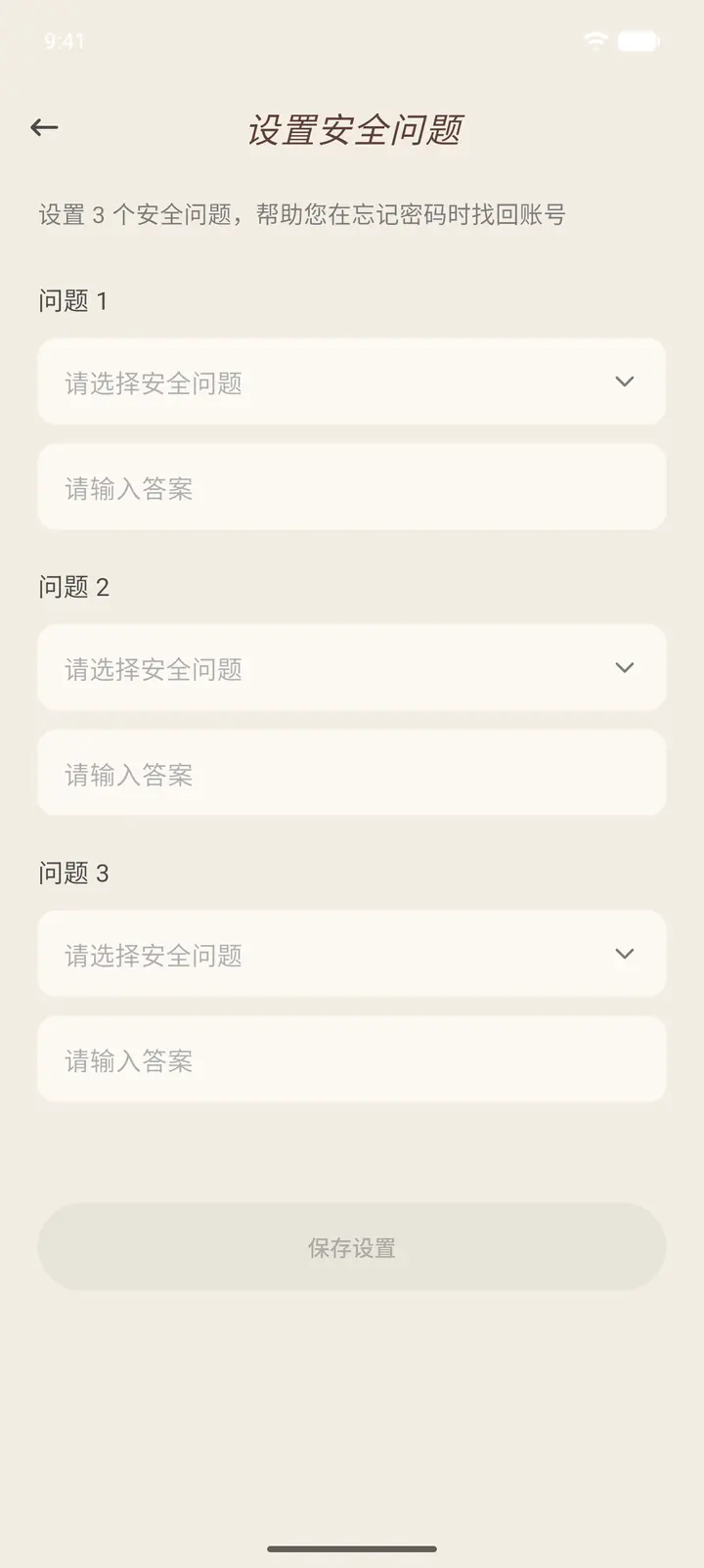
Tap Security Question (「安全问题」) to set 3 security questions and their answers. You can use them to recover your account if you forget your password. Save Questions (「保存设置」) can only be tapped once all three questions are chosen and all three answers are filled in.
-
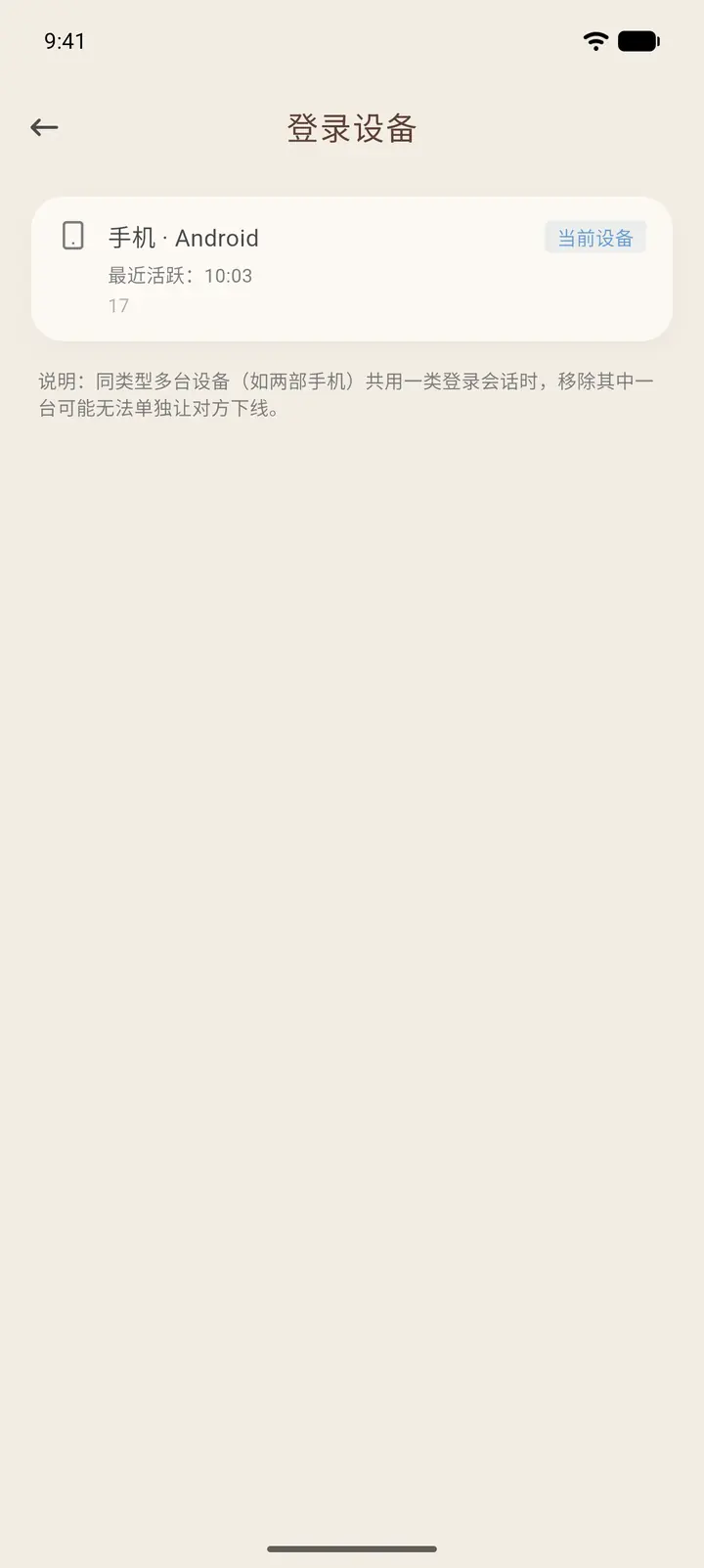
Signed-in Devices (「登录设备」) lists every device you have logged in on. The one you are using is marked This device (「当前设备」). You can remove any device you don't recognize.
-
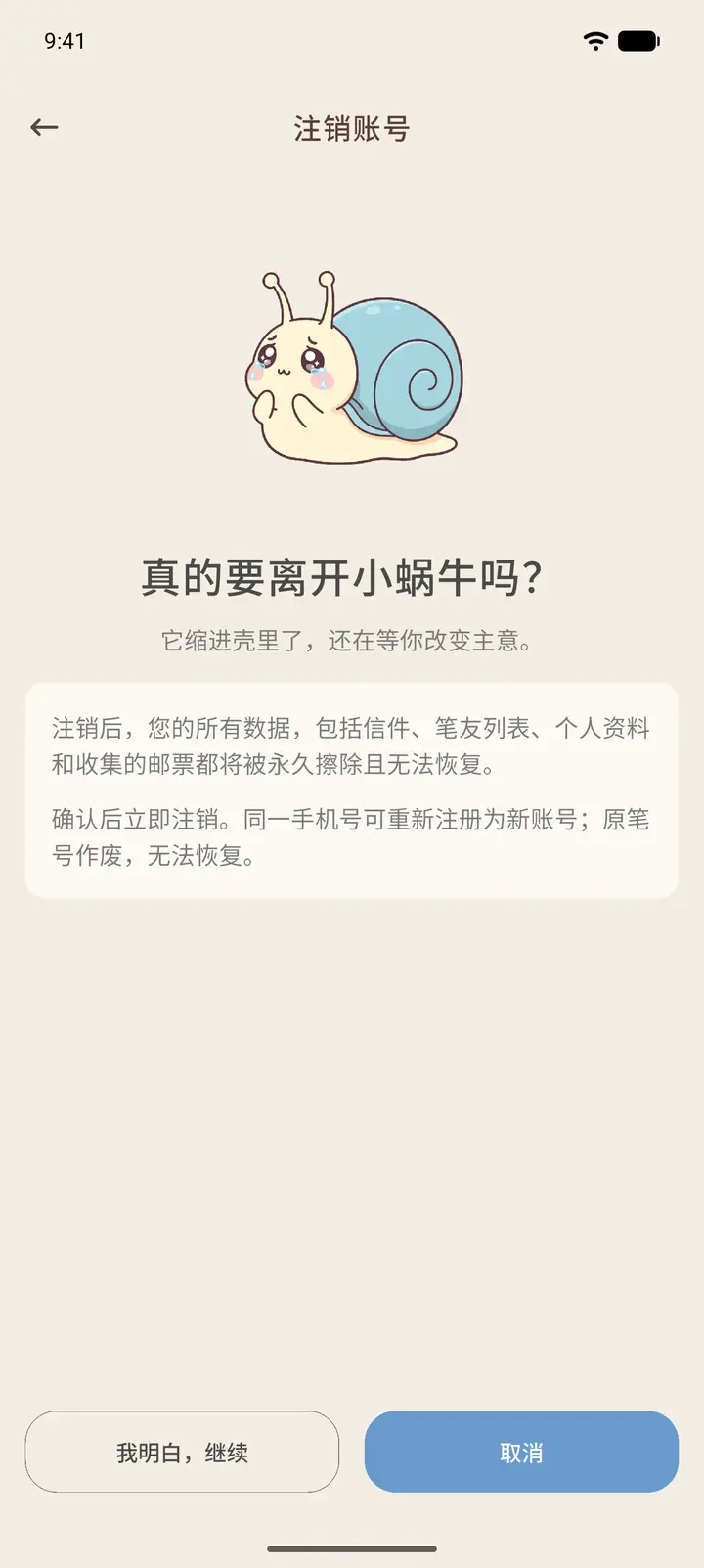
Delete Account (「注销账号」) closes your account permanently. Your letters, pen pal list, profile and collected stamps are all erased and cannot be restored. The same phone number can later be used to register a new account, but your old pen pal ID becomes invalid. On this page, tap I Understand, Proceed (「我明白,继续」) to go on to the final confirmation, or Cancel (「取消」) to leave. This manual only goes as far as this page and does not actually delete an account.
Result
After you change your password or security questions, you can use them the next time you recover your password.
FAQ
What if I forget my password? On the login page, tap Forgot password? (「忘记密码」) and recover your account by phone, email or security questions, whichever you prefer.