Settings
The Settings page brings together your account, privacy, appearance, notifications and language.
Where to find it
Profile (「我的」) → gear icon at the top right.
Steps
-
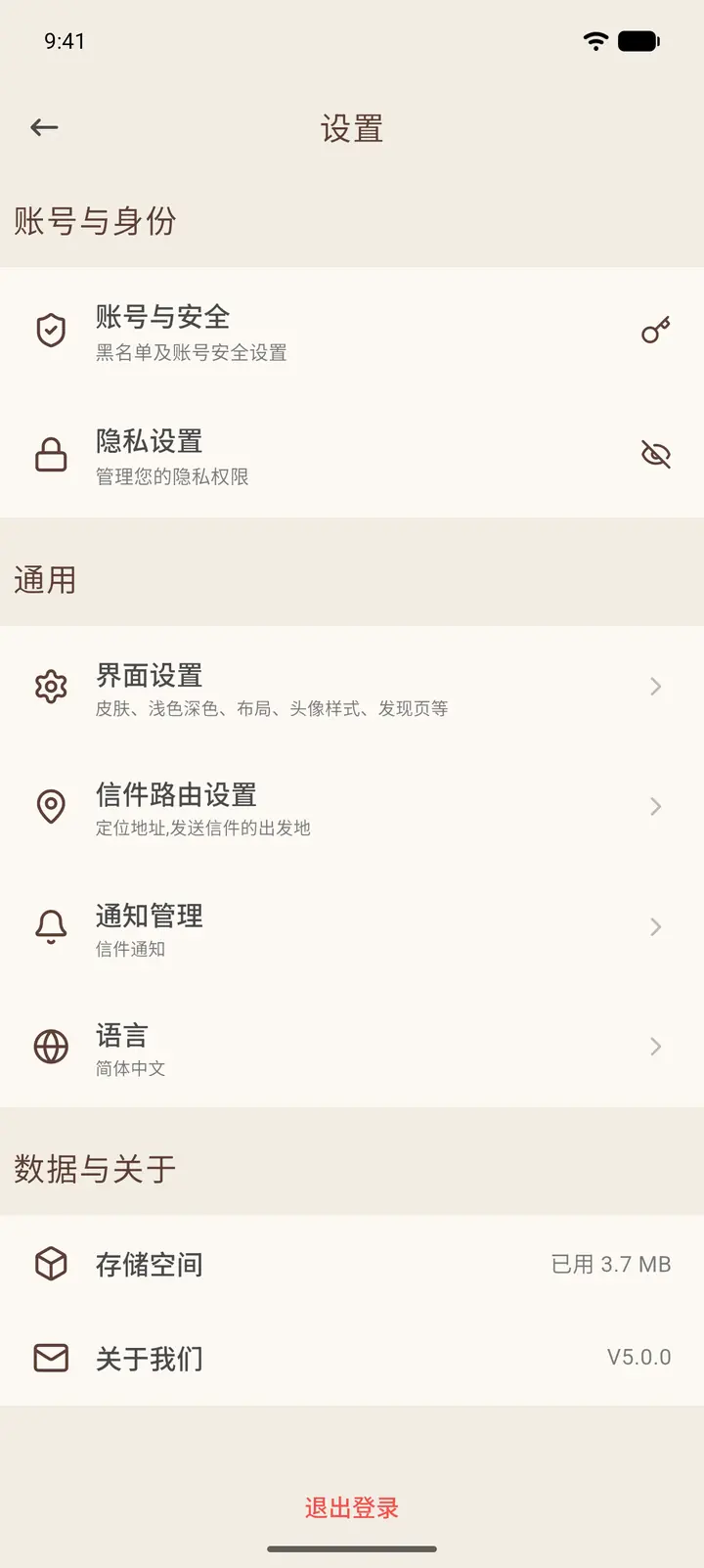
Settings is arranged in three groups: Account & Identity (Account & Security「账号与安全」, Privacy Settings「隐私设置」), General (Interface Settings「界面设置」, Letter Routing Settings「信件路由设置」, Notifications「通知管理」, Language「语言」), and Data & About (Storage「存储空间」, About Us「关于我们」). Log Out (「退出登录」) is at the bottom.
-
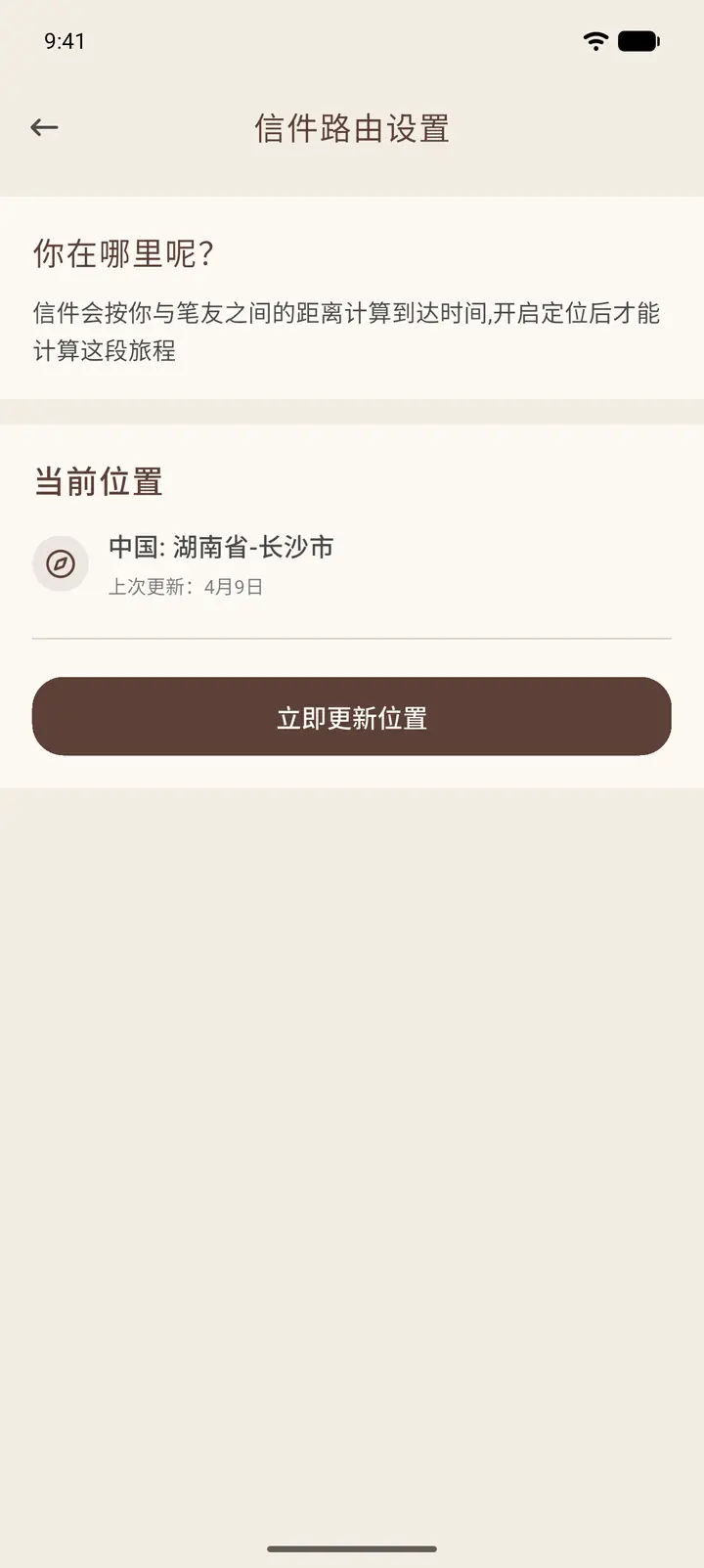
Letter Routing Settings shows where you are right now. Letters take longer or shorter to arrive depending on the distance between you and the other person, so if your location is wrong, tap Update Location Now (「立即更新位置」).
-
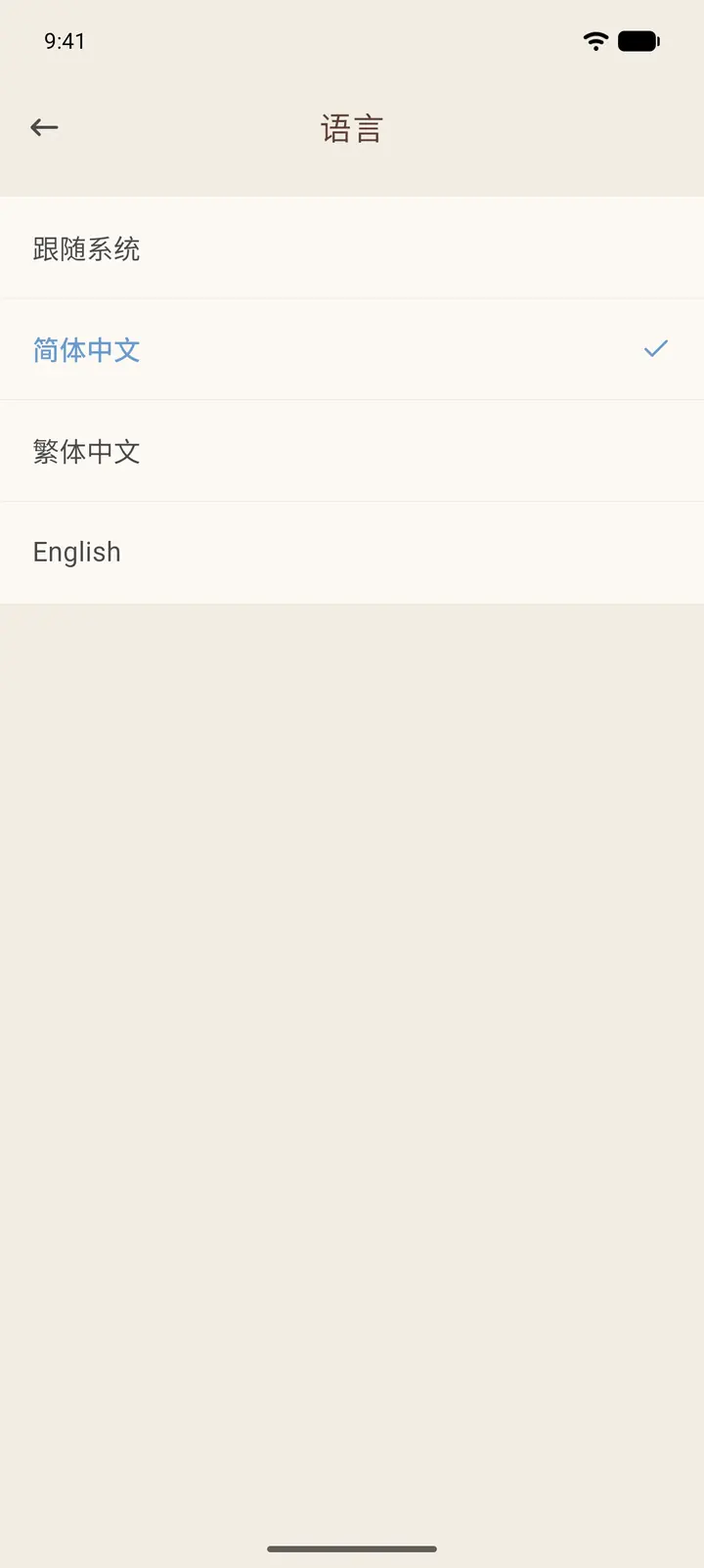
Language lets you choose Follow System, Simplified Chinese, Traditional Chinese or English. Your choice takes effect immediately.
-
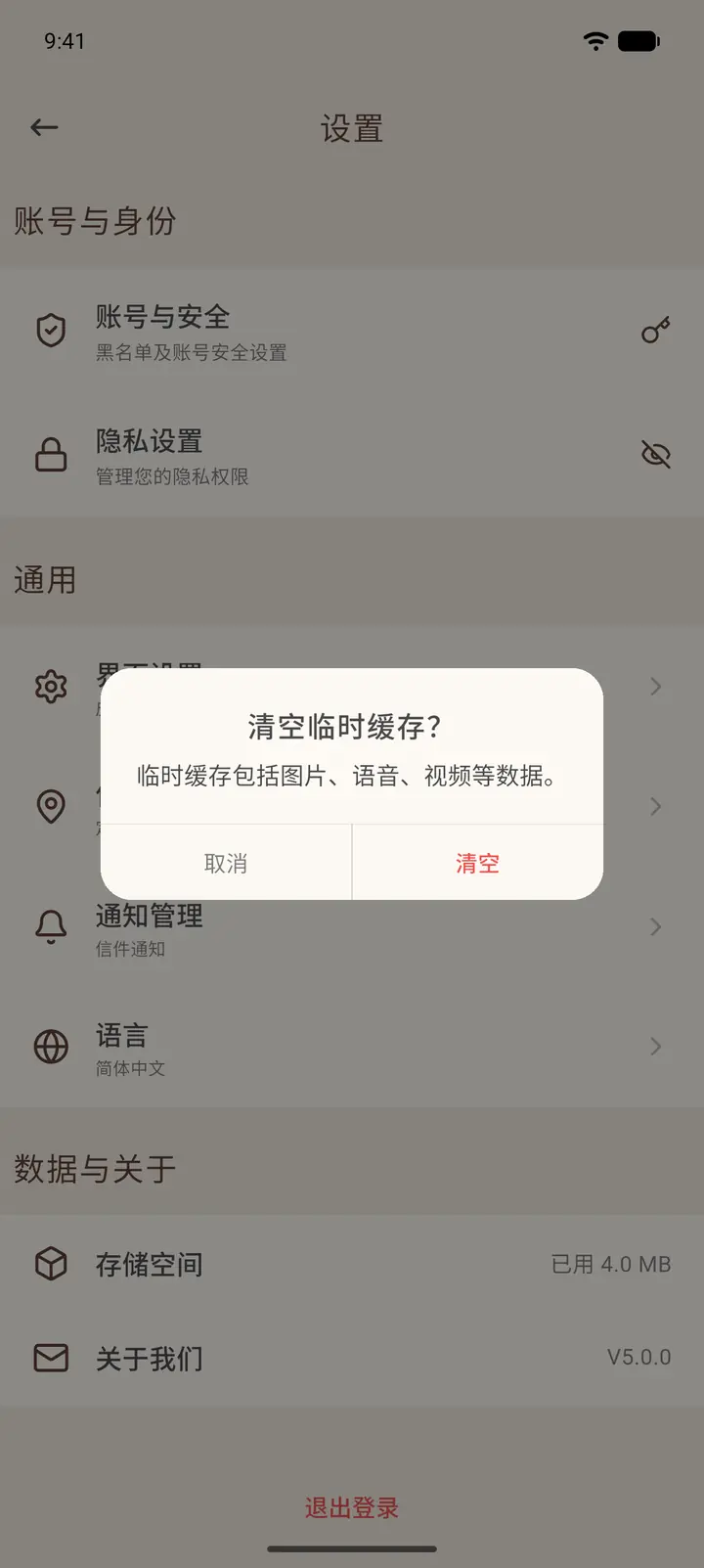
Storage shows how much space the app is using. Tap it and the app asks whether to clear the temporary cache. The cache holds temporary images, voice messages and videos; clearing it does not affect your account data.
-
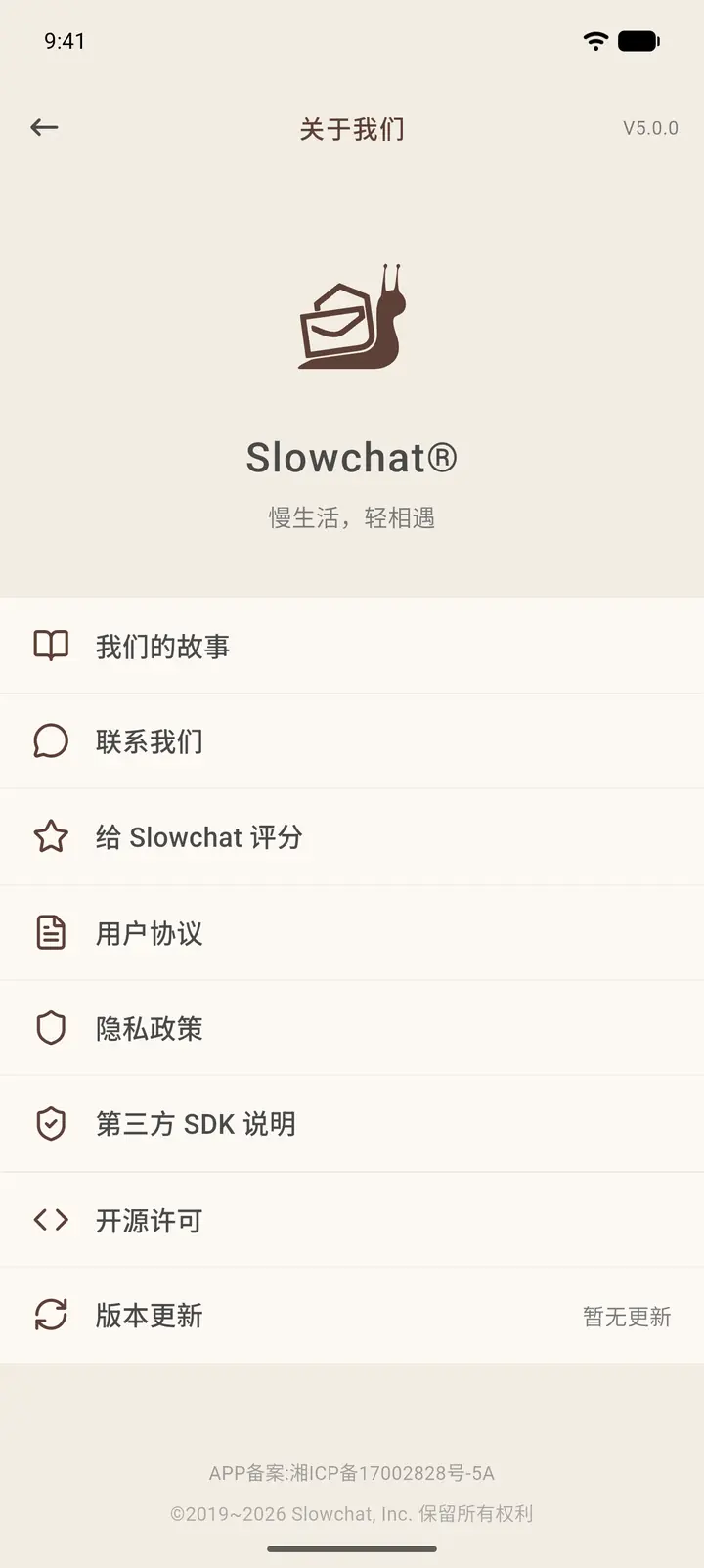
About Us contains the brand story, Contact Us, User Agreement, Privacy Policy, Third-Party SDKs, Open Source Licenses and Version Update.
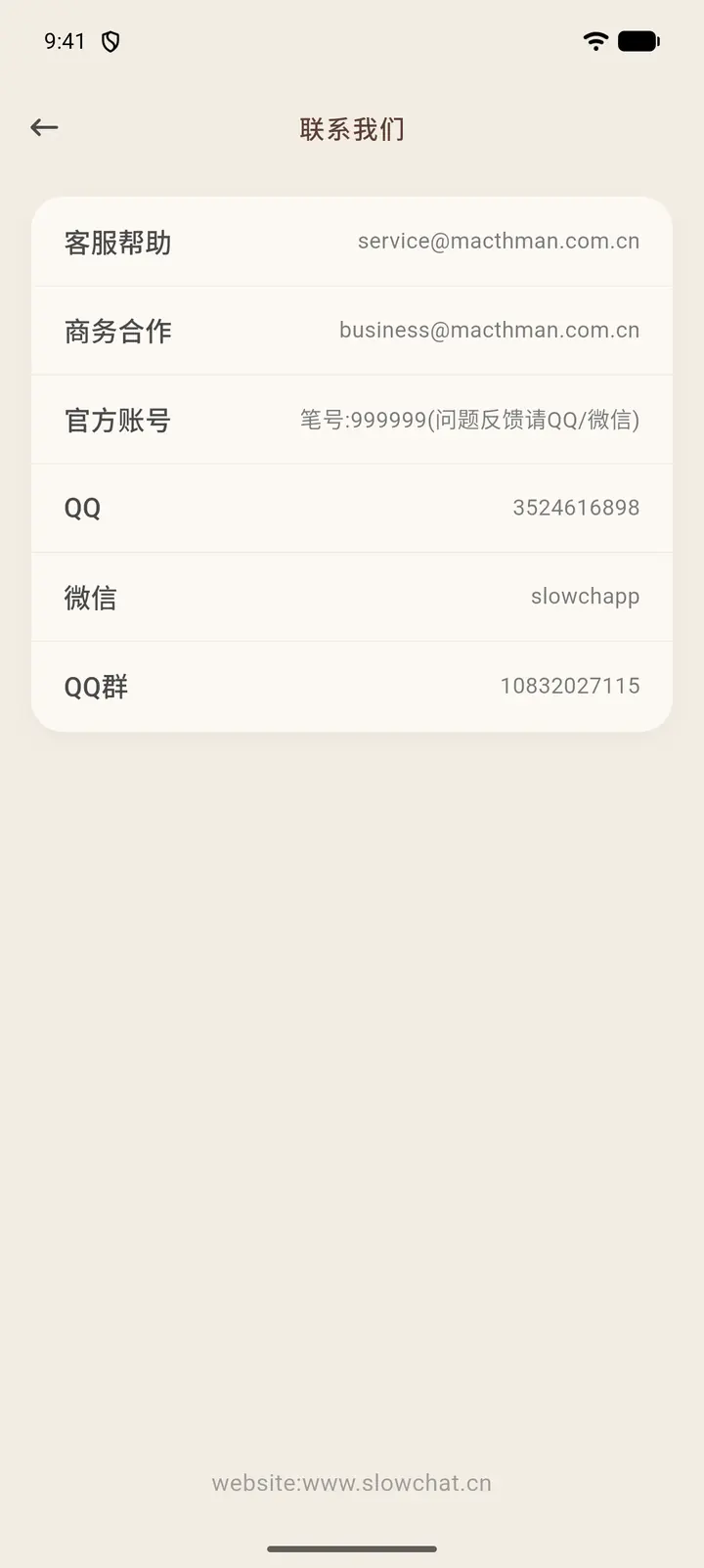
Contact Us (「联系我们」) lists the support email, the business email, the official account's pen pal number, and the official QQ, WeChat and QQ group. Reach out from here if you need help.
Result
Settings such as language and location are saved to your account, so they still apply when you log in on another device.
FAQ
Will I lose my data if I log out? No. Your data is stored on the server. Just log in again.