Drift Bottle
A drift bottle is a letter you hand over to the sea, hoping a stranger finds it and writes back.
Where to Find It
Bottom Discover (「发现」) → Drift Letter (「漂流信」). You can also get there from the button at the bottom right of Home.
Steps
-
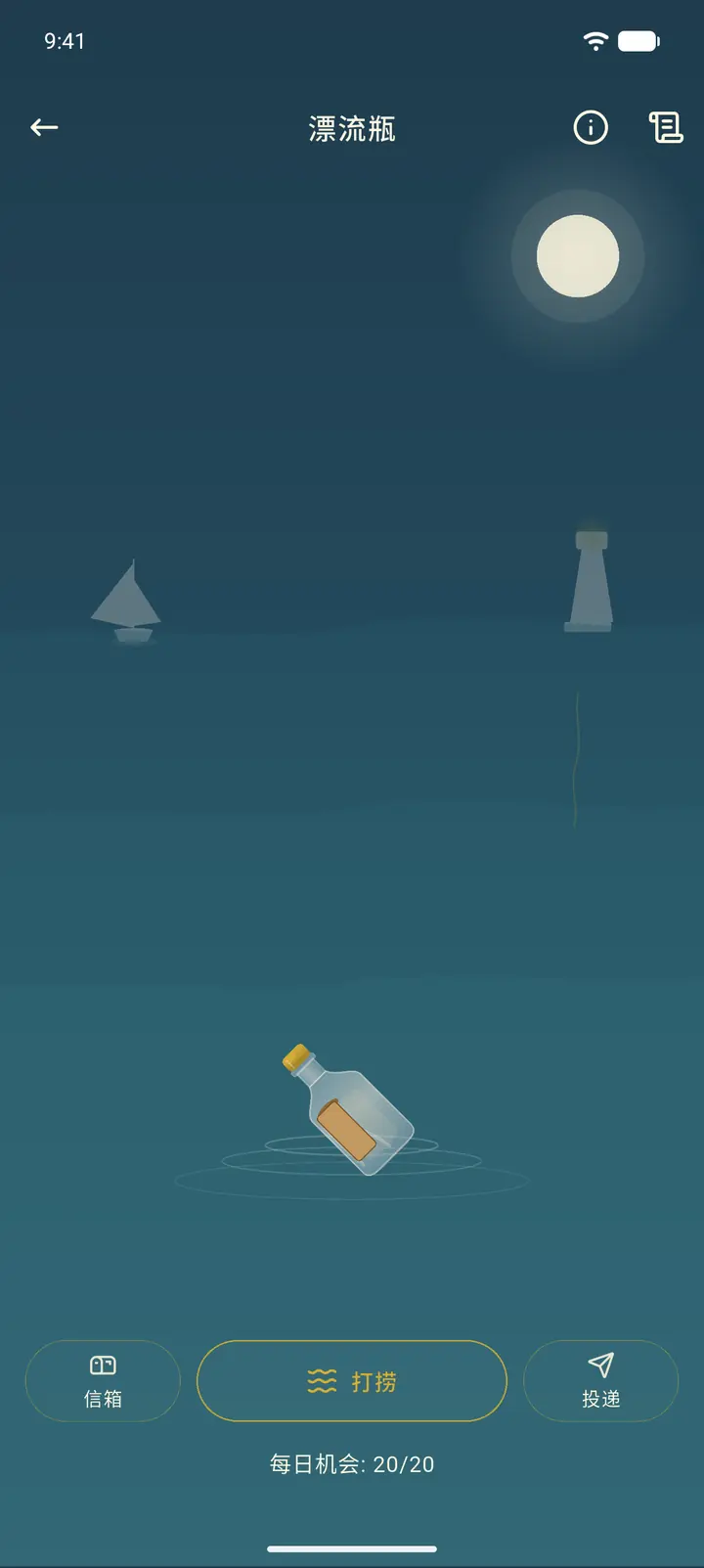
You'll arrive at a night-time sea. There are three buttons at the bottom: Mailbox (「信箱」) holds the drift letters you've received and sent, Salvage (「打捞」) fishes up letters other people have sent out, and Send (「投递」) is for writing a new drift letter. The bottom of the screen shows how many salvage chances you have left today.
-
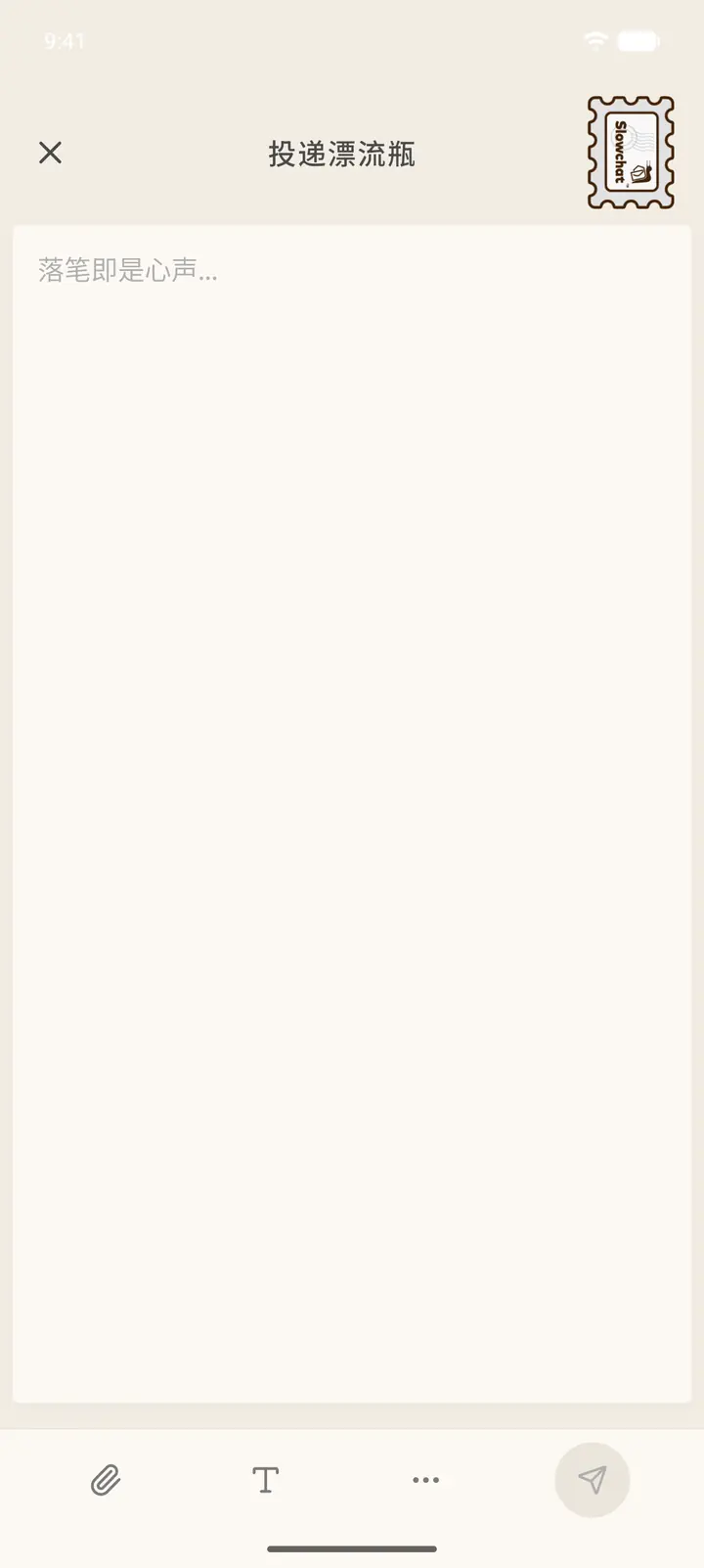
Tap Send to write a new drift letter. The page is similar to writing a regular letter: you can change the stamp at the top, and when you're done, tap send at the bottom right. Your letter is then set adrift in the sea.
-
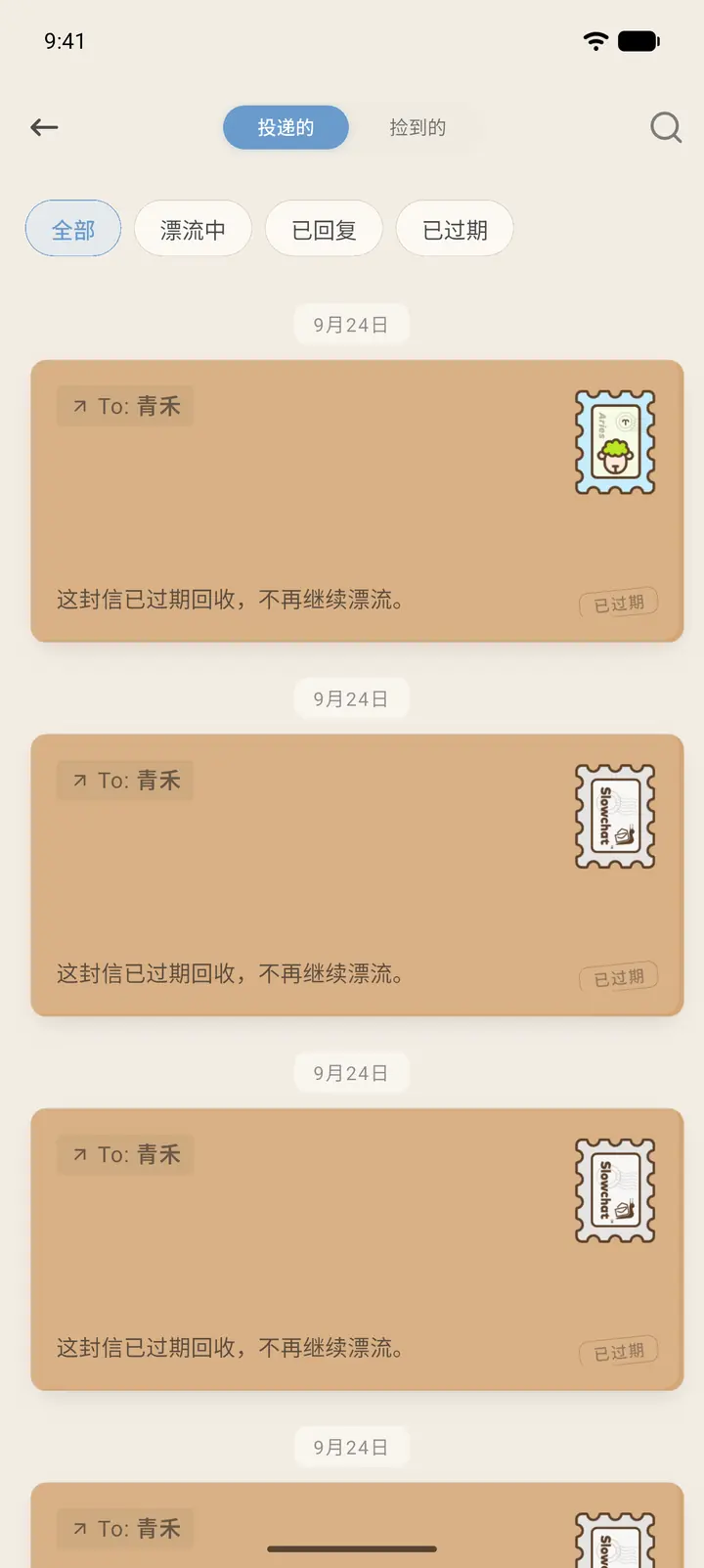
Tap Mailbox to see your drift history. Sent (「投递的」) contains the letters you've sent, which you can filter by Drifting (「漂流中」), Replied (「已回复」), and Expired (「已过期」). Picked Up (「捡到的」) contains the letters you've fished up. A letter that goes unanswered past its deadline is taken back and shows as Expired.
-
The "i" at the top right explains how it works (it opens in an H5 page), and the scroll icon next to it is Past Memories (「往昔回忆」).
Salvage and Reply
-
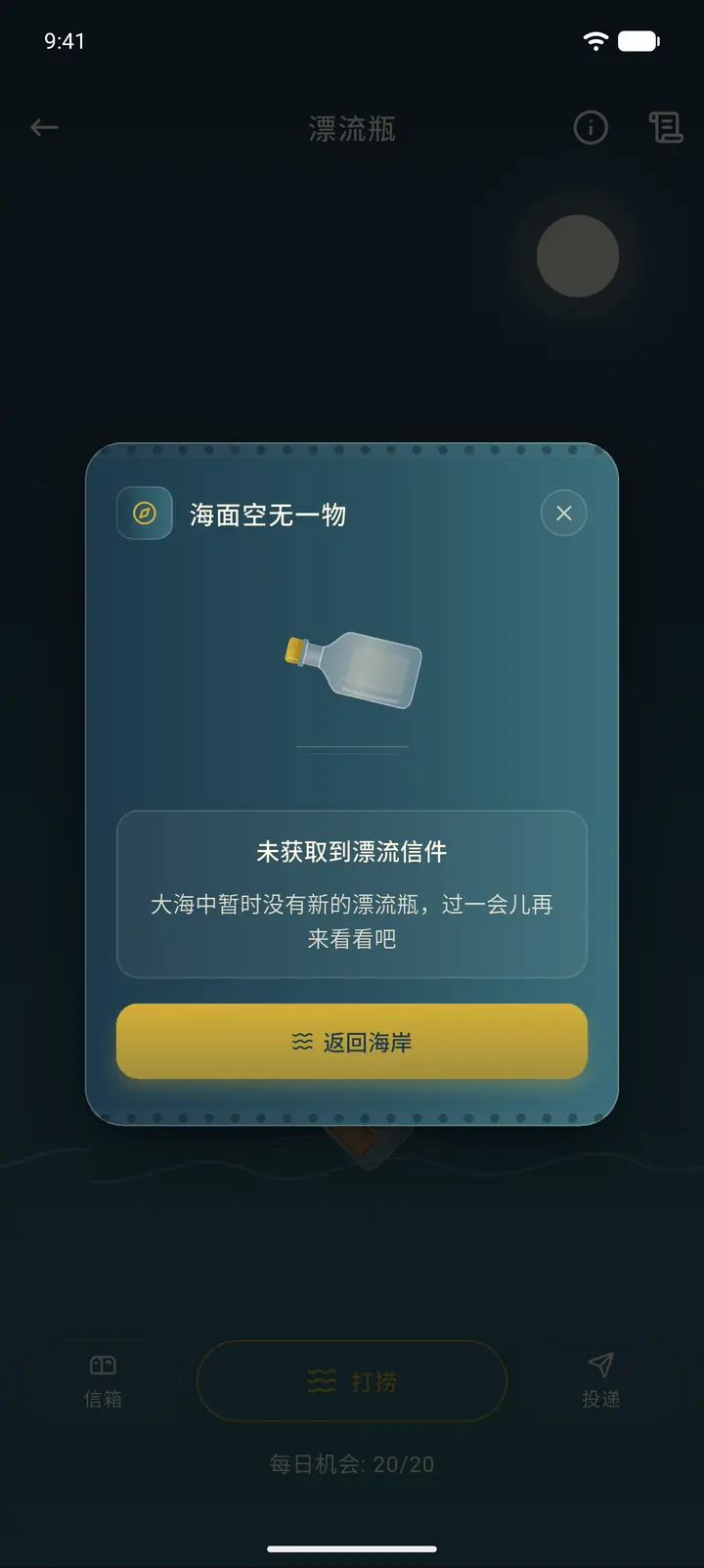
Tap Salvage and a wave of tide rolls in. If there are no letters in the pool for now, a The sea is empty (「海面空无一物」) message appears. Tap Return to Shore (「返回海岸」) and try again a little later.
-
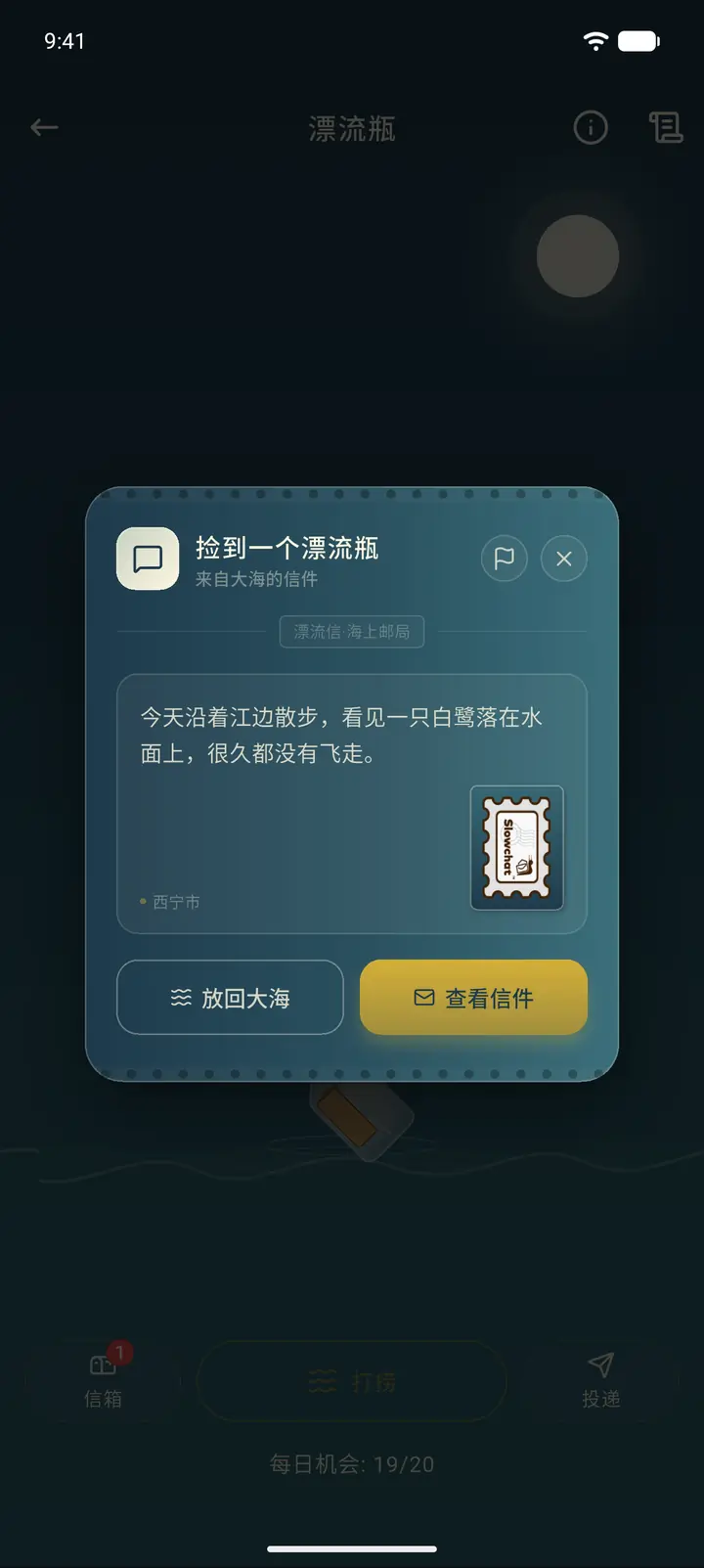
When you fish up a letter, a A bottle washed ashore (「捡到一个漂流瓶」) card appears, showing the sender's location, the start of the letter, and the stamp. The small flag at the top right is for reporting. Put back to sea (「放回大海」) lets the letter keep drifting, and View Letter (「查看信件」) opens the full letter.
-
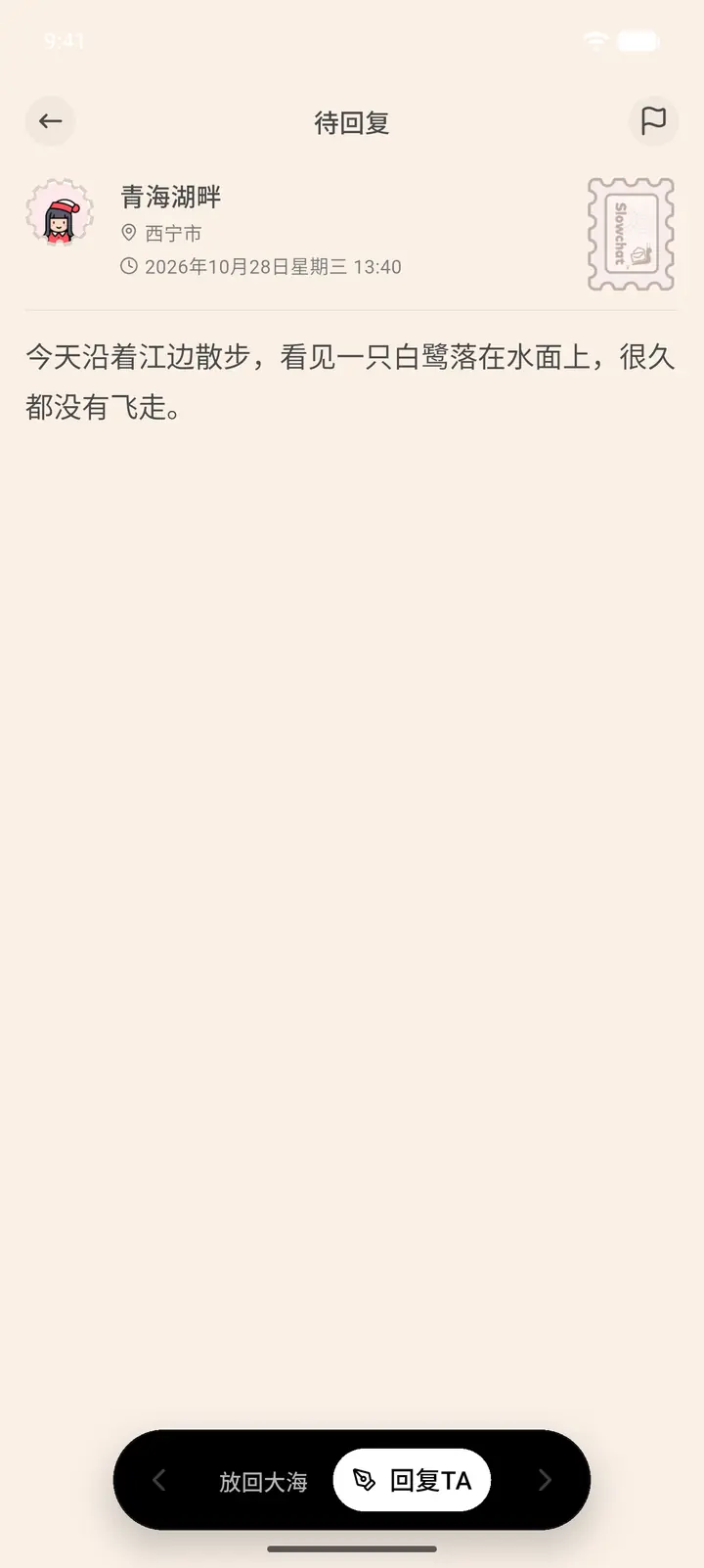
Once opened, it's a letter Awaiting reply (「待回复」), with the sender's pen name, location, and time at the top. The dark button bar at the bottom gives you two choices: Put back to sea to pass on this one, or Reply (「回复TA」) to write back. The flag at the top right can also be used to report the letter.
-
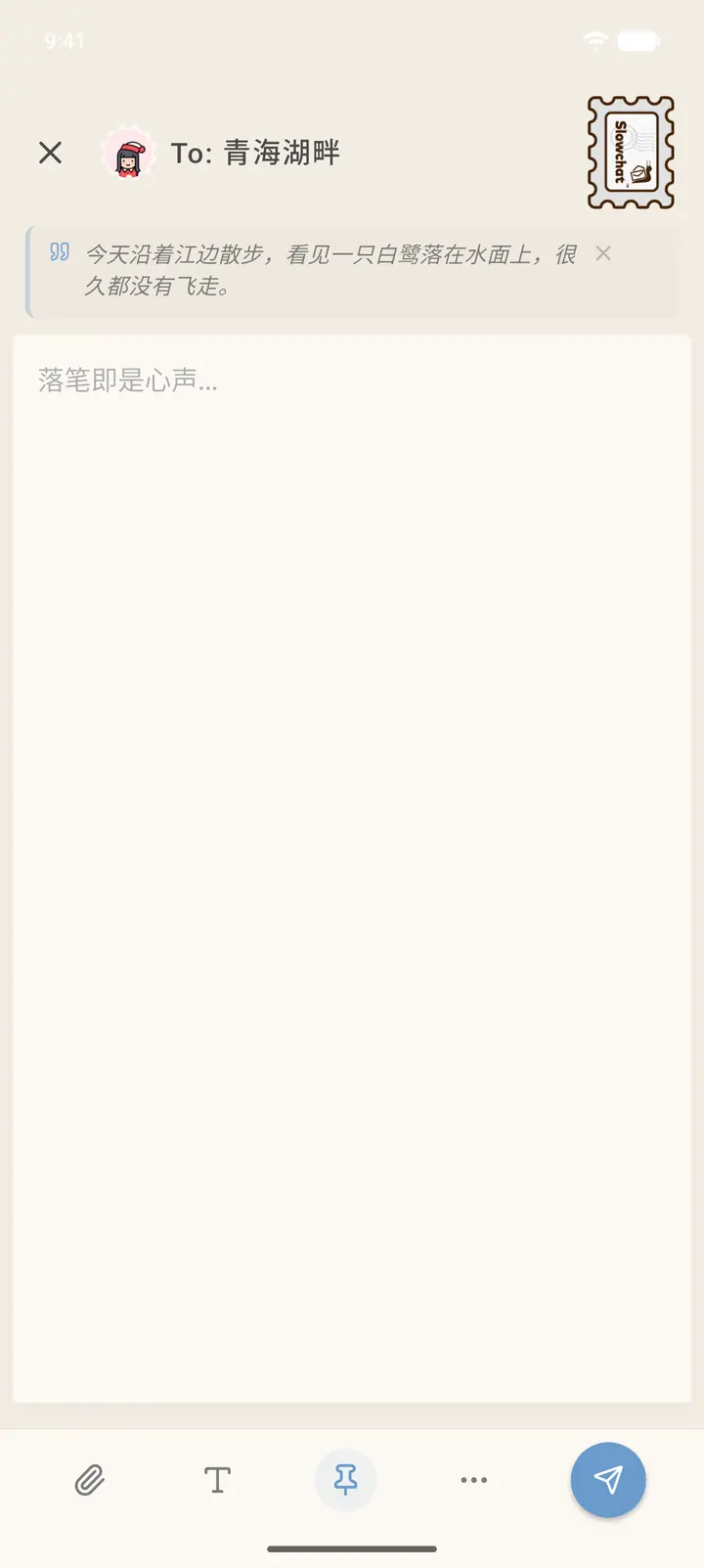
Tap Reply to open the reply editor. The sender's original letter is shown at the top as a quoted card so you can write with it in view. You can change the stamp at the top right, and when you're done, tap send at the bottom right.
Result
You can reply to a letter you fished up. Your reply goes into the regular Mailbox, and the sender receives it just like any other letter. There's a daily limit on salvaging and sending (the bottom of the salvage page shows how many Daily Chances (「每日机会」) you have left). Once you've used them up, you'll need to wait until the next day.
FAQ
Can't fish up any letters? There are no suitable letters in the pool right now. Try again at another time.
Fished up a letter you don't want to reply to? Tap Put back to sea and the letter will keep drifting to someone else. If the content isn't appropriate, tap the small flag at the top right to report it.