Receive and Reply
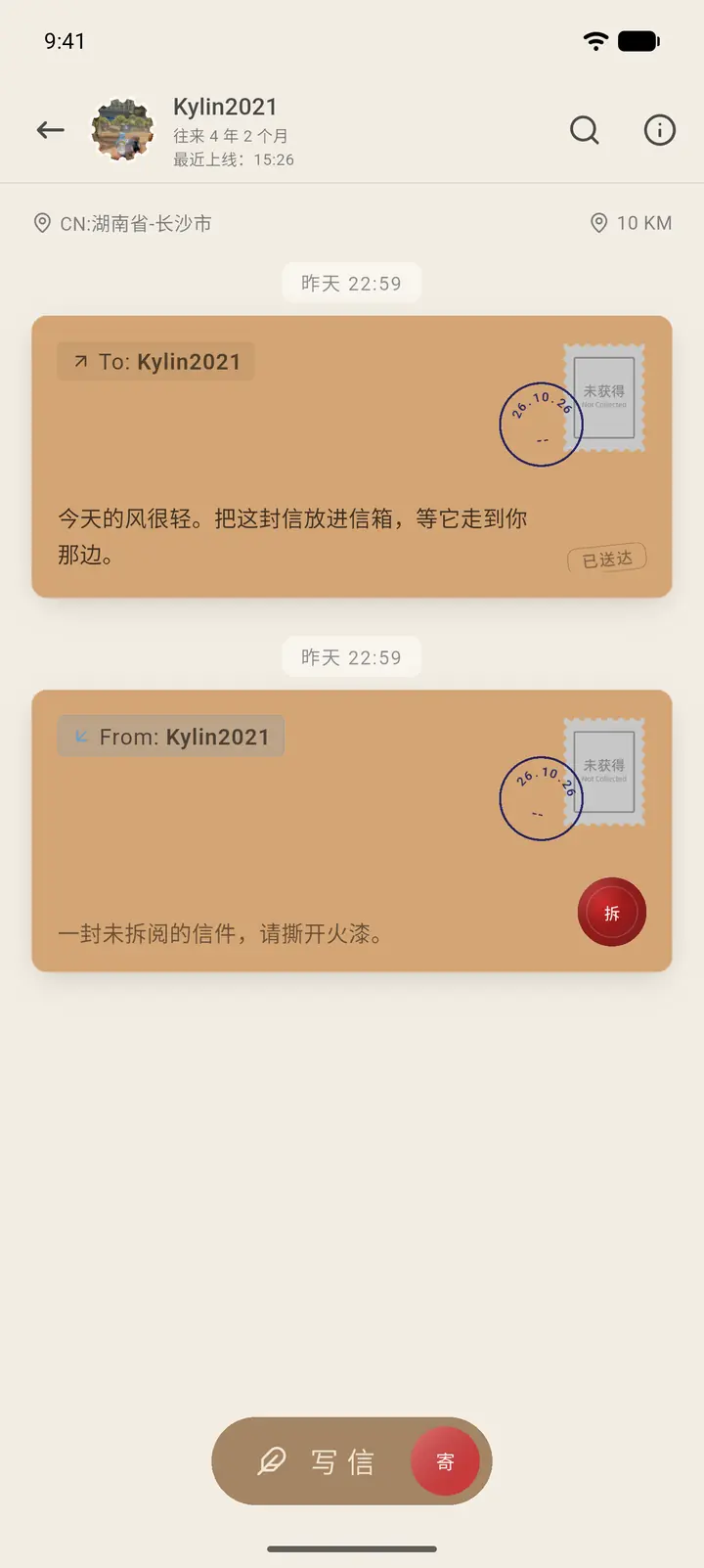
After a letter arrives, it shows up on the conversation page as a letter closed with a wax seal.
Where to Find It
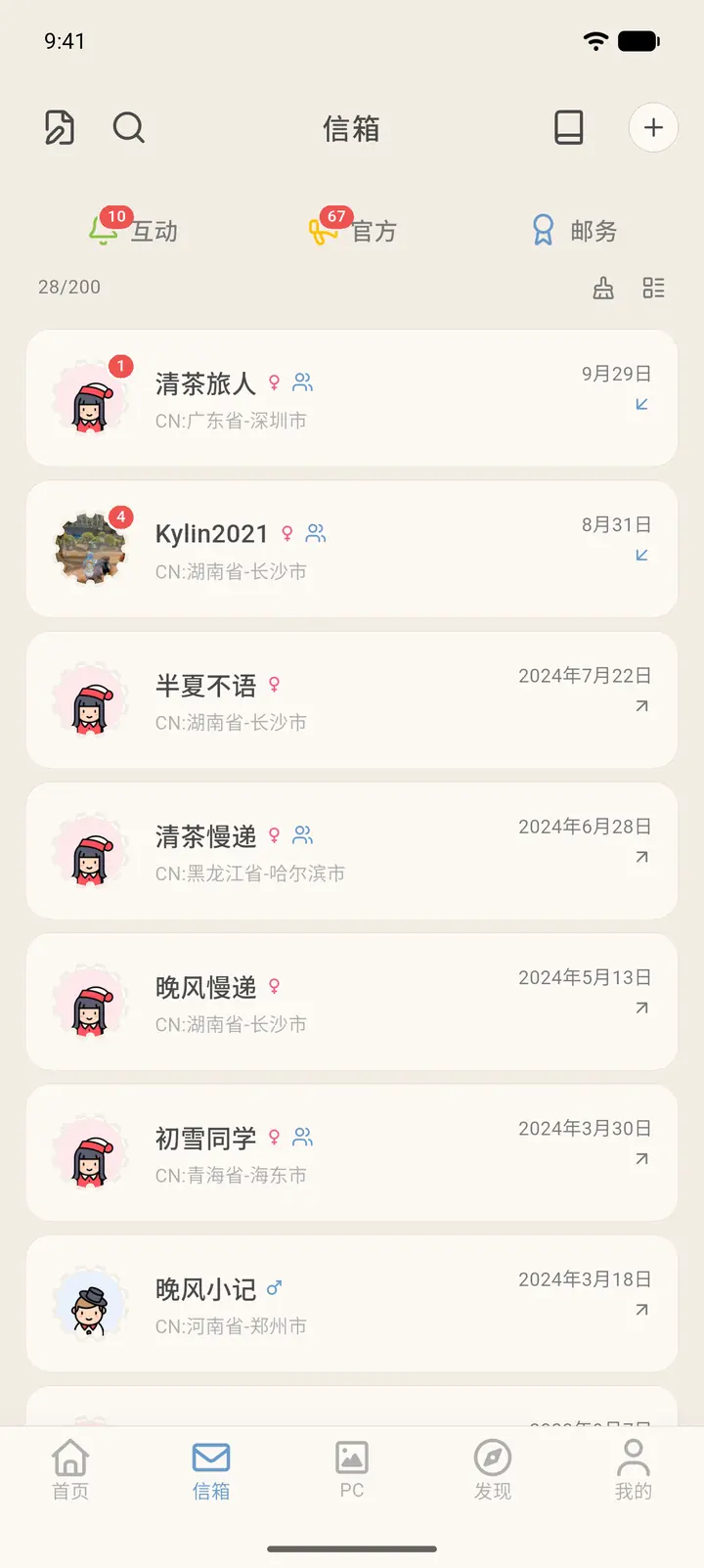
Bottom Mailbox (「信箱」) → tap a pen pal with a red unread badge.
Steps
-
In the Mailbox, a conversation with unread letters has a red number at its top right.
-
Open the conversation. A letter you've received is a sealed letter, with a red wax seal marked Open (「拆」) at its bottom right.
-
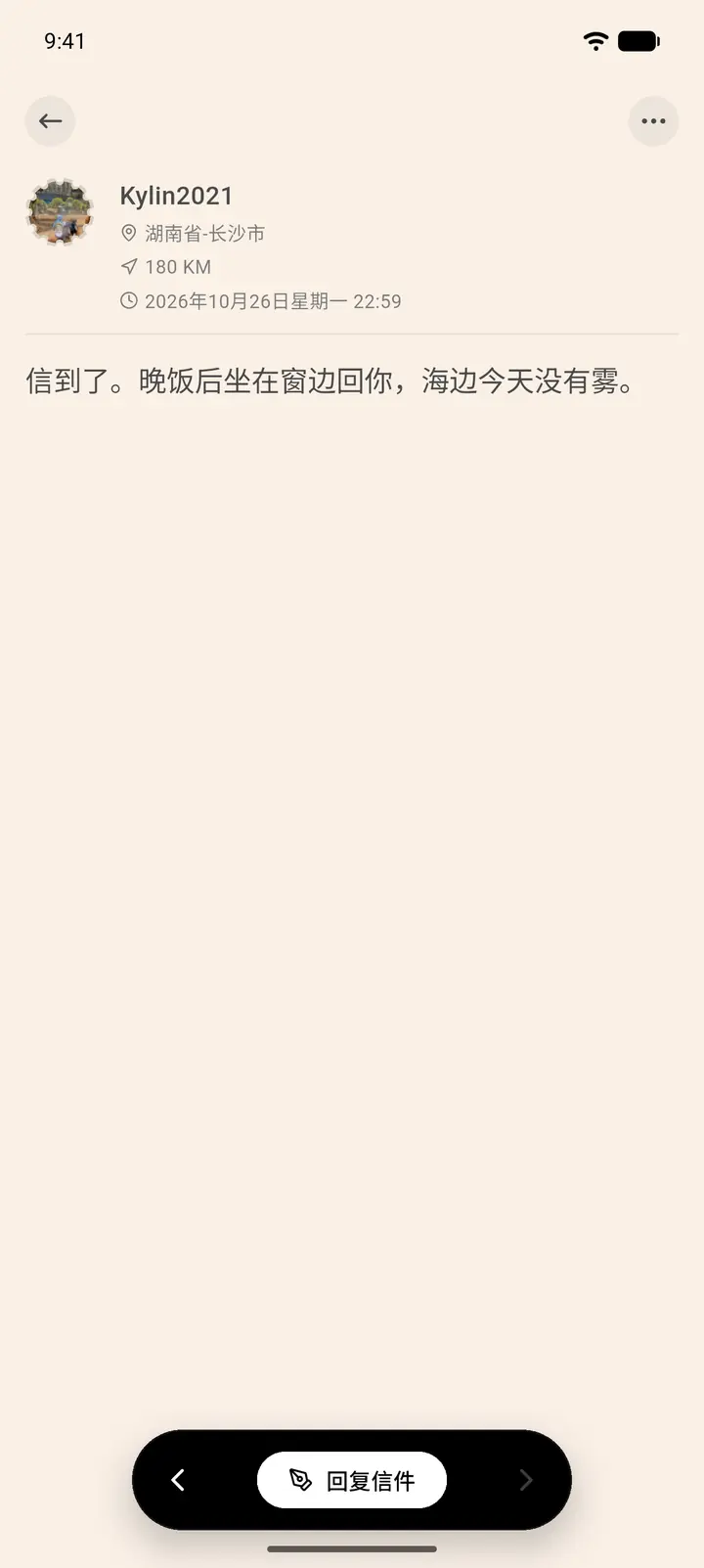
Tap the wax seal to open the letter and go to the letter details, where you can flip through the letters one by one.
-
Reply Letter (「回复信件」) at the bottom takes you straight to the letter editor, with the recipient already filled in.
-
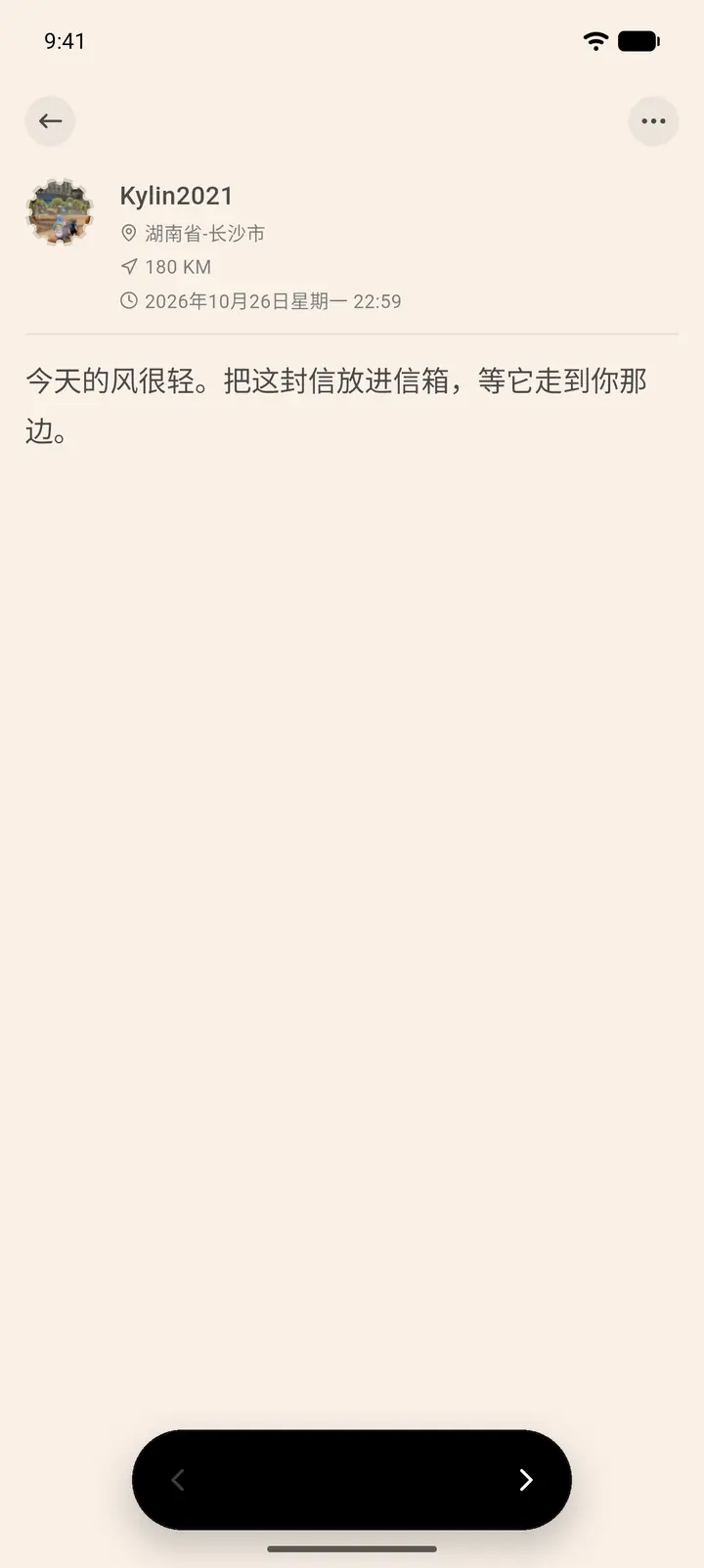
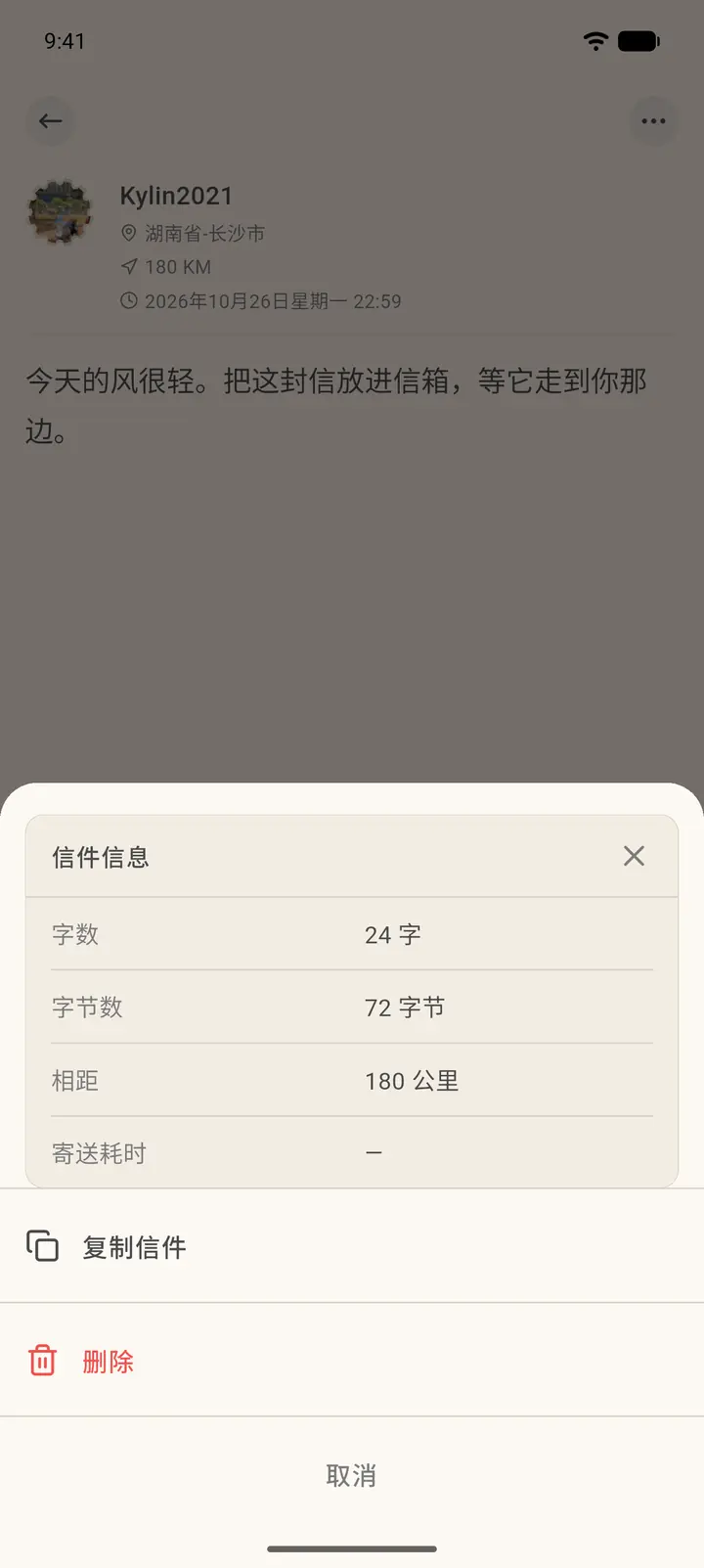
You can also open letters you've sent. Tap the "…" at the top right to see the character count, byte count, distance in kilometers, and how long delivery took. You can also copy or delete the letter.
Result
Once you open a letter, the red badge disappears and the letter is marked as read.
FAQ
My letter still hasn't arrived? Letters travel according to distance, and the recipient can't see them until they arrive. The letter status on the conversation page will show Delivered (「已送达」).